1. Introdução
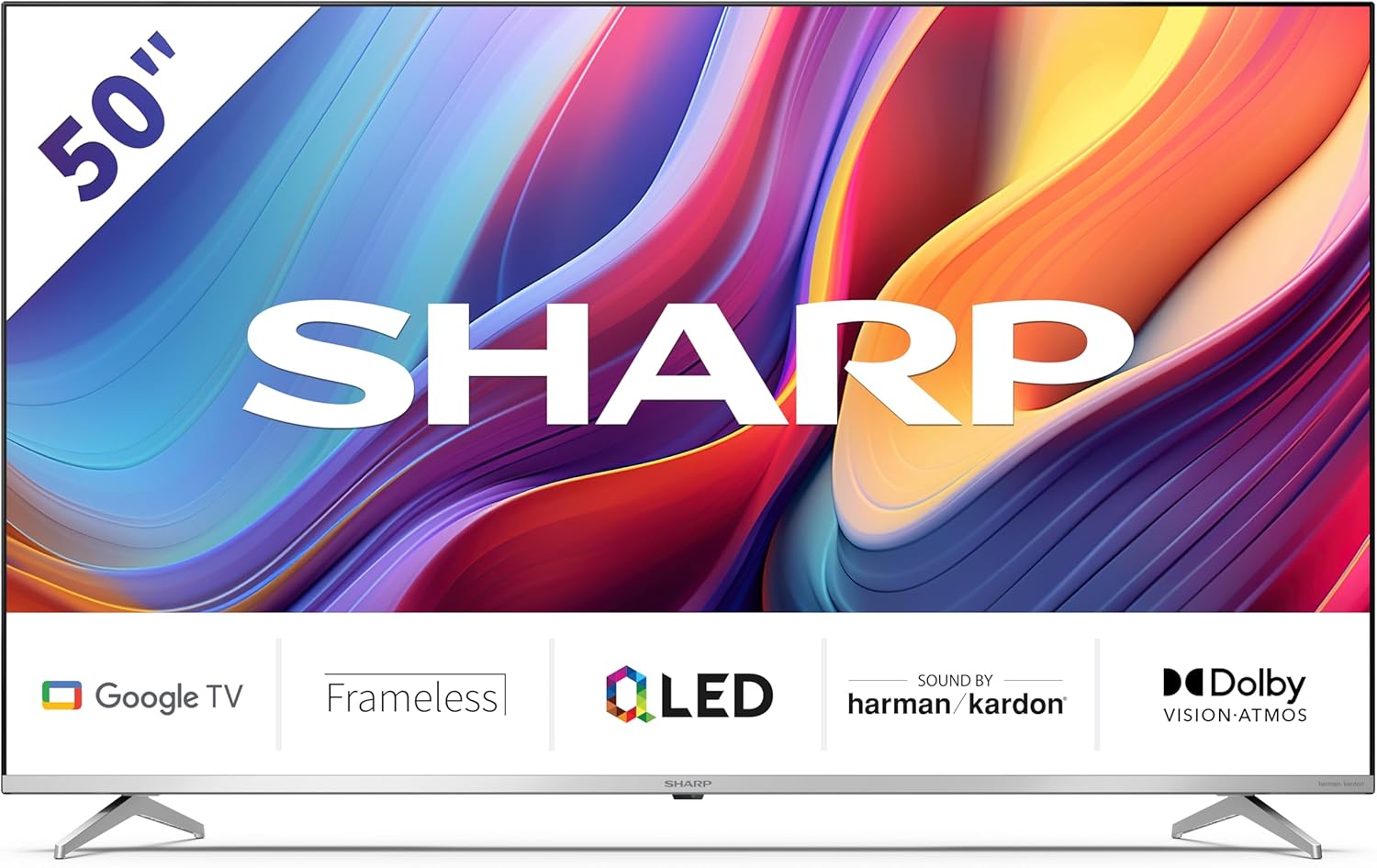
Welcome to the user manual for your new Sharp 50GP6265E 50-inch QLED 4K Ultra HD Google TV. This manual provides essential information for the safe and efficient use of your television. Please read it thoroughly before operating the device and retain it for future reference.
Informações importantes de segurança
- Ensure the television is placed on a stable surface to prevent it from falling.
- Não obstrua as aberturas de ventilação. A circulação adequada de ar é crucial para evitar o superaquecimento.
- Proteja o cabo de alimentação para que não seja pisado ou comprimido.
- Do not expose the TV to rain or moisture to reduce the risk of fire or electric shock.
- Deixe toda a manutenção a cargo de pessoal qualificado.
2. O que está na caixa
Ao desembalar, verifique se todos os seguintes componentes estão incluídos:
- Sharp 50GP6265E 50-inch QLED 4K Ultra HD Google TV
- Controle remoto
- 2 pilhas AAA (para o controle remoto)
- Guia de início rápido
- TV stands (if not wall-mounted)
- Cabo de energia
3. Configuração
3.1 Desembalagem
Carefully remove the television from its packaging. It is recommended to keep the original packaging for potential future transport or servicing.
3.2 Instalação do suporte
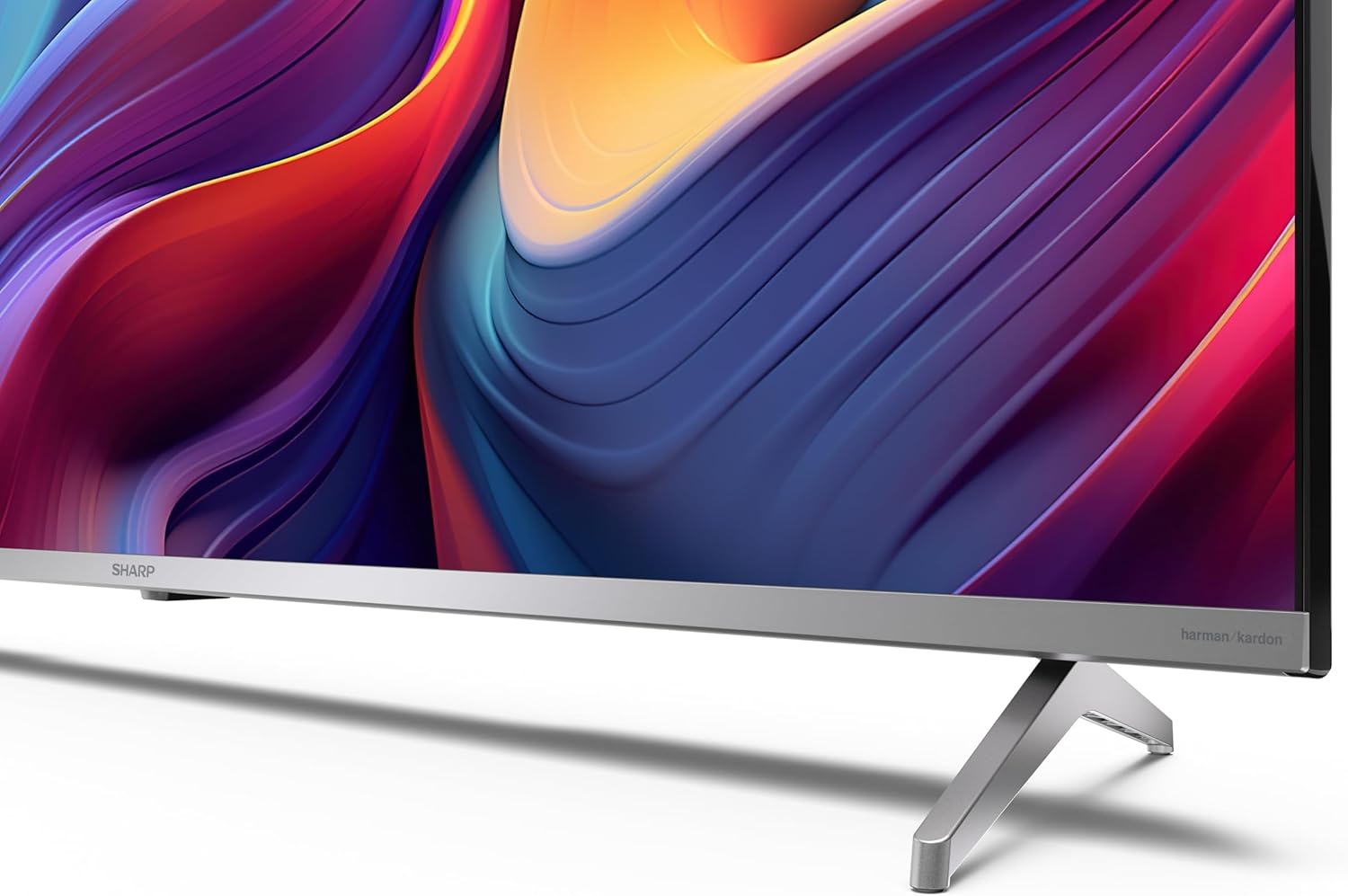
If you are not wall-mounting the television, attach the included stands to the bottom of the TV. Ensure the screws are securely fastened. Refer to the quick start guide for detailed diagrams.
3.3 Montagem na parede
For wall mounting, the VESA dimensions required are 400 x 300 mm. Use a compatible wall mount bracket (sold separately) and follow the instructions provided with the bracket. Ensure the wall can support the weight of the television (9.7 kg net weight).

3.4 Conectando Periféricos
Your Sharp TV offers various connectivity options:
- HDMI: Connect external devices such as Blu-ray players, gaming consoles, or set-top boxes using the 4 HDMI 2.1 ports. One port supports eARC for enhanced audio return channel functionality.
- USB: Use the 2 USB ports for connecting external storage devices to play media or for service updates.
- Ethernet: Para uma conexão de internet cabeada estável.
- Wi-fi: Para conectividade de internet sem fio.
- Bluetooth: Conecte fones de ouvido sem fio, soundbars ou outros acessórios com Bluetooth.

3.5 Configuração inicial
After connecting the power cable and turning on the TV, follow the on-screen instructions to complete the initial setup. This typically includes language selection, network connection, and Google account sign-in for Google TV features.
4. Operando sua TV
4.1 Controle Remoto
The included remote control allows you to navigate the TV's interface, adjust volume, change channels, and access smart features. Insert the 2 AAA batteries into the remote control, ensuring correct polarity.
4.2 Interface do Google TV
Your Sharp TV runs on Google TV, which organizes movies, shows, and live TV from all your apps and subscriptions. The home screen provides personalized recommendations and quick access to your favorite content.

Supported internet services include Netflix, Amazon Prime Video, HBO, Disney+, Movistar+, DAZN, Atresmedia, KODI, IPTV, Steamlink, Twitch, VLC, YouTube, Puffin TV Browser, Spotify, Deezer, TuneIn Radio, and many more available on Google Play for Google TV.
4.3 Configurações de imagem
Experience stunning visuals with 4K Ultra HD resolution and Quantum Dot technology for vibrant colors. The TV supports Dolby Vision and HDR10 for enhanced contrast and brightness. Access picture settings through the TV menu to customize brightness, contrast, color, and sharpness to your preference. AQUOS Smooth Motion technology provides image interpolation for smoother motion.
4.4 Configurações de som
The integrated Harman/Kardon speaker system (2 x 12 W) delivers immersive audio. With Dolby Atmos support, you can enjoy a rich, multi-dimensional sound experience. Adjust sound modes and equalizer settings in the audio menu.
4.5 Recursos inteligentes
- Assistente do Google: Use comandos de voz para pesquisar conteúdo, controlar dispositivos domésticos inteligentes e obter informações.
- Chromecast integrado: Cast content from your smartphone, tablet, or computer directly to your TV screen.
5. Manutenção
5.1 Limpando a TV
- Desligue sempre a TV da tomada antes de limpá-la.
- Use um pano macio e seco para limpar a tela e o gabinete. Para manchas persistentes, esfregue levemente.ampLimpe o pano com água ou um produto de limpeza específico para telas.
- Evite usar produtos de limpeza abrasivos, ceras ou solventes.
5.2 Atualizações de Software
Sua TV pode receber atualizações de software para melhorar o desempenho e adicionar novos recursos. Certifique-se de que sua TV esteja conectada à internet para receber essas atualizações automaticamente ou verifique-as manualmente no menu de configurações.
6. Solução De Problemas
Se você tiver problemas com sua TV, consulte os problemas e soluções comuns a seguir:
| Problema | Solução possível |
|---|---|
| Sem energia | Verifique se o cabo de alimentação está firmemente conectado à TV e à tomada. Certifique-se de que a tomada esteja funcionando corretamente. |
| Sem imagem, mas com som. | Verifique se a fonte de entrada correta está selecionada. Verifique as conexões de dispositivos externos. |
| Sem som, mas com imagem. | Verifique o nível de volume e se o som está silenciado. Certifique-se de que os cabos de áudio estejam conectados corretamente aos dispositivos externos. |
| Controle remoto não funciona | Substitua as pilhas AAA. Certifique-se de que não haja obstruções entre o controle remoto e o sensor infravermelho da TV. |
| Problemas de conexão Wi-Fi | Restart your router and the TV. Re-enter the Wi-Fi password. Ensure the TV is within range of your Wi-Fi network. |
7. Especificações
| Recurso | Detalhe |
|---|---|
| Marca | Afiado |
| Número do modelo | 50GP6265E |
| Tamanho da tela | 50 polegadas |
| Tecnologia de exibição | QLED, Quantum Dot |
| Resolução | 4K Ultra HD (3840 x 2160 pixels) |
| Taxa de atualização | 60 Hz |
| Sistema operacional | Google TV |
| Suporte HDR | Dolby Vision, HDR10 |
| Sistema de áudio | Harman/Kardon (2 x 12 W), Dolby Atmos |
| Conectividade | 4x HDMI 2.1 (with eARC), 2x USB, Wi-Fi, Bluetooth, Ethernet |
| Características especiais | Google Assistant, Chromecast built-in, AQUOS Smooth Motion |
| Suporte de parede VESA | 400 x 300 mm |
| Dimensões (com suporte) | 111.6P x 26.5l x 69.3H cm (1116.4 x 692.9 x 264.7 mm) |
| Dimensões (sem suporte) | 111.6P x 9.2l x 65.1H cm (1116.4 x 651.3 x 91.5 mm) |
| Peso líquido | 9.7 kg |
| Classe de Eficiência Energética (SDR) | G (69 kWh/1000h) |
| Classe de Eficiência Energética (HDR) | G (98 kWh/1000h) |

Para informações detalhadas sobre o produto e dados de eficiência energética, consulte a base de dados EPREL: https://eprel.ec.europa.eu/qr/1942440
8. Garantia e Suporte
Information regarding spare parts availability and software updates is not explicitly provided for a guaranteed period. Please refer to the manufacturer's official webAcesse o site para obter os termos de garantia e informações de suporte mais recentes.
Fabricante: SHARP
Oficial Website: www.sharpconsumer.com
For customer service inquiries, please visit the Sharp consumer website or contact their support channels as listed on their official site.


