1. Introdução
This manual provides essential instructions for the safe and efficient operation of your RadioShack IPX6 Waterproof Bluetooth Speaker. Please read this manual thoroughly before using the product and retain it for future reference.
The RadioShack IPX6 Waterproof Bluetooth Speaker is designed for portable audio playback, featuring Bluetooth connectivity, dynamic RGB lighting, and a built-in microphone for hands-free calls. Its IPX6 water-resistant rating makes it suitable for various indoor and outdoor environments.

Imagem 1.1: Frente view of the RadioShack IPX6 Waterproof Bluetooth Speaker.
2. Conteúdo da embalagem
Verifique se todos os itens listados abaixo estão incluídos em seu pacote:
- RadioShack IPX6 Waterproof Bluetooth Speaker
- Cabo de carregamento USB
- Cabo de áudio AUX
- Manual do usuário

Image 2.1: Visual representation of key speaker features and specifications.
3. Recursos do Produto
- Som envolvente: Equipped with 8W of audio power and a 3600mAh battery, this speaker delivers clear highs and deep bass for an engaging listening experience.
- Iluminação RGB dinâmica: Enhance your audio experience with customizable RGB lighting, suitable for various moods and occasions.
- Design resistente às intempéries: An IPX6 rating ensures the speaker can withstand splashes and minor water exposure, making it ideal for outdoor use.
- Estéreo sem fio verdadeiro (TWS): Connect two identical speakers wirelessly to create a stereo sound system, expanding the audio output and soundstage.
- Microfone embutido: Facilitates hands-free calling directly through the speaker, allowing you to stay connected while enjoying music.

Image 3.1: The speaker showcasing its customizable RGB lighting feature.
4. Configuração
4.1 Carregamento Inicial
- Antes da primeira utilização, carregue totalmente a coluna. Ligue o cabo de carregamento USB fornecido à porta de carregamento da coluna e a um adaptador de energia USB compatível (não incluído).
- A luz indicadora de carregamento acenderá durante o carregamento e se apagará quando a carga estiver completa.
4.2 Ligar/Desligar
- To power on, press and hold the Power button until the indicator light illuminates and an audible prompt is heard.
- To power off, press and hold the Power button again until the indicator light turns off and an audible prompt is heard.
4.3 Emparelhamento Bluetooth
- Certifique-se de que a caixa de som esteja ligada e no modo de emparelhamento Bluetooth (a luz indicadora do Bluetooth piscará).
- No seu dispositivo (smartphone, tablet, etc.), ative o Bluetooth e procure por dispositivos disponíveis.
- Select "RadioShack Speaker" from the list of devices.
- Once paired, the Bluetooth indicator light will become solid, and an audible confirmation will be heard.
Emparelhamento estéreo sem fio verdadeiro (TWS) 4.4.
To pair two RadioShack IPX6 Waterproof Bluetooth Speakers for TWS stereo sound:
- Certifique-se de que ambas as caixas de som estejam ligadas e não estejam conectadas a nenhum outro dispositivo Bluetooth.
- On one speaker, press and hold the TWS button (refer to button layout in section 5.1) until an audible prompt indicates TWS pairing mode. This speaker will be the primary unit.
- The second speaker will automatically search for and connect to the primary speaker. An audible prompt will confirm successful TWS pairing.
- Once TWS paired, connect your device to the primary speaker via Bluetooth as described in section 4.3. Audio will now play in stereo through both speakers.
5. Instruções de operação
5.1 Funções dos botões
The speaker features a control panel with several buttons:
- Botão de energia: Pressione e segure para ligar/desligar.
- Botão Reproduzir/Pausar: Pressione para reproduzir ou pausar o áudio.
- Aumentar volume (+): Pressione para aumentar o volume. Pressione e segure para a próxima faixa.
- Volume baixo (-): Pressione para diminuir o volume. Pressione e segure para voltar à faixa anterior.
- Botão de modo (M): Press to switch between Bluetooth, AUX, and FM Radio modes.
- Botão de luz RGB: Press to cycle through RGB lighting modes or turn off the lights.
- Botão de chamada: Pressione para atender/encerrar chamadas. Pressione e segure para rejeitar chamadas.
5.2 Reprodução de áudio
- Modo Bluetooth: Após o emparelhamento bem-sucedido, o áudio do seu dispositivo conectado será reproduzido pelo alto-falante.
- Entrada AUX: Conecte um dispositivo de áudio externo usando o cabo AUX de 3.5 mm fornecido. O alto-falante alternará automaticamente para o modo AUX ou você poderá selecioná-lo usando o botão Modo.
- Rádio FM: In FM Radio mode, press the Play/Pause button to auto-scan and save available stations. Use the Volume Up/Down buttons (press and hold) to navigate between saved stations.

Image 5.1: The speaker's USB and AUX connectivity ports.
5.3 Chamadas em modo mãos-livres
When connected via Bluetooth, incoming calls will pause music playback. Press the Call button to answer, and press again to end the call. Press and hold the Call button to reject an incoming call.
6. Manutenção
6.1 Limpeza
Limpe o alto-falante com um suave, damp cloth. Do not use abrasive cleaners or solvents. Ensure the charging and AUX ports are dry before use or charging.
6.2 Resistência à água (IPX6)
The speaker is rated IPX6, meaning it is protected against high-pressure water jets from any direction. It is not designed for submersion. Ensure the rubber flap covering the charging and AUX ports is securely closed to maintain water resistance.
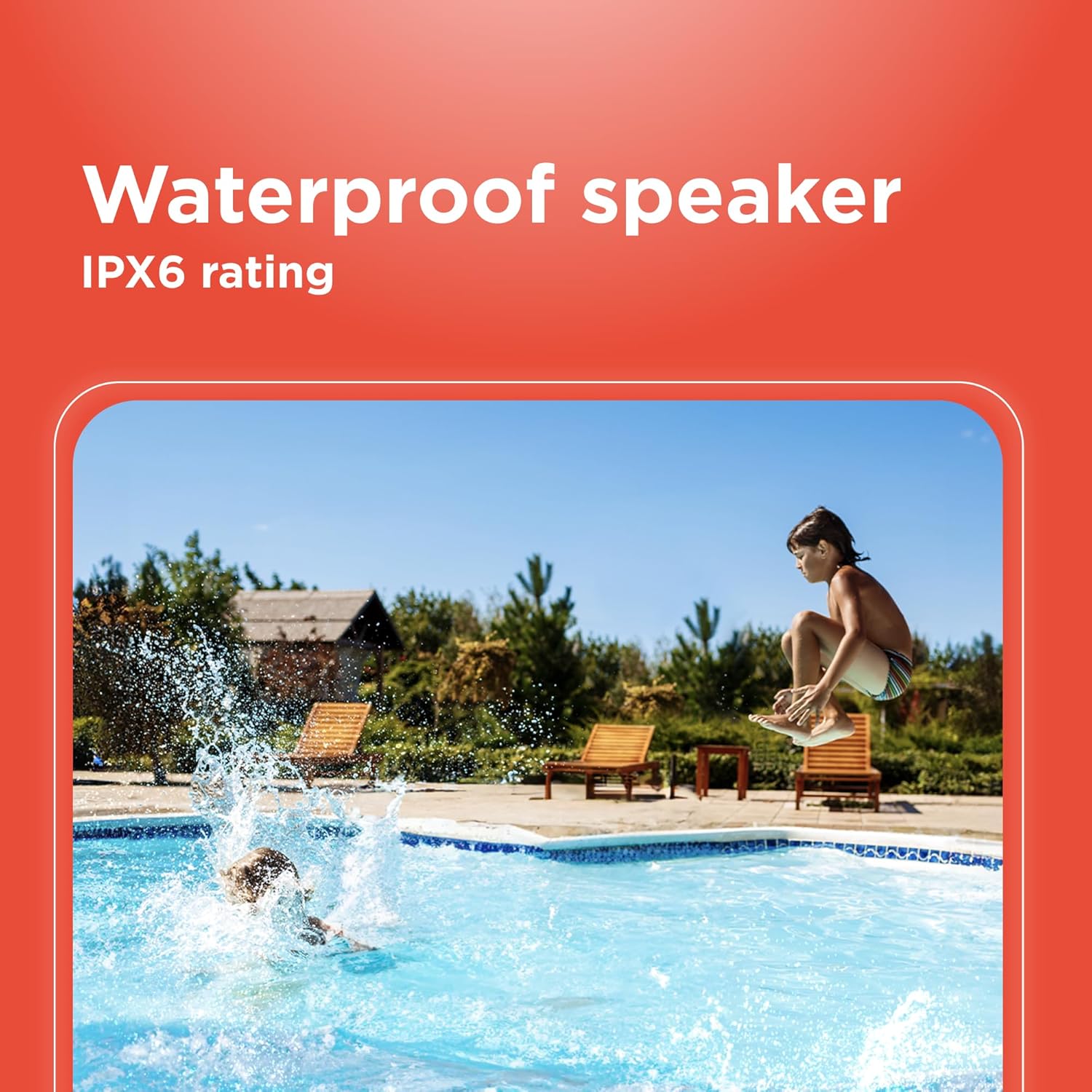
Image 6.1: The speaker's IPX6 water resistance allows for use near water.
6.3 Cuidados com a bateria
Para prolongar a vida útil da bateria, evite descarregar completamente a caixa de som com frequência. Carregue-a regularmente, mesmo que não a utilize por longos períodos.
7. Solução De Problemas
- A caixa de som não liga: Verifique se a bateria está carregada. Conecte a uma fonte de energia e tente novamente.
- Não foi possível emparelhar via Bluetooth: Ensure the speaker is in pairing mode and within range of your device. Turn off and on both the speaker and your device's Bluetooth. Forget the device on your phone and re-pair.
- Sem som: Check the volume levels on both the speaker and your connected device. Ensure the correct input mode (Bluetooth, AUX) is selected.
- Má qualidade de som: Move the speaker closer to your Bluetooth device. Ensure there are no obstructions between the speaker and the device.
- O emparelhamento TWS falha: Ensure both speakers are identical models and not connected to any other Bluetooth device before initiating TWS pairing.
8. Especificações
| Recurso | Especificação |
|---|---|
| Nome do modelo | RadioShack Bluetooth Speaker RGB Light 14W |
| Número do modelo do item | 4001763-PRNT |
| Marca | Rádio Shack |
| Tipo de alto-falante | Portátil |
| Tecnologia de Conectividade | Bluetooth |
| Tecnologia de comunicação sem fio | Bluetooth |
| Potência máxima de saída do alto-falante | 8 Watts |
| Modo de saída de áudio | Estéreo |
| Configuração do canal de som surround | 2.0 |
| Fonte de energia | Alimentado por bateria |
| Tipo de Bateria | 1 bateria de íon de lítio (incluída) |
| Capacidade da bateria | 3600 Miliamp Horas |
| Tempo estimado de jogo | Até 4 horas |
| É à prova d'água | True (IPX6 rating) |
| Método de controle | Tocar |
| Material | Plástico |
| Cor | Azul |
| Dimensões do produto | 4.84"P x 11.14"L x 4.96"A |
| Peso do item | 4.43 libras (70.9 onças) |
| Fabricante | Rádio Shack |
9. Garantia e Suporte
This RadioShack product comes with a limited warranty. For detailed warranty information, please refer to the warranty card included in your package or contact RadioShack customer support.
For technical assistance, troubleshooting, or service inquiries, please visit the official RadioShack support website ou entre em contato com o departamento de atendimento ao cliente.


