Introdução
This manual provides detailed instructions for the setup, operation, maintenance, and troubleshooting of your Amazon Basics Pro Series Wireless Noise Cancelling ANC Over Ear Headphones. Please read this manual thoroughly before using the product to ensure proper function and longevity.

Image: The Amazon Basics Pro Series Wireless Noise Cancelling ANC Over Ear Headphone in black, showcasinseu design elegante.
Conteúdo da embalagem
Verifique se todos os itens estão presentes na embalagem:
- Amazon Basics Pro Series Wireless Noise Cancelling ANC Over Ear Headphone
- Cabo de carregamento USB Tipo-C
- Cabo AUX 3.5mm
- Manual do usuário (este documento)
Configurar
1. Carregamento inicial
Before first use, fully charge the headphones. Connect the supplied USB Type-C charging cable to the headphone's charging port and the other end to a USB power source (e.g., computer USB port or wall adapter). The LED indicator will show charging status and turn off or change color when fully charged.
A full charge provides up to 74 hours of playback at 50% volume with ANC off, or 34 hours with ANC on.
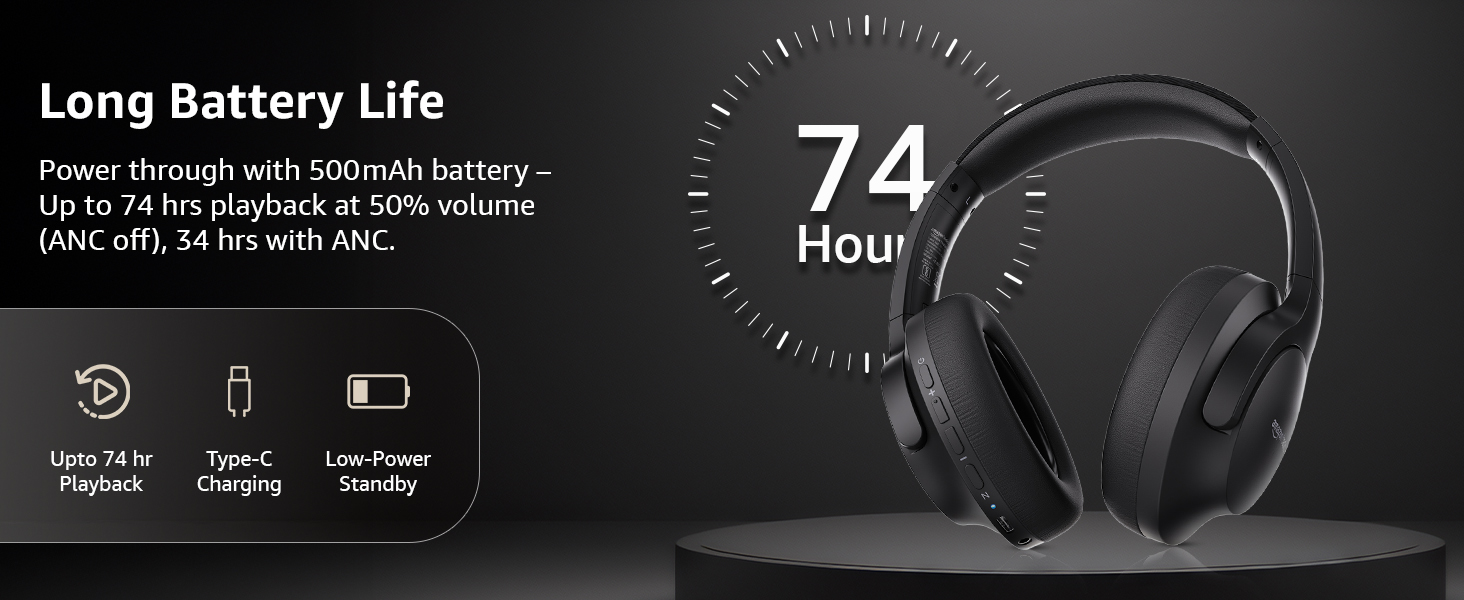
Image: An illustration highlighting the long battery life of the headphones, indicating up to 74 hours of playback.
2. Emparelhamento Bluetooth
- Certifique-se de que os fones de ouvido estejam carregados e desligados.
- Pressione e segure o botão liga/desliga até que o indicador LED pisque em azul e vermelho, indicando o modo de emparelhamento.
- No seu dispositivo (smartphone, tablet, laptop), ative o Bluetooth e procure por dispositivos disponíveis.
- Select "AB-IBT-82ANC" from the list of found devices.
- Once connected, the LED indicator will turn solid blue or flash slowly.
The headphones support dual pairing, allowing connection to two devices simultaneously for seamless switching.

Image: The headphones shown connected to both a smartphone and a laptop, illustrating the multi-pairing capability.
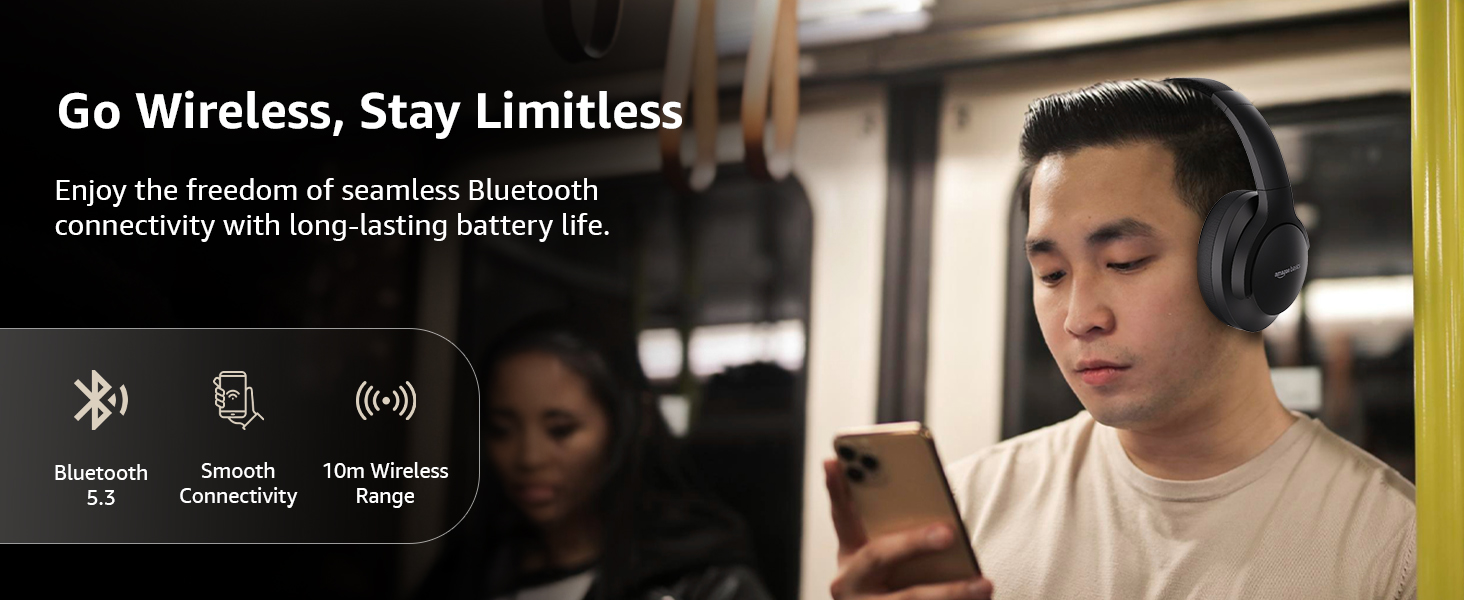
Image: A visual representation of the wireless capabilities, including Bluetooth 5.3 and a 10-meter wireless range.
3. Conexão com fio (modo AUX)
For a wired connection, plug the 3.5mm AUX cable into the headphone's AUX port and the other end into your audio device's 3.5mm jack. This mode does not require battery power.
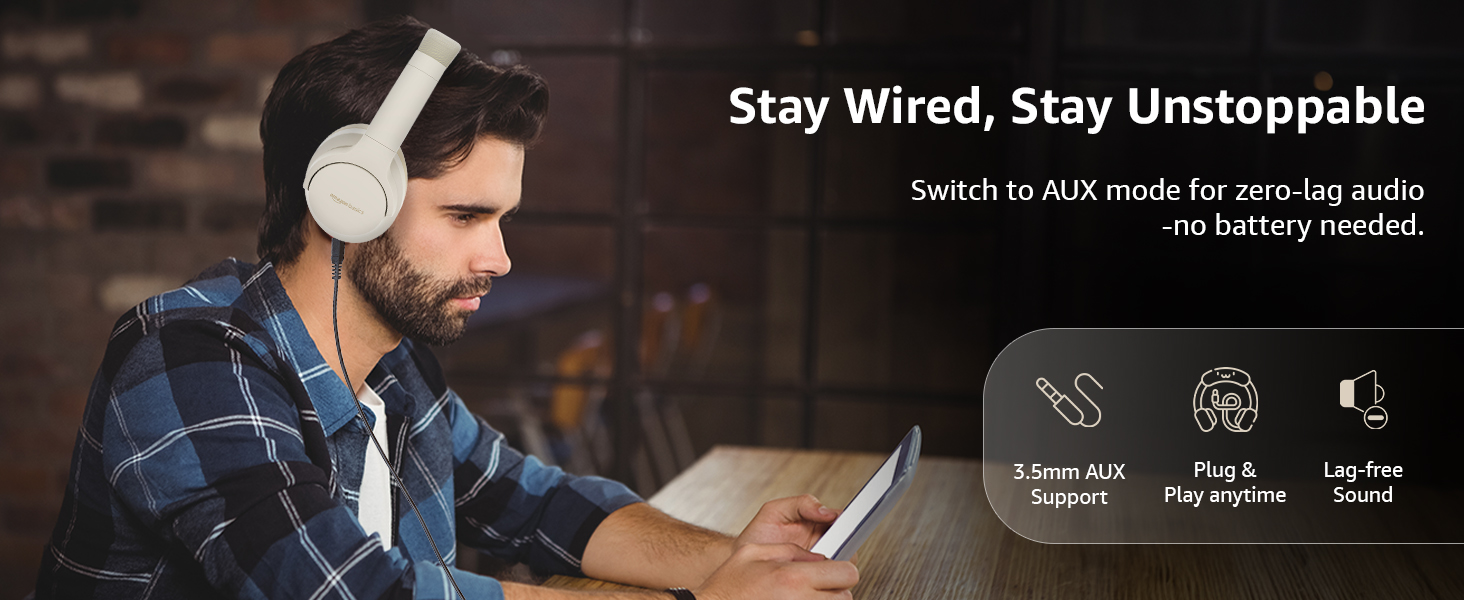
Image: A user demonstrating the wired AUX connection, emphasizing lag-free audio without needing battery power.
Instruções de operação
1. Ligar/desligar
- Ligar: Pressione e segure o botão liga/desliga por aproximadamente 3 segundos.
- Desligar: Pressione e segure o botão liga/desliga por aproximadamente 5 segundos.
2. Accessible Controls
The headphones feature intuitive controls located on the earcups:
- Aumentar o volume / próxima faixa: Pressione rapidamente para aumentar o volume e pressione longamente para a próxima faixa.
- Diminuir o volume / faixa anterior: Pressione rapidamente para diminuir o volume, pressione e segure para voltar à faixa anterior.
- Reproduzir/pausar/atender chamada: Basta pressionar o botão multifuncional uma única vez.
- Encerrar chamada: Single press the multi-function button during a call.
- Rejeitar chamada: Durante uma chamada recebida, mantenha pressionado o botão multifuncional.
- Ativar o assistente de voz (Siri/Google Assistente): Pressione duas vezes o botão multifuncional.
- ANC ligado / desligado: Dedicated ANC button to toggle Active Noise Cancellation.
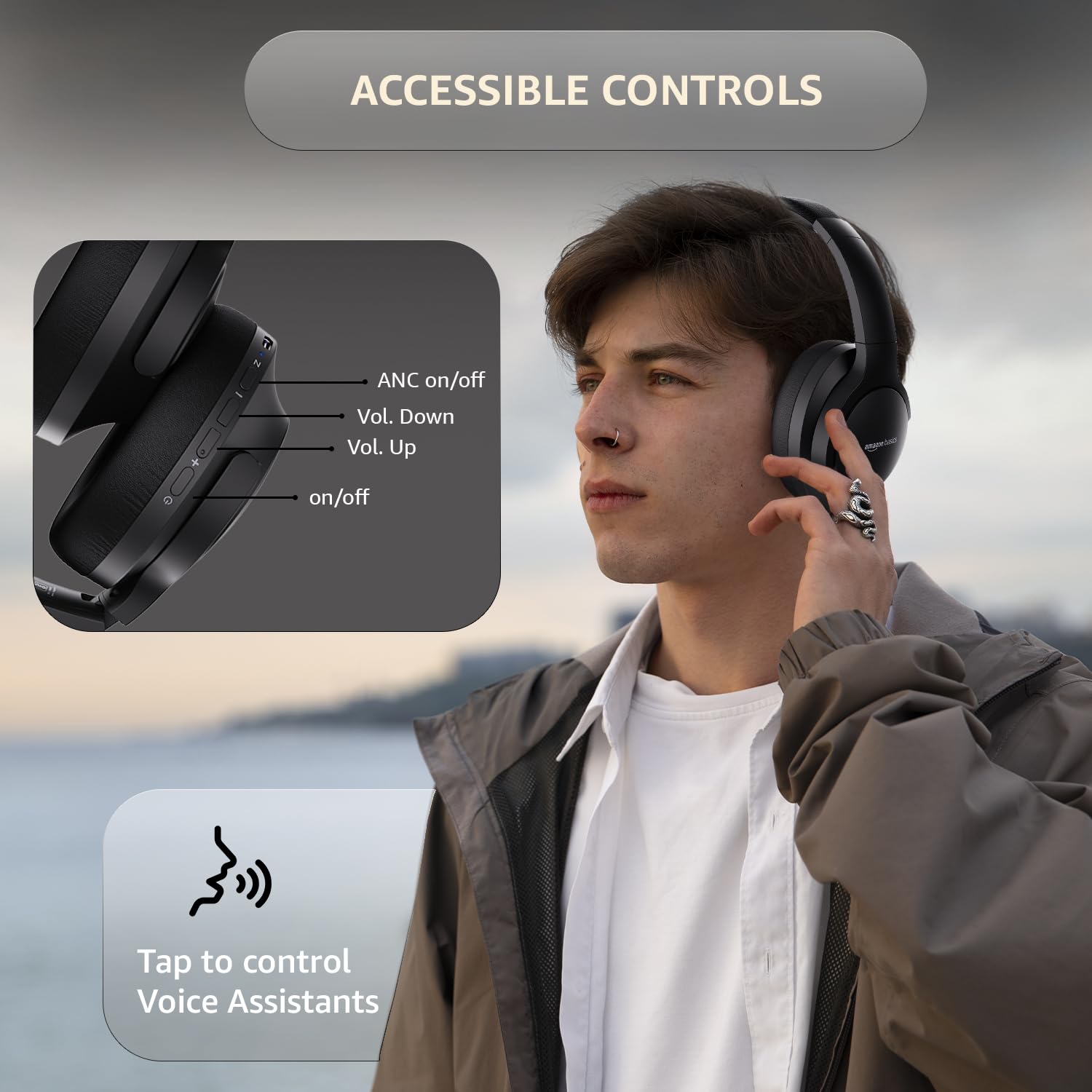
Image: A detailed diagram illustrating the location and function of the accessible controls on the headphone earcup.
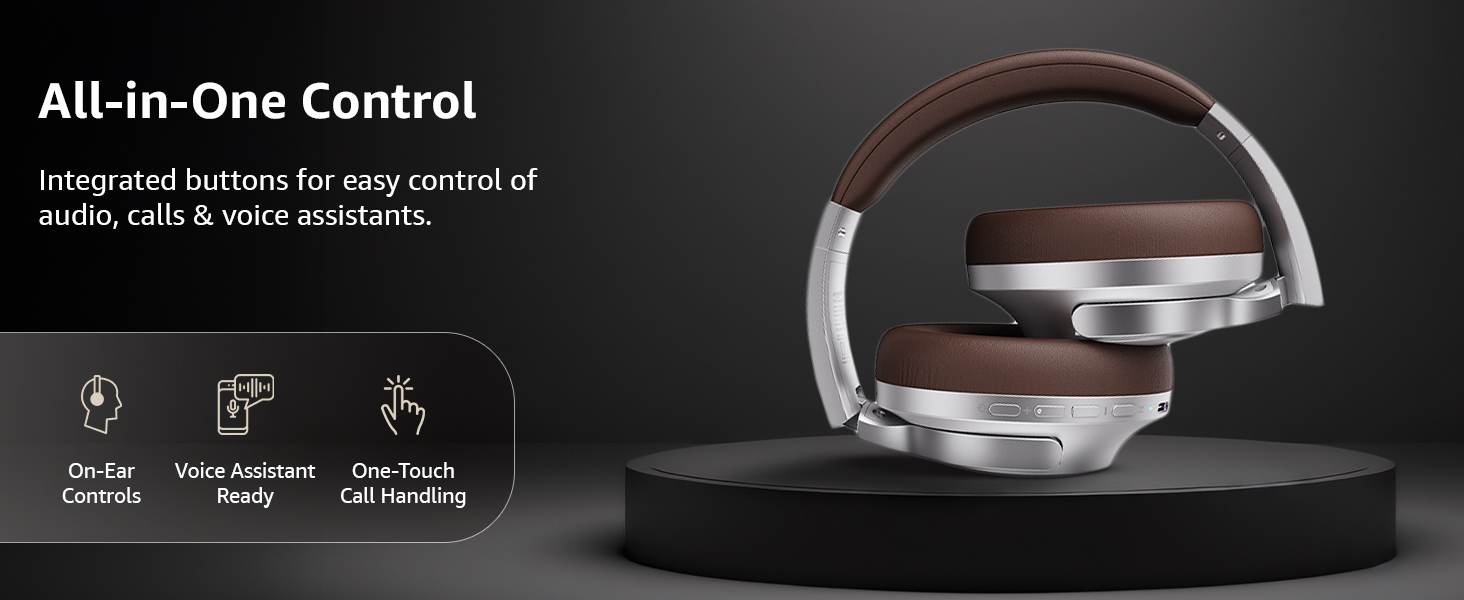
Imagem: Um excessoview of the integrated controls, highlighting ease of use for audio, calls, and voice assistants.
3. Cancelamento Ativo de Ruído (ANC)
The Active Noise Cancellation feature reduces ambient noise, providing a more immersive listening experience. Press the dedicated ANC button to activate or deactivate this feature. Note that ANC functionality may slightly reduce overall battery life.

Image: A person wearing the headphones in a public setting, illustrating the effectiveness of Active Noise Cancellation in reducing distractions.
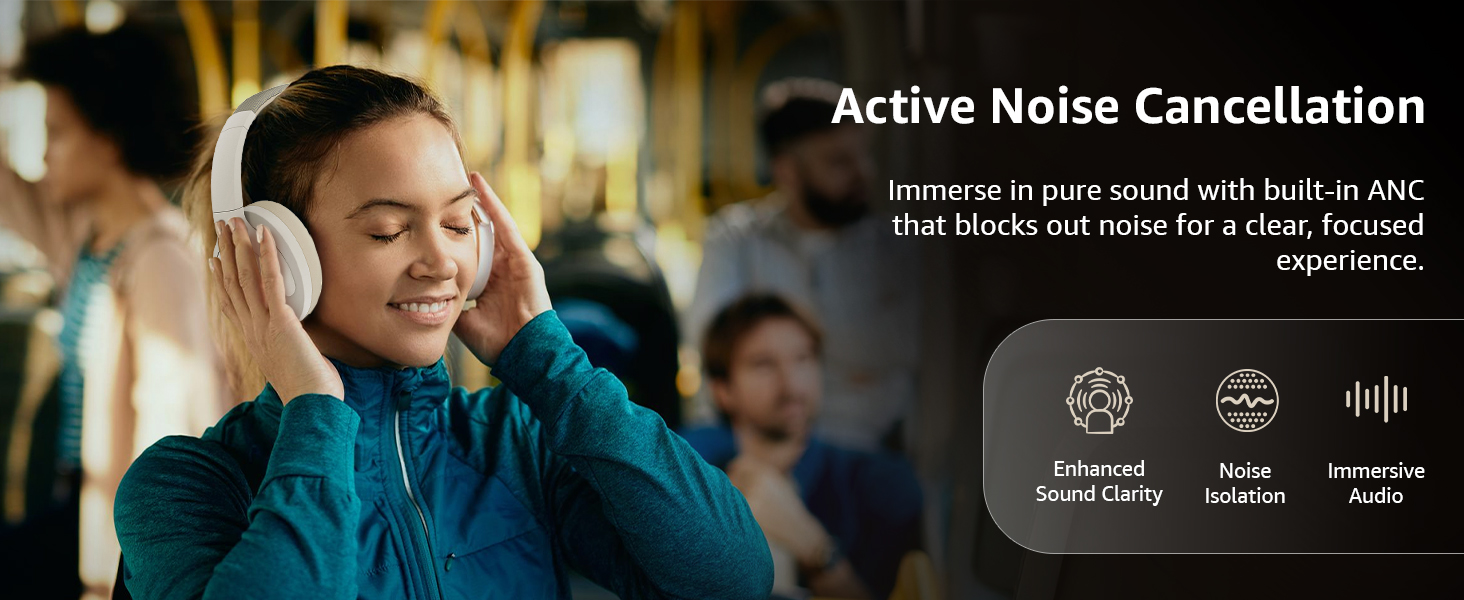
Image: A graphic emphasizing the benefits of Active Noise Cancellation, including enhanced sound clarity and immersive audio.
4. Audio Quality and Drivers
The headphones are equipped with 40mm drivers, designed to deliver rich bass, clear mids, and precise highs for a balanced audio experience.
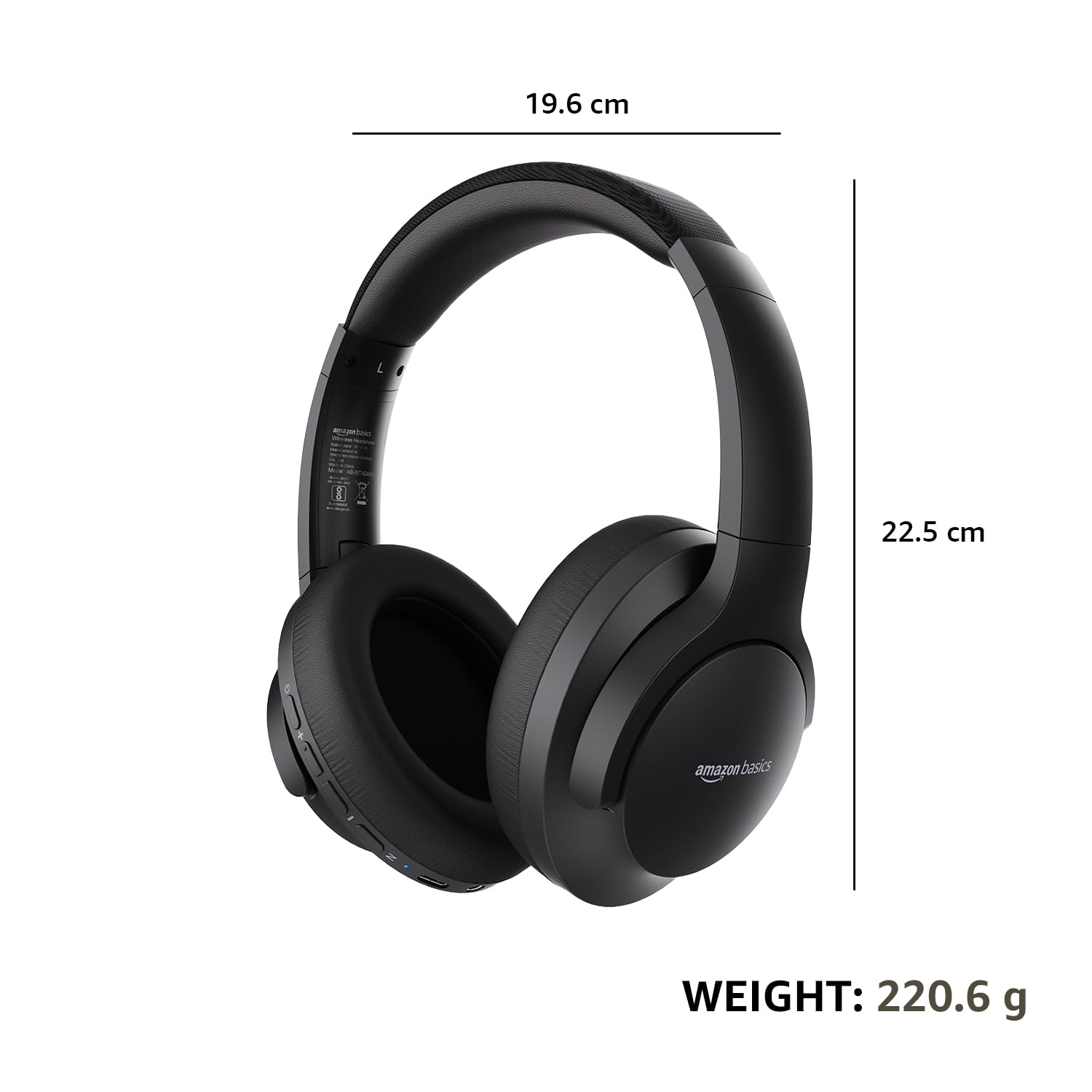
Imagem: Uma explosão view diagram illustrating the 40mm drivers, which are responsible for the headphone's sound output.
Manutenção
1. Limpeza
- Limpe os fones de ouvido com um pano macio, seco e sem fiapos.
- Não utilize produtos de limpeza abrasivos, solventes ou sprays de limpeza diretamente nos fones de ouvido.
- Limpe as almofadas auriculares delicadamente com um produto de limpeza.amp Se necessário, limpe-as com um pano e deixe-as secar completamente ao ar livre antes de usar.
2. Armazenamento
When not in use, store the headphones in a cool, dry place, away from direct sunlight and extreme temperatures. The headphones feature a sleek and foldable design for convenient storage and portability.
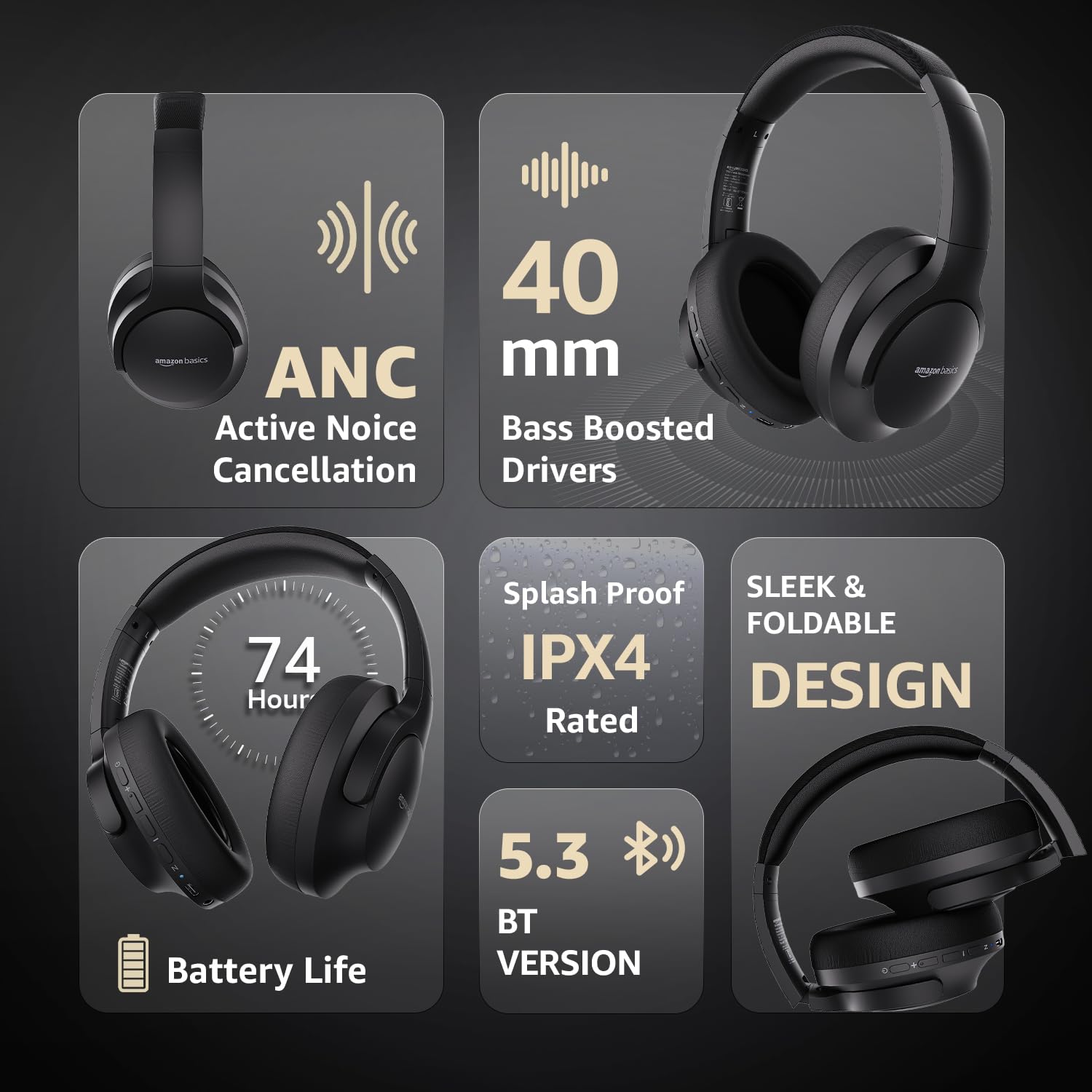
Image: An infographic highlighting key features, including the sleek and foldable design of the headphones for easy storage.
3. Cuidados com a bateria
- Evite descarregar completamente a bateria com frequência.
- Carregue os fones de ouvido regularmente, mesmo que não sejam usados por longos períodos, para manter a saúde da bateria.
- Não exponha a bateria a altas temperaturas.
Solução de problemas
| Problema | Possível causa | Solução |
|---|---|---|
| Os fones de ouvido não ligam. | Bateria fraca. | Charge the headphones fully using the supplied USB Type-C cable. |
| Não foi possível emparelhar via Bluetooth. | Fones de ouvido não estão em modo de emparelhamento; Bluetooth do dispositivo desligado; dispositivo muito distante. | Ensure headphones are in pairing mode (flashing blue/red). Turn Bluetooth on your device. Move headphones closer to the device (within 10m). |
| Nenhum som. | Volume muito baixo; fonte de áudio incorreta; fones de ouvido não conectados. | Increase volume on headphones and device. Verify correct audio output on device. Re-pair Bluetooth or check AUX cable connection. |
| O ANC não está funcionando de forma eficaz. | Cancelamento automático de ruído (ANC) não ativado; ruído ambiente muito alto. | Pressione o botão ANC para ativar. O ANC é mais eficaz contra ruídos constantes de baixa frequência. |
Especificações
| Recurso | Detalhe |
|---|---|
| Número do modelo | AB-IBT-82ANC |
| Tecnologia de Conectividade | Sem fio (Bluetooth 5.3), com fio (entrada auxiliar de 3.5 mm) |
| Tamanho do driver | 40 milímetros |
| Capacidade da bateria | Polímero de lítio 500 mAh |
| Duração da bateria (ANC desligado) | Até 74 horas (com 50% do volume) |
| Duração da bateria (ANC ativado) | Up to 34 hours (at 100% volume), 62 hours (at 50% volume) |
| Porta de carregamento | USB Tipo C |
| Distância wireless | Até 10 metros |
| Classificação de resistência à água | IPX4 (à prova de respingos) |
| Dimensions (Headphone) | 19.61 x 22.5 x 8.72 cm |
| Peso (fone de ouvido) | 220.6 g |
| Material | Plástico, Poliuretano (PU) |
| Dispositivos compatíveis | Cellphones, Gaming Consoles, Laptops, Tablets |

Image: A visual representation of the headphone's dimensions and weight for reference.
Conforto e Design
The headphones are designed for extended wear with an over-ear fit, soft ear cushions, and an adjustable headband, ensuring comfort during long listening sessions.

Image: A person wearing the headphones, demonstrating the comfortable over-ear fit.
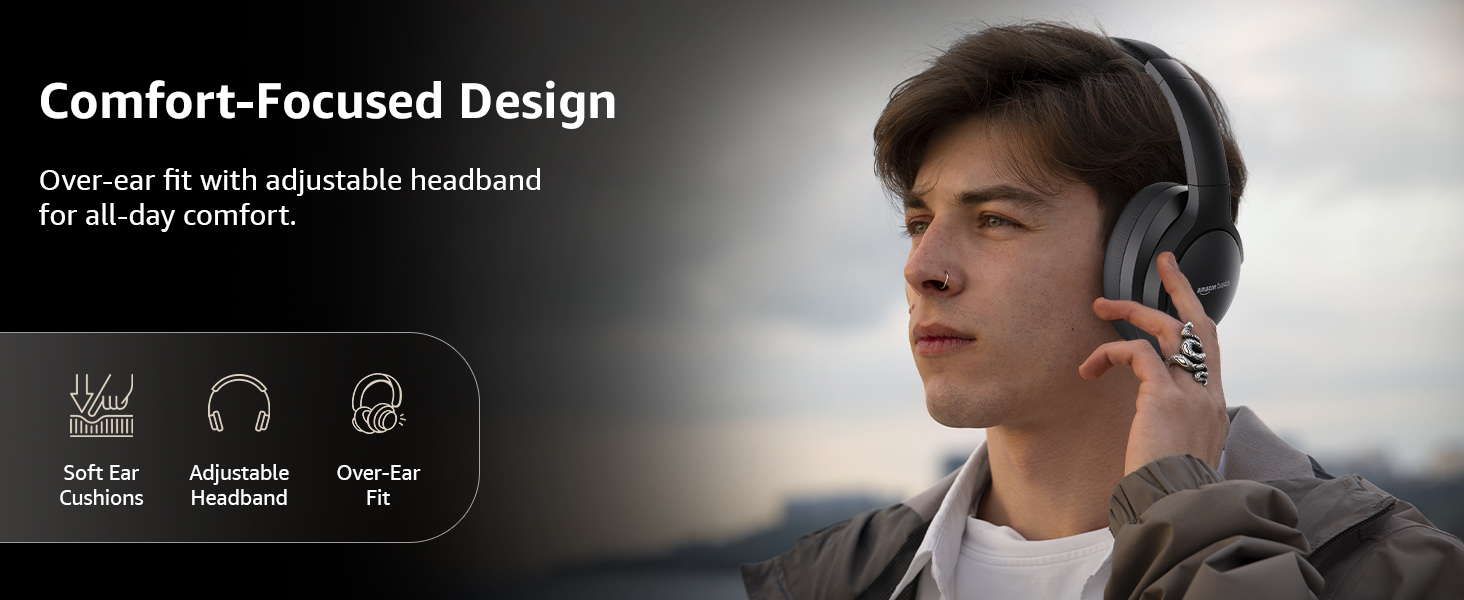
Image: A graphic detailing the comfort-focused design elements, including soft ear cushions and an adjustable headband.
Garantia e Suporte
Warranty information for your Amazon Basics Pro Series Wireless Noise Cancelling ANC Over Ear Headphones is typically provided with the product packaging or can be found on the Amazon Basics official website. For technical support or warranty claims, please refer to the contact information provided with your purchase or visit the Amazon Basics support page.
Guarde seu comprovante de compra para qualquer consulta relacionada à garantia.


