Introdução
Obrigado por escolher o Pretoview AirBuds 7 Wireless Earbuds. This manual provides essential information for setting up, operating, and maintaining your earbuds. Please read it carefully before use to ensure optimal performance and longevity of your device.
Conteúdo da embalagem
Verifique se todos os itens listados abaixo estão incluídos em seu pacote:
- Pretoview AirBuds 7 Earbuds (Left and Right)
- Estojo de carregamento
- Cabo de carregamento USB
- Manual do usuário
Vídeo: Unboxing and overview do Negroview AirBuds 7, showing the package contents including the earbuds, charging case, USB cable, and user manual.
Produto acimaview
O Pretoview AirBuds 7 feature a compact design with a charging case that includes an LED display for battery status. The earbuds are designed for comfortable in-ear fit and deliver clear audio.
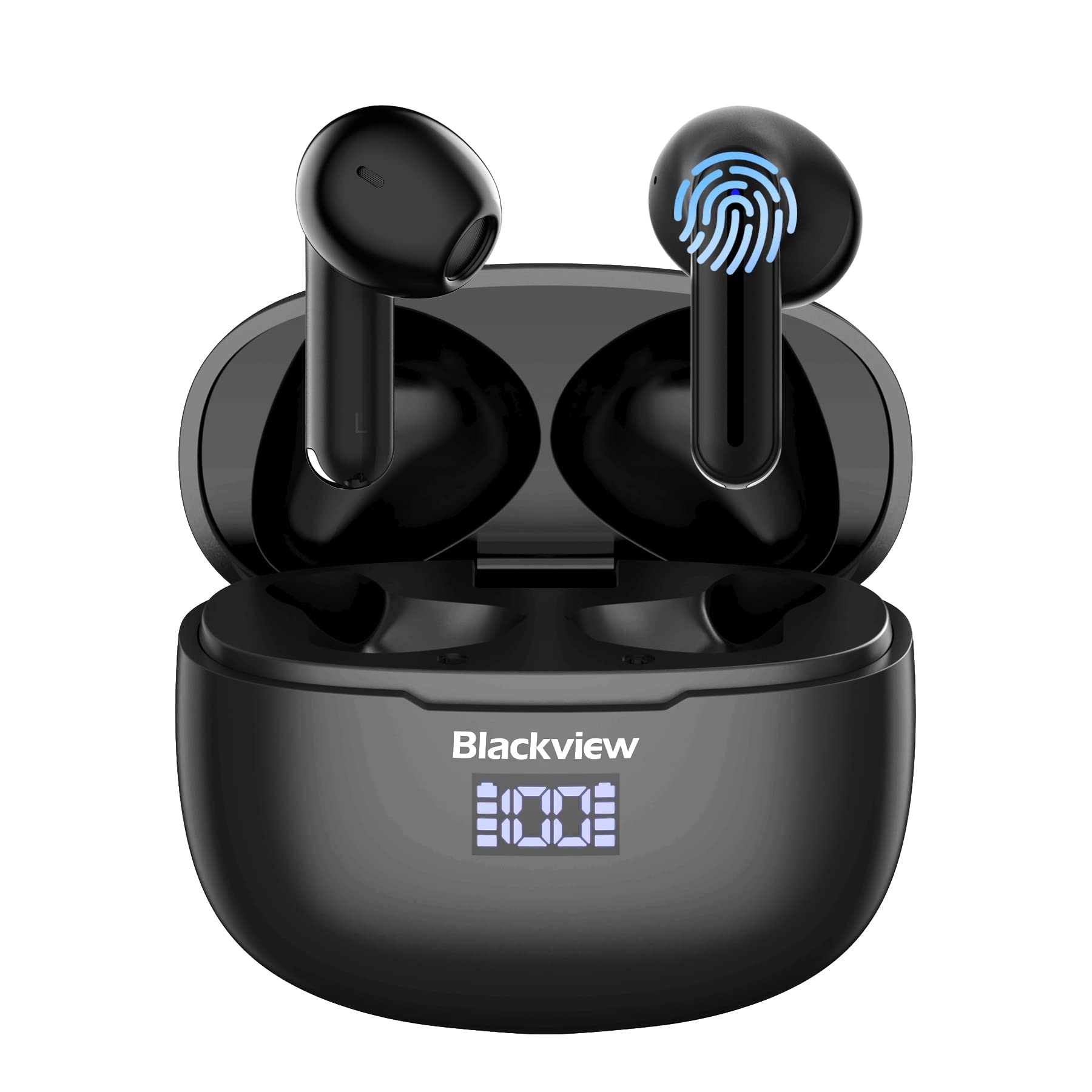
Imagem: Pretoview AirBuds 7 wireless earbuds and their charging case, showcasing the digital power display.

Imagem: Close-up do Pretoview AirBuds 7 charging case, highlighting the digital LED power display for both the case and individual earbuds.
Configuração e emparelhamento
Follow these steps to connect your AirBuds 7 to your device:
- Fones de ouvido com carregamento: Certifique-se de que os fones de ouvido e o estojo de carregamento estejam totalmente carregados antes do primeiro uso.
- Ative o modo de emparelhamento: Abra o estojo de carregamento e retire os dois fones de ouvido. Eles entrarão automaticamente no modo de emparelhamento.
- Ativar Bluetooth: No seu smartphone ou outro dispositivo com Bluetooth, acesse as configurações de Bluetooth.
- Pesquise e conecte-se: Procurar available devices and select "AirBuds 7" from the list.
- Confirmação: Após a conexão, você ouvirá um aviso sonoro e os fones de ouvido estarão prontos para uso.
After the initial pairing, the earbuds will automatically connect to your device when removed from the charging case, provided Bluetooth is enabled on your device.

Imagem: A smartphone displaying its Bluetooth settings, showing a successful connection to 'AirBuds 7', with the charging case and earbuds nearby.
Carregando
The AirBuds 7 charging case features both USB-C and wireless charging capabilities. The LED display on the case indicates the battery level of both the case and the earbuds.
- Carregamento de fone de ouvido: Place the earbuds back into the charging case. They will automatically begin charging.
- Case Charging (USB-C): Connect the provided USB charging cable to the USB-C port on the charging case and to a power source.
- Carregamento da capa (sem fio): Coloque o estojo de carregamento em uma base de carregamento sem fio compatível.
A full charge for the earbuds provides up to 6 hours of music playback. The charging case provides an additional 4-5 charges, extending total playtime to approximately 30 hours. The charging time for the case is approximately 75 minutes.

Imagem: O Pretoview AirBuds 7 charging case being charged wirelessly on a pad, also showing the option for USB-C cable charging.
Instruções de operação
Controles de toque inteligentes
The AirBuds 7 feature intuitive touch controls on each earbud. Refer to the diagram below for specific functions:

Imagem: A visual guide to the touch controls on the Blackview AirBuds 7, detailing actions for music playback, calls, and volume.
- Reproduzir/Pausar: Double tap Left (L) or Right (R) earbud.
- Atender/Desligar Chamada: Double tap Left (L) or Right (R) earbud.
- Música anterior: Triple tap Left (L) earbud.
- Próxima música: Triple tap Right (R) earbud.
- Aumentar o volume: Single tap Right (R) earbud.
- Diminuir o volume: Single tap Left (L) earbud.
Resistência à água (IPX7)
O Pretoview AirBuds 7 are rated IPX7 waterproof, meaning they can withstand immersion in water up to 1 meter for 30 minutes. This protection makes them suitable for use during workouts or in light rain. However, the charging case is not waterproof. Avoid exposing the charging case to water.
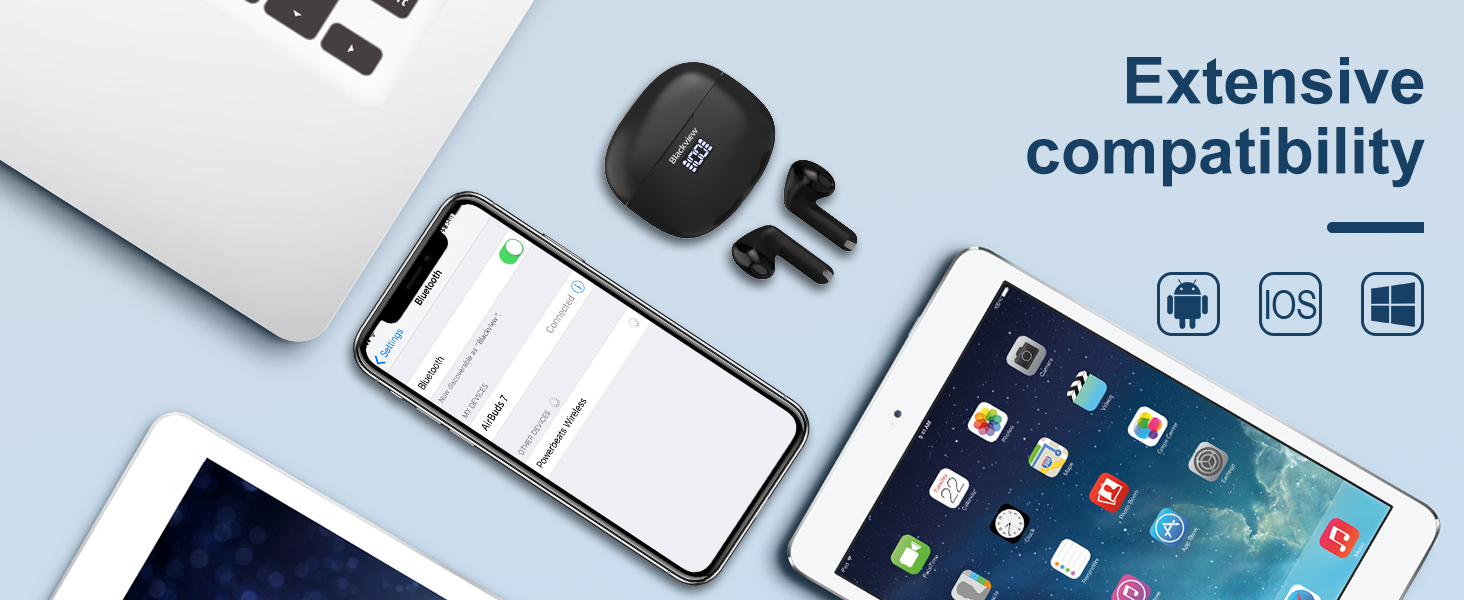
Imagem: A person being splashed with water, demonstrating the IPX7 waterproof capability of the AirBuds 7 earbuds, protecting them from sweat and raindrops.
Cancelamento de ruído ambiental (ENC)
The AirBuds 7 incorporate Dual-Mic Environmental Noise Cancellation (ENC) technology and a Dialogue Noise Cancellation (DNS) algorithm. This system automatically activates during calls to reduce background noise, ensuring clearer conversations even in noisy environments like public transport or busy streets.
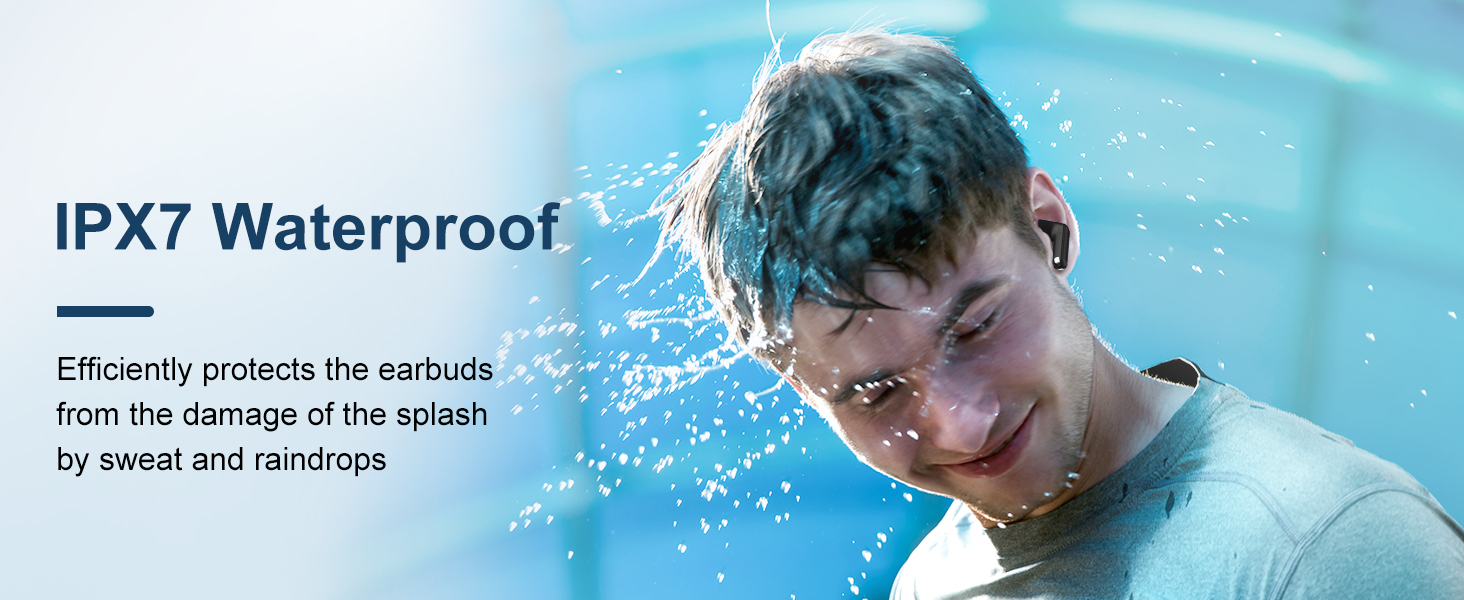
Imagem: A graph illustrating the effectiveness of environmental noise cancellation, showing how noise is suppressed while vocal clarity is maintained.
Manutenção
- Limpeza: Limpe regularmente os fones de ouvido e o estojo de carregamento com um pano macio, seco e sem fiapos. Não utilize produtos químicos agressivos ou materiais abrasivos.
- Dicas de ouvido: Ensure ear tips are clean and free of earwax buildup for optimal sound quality and hygiene.
- Armazenar: Quando não estiverem em uso, guarde os fones de ouvido no estojo de carregamento para protegê-los e mantê-los carregados.
- Evite condições extremas: Não exponha os fones de ouvido ou o estojo a temperaturas extremas, umidade ou luz solar direta por períodos prolongados.
Solução de problemas
| Problema | Solução |
|---|---|
| Fones de ouvido não emparelham | Ensure earbuds are charged. Turn off and on Bluetooth on your device. Forget "AirBuds 7" in Bluetooth settings and re-pair. |
| Apenas um fone de ouvido funcionando | Place both earbuds back in the case, close it, then open and remove them again. Check battery levels for both earbuds. |
| Volume baixo ou má qualidade de som | Clean earbud tips and speaker mesh. Adjust volume on your device. Ensure earbuds are properly seated in your ears. |
| O estojo de carregamento não carrega | Check USB cable connection and power source. Ensure wireless charging pad is active and case is correctly placed. |
Especificações
| Recurso | Detalhe |
|---|---|
| Nome do modelo | Airbuds 7 |
| Marca | Pretoview |
| Tecnologia de Conectividade | Sem fio (Bluetooth 5.3) |
| Tipo de driver de áudio | Driver Dinâmico |
| Tamanho do driver de áudio | 13 milímetros |
| Duração da bateria (fones de ouvido) | Até 6 horas |
| Tempo total de jogo (com estojo) | Até 30 horas |
| Tempo de carregamento (estojo) | 75 minutos |
| Nível de resistência à água | IPX7 (somente fones de ouvido) |
| Controle de Ruído | Cancelamento adaptativo de ruído (ENC) |
| Microfone | Incluído |
| Interface de carregamento | USB-C, carregamento sem fio |
| Material | Plástico, Poliuretano (PU) |
| Peso do item | 5.3 onças |
| UPC | 810175522289 |
Informações de segurança
- Não desmonte nem modifique os fones de ouvido ou o estojo de carregamento.
- Mantenha fora do alcance de crianças e animais de estimação.
- Evite ouvir em volumes altos por longos períodos para evitar danos auditivos.
- Do not use the earbuds in situations where you need to hear your surroundings, such as driving or cycling.
- Elimine o produto de forma responsável de acordo com os regulamentos locais.
Garantia e Suporte
Pretoview products come with a standard manufacturer's warranty. For detailed warranty information, technical support, or service inquiries, please refer to the warranty card included in your package or visit the official Blackview website. Guarde o comprovante de compra para solicitações de garantia.
Preto Oficialview Website: www.pretoview.hk


