1. Introdução
This manual provides essential instructions for the safe and effective use of your Nova NHT 1102 Trimmer. Please read it thoroughly before first use and retain it for future reference. This cordless trimmer is designed for personal grooming, offering precision trimming with multiple length settings and a long-lasting rechargeable battery.
2. Instruções importantes de segurança
- Do not immerse the trimmer in water or use it near water (e.g., bathtub, shower, sink).
- Mantenha o aparelho longe das crianças.
- Always check the trimmer for damage before use. Do not use if the blades or housing are damaged.
- Use only the charging cable provided with the trimmer.
- Não tente desmontar ou consertar o aparador por conta própria. Contate pessoal de serviço qualificado para obter assistência.
- Ensure your hands are dry when plugging or unplugging the charging cable.
- Guarde o aparador em local seco quando não estiver em uso.
3. Conteúdo da embalagem
Verifique se todos os itens estão presentes na embalagem:
- Nova NHT 1102 Trimmer
- 3 pentes guia (1 mm, 2 mm, 3 mm)
- Cabo de carregamento USB Tipo-C
- Escova de limpeza
- Lubricating Oil (may be included)

Image 3.1: Nova NHT 1102 Trimmer with included accessories and packaging.
4. Produto acabadoview
Familiarize yourself with the components of your Nova NHT 1102 Trimmer:
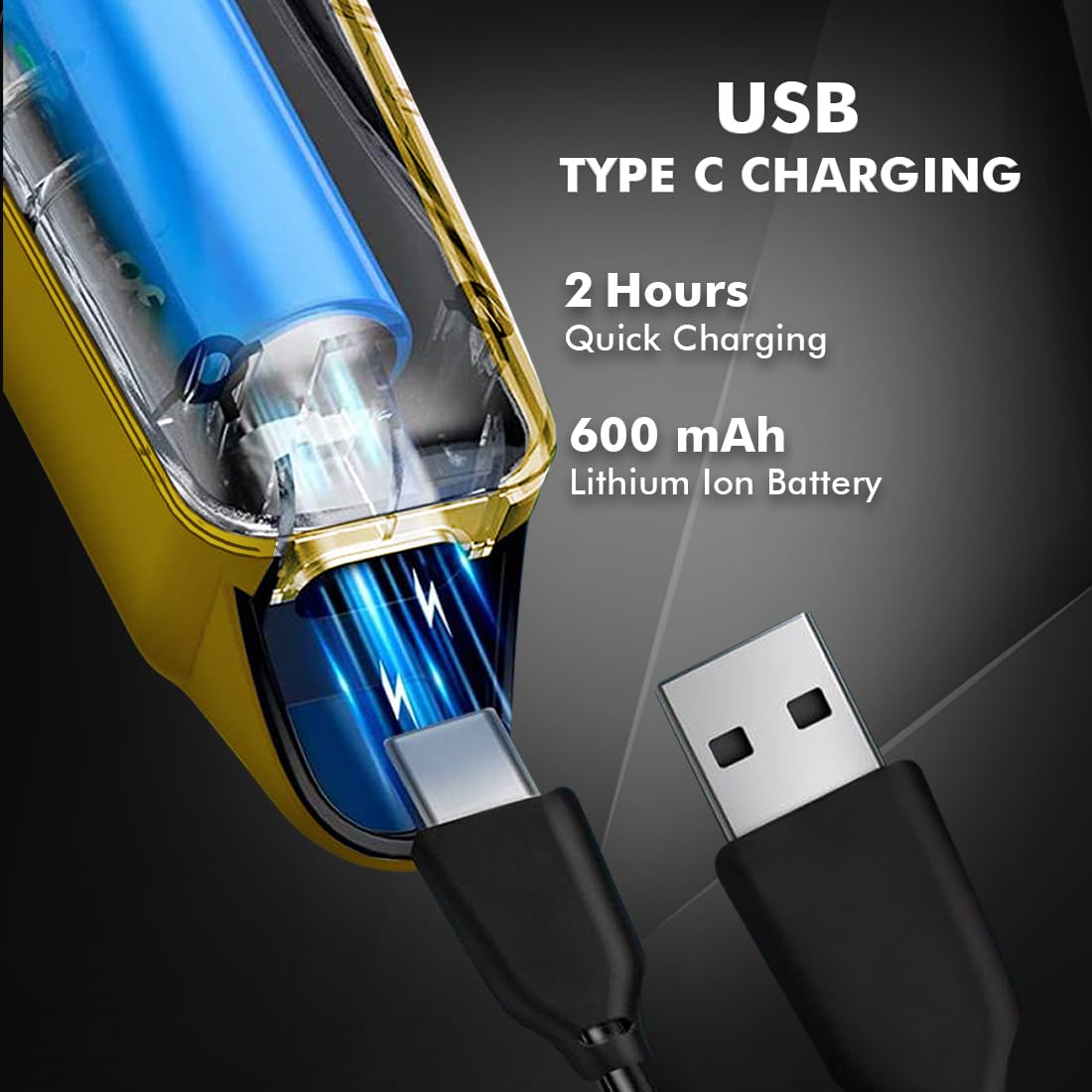
Image 4.1: Key features and components of the Nova NHT 1102 Trimmer.
- Lâminas de aço inoxidável: Durable and self-sharpening blades for precise cutting.
- Botão de energia: Controls power on/off and speed settings.
- Luz indicadora: Displays charging status and operational mode.
- Porta de carregamento USB: For convenient charging via USB Type-C cable.
- Gancho de suspensão: Para fácil armazenamento.
- Pentes guia: Detachable combs for various trimming lengths (1mm, 2mm, 3mm).
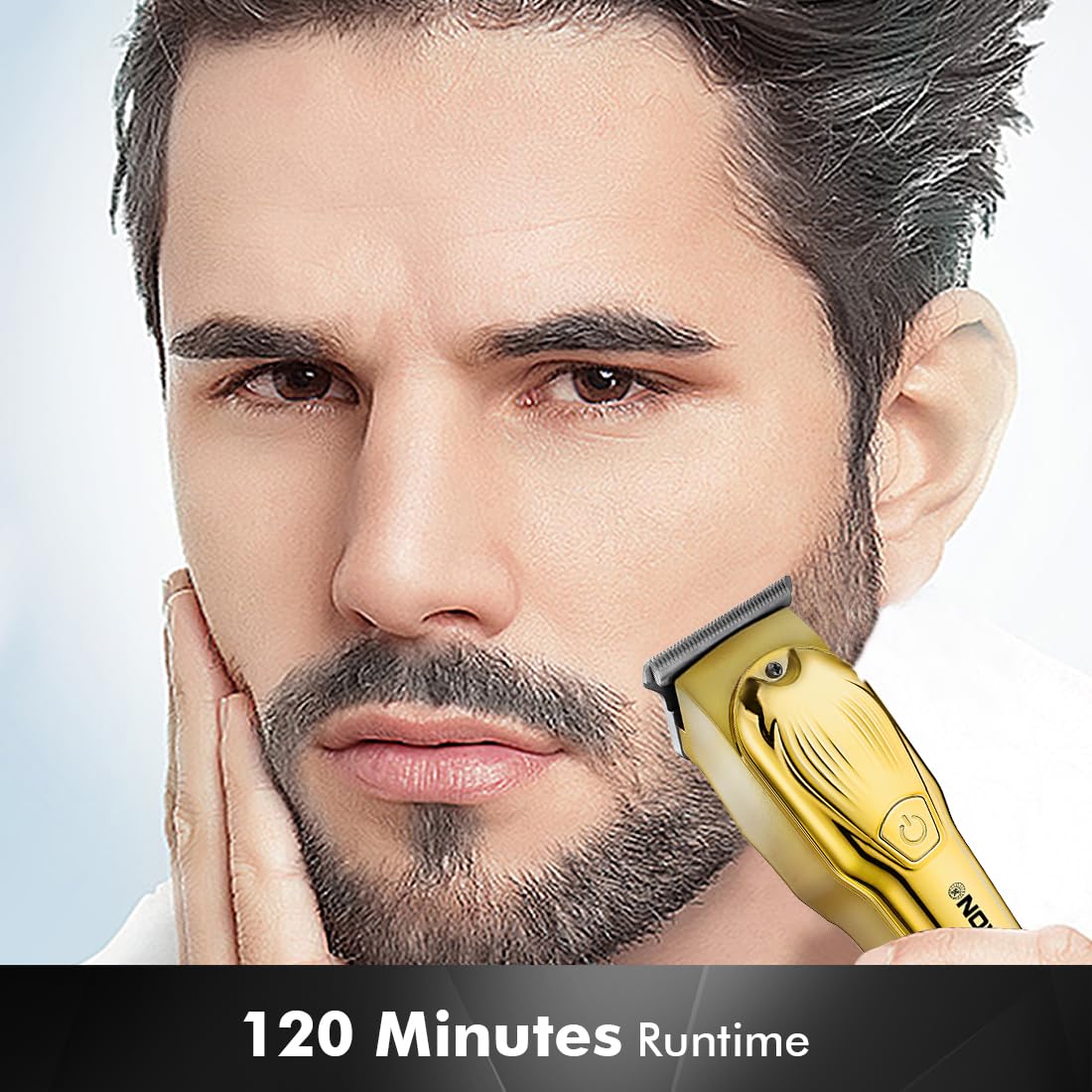
Image 4.2: Detail of the self-sharpening stainless steel blades.
5. Configuração
5.1 Carregamento Inicial
Before first use, fully charge the trimmer. The Nova NHT 1102 Trimmer features a 600 mAh Lithium-Ion battery.
- Conecte o cabo de carregamento USB tipo C à porta de carregamento do aparador.
- Conecte a outra extremidade do cabo USB a um adaptador de energia USB compatível (não incluído) ou a uma porta USB de um computador.
- The indicator light will illuminate to show charging is in progress.
- A full charge takes approximately 2 hours, providing up to 120 minutes of cordless runtime.
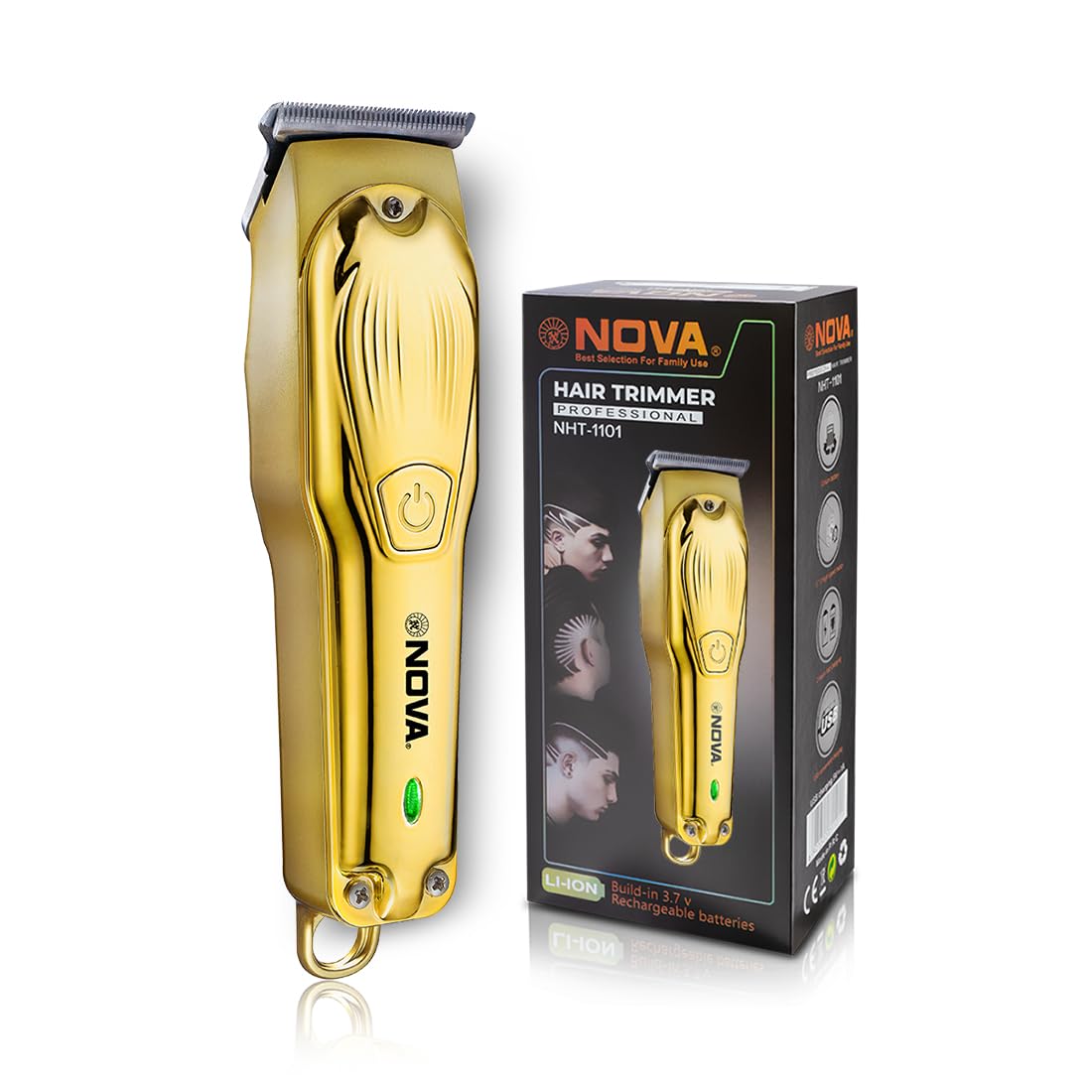
Image 5.1: USB Type-C charging mechanism.
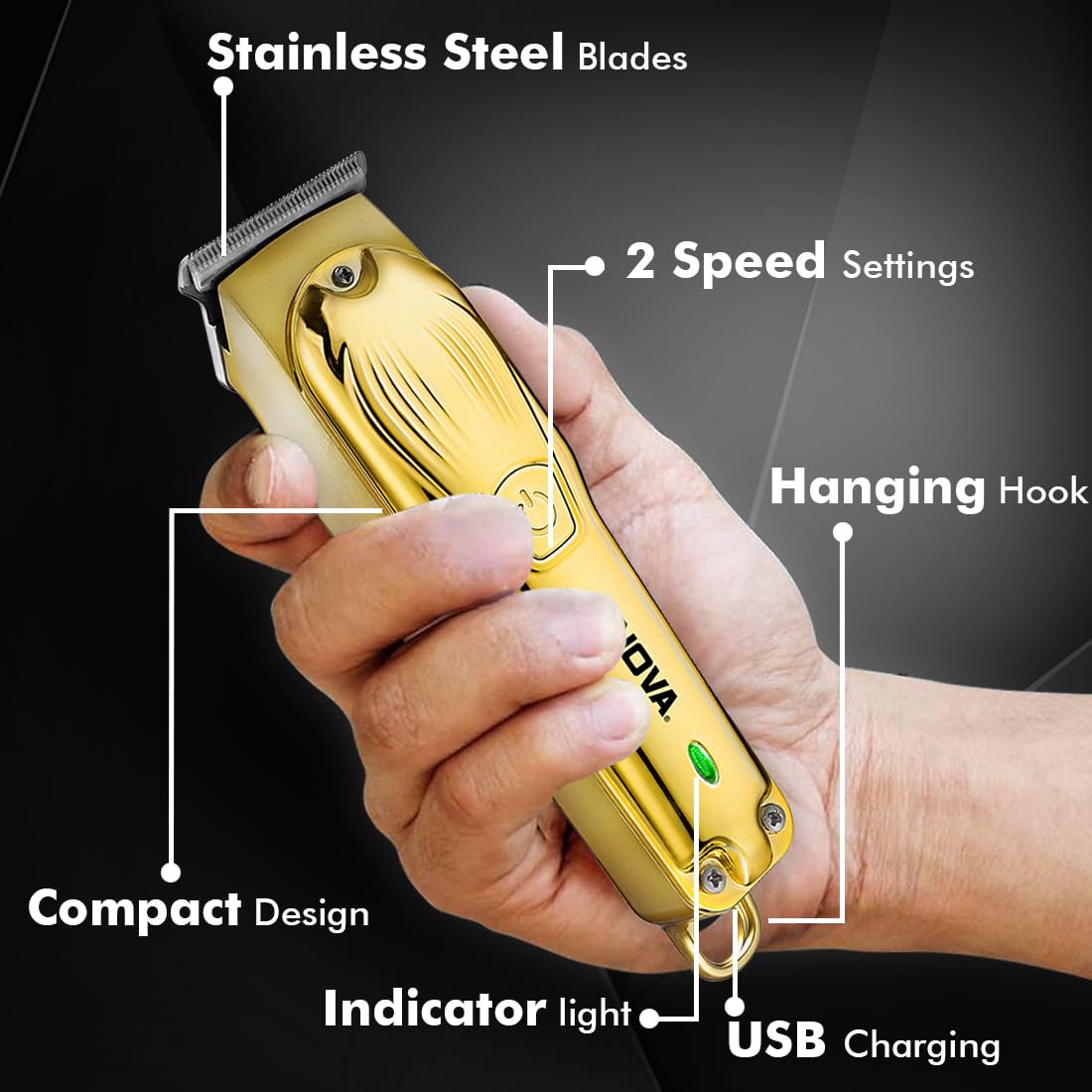
Image 5.2: Trimmer charging via USB Type-C.
5.2 Fixação dos pentes guia
The trimmer comes with 3 guide combs for different hair lengths:
- 1mm comb
- 2mm comb
- 3mm comb
To attach a guide comb, align the comb with the trimmer head and push it firmly until it clicks into place. To remove, gently pull the comb away from the trimmer head.
6. Instruções de operação
6.1 Configurações de Ligar/Desligar e Velocidade
- To turn the trimmer on, press the power button once. The trimmer will start at the default speed setting.
- To switch between the 2 available speed settings, press the power button again while the trimmer is running.
- To turn the trimmer off, press the power button until it stops.
6.2 Função Turbo
For increased power, activate the Turbo Function:
- While the trimmer is running, double-press the power button to engage the turbo mode.
- Double-press again to return to normal speed.
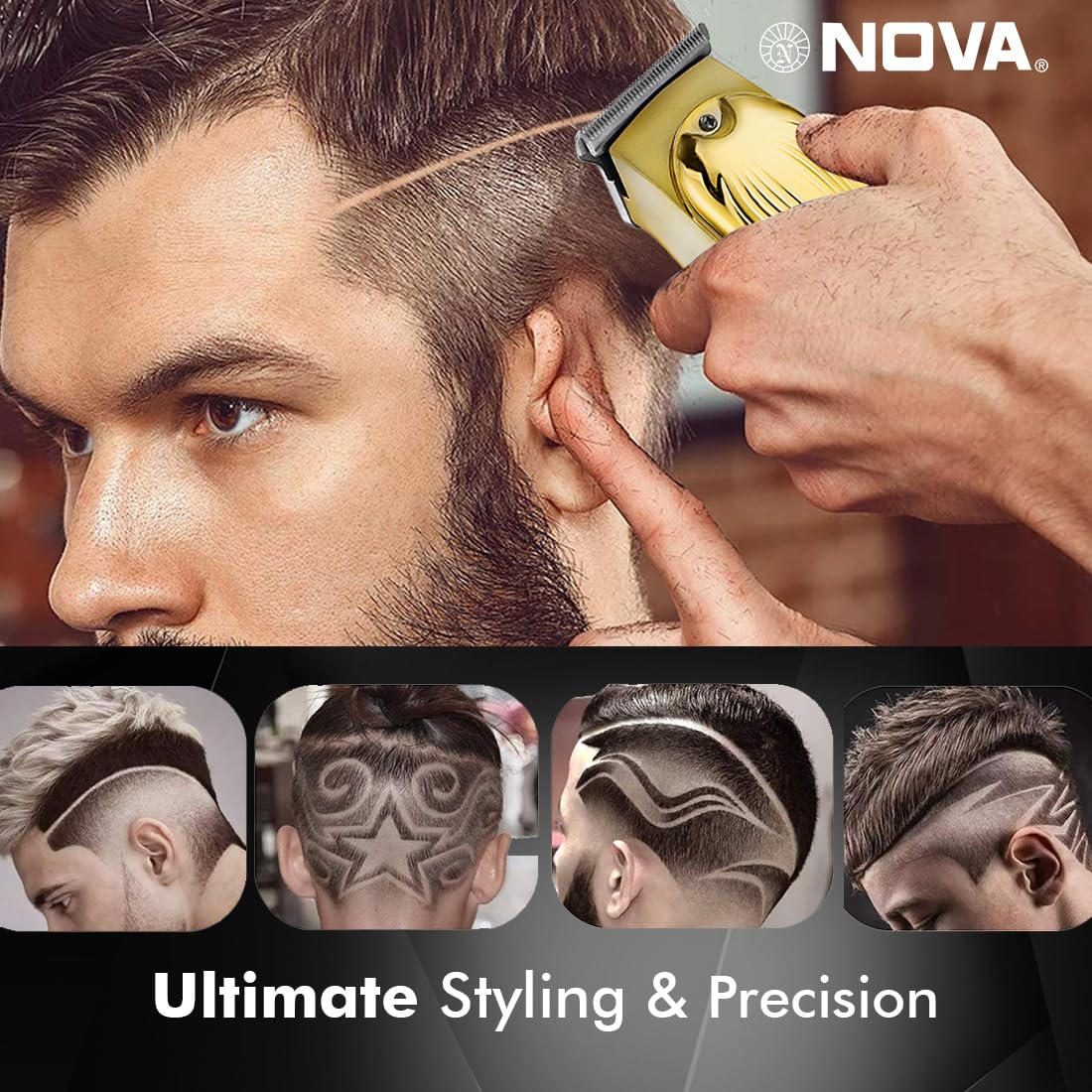
Image 6.1: Illustration of the Turbo Function.
6.3 Corte
Ensure hair is clean and dry before trimming for optimal results.
- Without Guide Comb: For precision trimming and close cuts (0.5mm), use the trimmer without any guide comb attached.
- With Guide Comb: Select the desired guide comb (1mm, 2mm, or 3mm) and attach it securely.
- Hold the trimmer with the blades flat against the skin and move it slowly against the direction of hair growth.
- For best results, stretch the skin taut with your free hand.
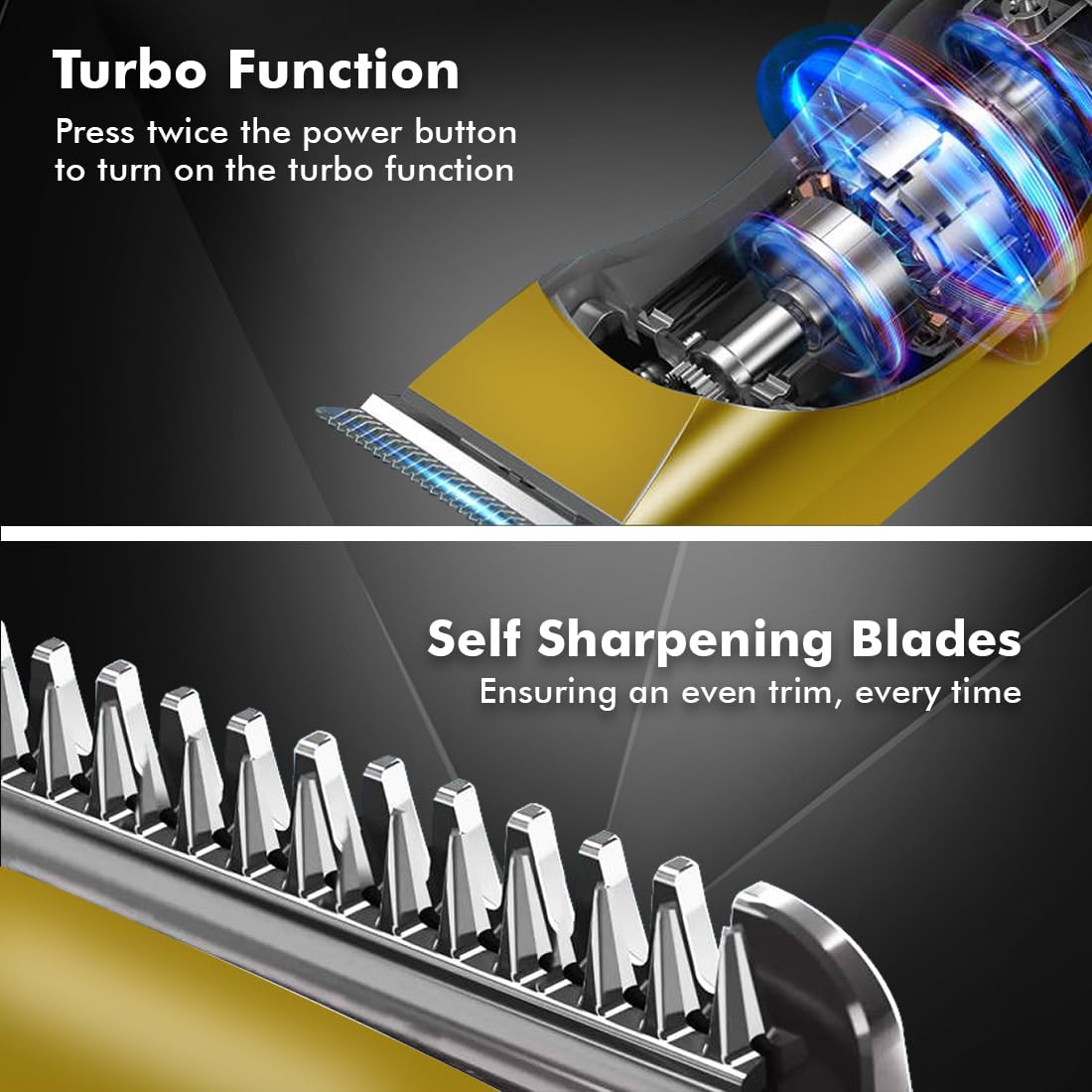
Image 6.2: Demonstrating hair trimming with the device.
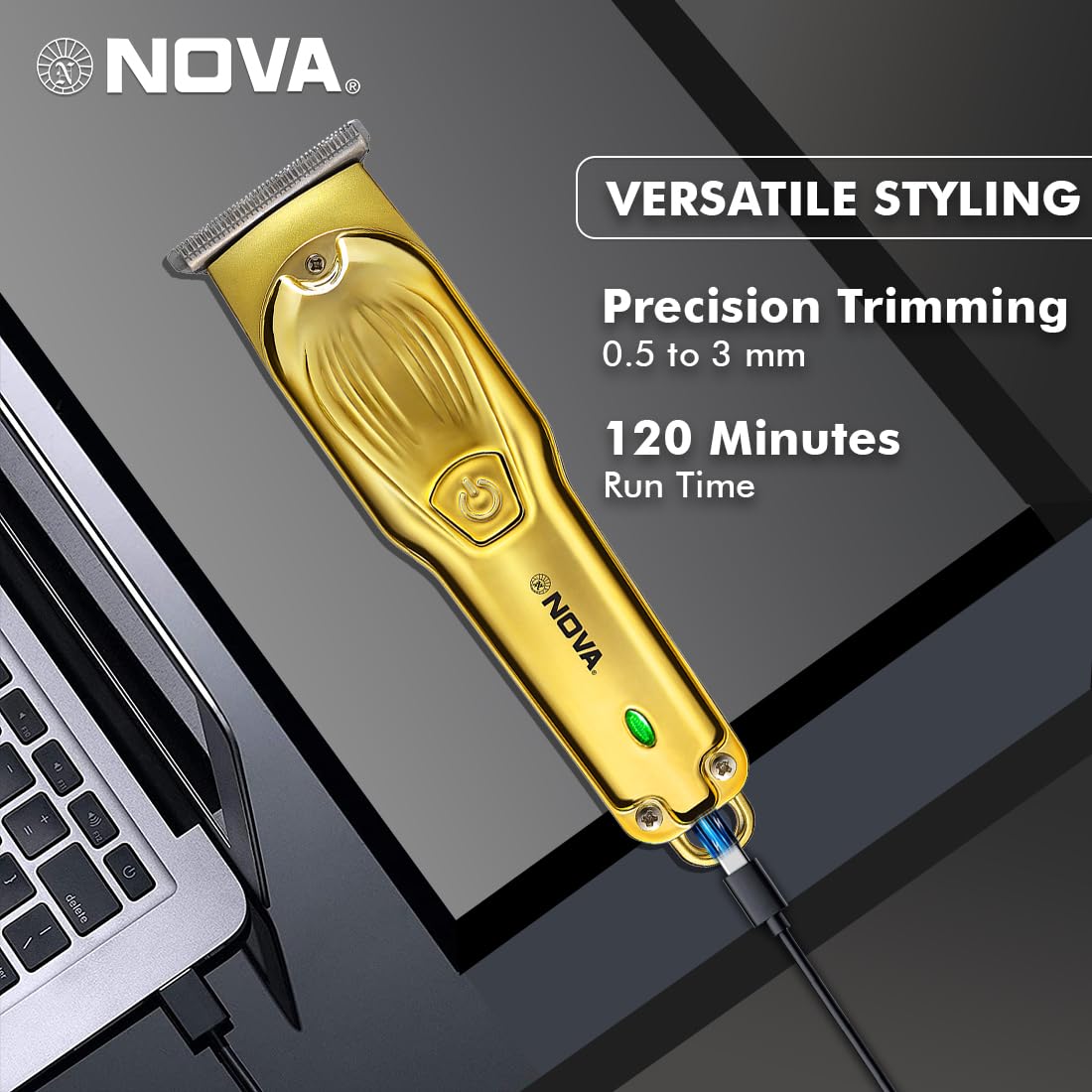
Image 6.3: Demonstrating beard trimming with the device.
7. Manutenção
7.1 Limpeza das lâminas
A limpeza regular garante desempenho e higiene ideais.
- Desligue o aparador e desconecte-o da fonte de alimentação.
- Remova cuidadosamente qualquer pente guia que esteja preso a ele.
- Utilize a escova de limpeza fornecida para remover os resíduos de cabelo das lâminas e da cabeça de corte.
- The blades are self-sharpening, reducing the need for manual sharpening.
7.2 Lubrificação
To maintain blade performance, apply a small drop of lubricating oil (if included) to the blades after every few uses. Turn the trimmer on for a few seconds to distribute the oil evenly.
7.3 Armazenamento
Store the trimmer in a cool, dry place, away from direct sunlight and moisture. Ensure the trimmer is clean and dry before storage.
8. Solução De Problemas
| Problema | Possível causa | Solução |
|---|---|---|
| O aparador não liga. | A bateria está descarregada. | Carregue o aparador por pelo menos 2 horas. |
| Botão liga/desliga não pressionado corretamente. | Certifique-se de pressionar firmemente o botão liga/desliga. | |
| Baixo desempenho de corte. | As lâminas estão entupidas com cabelo. | Limpe as lâminas com a escova de limpeza. |
| As lâminas precisam de lubrificação. | Aplique uma gota de óleo lubrificante nas lâminas. | |
| A bateria não carrega. | O cabo de carregamento ou o adaptador está com defeito. | Experimente um cabo USB Type-C ou um adaptador de energia diferente. |
| A porta de carregamento está danificada. | Entre em contato com o suporte ao cliente. |
9. Especificações
| Recurso | Detalhe |
|---|---|
| Modelo | NHT 1102 |
| Material da lâmina | Aço inoxidável |
| Comprimentos de corte | 0.5mm (without comb), 1mm, 2mm, 3mm (with guide combs) |
| Tipo de Bateria | Íon-lítio (600 mAh) |
| Tempo de carregamento | Aproximadamente 2 horas |
| Tempo de execução | Até 120 minutos |
| Interface de carregamento | USB Tipo C |
| Configurações de velocidade | 2 |
| Características especiais | Turbo Function, Self-Sharpening Blades, Cordless Operation, Hanging Hook |
| Dimensões (C x L x A) | 9 x 11 x 14 cm |
| Peso do item | 480 g |
| Fabricante | Nova Manufacturing Hong Kong |
| País de origem | China |
10. Garantia e Suporte
For detailed warranty information, please refer to the warranty card included with your product or the official Nova website. For technical support, service, or replacement parts, please contact Nova customer service through the contact information provided on your product packaging or the official brand channels.


