Introdução
This manual provides essential instructions for the setup, operation, and maintenance of your VTech Super Sound Karaoke Portable Bluetooth System. Please read this manual thoroughly before using the product to ensure proper function and longevity.
The VTech Super Sound Karaoke system is a versatile, portable entertainment device designed for both adults and children. It features Bluetooth connectivity, two wired microphones, dynamic sound output, and built-in party lights to enhance your karaoke experience. It can also function as a portable speaker for various audio sources.
Conteúdo da embalagem
Before proceeding with setup, please verify that all components are present in the package:
- VTech Super Sound Karaoke Portable Bluetooth System Unit
- Two Wired Microphones
- Adaptador de energia
- Manual do usuário (este documento)
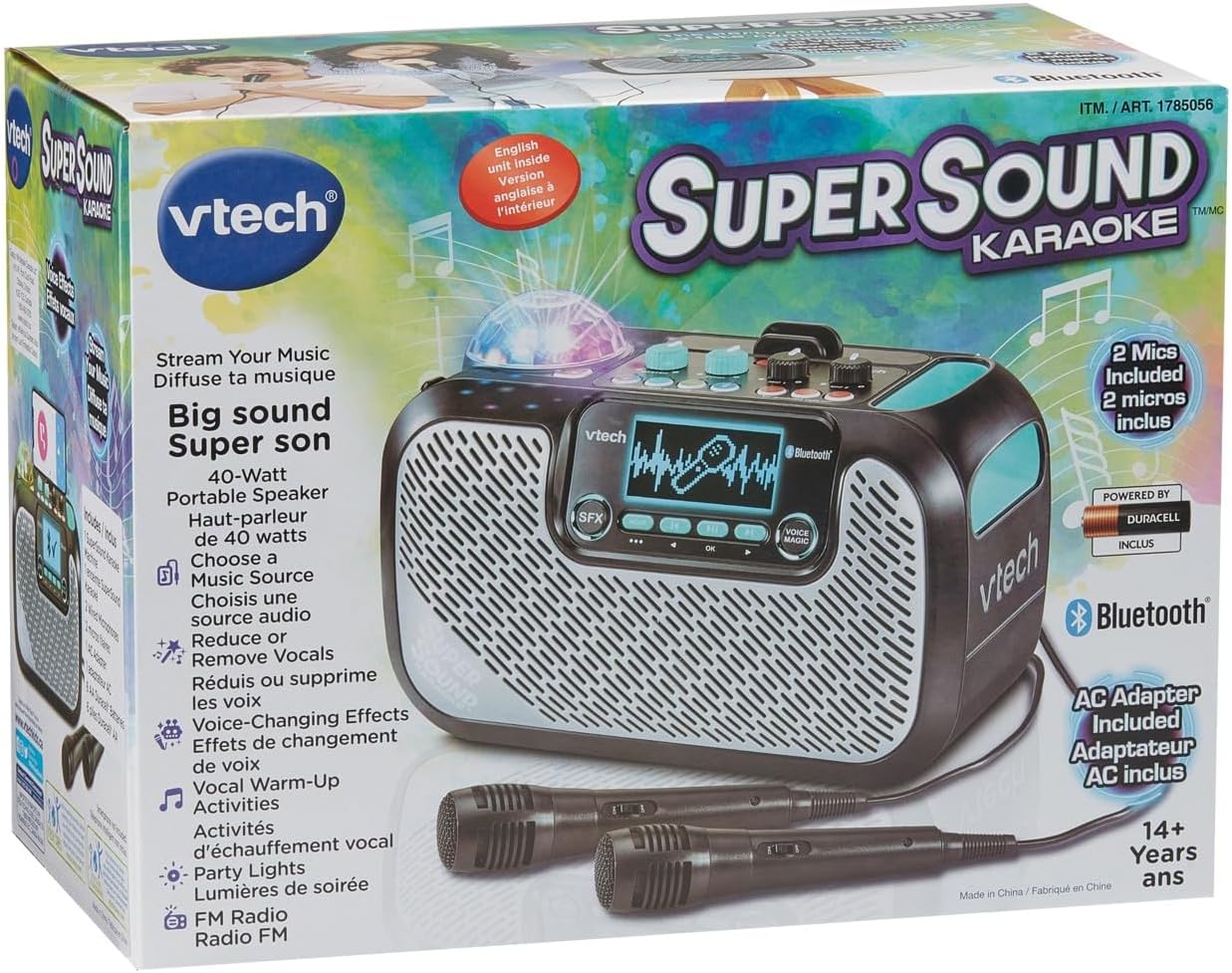
Image: The VTech Super Sound Karaoke machine shown in its retail packaging, highlighting its features and included accessories.
Configurar
Conexão de energia
- Connect the provided power adapter to the DC input port on the back of the karaoke machine.
- Plug the power adapter into a standard electrical outlet (AC 1.1E+2 Volts).
- Press the Power button located on the top panel to turn on the unit.
Conexão de microfone
The system includes two wired microphones. Locate the microphone input jacks on the front or side of the unit and firmly insert the microphone cables.
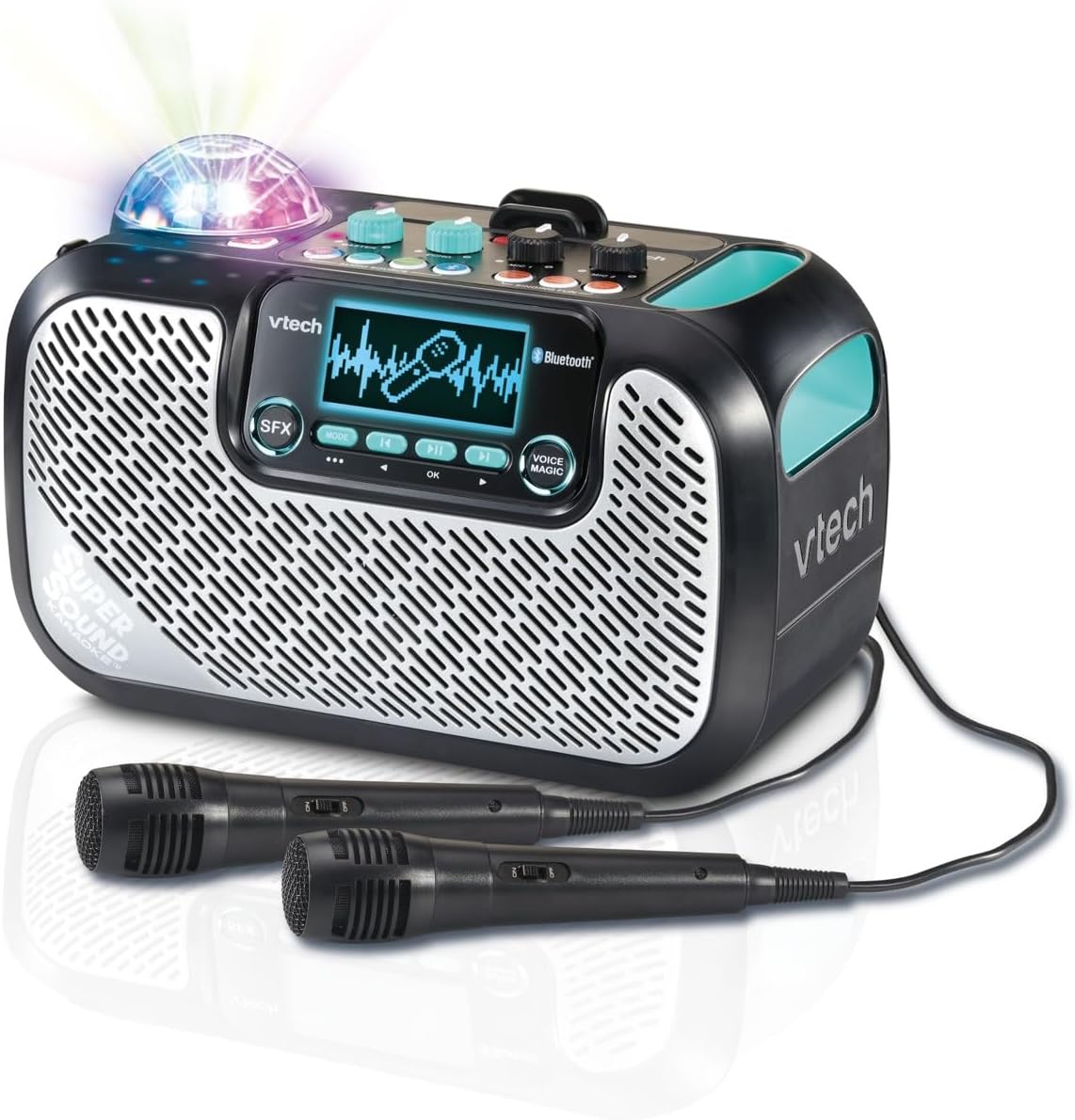
Image: The VTech Super Sound Karaoke machine with its two wired microphones connected and ready for use. The main unit features a display screen and various control buttons.
Instruções de operação
Sobre os controlesview

Imagem: Uma visão de cima para baixo view of the VTech Super Sound Karaoke machine, detailing the layout of its control panel including master volume, echo, microphone volume controls, and audio source selection buttons.
- Botão de energia: Liga ou desliga a unidade.
- Botão de volume mestre: Ajusta o nível geral de saída de som.
- Botão de eco: Controls the echo effect applied to the vocals.
- Mic 1 / Mic 2 Volume Knobs: Adjusts the individual volume levels for each connected microphone.
- Audio Source Buttons (Line In, Micro SD, Radio, Bluetooth): Selects the desired audio input mode.
- Singing Fun Buttons (Singing Effect, Voice Changer, Activities): Activates various vocal effects and interactive singing activities.
- Botão SFX: Triggers sound effects.
- Navigation Buttons (Play/Pause, Skip, OK): Controls media playback and menu navigation on the display.
- Voice Magic Button: Activates features like vocal removal or reduction from tracks.
Conectando fontes de áudio
The VTech Super Sound Karaoke system supports multiple audio input methods:
- Bluetooth: Press the Bluetooth button. The unit will enter pairing mode. On your smartphone, tablet, or other compatible device, search for and select "VTech Karaoke" to connect.
- Rádio FM: Press the Radio button. Use the navigation buttons to tune to desired FM stations.
- Cartão MicroSD: Insira um cartão microSD contendo áudio MP3. files into the designated slot. Press the Micro SD button to access content.
- Entrada auxiliar (entrada de linha): Connect an external audio device (e.g., smartphone, tablet) using a 3.5 mm audio cable (not included) to the Line In port. Press the Line In button.
Using Microphones and Voice Effects
Once microphones are connected and an audio source is playing:
- Adjust individual microphone volumes using the Mic 1 and Mic 2 knobs.
- Use the Echo knob to add a reverberation effect to your voice.
- Explore the Singing Effect and Voice Changer buttons for various vocal modifications (e.g., harmony, robot voice).
- The Voice Magic feature can reduce or remove lead vocals from songs, allowing you to sing along more prominently.
Luzes de festa
The integrated multicolored party lights automatically activate when the unit is in use, creating a dynamic visual experience. There is no separate control for the party lights; they operate in conjunction with the audio playback.
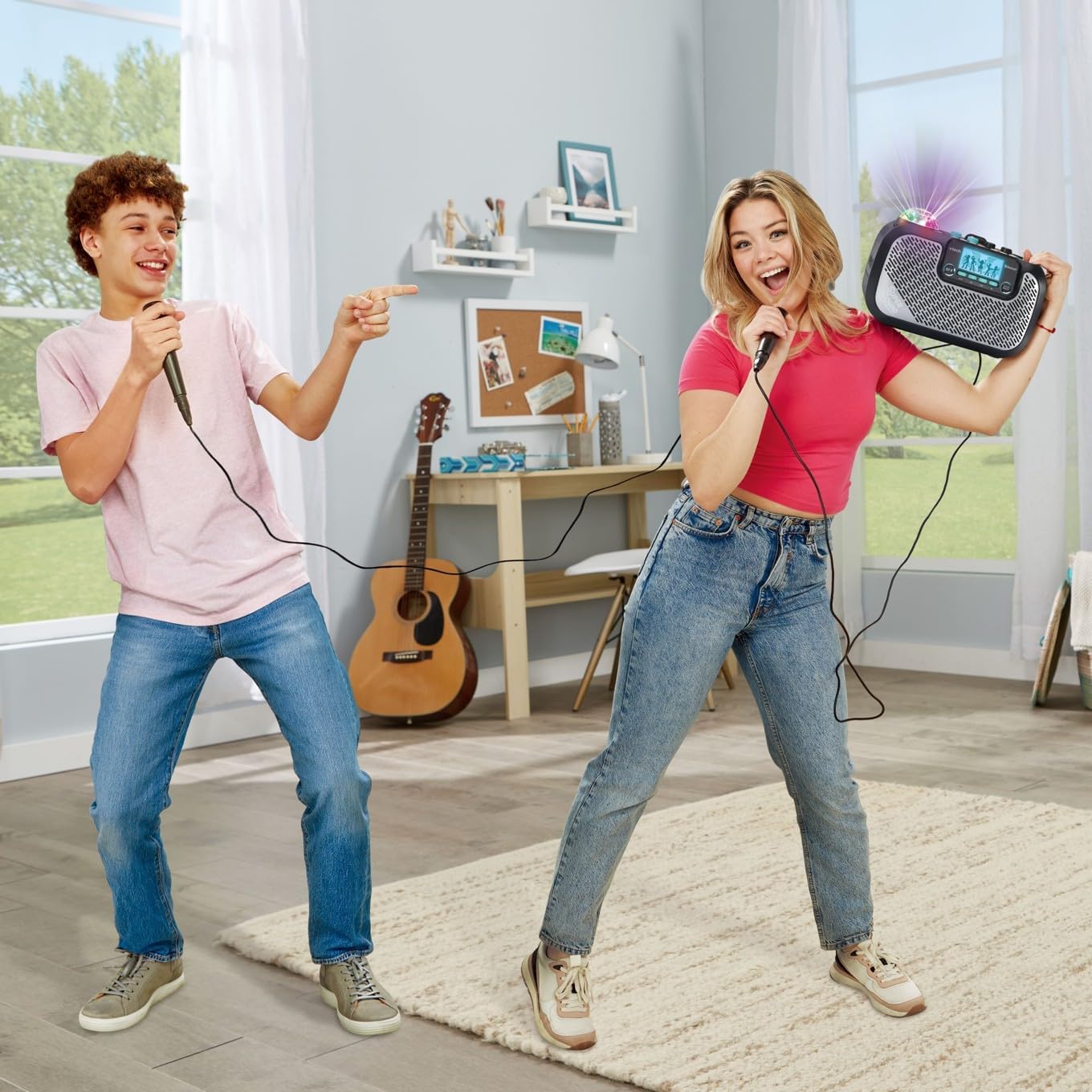
Image: Two individuals enjoying the VTech Super Sound Karaoke machine, demonstrating the use of microphones and the visual effect of the integrated party lights during a performance.
Manutenção
Limpeza
To maintain the appearance and functionality of your karaoke system:
- Certifique-se de que o aparelho esteja desligado e desconectado da tomada antes de limpá-lo.
- Limpe as superfícies externas com um pano macio e seco.
- Não utilize produtos de limpeza abrasivos, solventes ou produtos químicos agressivos, pois estes podem danificar o acabamento.
- Evite a entrada de umidade em quaisquer aberturas ou portas.
Armazenar
When not in use, store the karaoke system in a cool, dry place, away from direct sunlight and extreme temperatures. Disconnect all cables and microphones before storing.
Solução de problemas
If you encounter issues with your VTech Super Sound Karaoke system, refer to the following common problems and solutions:
| Problema | Possível causa | Solução |
|---|---|---|
| Sem energia | Adaptador de energia não conectado ou tomada com defeito. | Ensure power adapter is securely plugged into the unit and a working electrical outlet. |
| Não há som nos alto-falantes | Master volume too low; incorrect audio source selected; external device volume too low. | Increase Master Volume. Verify the correct audio source (Bluetooth, Line In, Micro SD, Radio) is selected. Check volume on connected external device. |
| Sem som de microfones | Microphones not connected properly; Mic volume knobs too low. | Ensure microphones are fully plugged into their respective jacks. Increase Mic 1 and Mic 2 volume knobs. |
| Problemas de emparelhamento Bluetooth | A unidade não está em modo de emparelhamento; dispositivo muito distante; interferência. | Press the Bluetooth button to enter pairing mode. Ensure your device's Bluetooth is on and within range. Try restarting both devices. |
| Static on FM Radio | Sinal fraco; interferência. | Reposition the unit to improve reception. Try a different station. |
Especificações
| Recurso | Detalhe |
|---|---|
| Número do modelo | 80-547480 |
| Peso do item | 5.1 libras (aproximadamente 2.3 kg) |
| Dimensões do produto | 10.47 x 6.5 x 8.5 polegadas (26.6 x 16.5 x 21.6 cm) |
| Fonte de energia | Conecte na tomada elétrica |
| Volumetage | 1.1E+2 Volts (CA) |
| Tipos de conectores | 3.5 mm Jack (Aux In), microSD card slot, Bluetooth |
| Dispositivos compatíveis | Smartphone, Tablet, Speaker, Headphone |
| Características especiais | AM/FM Radio, Adjustable Microphone Sensitivity, Portable, Party Lights, Voice Effects |
| Componentes incluídos | Microphone (x2), Power Adapter, User Manual |
Garantia e Suporte
For warranty information and customer support, please refer to the documentation included with your product at the time of purchase or visit the official VTech website. Guarde o recibo de compra como comprovante para solicitações de garantia.


