1. Informações importantes de segurança
Please read all safety instructions carefully before using your Xiaomi TV S Mini LED 75" 2025. Keep this manual for future reference.
- Fonte de energia: Connect the TV only to an AC power source as indicated on the label.
- Ventilação: Assegure-se de que haja ventilação adequada ao redor da TV. Não bloqueie as aberturas de ventilação.
- Água e Umidade: Não exponha a TV à chuva ou umidade. Não coloque objetos contendo líquidos sobre a TV.
- Limpeza: Desligue a TV da tomada antes de limpar. Use um pano macio e seco. Evite produtos de limpeza líquidos.
- Manutenção: Não tente consertar este produto sozinho. Encaminhe todos os serviços de manutenção para pessoal de serviço qualificado.
- Colocação: Place the TV on a stable, level surface or mount it securely to a wall using a compatible VESA mount.
2. Conteúdo da embalagem
Verifique se todos os itens estão presentes na embalagem:
- Xiaomi TV S Mini LED 75" 2025
- Controle remoto
- Cabo de energia
- TV Stand Components (if included)
- Manual do usuário (este documento)
3. Guia de configuração
3.1 Desembalando a TV
Carefully remove the TV from its packaging. It is recommended to have two people for this process due to the size and weight of the 75-inch model.
3.2 Installing the TV Stand (Optional)
If you are not wall-mounting the TV, attach the included stand components according to the separate stand installation guide. Ensure all screws are tightened securely.
3.3 Montagem na parede (opcional)
The Xiaomi TV S Mini LED 75" 2025 supports VESA wall mounts with a pattern of 400 x 300 mm. Use appropriate wall-mounting hardware and consult a professional for installation to prevent injury or damage.
3.4 Conectando Periféricos
Connect your devices to the TV's input ports. Refer to the back panel image for port locations.
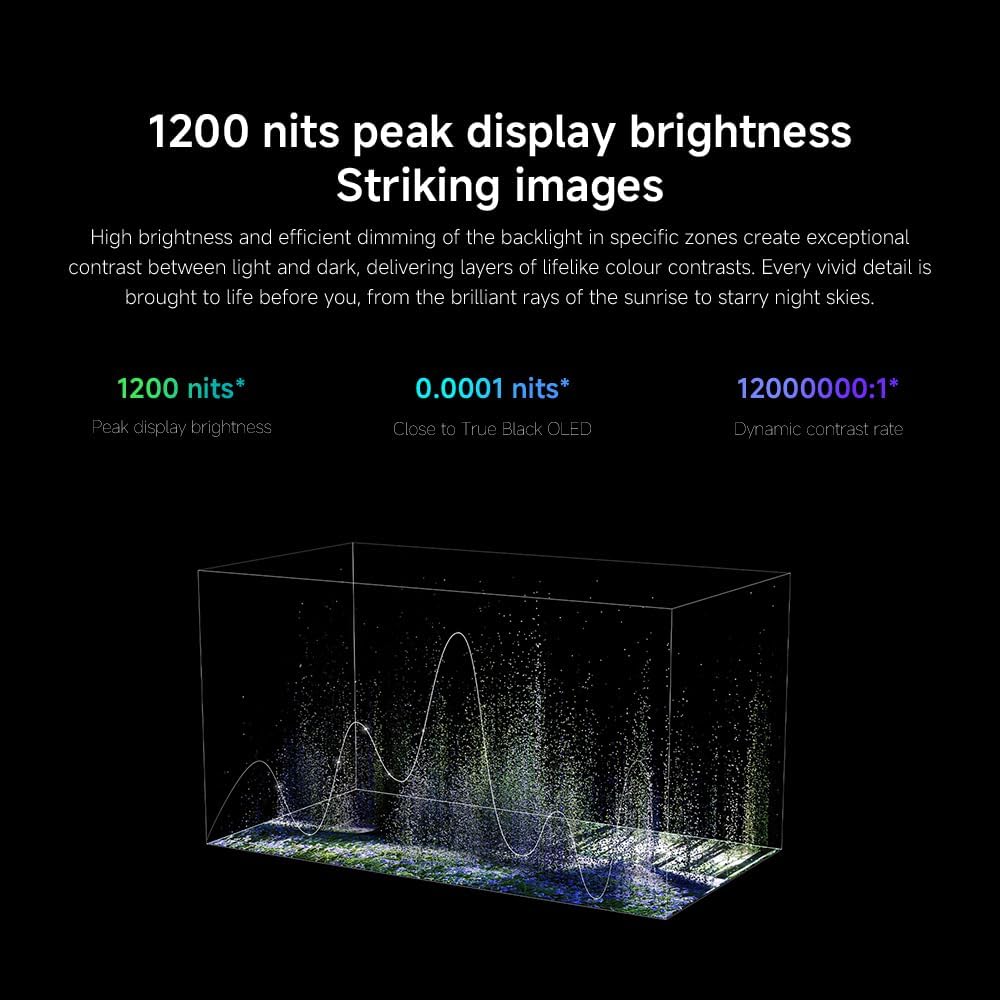
Imagem: Traseira view of the TV displaying available connection ports.
- Poder: Conecte o cabo de alimentação à TV e, em seguida, a uma tomada elétrica.
- HDMI: Connect Blu-ray players, game consoles, or other HDMI devices.
- USB: Conecte dispositivos de armazenamento USB para reprodução de mídia.
- Ethernet: Para uma conexão de internet com fio.
- Antena/Cabo: Conecte sua antena ou a entrada de TV a cabo.
3.5 Inicialização e Configuração Inicial
After connecting all cables, plug in the TV and press the power button on the remote control. Follow the on-screen instructions to complete the initial setup, including network connection, Google account login, and channel scanning.

Imagem: Frente view of the Xiaomi TV S Mini LED 75" 2025.
4. Instruções de operação
4.1 Controle Remoto Sobreview
O controle remoto incluído permite o acesso a todas as funções da TV. Familiarize-se com a disposição dos botões para facilitar a navegação.
4.2 Funções Básicas
- Poder: Pressione para ligar ou desligar a TV.
- Volume: Use the +/- buttons to adjust the sound level.
- Canal: Use os botões CH +/- para mudar de canal.
- Entrada: Select the desired input source (HDMI, AV, etc.).
- Lar: Access the Google TV home screen.
4.3 Recursos da Smart TV (Google TV)
Your Xiaomi TV runs on Google TV, offering a personalized entertainment experience.

Image: Google TV interface with app icons and content suggestions.
- Aplicativos: Baixe e instale aplicativos da Google Play Store.
- Assistente de voz: Use the built-in Google Assistant for voice commands.
- Recomendações de conteúdo: Google TV provides personalized recommendations based on your viewhábitos.

Image: Using the Hey Google voice assistant to search for content.
4.4 Configurações de exibição
Ajuste as configurações de imagem para otimizar sua experiência. viewexperiência.
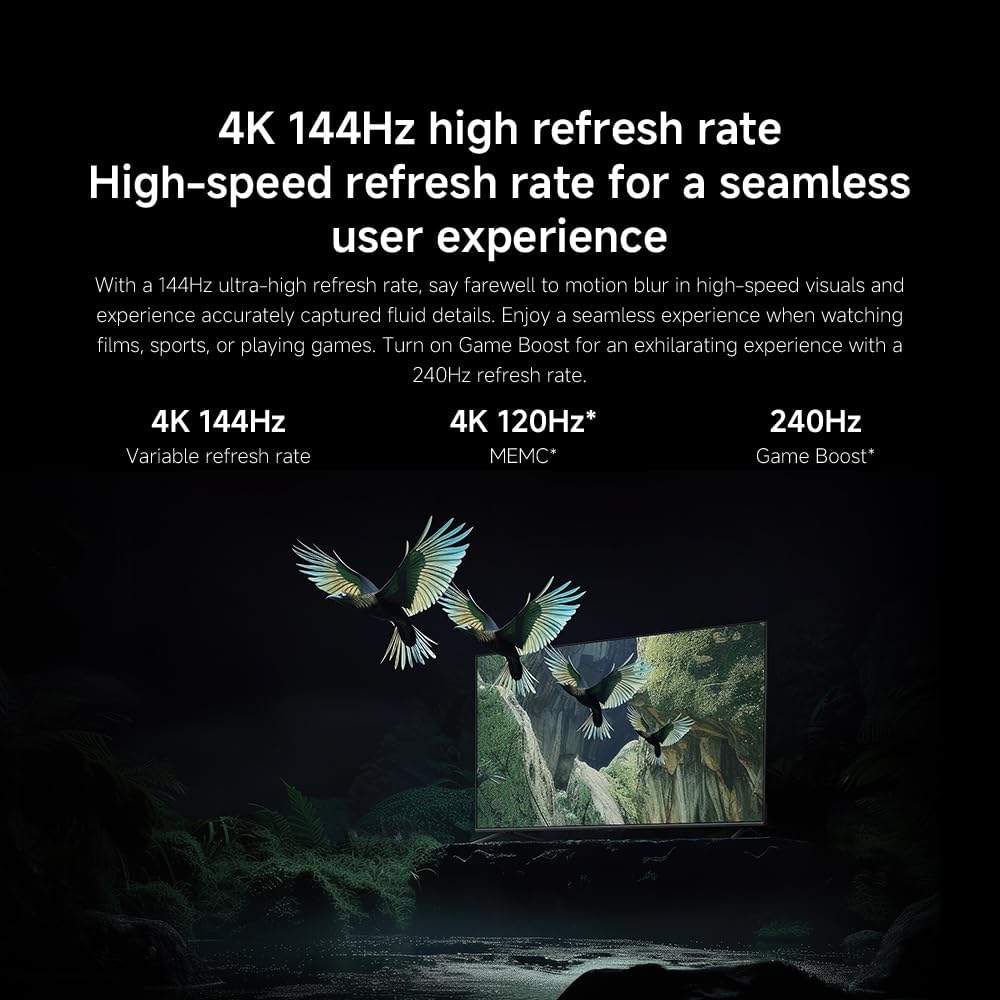
Imagem: Acimaview of the TV's advanced display technologies.
- Modos de imagem: Select from various preset modes (e.g., Standard, Vivid, Movie, Game) or customize your own.
- Brilho contraste: Fine-tune these settings for optimal visual clarity. The TV features 1200 nits peak brightness for stunning visuals.
- Cor: Adjust color saturation and tint. The QD-MiniLED display offers accurate color reproduction.
- Taxa de atualização: The TV supports a 144Hz refresh rate for ultra-smooth motion.
- Motor de IA: The powerful AI engine enhances image quality automatically.

Image: Visual representation of the 144Hz refresh rate for seamless motion.
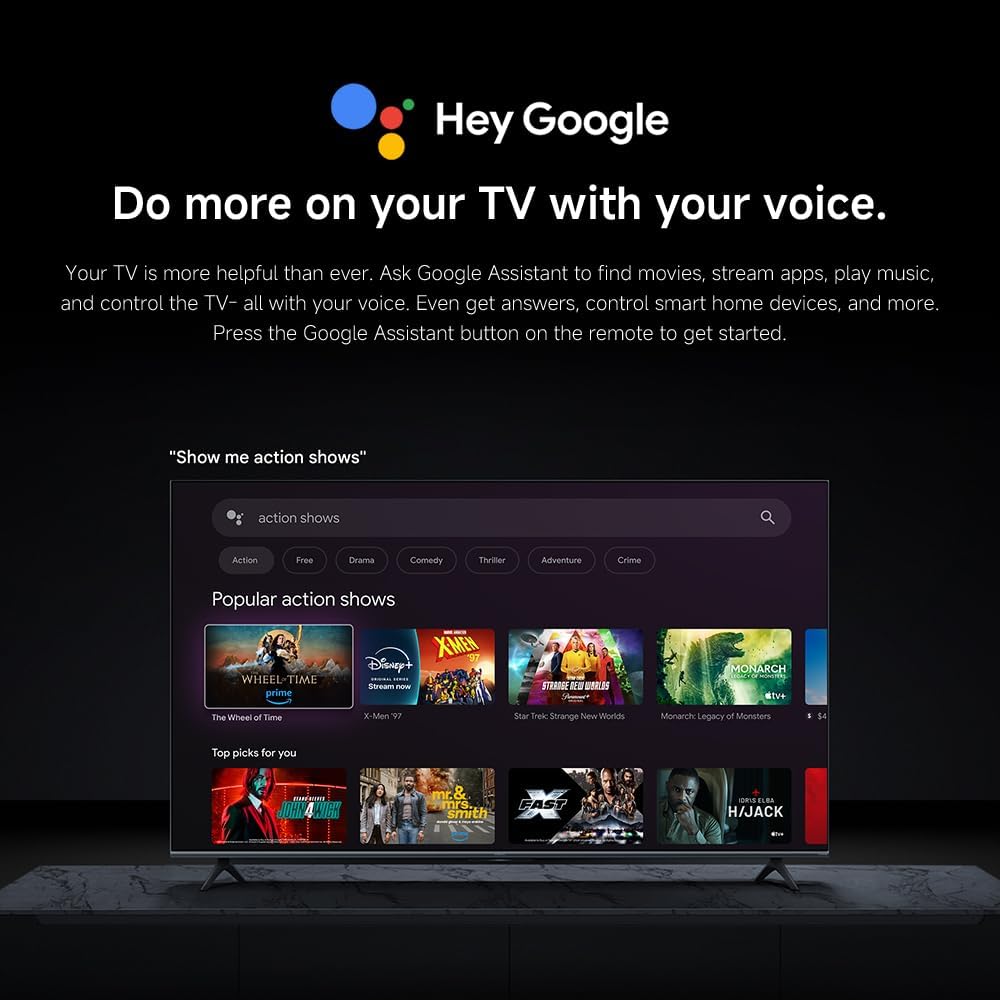
Image: The Quad cortex A73 processor, responsible for AI image enhancement and performance.
4.5 Configurações de áudio
Configure audio output and sound enhancements.

Image: Depiction of the TV's quality audio-visual experience.
- Modo de som: Choose from preset sound modes (e.g., Standard, Movie, Music) or customize.
- Dolby Atmos: Enable Dolby Atmos for an immersive audio experience.
4.6 Conectividade
The TV offers various connectivity options.
- Bluetooth: Connect Bluetooth-enabled devices such as headphones or speakers.
- Wi-fi: Conecte-se à sua rede sem fio doméstica para acessar a internet.
- Apple AirPlay: Transmita conteúdo diretamente de seus dispositivos Apple.
Image: Apple AirPlay functionality for streaming from Apple devices.
5. Manutenção
5.1 Limpeza da tela
To clean the screen, first unplug the TV. Gently wipe the screen with a soft, lint-free cloth. For stubborn marks, slightly dampen the cloth with water or a specialized screen cleaner, then wipe dry immediately. Do not spray liquid directly onto the screen.
5.2 Atualizações de Software
The TV may receive software updates periodically to improve performance and add new features. Ensure your TV is connected to the internet to receive these updates. You can check for updates manually in the TV's settings menu.
6. Solução De Problemas
Se você tiver problemas com sua TV, consulte as seguintes soluções comuns:
| Problema | Solução possível |
|---|---|
| Sem energia | Verifique se o cabo de alimentação está firmemente conectado à TV e à tomada. Certifique-se de que a tomada esteja funcionando corretamente. |
| Sem imagem, mas com som. | Verifique se a fonte de entrada correta está selecionada. Verifique as conexões dos cabos com os dispositivos externos. |
| Sem som, mas com imagem. | Verifique o nível de volume e se o botão de silenciar está ativado. Certifique-se de que os cabos de áudio estejam conectados corretamente. |
| Controle remoto não funciona | Substitua as pilhas. Certifique-se de que não haja obstruções entre o controle remoto e a TV. |
| Baixa qualidade de imagem | Adjust picture settings (brightness, contrast, sharpness). Check antenna or cable connection. Ensure content source is high quality. |
| Smart TV features unresponsive | Check internet connection. Restart the TV by unplugging it for a few minutes and plugging it back in. |
If the issue persists after trying these steps, contact customer support.
7. Especificações
Key technical specifications for the Xiaomi TV S Mini LED 75" 2025:
| Recurso | Especificação |
|---|---|
| Marca | XIAOMI |
| Número do modelo | 59292 |
| Tamanho da tela | 75 polegadas |
| Tecnologia de exibição | 4K UHD, LED, QD-MiniLED |
| Resolução | 4K (3840 x 2160) |
| Taxa de atualização | 144 Hz |
| Brilho Máximo | 1200 lêndeas |
| Sistema operacional | Google TV |
| Processador | Quad Cortex A73 |
| BATER | 3 GB |
| Armazenar | 32 GB |
| Tecnologia de Áudio | Dolby Atmos |
| Conectividade | Bluetooth, Wi-Fi, Apple AirPlay |
| Dimensões do produto (com suporte) | 42.5 cm de profundidade x 166.8 cm de largura x 102.8 cm de altura |
| Peso do produto (com suporte) | 31 kg |
| Suporte de parede VESA | 400 x 300 mm |
| Componentes incluídos | TV, remote control, power cable |
8. Garantia e Suporte
Your Xiaomi TV S Mini LED 75" 2025 is covered by a manufacturer's warranty. Please refer to the warranty card included in your package for specific terms and conditions. For technical support, service inquiries, or to purchase accessories, please visit the official Xiaomi webou entre em contato com os centros de serviço autorizados.
Recursos on-line: For additional information, FAQs, and software downloads, visit the official Xiaomi support page.