1. Informações importantes de segurança
Leia atentamente todas as instruções de segurança antes de usar sua televisão. Guarde este manual para futuras consultas.
- Não exponha a TV à chuva ou umidade.
- Garanta ventilação adequada ao redor da TV.
- Não bloqueie as aberturas de ventilação com itens como jornais, toalhas de mesa, cortinas, etc.
- Proteja o cabo de alimentação para que não seja pisado ou comprimido.
- Desligue a TV da tomada durante tempestades com raios ou quando não for utilizá-la por longos períodos.
- Deixe toda a manutenção a cargo de pessoal qualificado.
2. O que está na caixa
Verifique se todos os componentes estão presentes na embalagem:
- Thomson 43QG5C14 QLED Google Smart TV
- Controle remoto
- Cabo de alimentação
- Central Stand (and screws for assembly)
- Manual do usuário (este documento)
- Baterias para controle remoto
3. Configuração
3.1 Fixação do suporte
Carefully place the TV screen-down on a soft, flat surface to prevent damage. Attach the central stand to the bottom of the TV using the provided screws. Ensure the stand is securely fastened.
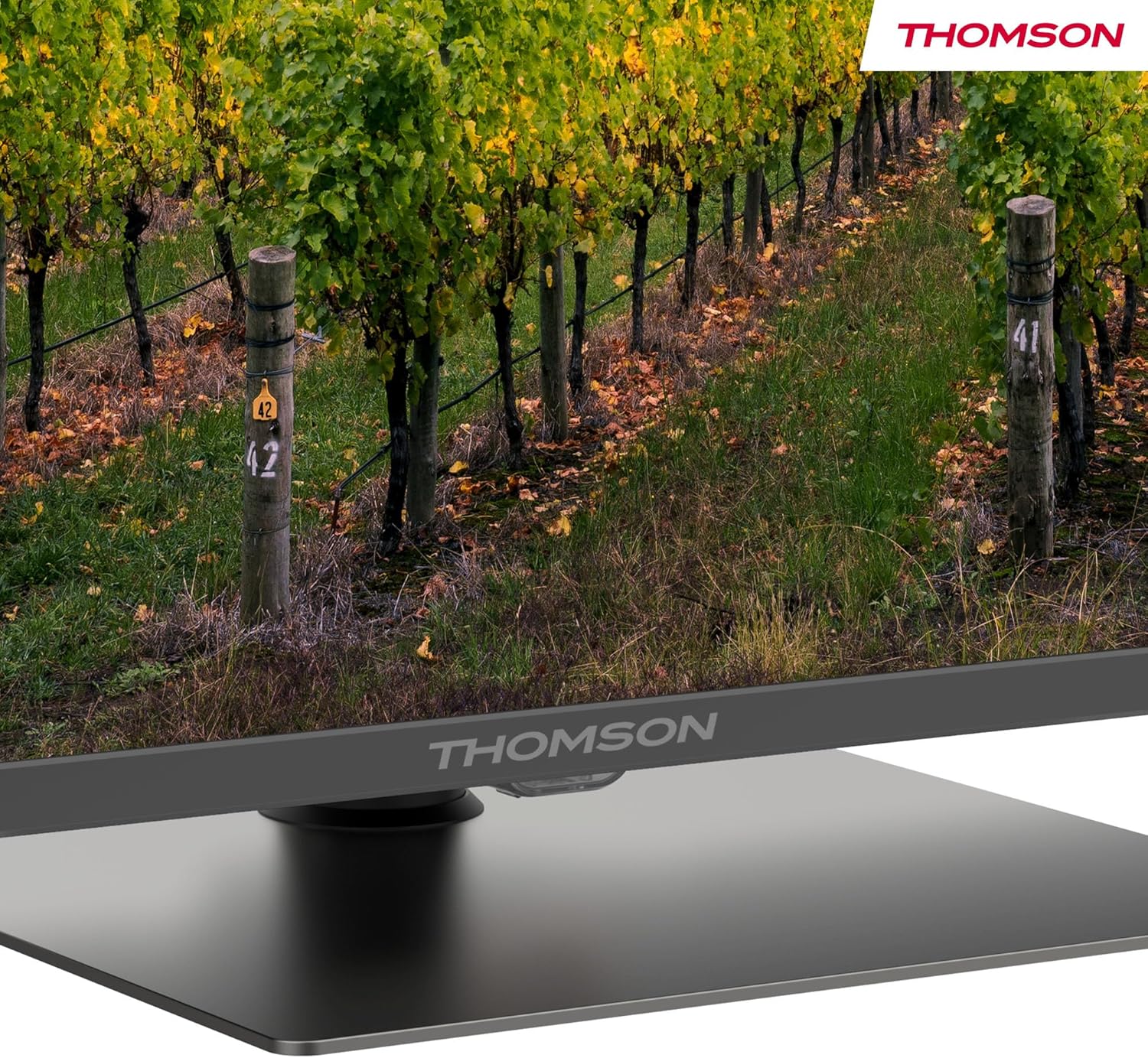
Um detalhado view of the central stand, featuring the Thomson branding.

This diagram provides the physical measurements of the television, including width, height, and depth, essential for placement and installation.
3.2 Montagem na parede (opcional)
If you choose to wall mount your TV, ensure you use a VESA-compatible wall mount kit (sold separately) and follow the instructions provided with the wall mount. Professional installation is recommended.
3.3 Conectando Periféricos
Connect your external devices such as set-top boxes, gaming consoles, or sound systems to the appropriate ports on the TV. The TV features multiple HDMI and USB ports, as well as a LAN connection.

This image details the available connection ports on the back of the television, including HDMI, USB, LAN, and antenna inputs.
3.4 Configuração inicial
- Conecte o cabo de alimentação à TV e a uma tomada elétrica.
- Pressione o botão liga/desliga no controle remoto ou na TV para ligá-la.
- Siga as instruções na tela para selecionar seu idioma, país e conectar-se à sua rede Wi-Fi.
- Inicie sessão com a sua conta Google para aceder às funcionalidades do Google TV e descarregar aplicações.
4. Instruções de operação
4.1 Controle Remoto
The included remote control provides easy access to all TV functions. It features backlit buttons for visibility in low light and dedicated buttons for popular streaming services.

The remote control features dedicated buttons for popular streaming services, a Google Assistant button for voice commands, and backlit keys for ease of use in low light.
4.2 Recursos do Google TV
Your Thomson TV runs on Google TV, offering a personalized entertainment experience. Access over 400,000 movies and shows from various streaming services. Use the integrated Google Assistant for voice control and the built-in Chromecast to stream content from your smart devices.

This image demonstrates the voice control functionality, allowing users to operate the TV and search for content using spoken commands.

The Google TV home screen provides access to a wide range of streaming applications and personalized content recommendations.
4.3 Display Features: QLED, 4K UHD, HDR10
Experience vibrant and realistic colors thanks to QLED technology with Quantum Dots. The 4K UHD resolution delivers crystal-clear images, offering four times the detail of Full HD. HDR10 support ensures balanced brightness, rich contrast, and precise color reproduction.
4.4 Audio Features: Dolby Atmos
Enjoy a dynamic and immersive sound experience with Dolby Atmos technology, bringing cinematic audio directly to your living room.

This image illustrates the immersive audio experience provided by Dolby Atmos, showing sound waves emanating from the television.
4.5 Conectividade
- Wi-fi: Conecte-se à sua rede doméstica para acessar a internet e assistir a vídeos em streaming.
- Bluetooth 5.1: Conecte fones de ouvido sem fio, soundbars ou outros dispositivos Bluetooth.
- HDMI: Multiple HDMI ports (including HDMI 2.1 with eARC) for connecting various external devices.
- USB: USB 2.0 and USB 3.0 ports for media playback from USB drives.
- Sintonizador Triplo: Integrated tuner for Cable (DVB-C), Satellite (DVB-S2), and Antenna (DVB-T2) reception.
- IC+: Common Interface Plus slot for conditional access modules (CAM) to view canais criptografados.
5. Manutenção
- Limpando a tela: Gently wipe the screen with a soft, lint-free cloth. For stubborn marks, use a screen-cleaning solution specifically designed for TVs.
- Limpando o Gabinete: Use um pano macio e seco para limpar o móvel da TV. Não use produtos de limpeza abrasivos ou solventes.
- Atualizações de software: Ensure your TV's software is up to date for optimal performance and security. Updates can usually be found in the TV's settings menu.
6. Solução De Problemas
Se você tiver problemas com sua TV, consulte as seguintes soluções comuns:
- Sem energia: Check if the power cord is securely connected and the power outlet is working.
- Sem imagem/som: Verifique se a fonte de entrada correta está selecionada. Confira todas as conexões dos cabos.
- Remoto não funciona: Substitua as pilhas. Certifique-se de que não haja obstruções entre o controle remoto e a TV.
- Qualidade de imagem ruim: Adjust picture settings (brightness, contrast, sharpness). Check antenna/cable connection.
- Problemas de conexão de rede: Restart your router. Reconnect the TV to the Wi-Fi network in the settings.
For further assistance, consult the full electronic manual or contact Thomson customer support.
7. Especificações
| Recurso | Especificação |
|---|---|
| Marca | Thomson |
| Número do modelo | 43QG5C14 |
| Tamanho da tela | 43 polegadas (109 cm) |
| Tecnologia de exibição | QLED |
| Resolução | 4K UHD (3840 x 2160) |
| Taxa de atualização | 60 Hz |
| Características especiais | QLED, Dolby Atmos, Dolby Vision, HDR10 |
| Sistema operacional | Google TV |
| Conectividade | Bluetooth 5.1, HDMI, USB, Wi-Fi |
| Proporção da tela | 16:9 |
| Dimensões do produto (L x A x P) | 96 x 59 x 9 cm |
| Peso | 12.5 kg |
Eficiência Energética

The energy label indicates the television's energy efficiency class and annual energy consumption.
For detailed energy information, refer to the EPREL Product Data Sheet.
8. Garantia e Suporte
Your Thomson 43QG5C14 QLED Google Smart TV comes with a Garantia de 3 ano, ensuring clear images without dead pixels. This product is assembled in Europe, reflecting a commitment to quality.
For technical support, warranty claims, or additional information, please visit the official Thomson website or contact your local customer service.


