1. Introdução
This manual provides detailed instructions for the setup, operation, and maintenance of your TMY Native 1080P Mini Projector. Please read this manual thoroughly before using the projector to ensure proper function and longevity.
2. O que está na caixa
- TMY Native 1080P Mini Projector
- Controle remoto
- Cabo de alimentação
- Cabo HDMI
- Manual do usuário
- Kit de limpeza
3. Produto acabadoview
The TMY Native 1080P Mini Projector is designed for versatile home entertainment, offering native 1080P resolution and various connectivity options in a compact form factor.

3.1 Portas de Conectividade
O projetor possui várias portas para conectar diversos dispositivos:

- Porta HDMI: For connecting devices such as TV sticks, PCs, gaming consoles, and DVD players.
- Porta USB: Para conectar unidades USB para reproduzir mídia files.
- Conector de áudio de 3.5 mm: Para conectar alto-falantes ou fones de ouvido externos com fio.
- Entrada de energia: Para conectar o cabo de alimentação.
4. Configuração
4.1 Posicionamento
Position the projector on a stable, flat surface. The projection distance can range from 1.5 meters to 5 meters, producing a screen size from 40 inches to 200 inches. Ensure there are no obstructions between the projector and the projection surface.
4.2 Conexão de Energia
- Conecte o cabo de alimentação à porta de entrada de energia do projetor.
- Conecte a outra extremidade do cabo de alimentação a uma tomada elétrica.
4.3 Inicialização Inicial
Pressione o botão liga/desliga no projetor ou no controle remoto para ligar o aparelho. A luz indicadora acenderá.
4.4 Foco e correção trapezoidal
To achieve a clear and rectangular image, adjust the focus ring and keystone correction dial located on the projector. The projector supports ±15° vertical keystone correction.

5. Instruções de operação
5.1 Conectando Dispositivos
O projetor oferece diversas maneiras de conectar seus dispositivos:

5.1.1 Conexão HDMI
Connect your device (e.g., TV Stick, PC, gaming console) to the projector's HDMI port using an HDMI cable. Select the corresponding HDMI input source from the projector's menu.
5.1.2 Conexão USB
Insert a USB drive into the USB port. Navigate to the media player function in the projector's menu to browse and play files.
5.1.3 Conexão Wi-Fi (Espelhamento de tela)
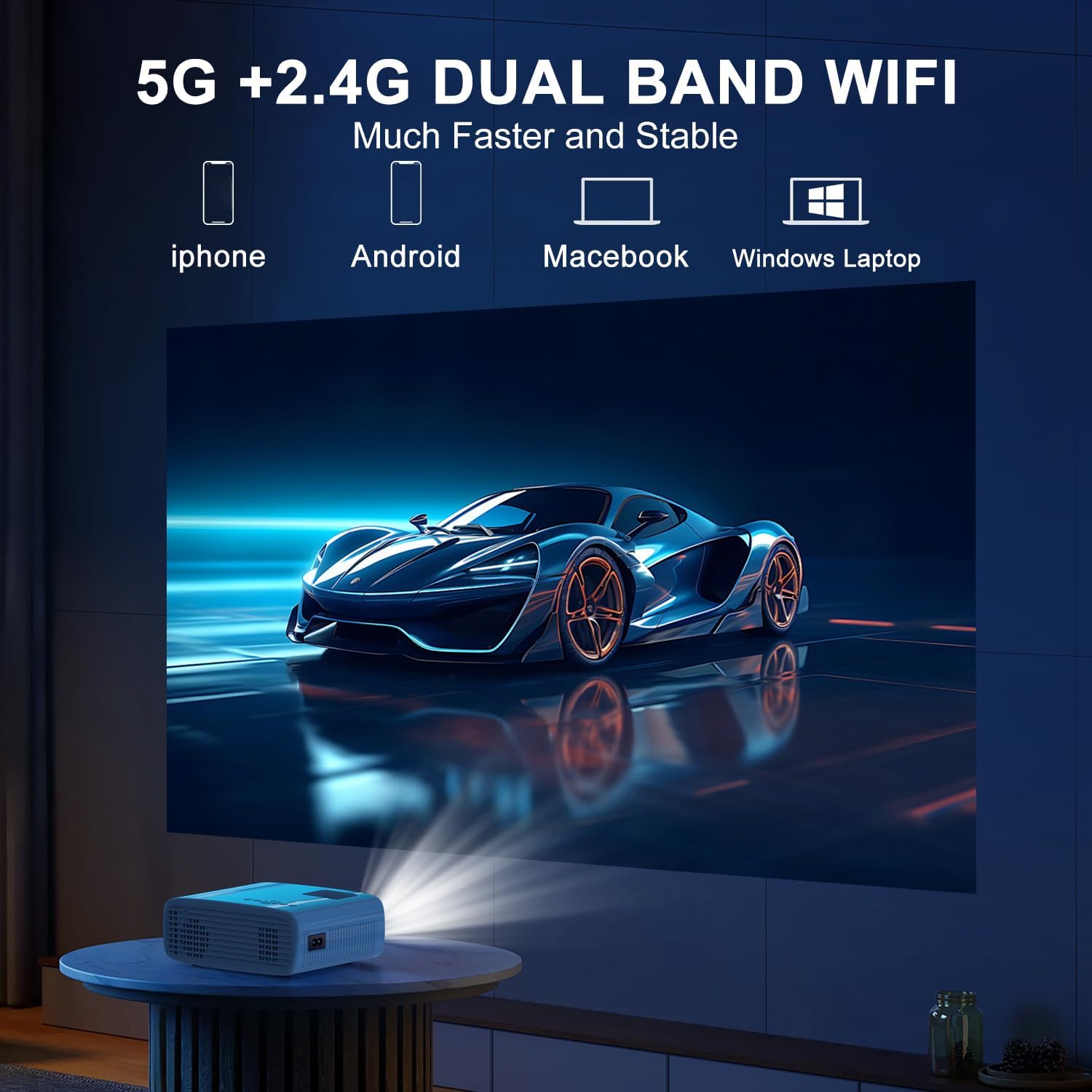
The projector supports 5G/2.4G dual-band WiFi for wireless screen mirroring from compatible smartphones, tablets, and laptops. Access the WiFi settings in the projector's menu to connect to your home network and initiate screen mirroring.

5.1.4 Conexão Bluetooth
The projector features two-way Bluetooth 5.2 technology. It can connect to external Bluetooth speakers or headphones for audio output. Additionally, it can function as a Bluetooth speaker itself, allowing you to connect your smartphone or tablet to play audio through the projector's built-in speakers.
Observação:
- Bluetooth does not support screen mirroring with your phone.
- When connecting to external Bluetooth speakers, ensure the speaker is in pairing mode.
5.2 Função Zoom
The projector includes a 100% to 50% zoom function, allowing you to adjust the screen size digitally without physically moving the projector. This feature is accessible through the projector's menu settings.
5.3 Menu de Navegação
Use the remote control to navigate through the projector's on-screen menu. The menu allows you to select input sources, adjust picture settings (brightness, contrast, color), sound settings, and other system configurations.
6. Manutenção
6.1 Limpeza
- Lente: Use the provided cleaning cloth or a soft, lint-free cloth to gently wipe the projector lens. Avoid abrasive materials.
- Exterior: Wipe the projector's exterior with a soft, dry cloth. Do not use liquid cleaners or solvents.
- Saídas de ar: Periodically check and clean the air vents to ensure proper airflow and prevent overheating.
6.2 Armazenamento
Quando não estiver em uso, guarde o projetor em local fresco e seco, longe da luz solar direta e de temperaturas extremas. Utilize a embalagem original ou uma capa protetora para evitar o acúmulo de poeira e danos.
7. Solução De Problemas
- Sem energia: Ensure the power cord is securely connected to both the projector and the power outlet. Check if the power outlet is functional.
- Sem imagem: Verify that the correct input source is selected in the projector's menu. Check all cable connections (HDMI, USB).
- Imagem desfocada: Adjust the focus ring on the projector until the image is clear. Ensure the projection distance is within the recommended range.
- Imagem não retangular: Use the keystone correction dial to adjust the image until it appears rectangular.
- Sem som: Check the volume settings on both the projector and the connected device. If using external speakers, ensure they are properly connected and powered on.
- Sound/Video Lag: For screen mirroring, ensure a stable WiFi connection. For wired connections, try a different cable or port. Note that Bluetooth does not support screen mirroring and may introduce slight audio delay with external speakers.
- Superaquecimento: Ensure the projector's air vents are not blocked. Operate the projector in a well-ventilated area.
8. Especificações
| Recurso | Especificação |
|---|---|
| Marca | EM TM |
| Modelo | B0DMW2G124 |
| Resolução de exibição | Resolução nativa 1920 x 1080 (1080P) |
| Tecnologia de Conectividade | 3.5mm Jack, Bluetooth 5.2, HDMI, USB, Wi-Fi (5G/2.4G) |
| Características especiais | 50%-100% Zoom, Built-In Cooling System, Two-way Bluetooth, Wi-Fi Ready |
| Usos recomendados | Jogos, Cinema em Casa |
| Peso do item | 2.51 libras |
| Dimensões da embalagem | 9.09 x 8.7 x 4.17 polegadas |
| Cor | Branco+Preto |
9. Garantia e Suporte
For warranty information or technical support, please refer to the warranty card included in your product packaging or contact TMY customer service directly. Contact details can typically be found on the official TMY website ou através da sua plataforma de compra.