1. Introdução e maisview
This manual provides essential information for the proper use, care, and maintenance of your BRINKS BB012 Laptop Backpack. Designed for versatility and durability, this backpack is suitable for various purposes including office, school, college, business, and travel. Please read this manual thoroughly to ensure optimal performance and longevity of your product.
Principais características:
- Design versátil: Functions as a laptop backpack, office bag, school bag, college bag, business bag, or travel backpack.
- Resistente à água: Constructed with water-resistant material to protect contents from light rain or spills.
- Armazenamento espaçoso: Accommodates laptops up to 16 inches (40.64 cm) with multiple compartments for organization.
- Transporte confortável: Features padded shoulder straps and a padded back panel for enhanced comfort during extended use.
- Construção durável: Built for long-lasting use and reliability.

Figura 1.1: Frente view of the BRINKS BB012 Laptop Backpack, showcasing its sleek design and front zipper pocket.
2. Configuração
Your BRINKS BB012 Laptop Backpack is designed for immediate use. Follow these steps for initial setup and adjustment:
- Desembalagem: Remove the backpack from its packaging. Inspect it for any signs of damage during transit.
- Ajuste da alça:
- Coloque a mochila nas costas.
- Adjust the shoulder straps using the buckles at the bottom of each strap. Pull the loose ends to tighten and lift the buckles to loosen.
- Ensure the backpack sits comfortably on your back, with the weight evenly distributed and the top of the backpack not extending significantly above your shoulders.
- Inspeção inicial: Open and close all zippers and compartments to ensure they function smoothly. Familiarize yourself with the various pockets and their capacities.

Figure 2.1: Proper fit of the backpack on a user's back, highlighting the comfortable strap placement.
3. Instruções de operação
The BRINKS BB012 Laptop Backpack is designed for ease of use and efficient organization.
3.1. Loading Your Backpack
- Compartimento para notebook: Place your laptop (up to 16 inches) in the dedicated padded compartment, typically located at the back of the main section. This helps protect your device from impacts.
- Compartimento Principal: Use for larger items such as books, binders, clothing, or other essentials. Distribute weight evenly to maintain balance and comfort.
- Bolsos frontais: Ideal for quick-access items like pens, notebooks, keys, or a phone.
- Bolsos laterais: Suitable for water bottles, umbrellas, or other items you need to grab easily.

Figura 3.1: Lado profile of the backpack, illustrating its capacity and various storage options.
3.2. Carrying the Backpack
- Always use both shoulder straps to distribute weight evenly and prevent strain on one side of your body.
- Ensure straps are adjusted so the backpack fits snugly against your back, preventing excessive swaying.
- For short distances, the top handle can be used for quick carrying.
4. Manutenção
Proper maintenance will extend the life of your BRINKS BB012 Laptop Backpack.
- Limpeza: Wipe the backpack with a dry cloth to remove dust and dirt. For stubborn spots, a slightly damp cloth with mild soap can be used, followed by wiping with a dry cloth. Do not machine wash or tumble dry.
- Secagem: If the backpack gets wet, allow it to air dry completely in a well-ventilated area, away from direct sunlight or heat sources.
- Armazenar: Store the backpack in a cool, dry place when not in use. Avoid storing heavy items inside for prolonged periods if the backpack is not supported.
- Cuidados com zíper: Periodically check zippers for any debris. If a zipper becomes stiff, a small amount of zipper lubricant or graphite from a pencil can be applied.
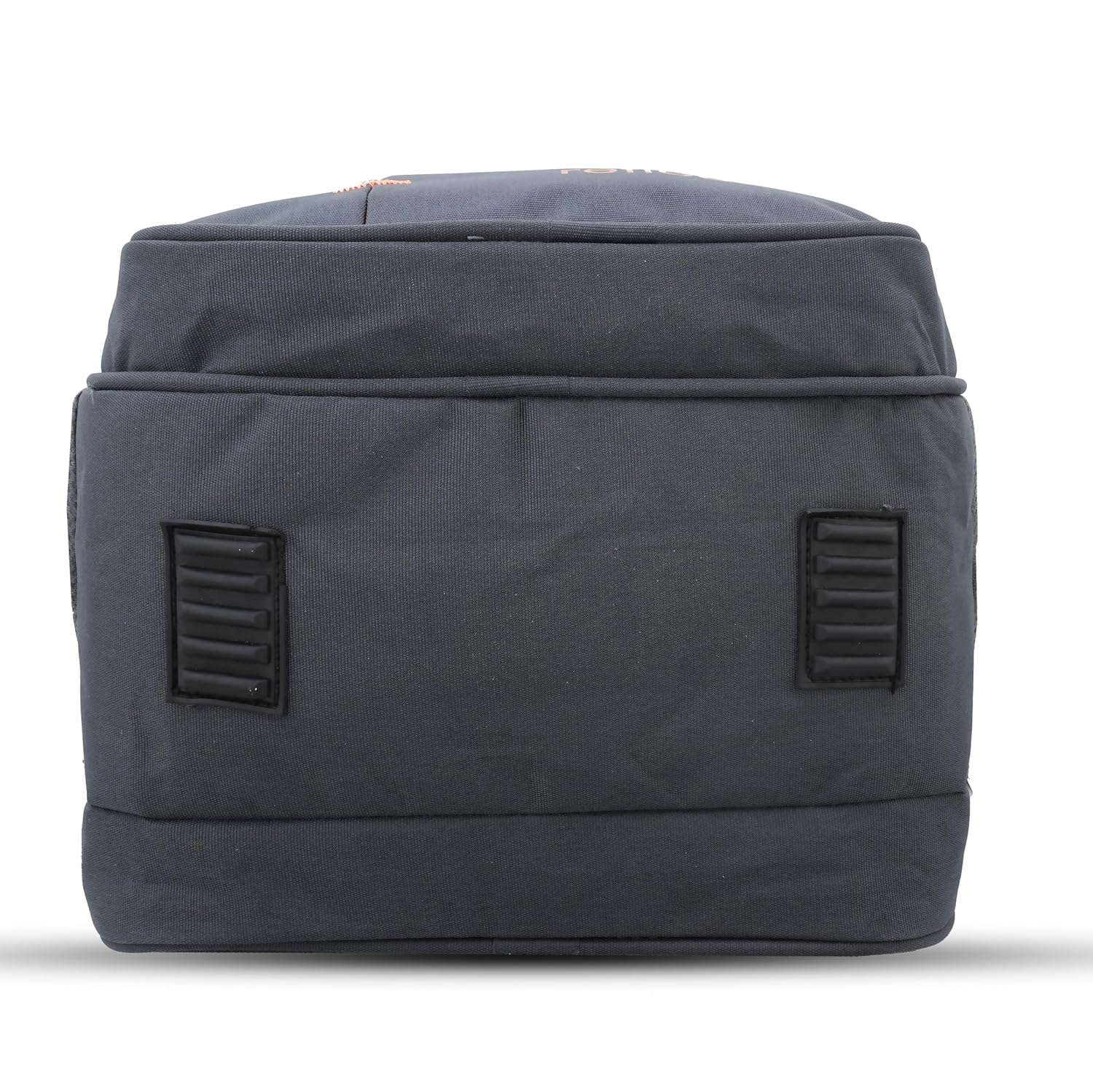
Figure 4.1: The reinforced bottom of the backpack, designed for durability and protection.
5. Solução De Problemas
This section addresses common issues you might encounter with your backpack.
| Problema | Possível causa | Solução |
|---|---|---|
| O zíper está emperrado ou difícil de mover. | Fabric caught in zipper, or zipper is dry/dirty. | Carefully pull fabric away. Apply a small amount of zipper lubricant or rub a pencil lead along the teeth. |
| Backpack feels uncomfortable or heavy. | Improper weight distribution or strap adjustment. | Redistribute contents to balance weight. Adjust shoulder straps to ensure a snug fit and proper load distribution. |
| Water resistance seems reduced. | Heavy rain exposure or wear over time. | The backpack is water-resistant, not waterproof. Avoid prolonged exposure to heavy rain. Consider applying a fabric protector spray suitable for backpack materials. |
6. Especificações
Detailed specifications for the BRINKS BB012 Laptop Backpack:
| Recurso | Detalhe |
|---|---|
| Nome do modelo | BB012 |
| Nome genérico | Mochila para laptop |
| Marca | BEIRAIS |
| Compatibilidade com Laptop | Até 16 polegadas (40.64 cm) |
| Material | Water-resistant fabric |
| Peso do item | 400 g |
| Dimensões do produto (CxLxA) | 21.6 x 31.7 x 48.3 centímetros (aproximadamente 8.5 x 12.5 x 19 polegadas) |
| Departamento | Unissex-adulto |
| Instruções de cuidados | Limpe com pano seco |
| Fabricante | Brinks |
| Data da primeira disponibilidade | 14 de novembro de 2024 |
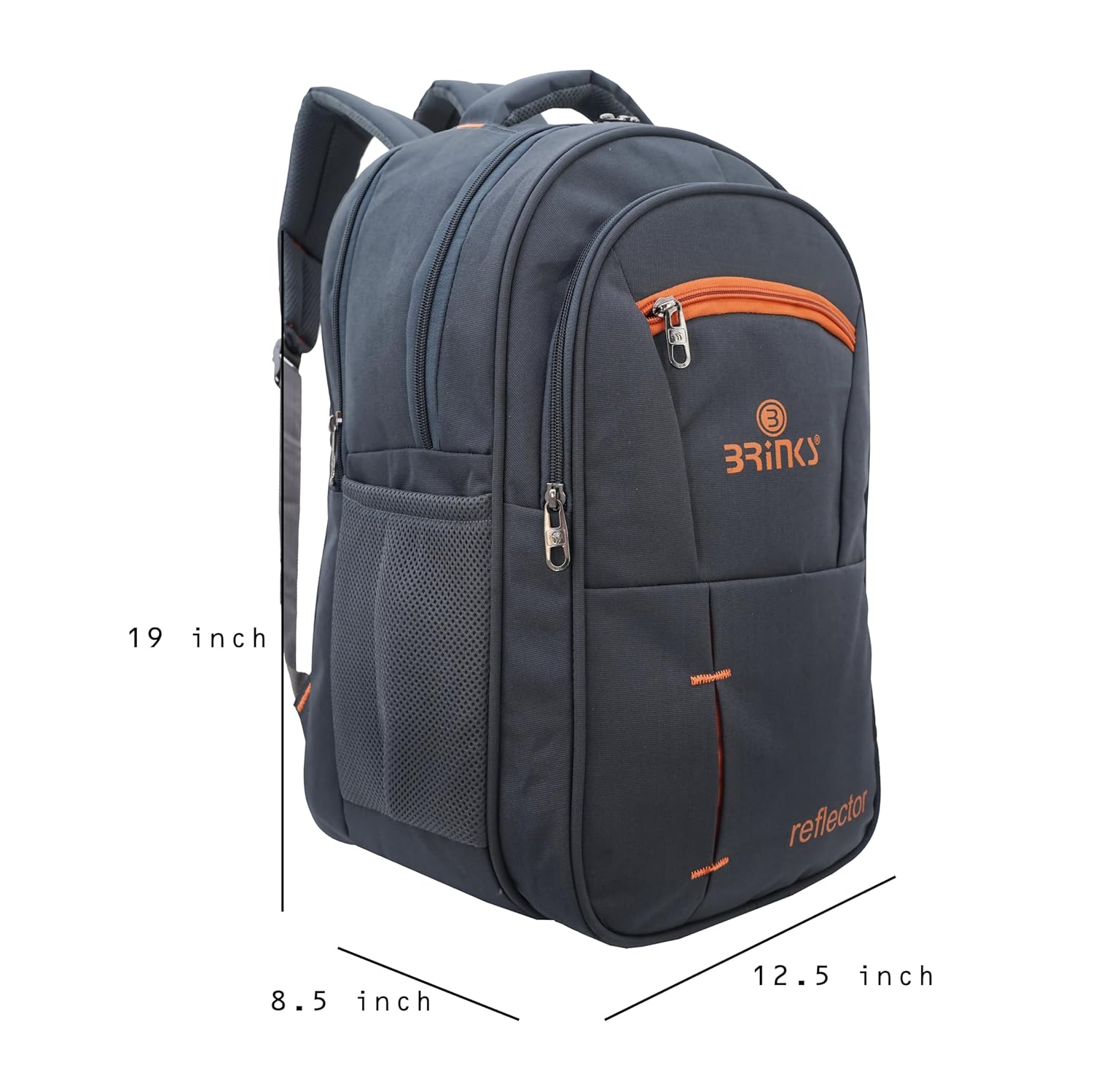
Figure 6.1: Dimensions of the BRINKS BB012 Laptop Backpack.
7. Garantia e Suporte
Your BRINKS BB012 Laptop Backpack comes with a limited warranty to ensure your satisfaction and product reliability.
- Período de garantia: Este produto está coberto por um Garantia de 6 meses a partir da data da compra.
- Cobertura: The warranty covers manufacturing defects in materials and workmanship under normal use. It does not cover damage caused by misuse, accidents, unauthorized modifications, or normal wear and tear.
- Processo de reivindicação: For warranty claims or support inquiries, please contact the manufacturer, Brinks, directly. Keep your proof of purchase for warranty validation.
- Contato do fabricante: For support, you may refer to the contact information provided at the point of purchase or on the product packaging.


