1. Produto acabadoview
The ShanWan Q37 Wireless Bluetooth Controller is a versatile gaming accessory designed for multi-platform compatibility. It offers a rich gaming experience with features like customizable buttons, macro functions, motion controls, linear motor vibration, and precise joysticks and triggers. This manual provides detailed instructions for setup, operation, and maintenance of your controller.

Imagem: Frente view of the ShanWan Q37 Wireless Bluetooth Controller in blue.
2. Configuração inicial
2.1 Carregando o controlador
Before first use, fully charge the controller. Connect the provided USB-C cable to the controller's charging port and the other end to a USB power source (e.g., computer, wall adapter). The indicator lights will show charging status and turn off when fully charged.
2.2 Instruções de emparelhamento
The ShanWan Q37 controller supports various platforms. Follow the specific pairing instructions for your device:
- Nintendo Switch/Switch 2: Turn on your Switch console. On the HOME Menu, select 'Controllers' > 'Change Grip/Order'. Press and hold the pairing button on the controller until the indicator lights flash rapidly. Once paired, the corresponding player LED(s) will light up.
- PC (Windows): Connect via Bluetooth in your PC's settings. Alternatively, connect directly using a USB-C cable for wired mode.
- Android/iOS/iPad/macOS: Enable Bluetooth on your device and search for 'ShanWan Q37'. Select it to pair.
- Convés a vapor: Follow standard Bluetooth pairing procedures for Steam Deck.
2.3 Firmware Update for Switch 2 Compatibility
For full compatibility with Switch 2 and to customize buttons, you may need to download the official 'Gamepad Space' software to upgrade the controller's firmware. Visit the official ShanWan website for the latest software version and instructions.
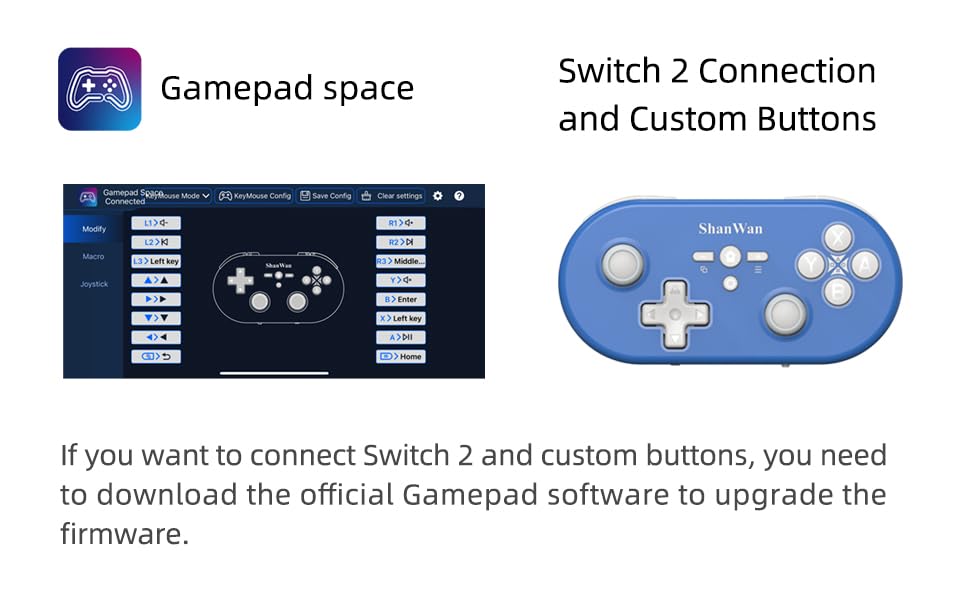
Image: Screenshot of the 'Gamepad Space' software interface for button customization and firmware updates, alongside the controller.
3. Instruções de operação
3.1 Layout e funções dos botões
The controller features standard gaming buttons including A/B/X/Y, D-pad, L/R, L2/R2, joysticks, and function buttons (e.g., Home, Share, Plus, Minus).
3.2 Three-Position Mode Switch
The controller is equipped with a three-position mode switch (X, S, P) allowing seamless switching between different platforms:
- X-block: For PC/Android/iOS Native Games.
- S-block: Para Nintendo Switch.
- P-block: For PS4 Console (Note: PS4 compatibility may require specific setup or adapter, refer to official website para detalhes).

Image: Diagram illustrating the three-position mode switch (X, S, P) and their corresponding platform functionalities.
3.3 Software Customization (Gamepad Space)
Download the official 'Gamepad Space' software to:
- Customize button mappings.
- Set macro functions for complex commands.
- Calibrate joysticks for optimal precision.
3.4 Funções especiais
- One-click Reconnection: Quickly reconnect to previously paired devices.
- Switch Screenshot: Dedicated button for capturing screenshots on Nintendo Switch.
4. Principais características
- Controle de movimento giroscópico de 6 eixos: Provides precise motion sensing for compatible games, enhancing immersive gameplay.
- Adjustable Dual Motor Vibration: Experience immersive haptic feedback with customizable vibration intensity.
- Customizable Buttons and Macros: Personalize your gaming experience by remapping buttons and setting up complex macro sequences via the 'Gamepad Space' software.
- Soft Rubber Non-slip Grip: Projetado para um manuseio confortável e seguro durante longas sessões de jogos.
- Botões de toque responsivos: Engineered for optimal tactile feedback and durability.

Image: Illustration of the 6-axis body gyroscope in action.

Image: Illustration of the dual motor vibration feature.
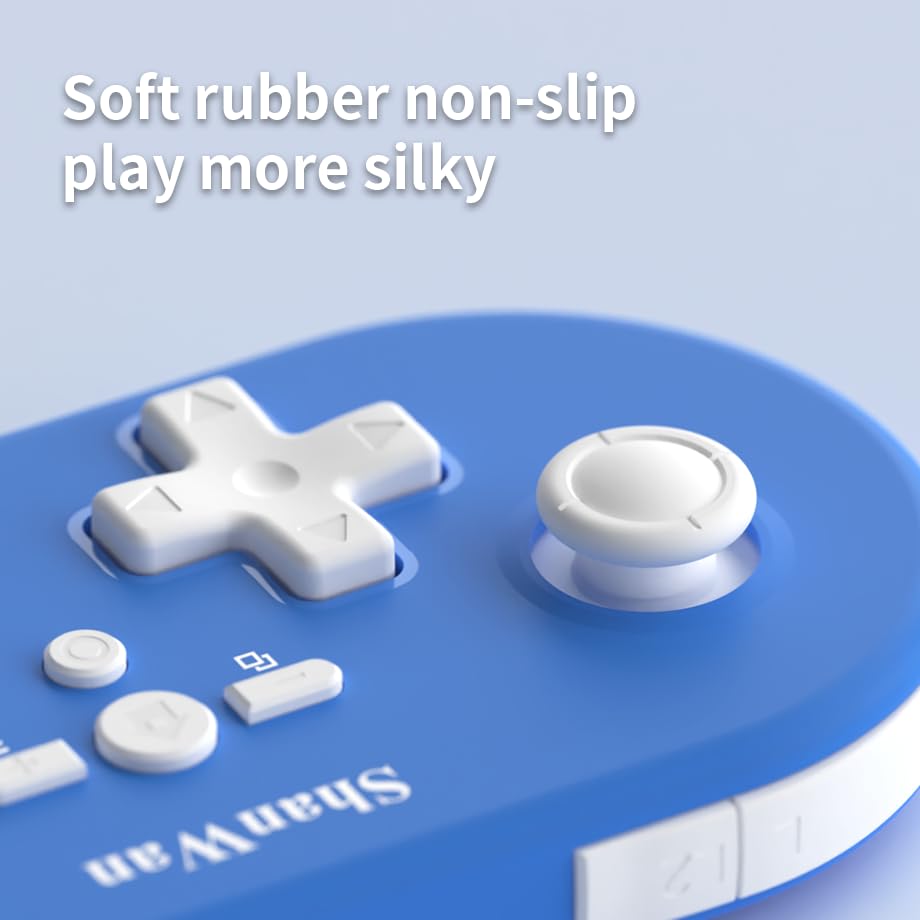
Imagem: Close-up view of the controller's joystick, highlighting the soft rubber non-slip material.
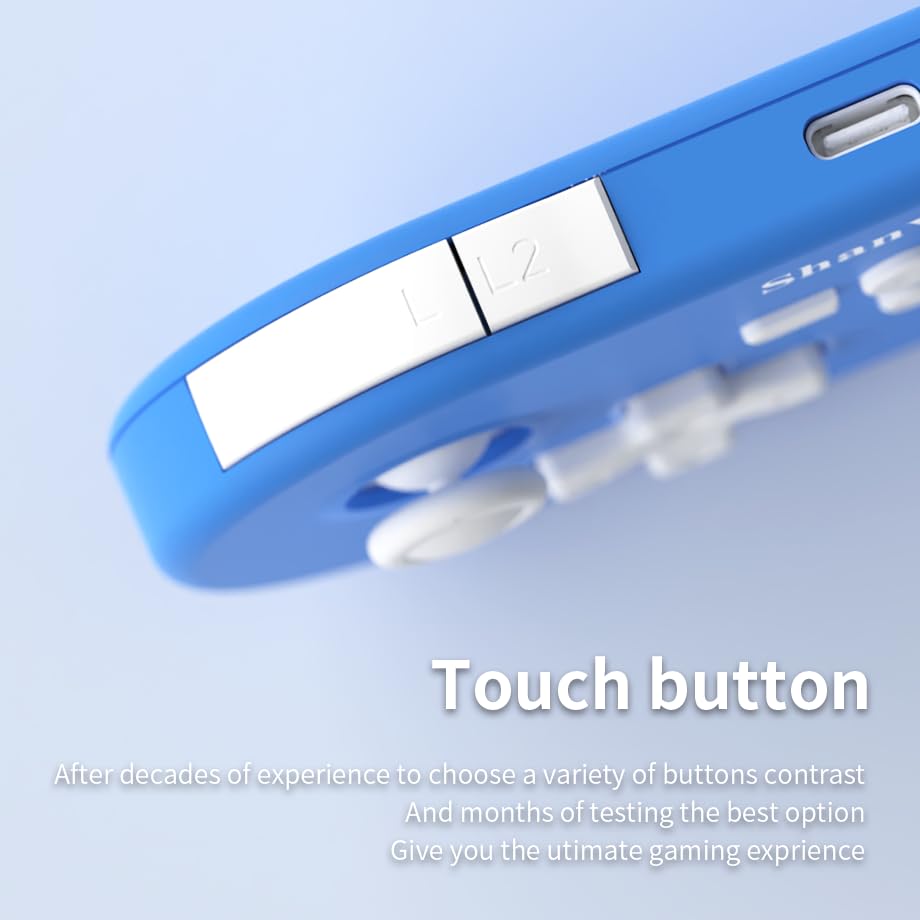
Imagem: Close-up view of the controller's L/L2 shoulder buttons, emphasizing their design.

Image: A visual summary of key features including 6-axis body gyroscope, one-touch reconnect/wake-up, one-touch pairing, one-touch screenshot, dual motor vibration, and Switch key printing.
5. Compatibilidade
The ShanWan Q37 controller is compatible with a wide range of gaming platforms:
- Nintendo Switch / Switch 2 / Switch Lite / Switch OLED
- Convés de vapor
- Computador (Windows)
- Dispositivos Android
- iPhone / iPad (iOS / iPadOS)
- dispositivos macOS
- PS4 Console (via P-block mode, specific setup may be required)
It supports simultaneous gameplay for up to 4 players on compatible systems.
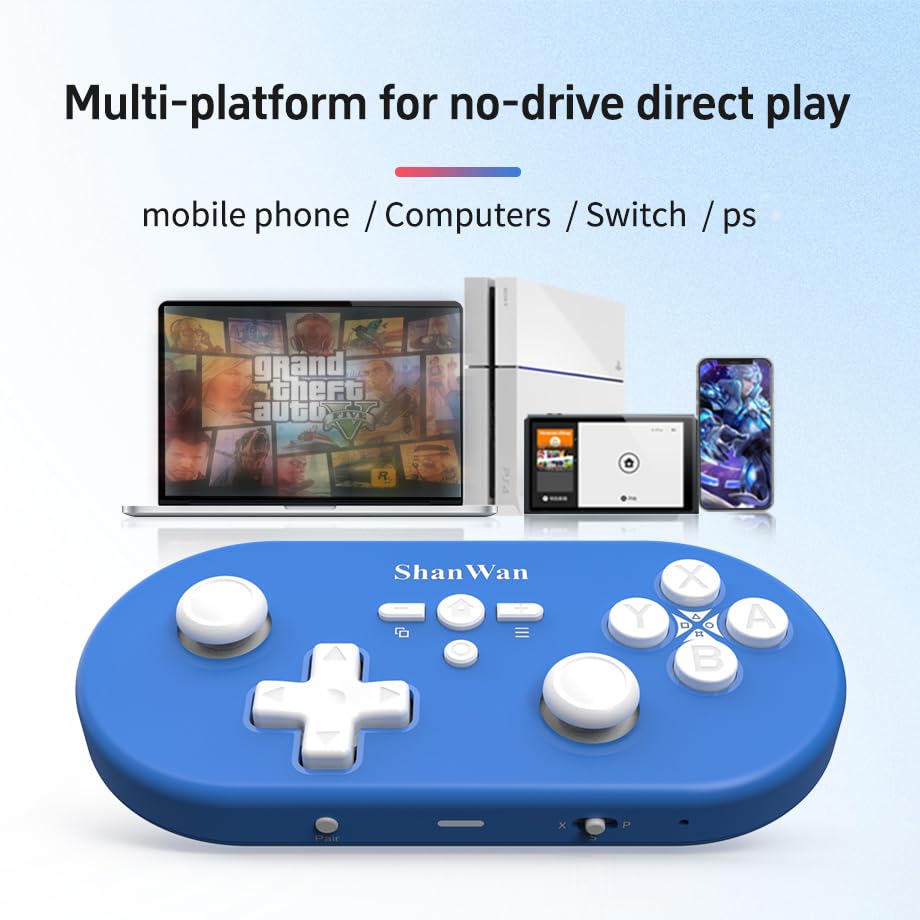
Image: Illustration showing the controller's compatibility with mobile phones, computers, Switch, and PS consoles.
6. Informações da bateria
The controller is equipped with a 500mAh large-capacity Lithium Polymer battery. This allows for extended play sessions and convenient portability. Battery life varies depending on usage and vibration settings.
Tempo de carregamento: Aproximadamente 2 a 3 horas para uma carga completa.
Tempo de operação: Up to 8-10 hours on a full charge (may vary).
7. Especificações técnicas
| Especificação | Detalhe |
|---|---|
| Número do modelo | Q37XSP |
| Conectividade | Wireless Bluetooth, USB-C (wired) |
| Capacidade da bateria | Polímero de lítio 500mAh |
| Dimensões do produto | 4.92 x 2.44 x 0.81 polegadas (12.5 x 6.2 x 2.05 cm) |
| Peso do item | 3.2 onças (90.7 gramas) |
| Controle de movimento | Giroscópio 6-axis |
| Vibração | Dual Motor Vibration (Adjustable) |

Image: Diagram showing the precise dimensions of the ShanWan Q37 controller.
8. Solução De Problemas
8.1 O controlador não está conectando/emparelhando
- Certifique-se de que o controle esteja totalmente carregado.
- Verify the correct mode (X, S, P) is selected for your device.
- Make sure Bluetooth is enabled on your device and no other devices are interfering.
- Try restarting both the controller and your gaming device.
- If issues persist, try resetting the controller (refer to manufacturer's website for reset procedure, usually a small pinhole button).
8.2 Atraso de entrada ou desconexões
- Ensure you are within the effective range of your Bluetooth device.
- Minimize wireless interference from other devices (Wi-Fi routers, other Bluetooth devices).
- Ensure the controller's firmware is up to date using the 'Gamepad Space' software.
8.3 Buttons/Joysticks Not Responding
- Calibrate joysticks and test button functionality using the 'Gamepad Space' software.
- Certifique-se de que não haja detritos presos ao redor dos botões ou joysticks.
- If using wired connection, try a different USB-C cable or port.
9. Cuidados e Manutenção
- Limpeza: Use um pano macio e seco para limpar o controle. Para sujeira mais difícil de remover, umedeça levemente o controle.ampLimpe o pano com água ou uma solução de limpeza suave. Evite produtos químicos agressivos ou materiais abrasivos.
- Armazenar: Guarde o controlador em local fresco e seco, longe da luz solar direta e de temperaturas extremas.
- Cuidados com a bateria: Não exponha a bateria a altas temperaturas nem tente desmontá-la. Carregue o controlador regularmente, mesmo quando não estiver em uso, para manter a saúde da bateria.
- Evite quedas: Proteja o controlador contra choques físicos e quedas, que podem danificar os componentes internos.
10. Garantia e Suporte
For warranty information, technical support, or further assistance, please visit the official ShanWan webou entre em contato com o serviço de atendimento ao cliente. Guarde o comprovante de compra como prova de aquisição.
Loja oficial ShanWan: https://www.amazon.com/stores/ShanWan/page/C625C726-C0DE-4DFB-8E9B-4AA41A6E200C


