Introdução
This manual provides essential information for the setup, operation, and maintenance of your Incase Modern Mobile Mouse. Designed for portability and precision, this wireless Bluetooth mouse is compatible with Windows 8, 10, 11, and Mac OS 10.7+ devices.
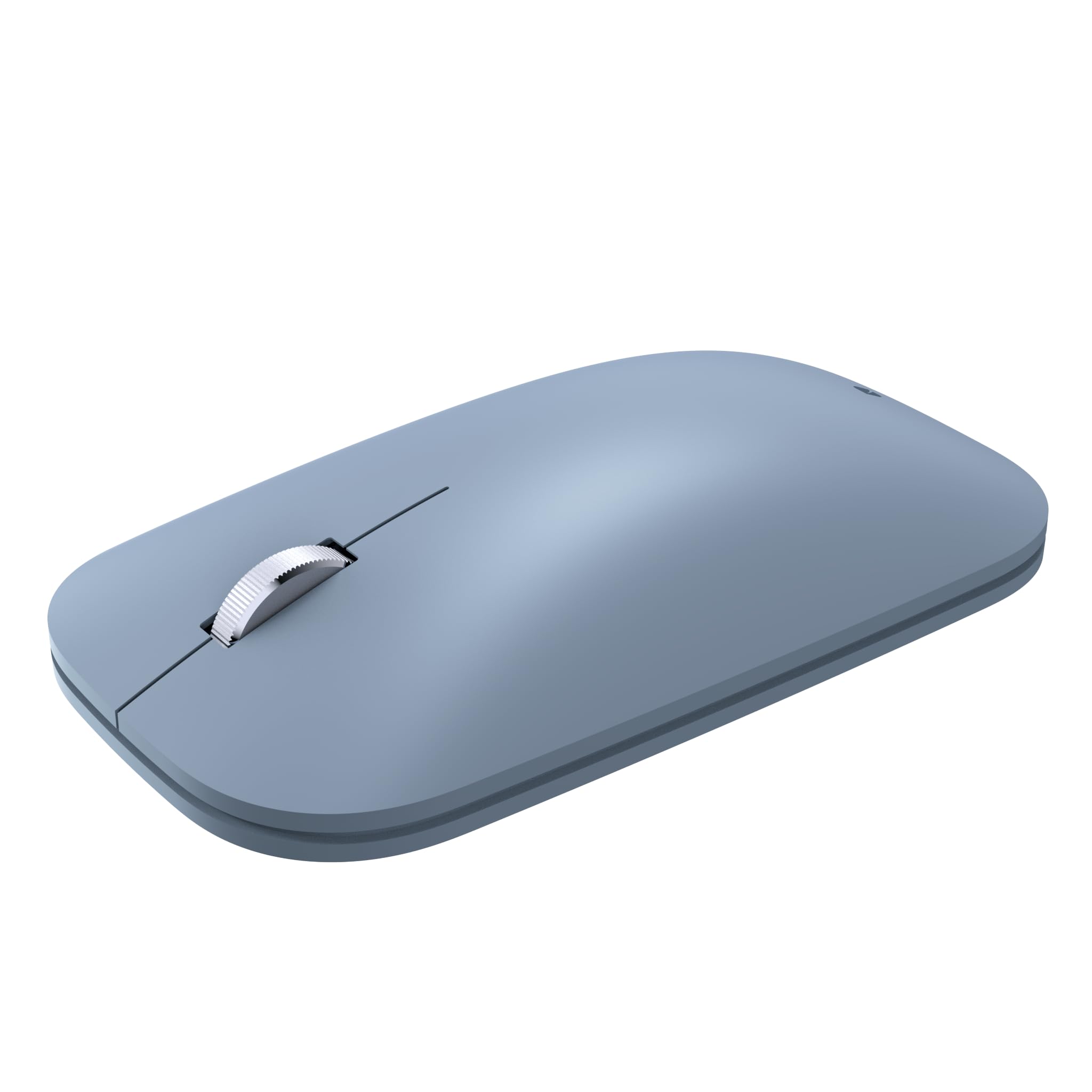
Image: The Incase Modern Mobile Mouse, showcasing its sleek, low-profile design in Ice Blue.
Principais características
- Design fino e leve: Offers precise navigation without the bulk, ideal for on-the-go use.
- Smooth and Comfortable Scrolling: Provides a streamlined scrolling experience for enhanced productivity.
- Liberdade sem fio: Utilizes wireless connectivity for a minimalist workspace and easy transport.
- Conexão Bluetooth perfeita: Connects wirelessly to Windows 11 Home/Pro, Windows 10 PC, and Mac OS 10.7+ devices via Bluetooth.
- Tecnologia BlueTrack: Combines optical power with laser precision for tracking on nearly any surface.

Image: Diagram highlighting key features of the Incase Modern Mobile Mouse, including its low-profile design, metal scroll wheel, Bluetooth pairing, and BlueTrack Technology.
Configurar
1. Instale as baterias
- Localize o compartimento da bateria na parte inferior do mouse.
- Deslize a tampa da bateria aberta.
- Insira duas pilhas AAA, certificando-se da polaridade correta (+/-).
- Feche a tampa da bateria com segurança.

Image: The underside of the Incase Modern Mobile Mouse, displaying the battery compartment and power switch.
2. Power On and Pair via Bluetooth
- Ligue o mouse usando o botão liga/desliga localizado na parte inferior.
- No seu computador ou dispositivo, navegue até as configurações de Bluetooth.
- Ative o Bluetooth e procure por novos dispositivos.
- Select "Incase Modern Mobile Mouse" from the list of available devices to pair.
- Siga as instruções na tela para concluir o processo de pareamento.
Instruções de operação
Funções básicas
- Clique esquerdo: Press the left side of the mouse button to select items or activate functions.
- Clique com o botão direito: Press the right side of the mouse button to open context menus or access additional options.
- Rodinha do mouse: Roll the metal scroll wheel up or down to navigate through documents and web páginas.
- Tecnologia BlueTrack: The mouse utilizes BlueTrack Technology for precise tracking on a wide variety of surfaces, excluding clear glass or mirrored surfaces.
Manutenção
Substituição da bateria
When the mouse performance degrades or it stops responding, it may be time to replace the batteries. Follow the steps in the 'Install Batteries' section under Setup to replace the two AAA batteries. Average battery life is approximately 6 months, but may vary based on usage.
Limpeza
Para limpar o mouse, limpe suavemente a parte externa com um pano macio e seco.amp cloth. Avoid using harsh chemicals or abrasive materials. Ensure the mouse is powered off before cleaning.
Solução de problemas
- O mouse não responde: Ensure the mouse is powered on and has fresh batteries. Re-establish the Bluetooth connection by unpairing and re-pairing the device in your computer's Bluetooth settings.
- Conexão intermitente: Move the mouse closer to your device. Ensure there are no other devices causing interference. Check for updated Bluetooth drivers on your computer.
- Rastreamento impreciso: Ensure the surface you are using is suitable for BlueTrack Technology (avoid clear glass or mirrored surfaces). Clean the optical sensor on the underside of the mouse.
Especificações
| Marca | Em caso |
| Nome do modelo | Incase Modern Mobile Mouse |
| Número da peça | KTF-00104 |
| Compatibilidade do sistema operacional | Windows 8, 10, 11, Mac OS 10.7+ |
| Plataforma de Hardware | Mac, PC |
| Tecnologia de Conectividade | Bluetooth |
| Tecnologia de detecção de movimento | Laser (BlueTrack Technology) |
| Número de botões | 3 |
| Fonte de energia | Alimentado por pilhas (2 pilhas AAA incluídas) |
| Vida média da bateria | 6 meses (pode variar) |
| Tipo de material | Plástico |
| Orientação das mãos | Ambidestro |
| Dimensões do produto | 13.46 x 8.89 x 0.25 cm; 90.72 g |

Image: Dimensions of the Incase Modern Mobile Mouse, showing its length (4.2 in), width (2.4 in), and height (1.0 in).
Garantia e Suporte
The Incase Modern Mobile Mouse comes with a 1-year limited warranty.
For customer service and support, please contact Incase:
- E-mail: support@incase.com
- Toll-Free Phone (US): 1 (888) 893-1638 (Monday - Friday / 6am - 5pm PST)
- Toll-Free Phone (UK): +44 2081962428
- Toll-Free Phone (HK): +852 30509024


