1. Introdução
This manual provides detailed instructions for the safe and effective use of your ClokoWe Mini Projector T800. Please read this manual thoroughly before operating the device and retain it for future reference.
Informações de segurança
- Não olhe diretamente para a lente do projetor quando a lente estiver ligada.amp está ligado.
- Garanta ventilação adequada ao redor do projetor para evitar superaquecimento.
- Mantenha o projetor longe de água ou outros líquidos.
- Use apenas o adaptador de energia fornecido com o dispositivo.
- Não tente desmontar ou reparar o projetor por conta própria. Entre em contato com o suporte ao cliente para obter assistência.
2. Conteúdo da embalagem
Verifique se todos os itens estão presentes na embalagem:
- ClokoWe Mini Projector T800
- Cabo HDMI
- Controle remoto
- Cabo de alimentação
- Manual do usuário (este documento)
3. Produto acabadoview
Familiarize-se com os componentes e recursos do projetor.
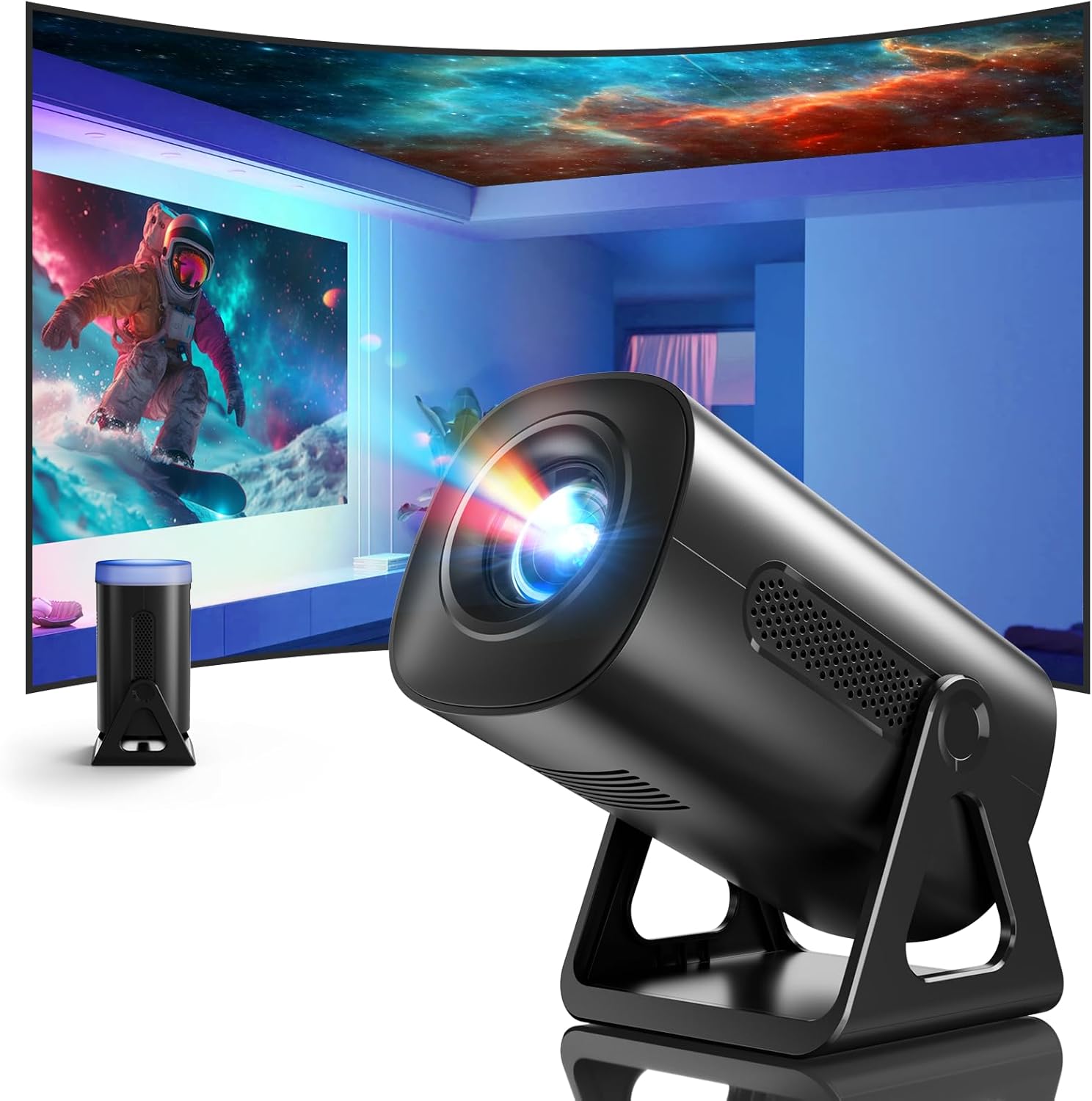
Imagem 3.1: Frente view of the ClokoWe Mini Projector T800, showcasing its compact design and projection capability.
Principais características:
- Native 1080p Resolution with 4K Support
- 270° Rotatable Stand for flexible projection angles
- Integrated Star Projector with 6 Galaxy Projection Modes and 7 Ambient Night Light Colors
- Dual Band WiFi 6 (2.4G/5G) for stable wireless connectivity
- Bluetooth 5.2 HiFi Speaker for enhanced audio
- Automatic Keystone Correction and 50%-100% Zoom function
- Multiple connectivity options: USB, HDMI, AV, Audio

Image 3.2: Dimensions and weight of the projector, highlighting the 270-degree rotatable stand.
4. Configuração
4.1 Conexão de Energia
- Conecte o cabo de alimentação à porta de entrada de energia do projetor.
- Conecte a outra extremidade do cabo de alimentação a uma tomada elétrica padrão.
- A luz indicadora de energia acenderá.
4.2 Posicionamento e Ajuste
The 270° rotatable stand allows for flexible placement and projection.

Image 4.1: The projector's 270-degree rotation feature, enabling projection onto walls, floors, or ceilings.
- Posicionamento: Coloque o projetor sobre uma superfície estável e plana.
- Ajuste de ângulo: Rotate the projector body on its stand to achieve the desired projection angle (up to 270 degrees).
- Foco: Use o anel de foco na lente do projetor para ajustar a nitidez da imagem.
- Correção Keystone: The projector features automatic keystone correction. If the image appears trapezoidal, the device will automatically adjust it to a rectangular shape. Manual adjustments may also be available in the settings menu.

Image 4.2: Demonstration of automatic keystone correction and image zoom capabilities.
5. Instruções de operação
5.1 Inicialização Inicial
- Pressione o botão liga/desliga no projetor ou no controle remoto.
- The projector will start up and display the main interface.
5.2 Conectividade
The projector supports various input sources and wireless connections.

Imagem 5.1: Terminadoview of supported device connections via HDMI, USB, and Audio interfaces.
5.2.1 WiFi Connection (Dual Band WiFi 6)
- Acesse o menu 'Configurações' no projetor.
- Selecione 'Rede' ou 'Configurações de Wi-Fi'.
- Escolha a rede Wi-Fi de 2.4 GHz ou 5 GHz desejada na lista.
- Digite a senha e conecte-se.

Image 5.2: Demonstrating Dual Band WiFi 6 connectivity and wired screen mirroring with a smartphone.
5.2.2 Conexão Bluetooth (Bluetooth 5.2)
- Acesse 'Configurações' e selecione 'Bluetooth'.
- Ative o Bluetooth e procure por dispositivos disponíveis.
- Selecione seu alto-falante ou fone de ouvido Bluetooth na lista para emparelhar.

Image 5.3: The projector's Bluetooth 5.2 capability for connecting to external audio devices.
5.2.3 HDMI/USB/AV Connection
- Connect your device (e.g., laptop, TV stick, game console) to the corresponding HDMI, USB, or AV port on the projector.
- Select the correct input source from the projector's main menu using the remote control.
5.3 Projection Modes (Star Projector & Night Light)
The projector includes integrated ambient lighting features.

Image 5.4: The projector's ability to display 7 night light colors and 6 galaxy projection modes.
- Projeção Galáctica: Access the 'Star Projector' or 'Galaxy Modes' option in the menu to select from 6 different galaxy patterns.
- Luz ambiente noturna: With the lens cover on, select from 7 ambient light colors to use the projector as a night light.
5.4 Ajuste de Imagem
- Função de zoom: Adjust the projection size from 50% to 100% via the projector's menu settings.
- Qualidade da foto: The projector supports native 1080p resolution and 4K input. Ensure your source content is of high quality for the best viewexperiência.
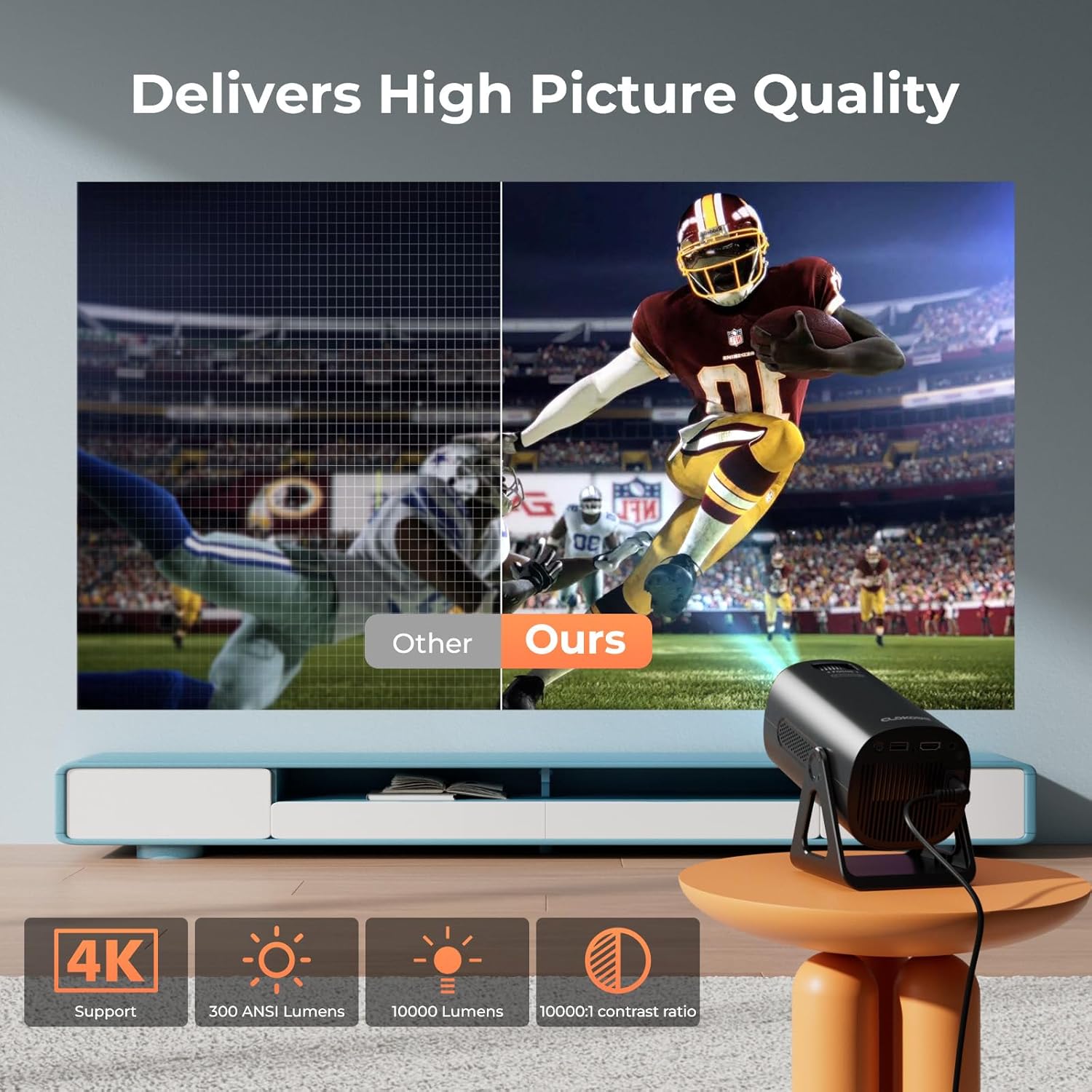
Image 5.5: Visual comparison of picture quality, emphasizing 4K support and brightness specifications.
6. Manutenção
- Limpeza de lentes: Use um pano macio e sem fiapos, próprio para lentes ópticas, para limpar delicadamente a lente do projetor. Não use produtos de limpeza abrasivos.
- Remoção de poeira: Regularly clean the projector's vents with a soft brush or compressed air to prevent dust buildup, which can affect performance and lifespan.
- Armazenar: Quando não estiver em uso por longos períodos, guarde o projetor em local fresco e seco, de preferência em sua embalagem original ou em uma caixa protetora.
- Desligar: Always power off the projector correctly and allow it to cool down before unplugging or moving it.
7. Solução De Problemas
Problemas e soluções comuns:
- Sem energia:
• Ensure the power cord is securely connected to both the projector and the power outlet.
• Check if the power outlet is functional. - Sem imagem/sinal:
• Verify that the correct input source (HDMI, USB, AV) is selected in the projector's menu.
• Check the connection cables between the projector and the source device.
• Ensure the source device is powered on and outputting a signal. - Imagem desfocada:
• Adjust the focus ring on the projector lens.
• Ensure the projection surface is flat and the projector is stable.
• Check if the lens is clean. - A imagem é trapezoidal:
• The automatic keystone correction should adjust this. If not, check for manual keystone adjustment options in the settings. - Sem som:
• Check the volume settings on both the projector and the source device.
• If using Bluetooth, ensure the external speaker/headphones are properly paired and connected.
• If using HDMI, ensure the audio output is correctly configured on the source device. - Problemas de conexão Wi-Fi/Bluetooth:
• Ensure the projector is within range of the WiFi router or Bluetooth device.
• Restart the projector and the network device.
• Re-enter WiFi passwords carefully.
8. Especificações
| Recurso | Especificação |
|---|---|
| Número do modelo | T800 |
| Resolução de exibição | 1280 x 720 (Native 1080p, 4K Support) |
| Tecnologia de Conectividade | Entrada de 3.5 mm, Bluetooth 5.2, HDMI, USB, Wi-Fi 6 (2.4 GHz/5 GHz) |
| Recurso especial | Portable, 270° Rotatable Stand, Star Projector, Ambient Night Light, Auto Keystone Correction, Zoom |
| Usos recomendados | Negócios, Educação, Jogos, Cinema em Casa |
| Peso do item | 2.38 libras |
| Dimensões da embalagem | 9.13 x 6.69 x 5.28 polegadas |
9. Garantia e Suporte
ClokoWe products are designed for reliability and performance. For warranty information, technical support, or service inquiries, please refer to the warranty card included in your package or visit the official ClokoWe website. Please have your model number (T800) and purchase details ready when contacting support.


