Introdução
The Joyroom JR-JH1 Wireless Bluetooth Headphones with Active Noise Cancellation are designed to provide high-quality audio, advanced noise cancellation, and exceptional comfort. With a sleek, foldable design and long-lasting battery, these headphones are suitable for various environments, including home, office, and travel. Enjoy an immersive audio experience with the JR-JH1, featuring intuitive controls and powerful 40mm drivers.
Conteúdo da embalagem
- Joyroom JR-JH1 Wireless Bluetooth Headphones
- Manual do usuário
- Almofadas auriculares (pré-instaladas)
- Charging Cable (USB-C, not explicitly listed but implied for charging)
- Travel Case (implied from description)
Produto acimaview
Familiarize yourself with the components of your Joyroom JR-JH1 headphones.
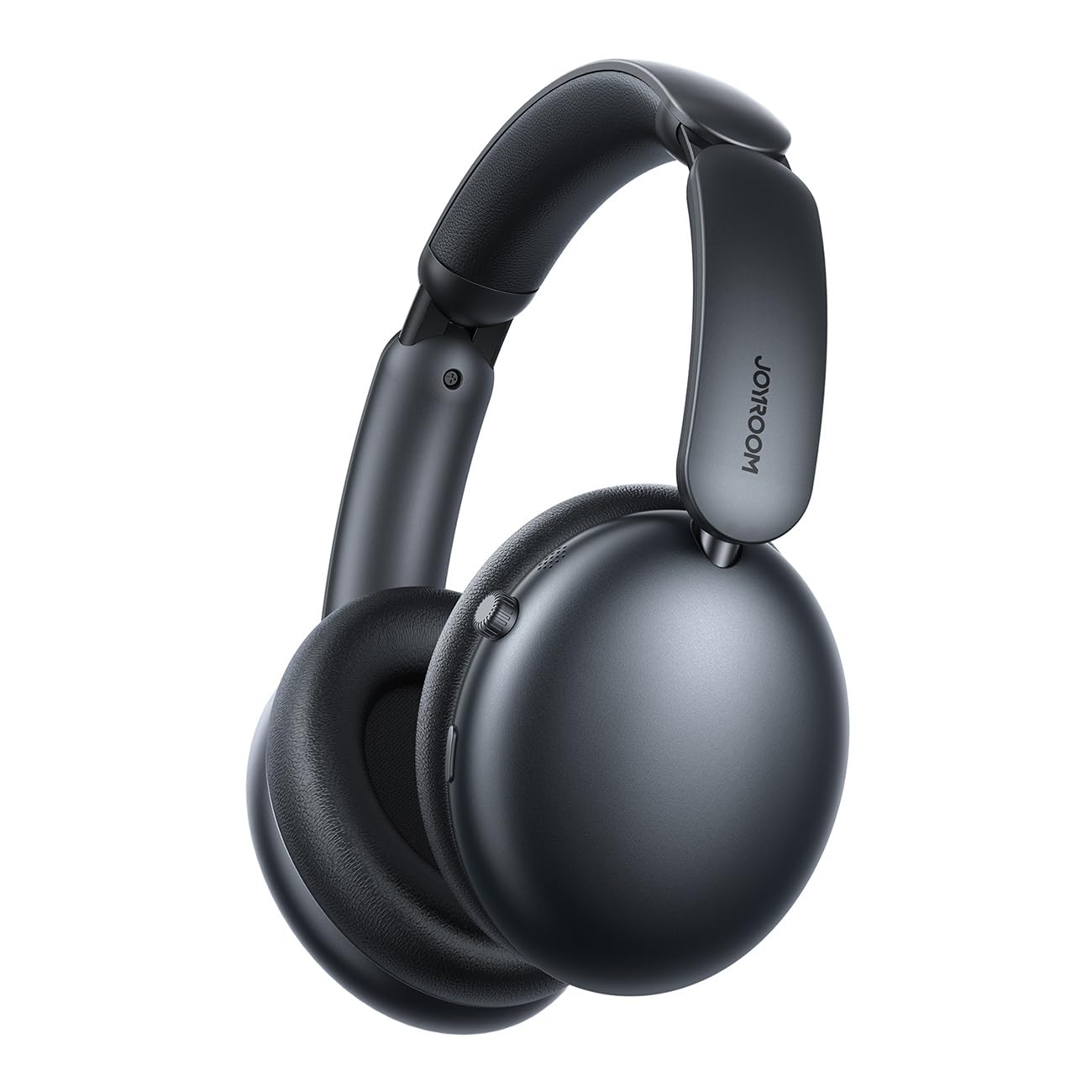
Figura 1: Frente view of the Joyroom JR-JH1 headphones, showcasing os fones de ouvido e a faixa de cabeça ajustável.
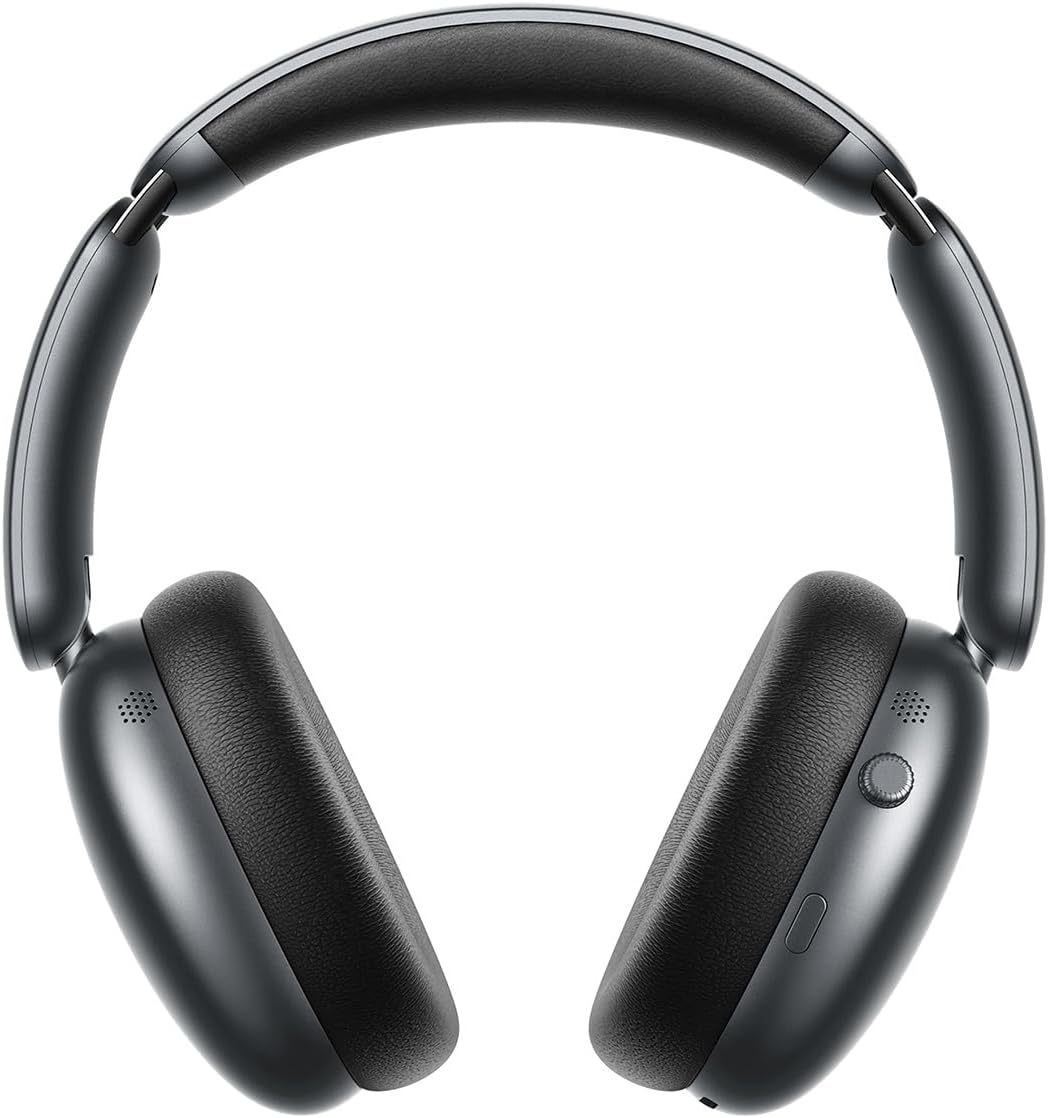
Figura 2: Lado view of the Joyroom JR-JH1 headphones, highlighting the digital crown and other control buttons on the earcup.

Figura 3: Fundo view of the Joyroom JR-JH1 headphones, illustrating the charging port and any auxiliary input ports.
The headphones feature soft memory foam ear cushions and an automatically adjustable headband for extended comfort. The foldable design allows for easy portability and storage in the included travel case.
Configurar
1. Carregando os fones de ouvido
Before first use, fully charge your headphones. A full charge takes approximately 1.5 to 2 hours.
- Connect the charging cable to the charging port on the headphones (refer to Figure 3 for port location).
- Conecte a outra extremidade do cabo a uma fonte de alimentação USB (por exemplo, adaptador de parede, porta USB do computador).
- The LED indicator will show charging status (e.g., red for charging, blue/off for fully charged).
2. Emparelhamento Bluetooth
Pair your headphones with your device to enable wireless audio.
- Certifique-se de que os fones de ouvido estejam carregados e desligados.
- Press and hold the Power button (usually located on one of the earcups) until the LED indicator flashes rapidly (e.g., blue and red alternately), indicating pairing mode.
- On your device (smartphone, tablet, laptop, etc.), go to Bluetooth settings and turn Bluetooth on.
- Procurar available devices. Select "JR-JH1" from the list.
- Após a conexão, o indicador LED nos fones de ouvido normalmente exibirá uma luz azul fixa ou piscará lentamente.
The headphones use Bluetooth 5.4 for a stable and efficient connection. They are compatible with desktop computers, tablet computers, laptops, mobile phones, and game controllers.
Instruções de operação
Ligar/Desligar
- Ligar: Pressione e mantenha pressionado o botão Liga/Desliga por aproximadamente 3 segundos até que o indicador LED acenda.
- Desligar: Pressione e mantenha pressionado o botão Liga/Desliga por aproximadamente 5 segundos até que o indicador LED se apague.
Reprodução de música
- Reproduzir/Pausar: Pressione o botão multifuncional (geralmente o botão liga/desliga ou um botão dedicado de reprodução/pausa).
- Aumentar/diminuir volume: Rotate the digital crown upwards to increase volume, downwards to decrease volume.
- Próxima faixa: Pressione duas vezes o botão multifuncional.
- Faixa anterior: Pressione três vezes o botão multifuncional.
Gestão de Chamadas
- Atender/encerrar chamada: Pressione o botão multifuncional uma vez.
- Rejeitar chamada: Pressione e segure o botão multifuncional por 2 segundos.
Cancelamento de ruído ativo (ANC)
The JR-JH1 features Hybrid Active Noise Cancellation, reducing ambient noise by up to -40dB.
- Ativar/Desativar ANC: Press the dedicated ANC button (refer to product diagram for location). The LED indicator for ANC will illuminate when active.
- Modo de transparência: Some models may feature a transparency mode. If available, a short press of the ANC button might cycle through ANC On, Transparency Mode, and ANC Off.
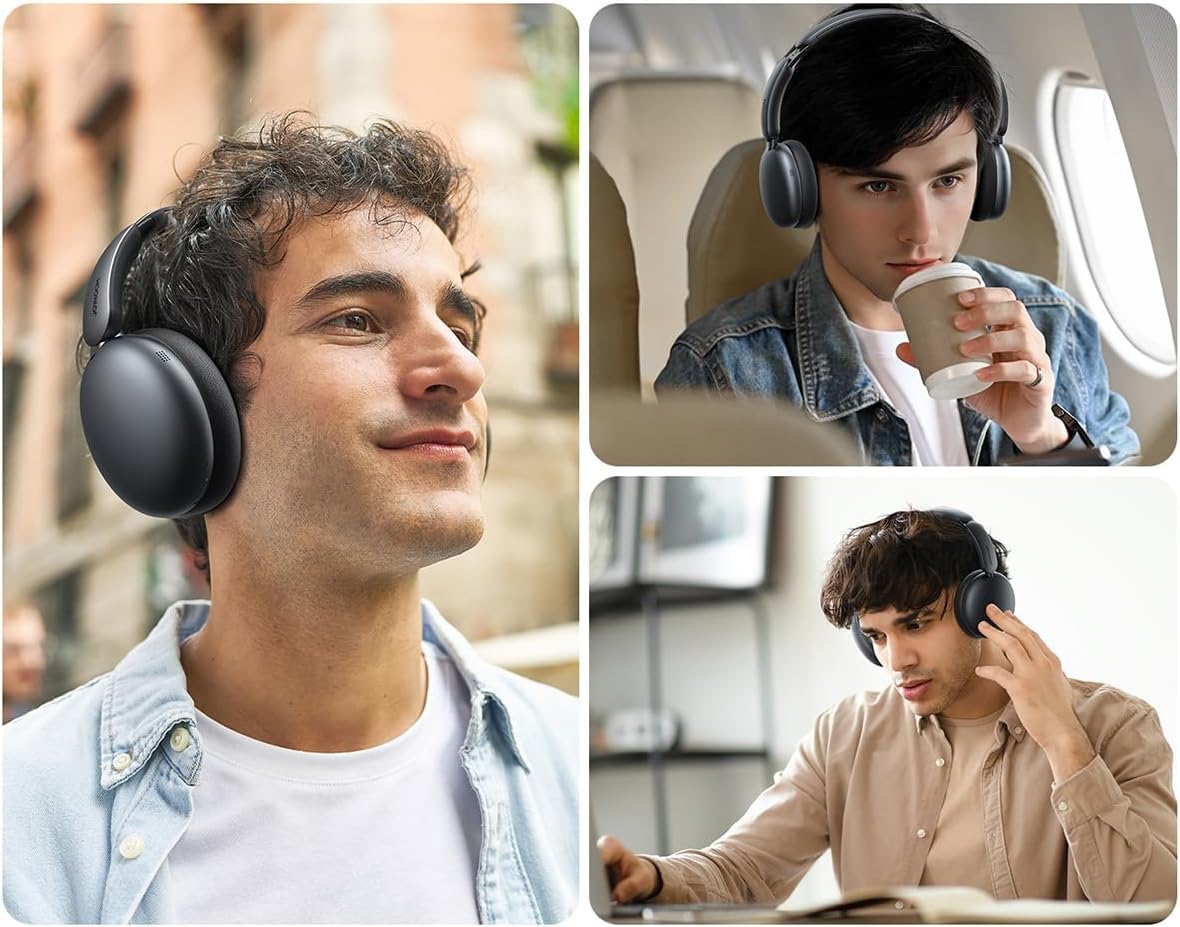
Figura 4: Explodiu view illustrating the internal components, including the 40mm drivers and ANC technology.
Manutenção
Limpeza
- Use a soft, dry cloth to clean the exterior of the headphones.
- Para limpar as almofadas auriculares, passe um pano levemente umedecido.amp Limpe o pano e deixe secar completamente ao ar livre antes de usar. Não utilize produtos químicos agressivos ou materiais abrasivos.
Armazenar
- When not in use, store the headphones in their travel case to protect them from dust and damage.
- Evite armazenar em temperaturas extremas ou alta umidade.
Solução de problemas
| Problema | Possível causa | Solução |
|---|---|---|
| Os fones de ouvido não ligam. | Bateria fraca. | Carregue os fones de ouvido completamente. |
| Nenhum som. | Not paired, volume too low, device issue. | Ensure headphones are paired. Increase headphone and device volume. Check device audio output settings. |
| Não foi possível emparelhar com o dispositivo. | Headphones not in pairing mode, device Bluetooth off, interference. | Put headphones in pairing mode. Ensure device Bluetooth is on. Move closer to the device. Turn off other Bluetooth devices. |
| O ANC não é eficaz. | ANC not activated, improper fit. | Ensure ANC is turned on. Adjust headphones for a snug fit over your ears. |
Especificações
| Recurso | Detalhe |
|---|---|
| Modelo | JR-JH1 |
| Tecnologia de Conectividade | Sem fio |
| Comunicação sem fio | Bluetooth 5.4 |
| Controle de Ruído | Cancelamento de ruído ativo híbrido (até -40dB) |
| Motoristas | 40 mm |
| Impedância | 32 Ohm |
| Sensibilidade | 110 dB |
| Resposta de frequência | 2480 MHz |
| Tempo de carregamento | Aproximadamente 1.5 a 2 horas |
| Duração da bateria (modo normal) | Até 120 horas |
| Duração da bateria (modo ANC) | Até 70 horas |
| Tipo de controle | Button Control, Digital Crown |
| Colocação da orelha | Sobre a orelha |
| Material | Acrilonitrila Butadieno Estireno (ABS) |
| Peso do item | 234 gramas |
| Nível de resistência à água | Não resistente à água |
| Dimensões do produto | 19.6 x 18.26 x 8 cm |
| Fabricante | Sala de Alegria |
| País de origem | China |
Informações de segurança
- Não exponha os fones de ouvido a temperaturas extremas, umidade ou líquidos.
- Evite ouvir em volumes altos por longos períodos para evitar danos auditivos.
- Não tente desmontar ou modificar os fones de ouvido. Isso pode anular a garantia e causar danos.
- Mantenha fora do alcance de crianças.
Garantia e Suporte
For warranty information and customer support, please refer to the warranty card included in your product packaging or visit the official Joyroom website. Guarde o recibo de compra como comprovante para solicitações de garantia.


