1. Introdução
Thank you for choosing the Portronics Conch Kappa Wired Earphones. These earphones are designed to provide a high-quality audio experience with powerful sound and convenient in-line controls. This manual provides instructions for proper setup, operation, maintenance, and troubleshooting to ensure optimal performance and longevity of your device.
Conteúdo da embalagem
- 1N Wired Earphone (Portronics Conch Kappa)
2. Produto acabadoview
The Portronics Conch Kappa earphones feature a 3.5mm audio jack for universal compatibility, 14.2mm dynamic drivers for powerful audio, and an in-line HD microphone with control buttons for easy management of music and calls.

Image: Portronics Conch Kappa Wired Earphones, showing the earbuds and the 3.5mm jack.
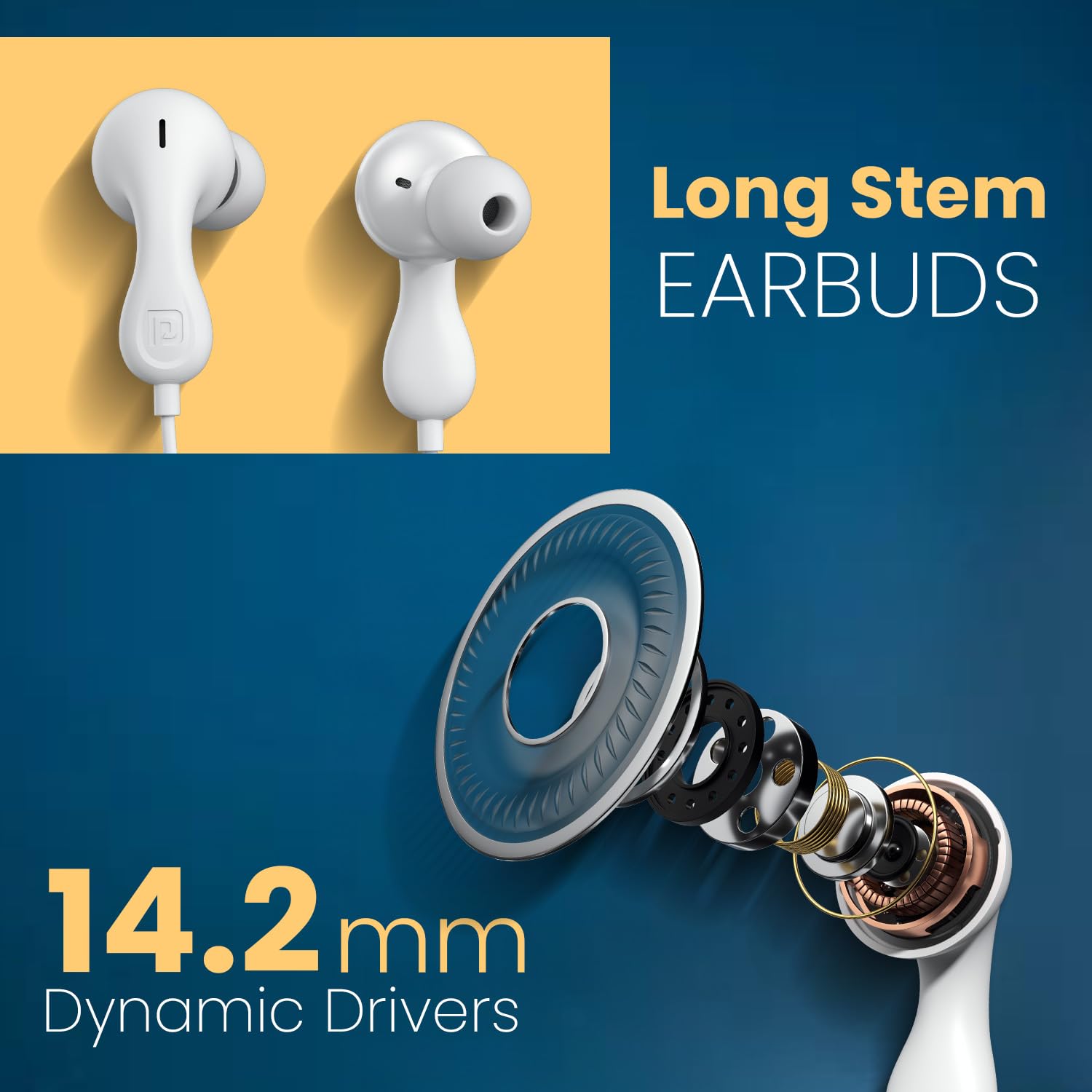
Image: Close-up of the long stem earbuds and an exploded view of the 14.2mm dynamic driver components.
Principais características
- Drivers dinâmicos de 14.2 mm: For deep bass and clear audio.
- Built-in HD Mic with Control Button: Para chamadas em modo mãos-livres e controle de música.
- Conector de áudio de 3.5 mm: Ensures wide compatibility with various devices.
- Ergonomic Earbud Design: Proporciona um ajuste seguro e confortável.
- TPE Anti-Tangle Wire: Durable and flexible cable material.
3. Configuração
Connecting the Earphones
- Locate the 3.5mm audio jack on your device (smartphone, laptop, tablet, PC).
- Insert the 3.5mm connector of the Portronics Conch Kappa earphones firmly into the audio jack.
- Ensure the connection is secure for optimal sound transmission.

Image: The 3.5mm AUX audio jack connected to a smartphone, illustrating wide compatibility with laptops, phones, and tablets.
Usando os fones de ouvido
- Gently insert the earbuds into your ears. The unique ergonomic design is intended for a comfortable and secure fit.
- Adjust the position until the sound is clear and the fit is snug, but not uncomfortable.
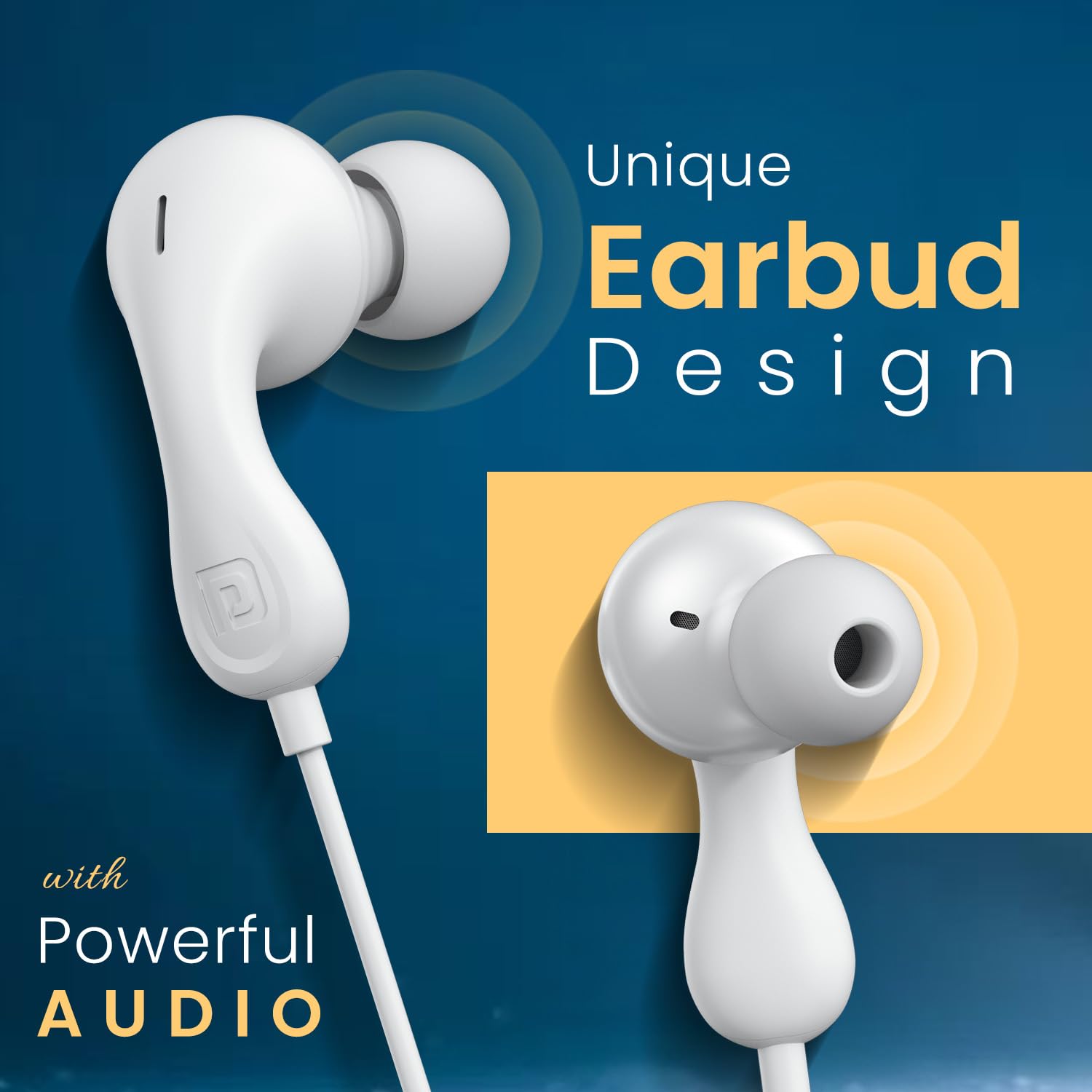
Image: Close-up of the unique earbud design, highlighting its shape for comfortable wear.
4. Instruções de operação
Controles In-Line
The earphones feature an in-line remote with buttons to manage audio playback and calls.

Image: Diagram illustrating the functions of the in-line control buttons, including volume up/down, play/pause, answer/end/reject call, and next track.
- Aumentar o volume: Pressione o botão '+'.
- Volume baixo: Pressione o botão '-'.
- Reproduzir/Pausar Música: Pressione o botão central uma vez.
- Próxima faixa: Pressione o botão central duas vezes rapidamente.
- Atender/encerrar chamada: Press the center button once during an incoming or active call.
- Rejeitar chamada: Long press the center button during an incoming call.
Using the HD Microphone
The integrated HD microphone is positioned to capture your voice clearly during calls.

Image: A person using the earphones, highlighting the in-line HD microphone's position for clear voice capture.
5. Manutenção
Limpeza
- Wipe the earbuds and cable with a soft, dry cloth.
- Não use produtos químicos fortes ou produtos de limpeza abrasivos.
- Ensure no moisture enters the earphone drivers or the 3.5mm jack.
Armazenar
- Store the earphones in a clean, dry place when not in use.
- Evite temperaturas extremas.
- Do not wrap the cable too tightly to prevent damage. The TPE cable is designed to be anti-tangle, but proper storage extends its life.
6. Solução De Problemas
| Problema | Possível causa | Solução |
|---|---|---|
| Sem som ou volume baixo |
|
|
| Microfone não funciona |
|
|
| Controles que não respondem |
|
|
7. Especificações
| Recurso | Detalhe |
|---|---|
| Nome do modelo | Conch Kappa |
| Número do modelo | POR-2930 |
| Tecnologia de Conectividade | Com fio |
| Tipo de driver de áudio | Driver Dinâmico |
| Tamanho do driver | 14.2 mm |
| Entrada para fones de ouvido | 3.5 mm Jack |
| Colocação da orelha | No ouvido |
| Método de controle | Remote (In-line) |
| Material | ABS Plastic (earbuds), TPE (cable) |
| Dispositivos compatíveis | Smartphones, Laptops, Tablets, PCs |
| Peso do item | 40 gramas |
| Dimensões do produto (CxLxA) | 7 x 7 x 2 centímetros |
| País de origem | China |
| Componentes incluídos | 1N Wired Earphone |
8. Garantia e Suporte
Informações de garantia
Portronics products are covered by a limited warranty against manufacturing defects. Please refer to the warranty card included with your purchase or visit the official Portronics website para obter termos e condições detalhados da garantia.
Suporte ao cliente
For any technical assistance, product inquiries, or warranty claims, please contact Portronics customer support:
- E-mail: help@portronics.com
- Telefone: +91 9555-245-245
- Endereço do fabricante: Portronics Digital Pvt Ltd, Primeiro Andar, Imóvel nº D 8, Subsolo Superior, Setor 8, Noida, Uttar Pradesh 201301


