1. Introdução
This manual provides detailed instructions for the installation, operation, and maintenance of your PGST A519W-EU-H Wireless Home Alarm System. This system is designed to enhance your home security with real-time monitoring and alerts, offering peace of mind through its comprehensive features and smart home compatibility.
2. Conteúdo da embalagem
Verifique se todos os componentes estão presentes no seu pacote:
- 1 x PGST A519W-EU-H Alarm Host (Siren)
- 8 sensores de porta/janela
- 2 detectores de movimento
- 2 x Controles remotos
- Mounting Accessories (adhesive tape, screws)
- Adaptador de energia para central de alarme

Imagem: Acimaview of the PGST A519W-EU-H Wireless Home Alarm System components, including the siren, motion sensors, door/window sensors, and remote controls.
3. Componentes do sistema
3.1 Alarm Host (Siren)
The alarm host serves as the central unit of your security system. It connects to your Wi-Fi network, emits a loud siren when triggered, and sends notifications to your mobile application. It features a built-in backup battery for continuous operation during power outage.

Image: Close-up of the PGST siren with icons indicating its features: >100dB volume, real-time alarm, quick response, built-in backup battery.

Image: Diagram showing the internal structure of the siren with its backup battery, emphasizing 24-hour protection during power cuts.
3.2 Door/Window Sensors
These two-part sensors detect when a door or window is opened. When the two parts separate by more than 1 cm, an alarm is triggered, and a notification is sent to your phone.
3.3 Motion Detectors
Motion detectors use infrared technology to sense movement within their detection range. They are ideal for securing larger areas or entry points.
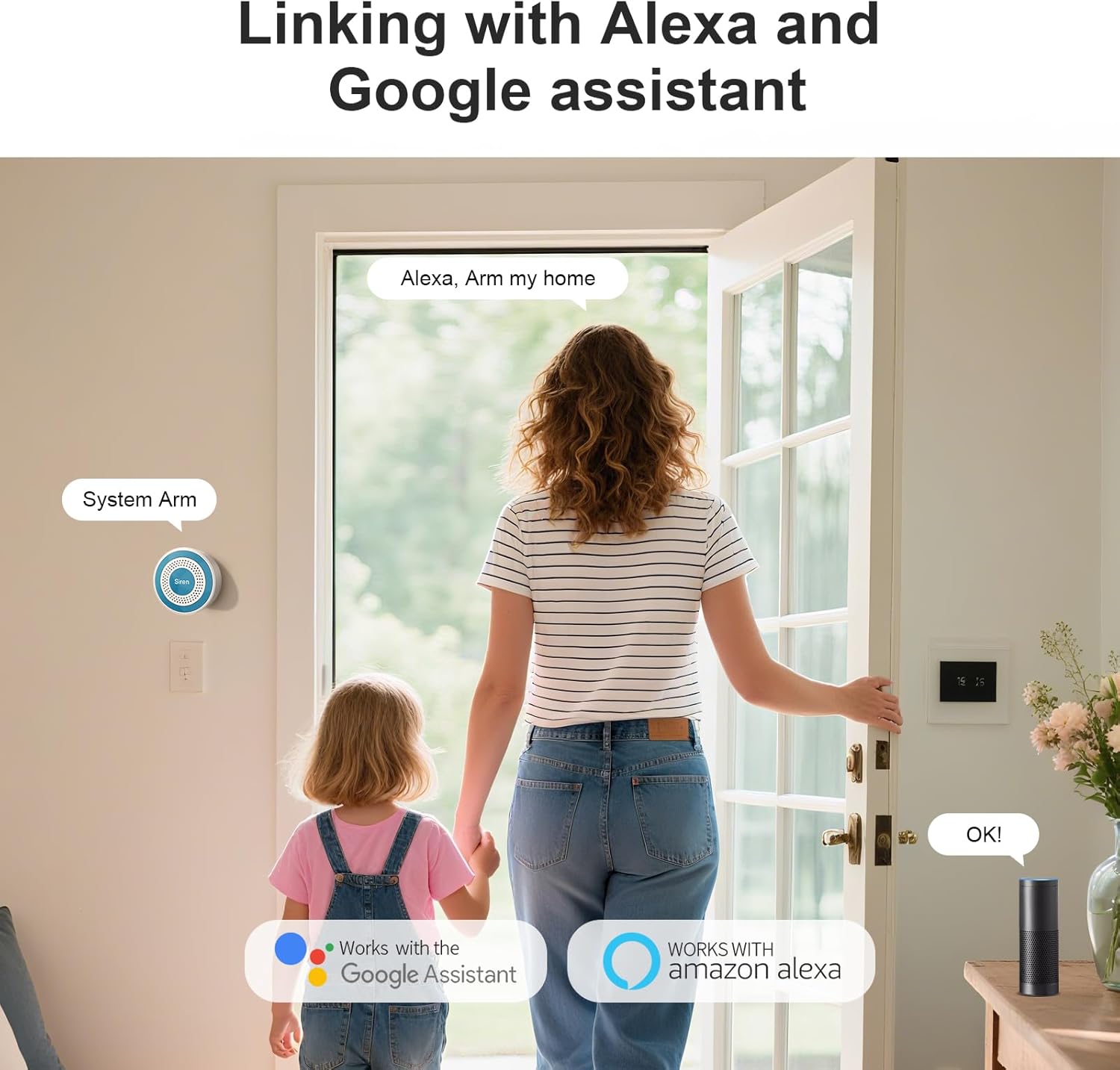
Image: A motion detector mounted in a hallway, detecting a person, illustrating its wide-range detection capability.
3.4 controles remotos
The remote controls allow for convenient arming, disarming, and an emergency SOS function with a single press.
4. Guia de configuração
4.1 Powering the Alarm Host
- Connect the provided power adapter to the alarm host.
- Plug the adapter into a standard wall outlet. The host will power on automatically.
4.2 Conectando-se ao Wi-Fi e ao aplicativo
- Baixe o Vida Inteligente or Tuya Inteligente app from your mobile app store (iOS or Android).
- Registre-se ou faça login na sua conta.
- Follow the in-app instructions to add a new device. Select 'Security & Sensor' > 'Alarm (Wi-Fi)'.
- Ensure your mobile device is connected to a 2.4 GHz Wi-Fi network. The alarm host only supports 2.4 GHz Wi-Fi.
- Digite sua senha do Wi-Fi quando solicitado.
- The app will guide you through the pairing process. Once connected, the host's indicator light will confirm successful pairing.

Image: The PGST siren mounted on a wall next to a Wi-Fi router, indicating instant Wi-Fi connectivity for remote access.
4.3 Pairing Sensors and Remotes
Sensors and remote controls are typically pre-paired with the alarm host. If re-pairing is needed or if you add new accessories:
- Open the Smart Life/Tuya Smart app and navigate to your alarm system.
- Select the option to 'Add Accessory' or 'Add Sensor'.
- Follow the on-screen prompts, which usually involve triggering the sensor (e.g., separating door sensor parts, waving in front of motion detector) or pressing a button on the remote control.
4.4 Mounting Sensors
Use the provided adhesive tape or screws for installation.
- Sensores de porta/janela: Mount the two parts on the door/window frame and the moving part, ensuring they are aligned and within 1 cm of each other when closed.
- Detectores de movimento: Install in a corner or on a wall where it can cover the desired area without obstructions. Avoid direct sunlight or heat sources.

Image: Three images demonstrating multi-scenario installation of door/window sensors on a door, a store entrance, and drawers.
5. Instruções de operação
5.1 Armar e Desarmar
You can arm or disarm your system using the mobile app or the remote controls.
- Braço: Activates all sensors. Any triggered sensor will sound the siren and send an alert.
- Desarmar: Deactivates all sensors, allowing free movement without triggering the alarm.
- Braço Home: Activates perimeter sensors (e.g., door/window sensors) while allowing movement within the home (motion detectors may be excluded, depending on configuration).
5.2 Emergency SOS Function
In an emergency, press the SOS button on your remote control. This will immediately trigger the siren and send emergency notifications to linked contacts via the app.
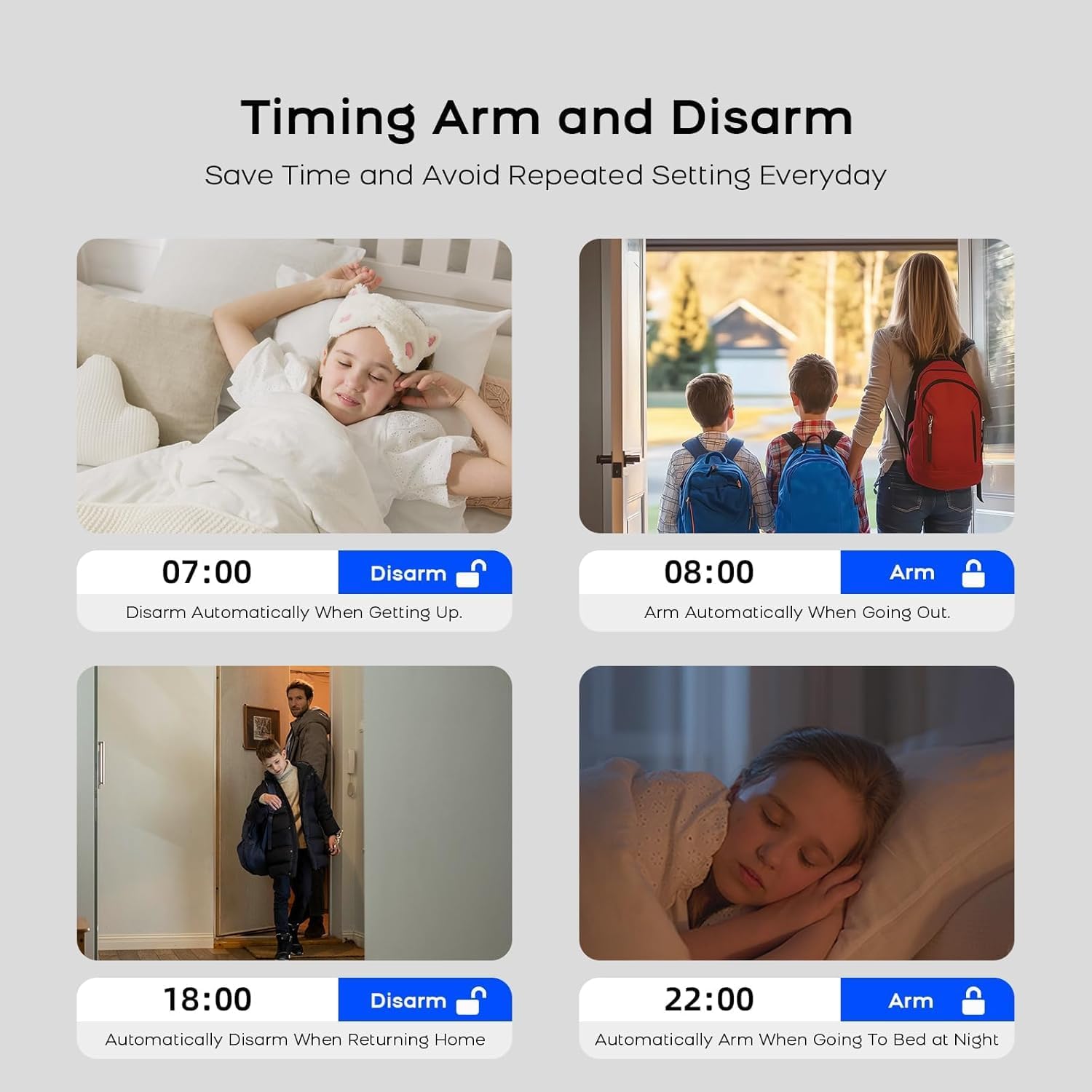
Image: An elderly person holding a remote control with a prominent SOS button, demonstrating the one-button emergency function.
5.3 Alertas em tempo real
When a sensor is triggered, the system sends instant notifications to your smartphone via the Smart Life/Tuya Smart app, providing details about the triggered sensor and its location.

Image: A smartphone displaying the Smart Life app with real-time alarm notifications, showing the exact location of triggered sensors.
5.4 Integração com Casa Inteligente
The PGST A519W-EU-H system is compatible with Amazon Alexa and Google Assistant. You can integrate your alarm system into your smart home routines for voice control and automation.
- Enable the Smart Life/Tuya Smart skill/action in your Alexa or Google Home app.
- Link your Smart Life/Tuya Smart account.
- Use voice commands such as "Alexa, arm my home" or "Hey Google, disarm the alarm."
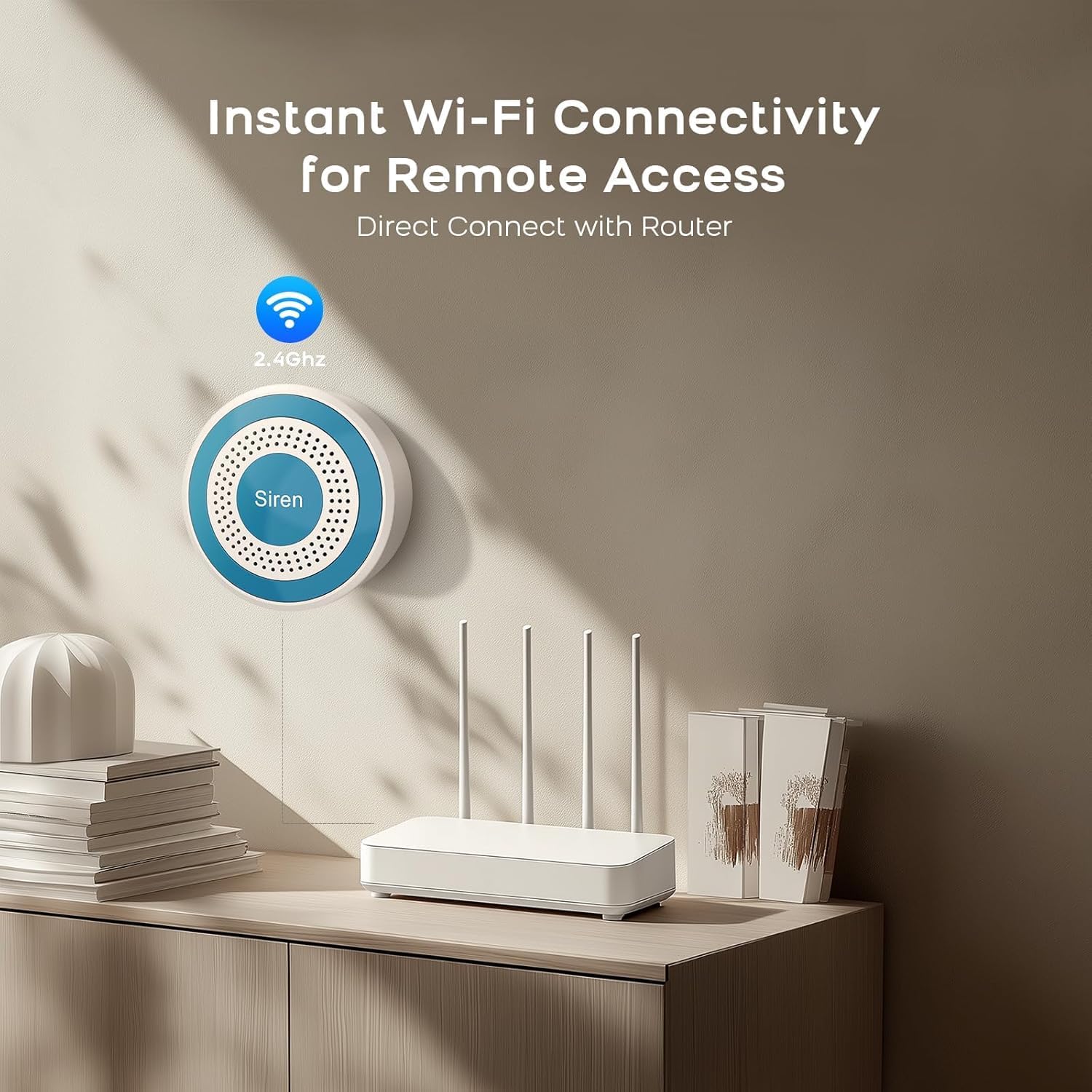
Image: A woman and child entering a home, with smart speakers (Alexa and Google Assistant) visible, illustrating compatibility and voice control.
5.5 Armar/Desarmar Programado
Set up schedules within the Smart Life/Tuya Smart app to automatically arm or disarm your system at specific times, optimizing convenience and security.

Image: Four images depicting scheduled arming and disarming scenarios: disarming upon waking, arming when going out, disarming upon returning home, and arming at night.
6. Manutenção
6.1 Substituição da bateria
- Siren (Alarm Host): The host has a built-in backup battery that automatically charges when connected to power. It provides continuous operation for up to 24 hours during power cuts. No user replacement is typically required for this internal battery.
- Door/Window Sensors & Motion Detectors: These accessories are battery-powered. When the battery is low, the app will notify you. Replace batteries with the specified type (e.g., CR2032 for sensors, AA for motion detectors, refer to individual sensor manuals for exact type).
- Controles remotos: These also use small button-cell batteries. Replace when the indicator light fails to illuminate or range decreases.
6.2 Limpeza
Wipe all components with a soft, dry cloth. Avoid using liquid cleaners or abrasive materials.
7. Solução De Problemas
- Alarm Host not connecting to Wi-Fi:
Ensure your Wi-Fi network is 2.4 GHz. Check Wi-Fi password. Move the host closer to the router. Restart the host and your router. - Sensores não estão disparando o alarme:
Check sensor battery levels in the app. Ensure sensors are properly paired. For door/window sensors, verify the two parts are aligned and separate by more than 1 cm when opened. For motion detectors, ensure no obstructions are blocking its field of view. - Sem notificações do aplicativo:
Check your phone's notification settings for the Smart Life/Tuya Smart app. Ensure the app has permission to send notifications. Verify your phone has an active internet connection. - Siren not sounding:
Ensure the alarm host is powered on and connected. Check the volume settings in the app.
8. Especificações técnicas
| Recurso | Especificação |
|---|---|
| Número do modelo | A519W-EU-H |
| Marca | PGST |
| Conectividade | Wi-Fi de 2.4 GHz |
| Fonte de alimentação (Host) | AC Powered with Backup Battery |
| Tipo de bateria reserva | Alkaline (1 D cell included) |
| Apps compatíveis | Vida Inteligente / Tuya Smart |
| Compatibilidade com Smart Home | Amazon Alexa, Assistente Google |
| Método de instalação | Self-adhesive / Screws |
| Dimensões do produto | 15.2 x 9.7 x 18.2 cm |
| Peso do item | 600 gramas |
9. Garantia e Suporte
Your PGST A519W-EU-H Wireless Home Alarm System comes with a Garantia de 1 ano a partir da data da compra.
For technical assistance, troubleshooting, or warranty claims, please contact PGST customer support. We aim to provide a response within 24 hours.
Please refer to the contact information provided with your purchase or visit the official PGST website para detalhes de suporte.


