Introdução
This manual provides essential information for setting up, operating, and maintaining your Amazon Echo Dot Kids (5th Gen) with Alexa. Designed specifically for children, this smart speaker offers a blend of entertainment and educational content within a safe, controlled environment. It features an improved speaker for clearer audio and vibrant sound, making it ideal for music, stories, and interactive learning.

Image: The Amazon Echo Dot Kids (5th Gen) in Stardust design, showcasing its primary function for music, stories, and skills tailored for children.
Configurar
- Ligar: Connect the included power adapter to your Echo Dot Kids and then to a power outlet. The light ring will turn blue, then orange, indicating it is ready for setup.
- Baixe o aplicativo Alexa: On your mobile device (Fire OS, Android, or iOS), download and install the Amazon Alexa app.
- Conectar ao Wi-Fi: Open the Alexa app and follow the on-screen instructions to connect your Echo Dot Kids to your dual-band Wi-Fi network (supports 802.11a/b/g/n/ac on 2.4 and 5 GHz). Ensure your device is within range of your home Wi-Fi.
- Registrar dispositivo: If not automatically registered, follow the app prompts to register the device to your Amazon account.
- Parent Profile Configurar: Within the Alexa app, navigate to the Amazon Kids section to set up child profiles and enable parental controls.
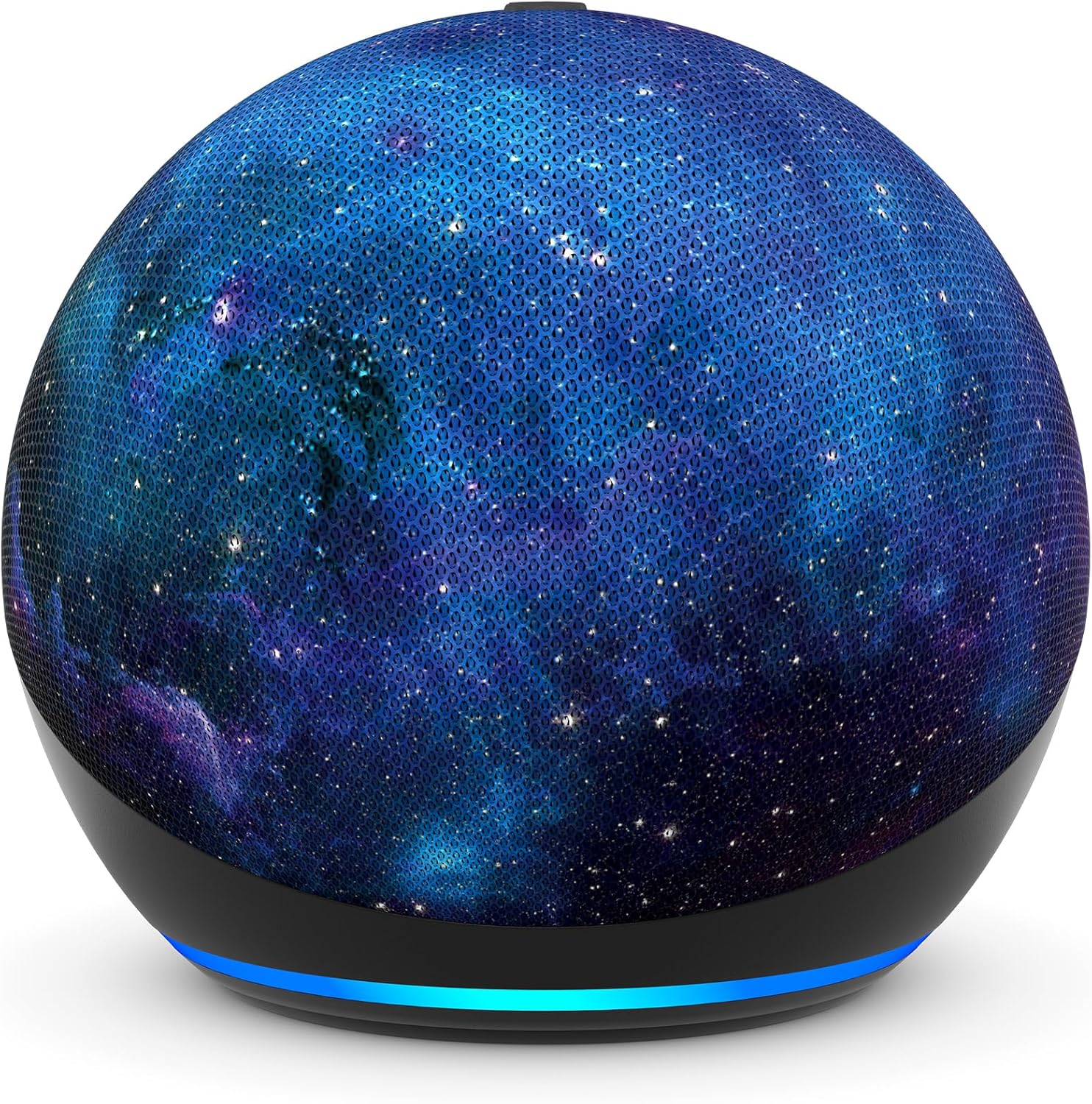
Imagem: Um close-up view of the Amazon Echo Dot Kids (5th Gen) in Stardust design, illustrating its compact form factor and illuminated light ring.
Instruções de operação
Comandos de voz
Your Echo Dot Kids responds to voice commands using the wake word "Alexa."
- Music and Stories: Say, "Alexa, play music for kids" or "Alexa, tell me a bedtime story."
- Questions and Homework Help: Ask, "Alexa, how far away is the sun?" or "Alexa, what's 5 plus 7?"
- Alarms and Routines: Kids can set their own alarms by saying, "Alexa, set an alarm for 7 AM." Parents can set up Morning Routines via the Alexa app.
- Character Voices: Alexa can respond in fun character voices like owl, dragon, tiger, or panda.
- Hey Disney! Integration: Use the Hey Disney! voice assistant for Disney-themed interactions, such as weather updates with Mickey or setting timers with Dory.

Image: An Echo Dot Kids with a dragon design, illustrating a child's interaction with Alexa to play music.

Image: The Stardust Echo Dot Kids on a nightstand, demonstrating its use for bedtime routines with the 'Hey Disney!' feature.
Controles parentais e Amazon Kids+
The Echo Dot Kids is designed with robust parental controls to ensure a safe and age-appropriate experience for children.
Controles Parentais
- Respostas adequadas para crianças: Alexa automatically provides responses suitable for children and filters explicit lyrics from music.
- Limites de tempo: Defina limites de tempo diários para o uso do dispositivo por meio do Painel de Controle dos Pais da Amazon.
- Atividade Review: Monitore a atividade e os padrões de uso do seu filho no Painel de Controle dos Pais da Amazon.
- Privacidade: The device includes a microphone off button and options to view and delete voice recordings, protecting your family's privacy.
Amazon Kids+
Your Echo Dot Kids includes a 1-year subscription to Amazon Kids+, offering a curated library of content for children aged 3-12.
- Contente: Access kid-friendly Audible books, interactive games, and educational Alexa skills.
- Adequado para a idade: Content is curated by age range, adapting as your child grows.
- Gerenciamento: Manage Amazon Kids+ content and settings via the Amazon Parent Dashboard.

Image: A visual representation of the diverse content available through Amazon Kids+, featuring popular children's brands and educational materials.

Image: A screenshot of the Amazon Parent Dashboard interface, demonstrating how parents can customize age ranges and review their child's digital experience.
Manutenção
Para garantir a longevidade e o desempenho ideal do seu Echo Dot Kids, siga estas simples orientações de manutenção:
- Limpeza: Use a soft, dry, lint-free cloth to gently wipe the exterior of the device. Avoid using abrasive cleaners, solvents, or aerosol sprays.
- Colocação: Place the device on a stable, flat surface away from direct sunlight, heat sources, and moisture. Ensure proper ventilation around the device.
- Adaptador de energia: Only use the power adapter included with your Echo Dot Kids.
- Armazenar: Se for guardar o aparelho por um período prolongado, desligue-o da tomada e guarde-o em local fresco e seco.
Solução de problemas
If you encounter issues with your Echo Dot Kids, try the following troubleshooting steps:
- Sem energia: Verifique se o adaptador de energia está firmemente conectado tanto ao dispositivo quanto a uma tomada elétrica em funcionamento. Tente usar outra tomada.
- Sem conexão Wi-Fi: Check if your home Wi-Fi network is active. Restart your Wi-Fi router. In the Alexa app, go to Device Settings and attempt to reconnect to Wi-Fi.
- Alexa não responde: Ensure the microphone is not muted (the light ring will be red). Try saying the wake word "Alexa" clearly and at a normal volume. Restart the device by unplugging it for 30 seconds and plugging it back in.
- Má qualidade de áudio: Ensure the device is not obstructed. Adjust the volume using voice commands or the Alexa app.
- Questões de controle parental: Verify settings in the Amazon Parent Dashboard within the Alexa app. Ensure child profileestão configurados corretamente.
Especificações
| Recurso | Detalhe |
|---|---|
| Tamanho | 3.9” x 3.9” x 3.5” (100 mm x 100mm x 89 mm) |
| Peso | 10.7 oz (304g) |
| Áudio | Alto-falante frontal de 1.73” (44 mm), alta definição sem perdas |
| Conectividade Wi-Fi | O Wi-Fi de banda dupla suporta redes 802.11a/b/g/n/ac (2.4 e 5 GHz). Não suporta redes ad-hoc. |
| Conectividade Bluetooth | Suporte a A2DP para streaming de áudio e AVRCP para controle de voz de dispositivos móveis conectados. Caixas de som Bluetooth que exigem código PIN não são compatíveis. |
| Protocolos de Casa Inteligente | Wi-Fi, Bluetooth Low Energy Mesh |
| Requisitos do sistema | Alexa app compatible with Fire OS, Android, iOS devices, and web navegadores. |
| Incluído na caixa | Echo Dot (5ª geração) Infantil, adaptador de energia branco glaciar (15 W), Guia de Início Rápido, Guia da Alexa para crianças. |
| Geração | Echo Dot (5ª geração) Infantil - Lançamento em 2022 |
| Faixa etária | A partir de 3 anos de idade. ATENÇÃO: RISCO DE ASFIXIA – Peças pequenas. Não recomendado para crianças menores de 3 anos. |
| Subscrição | Includes 1 year of Amazon Kids+. |
Garantia e Suporte
Garantia
Your Amazon Echo Dot Kids (5th Gen) comes with a 2-year worry-free guarantee. If the device breaks, you can return it for a free replacement. Use of the Echo Dot Kids is subject to the terms found on the Amazon website.
Atualizações de segurança de software
Este dispositivo recebe atualizações de segurança de software garantidas por pelo menos quatro anos após sua última disponibilidade para compra como unidade nova na Amazon. websites.
Suporte ao cliente
For further assistance, visit the Amazon support website or contact Amazon Customer Service. You can also manage your device and content by visiting the 'Manage Your Content and Devices' section on Amazon.