Introdução
This manual provides essential information for setting up, operating, maintaining, and troubleshooting your HP 15.6 inch HD Laptop. Please read this guide thoroughly before using your device to ensure optimal performance and longevity.
Configurar
Unpacking the Laptop
Retire cuidadosamente todos os componentes da embalagem. Certifique-se de que os seguintes itens estejam presentes:
- HP 15.6 inch HD Laptop
- Adaptador de energia CA e cabo de alimentação
- Guia de Início Rápido (se incluído)
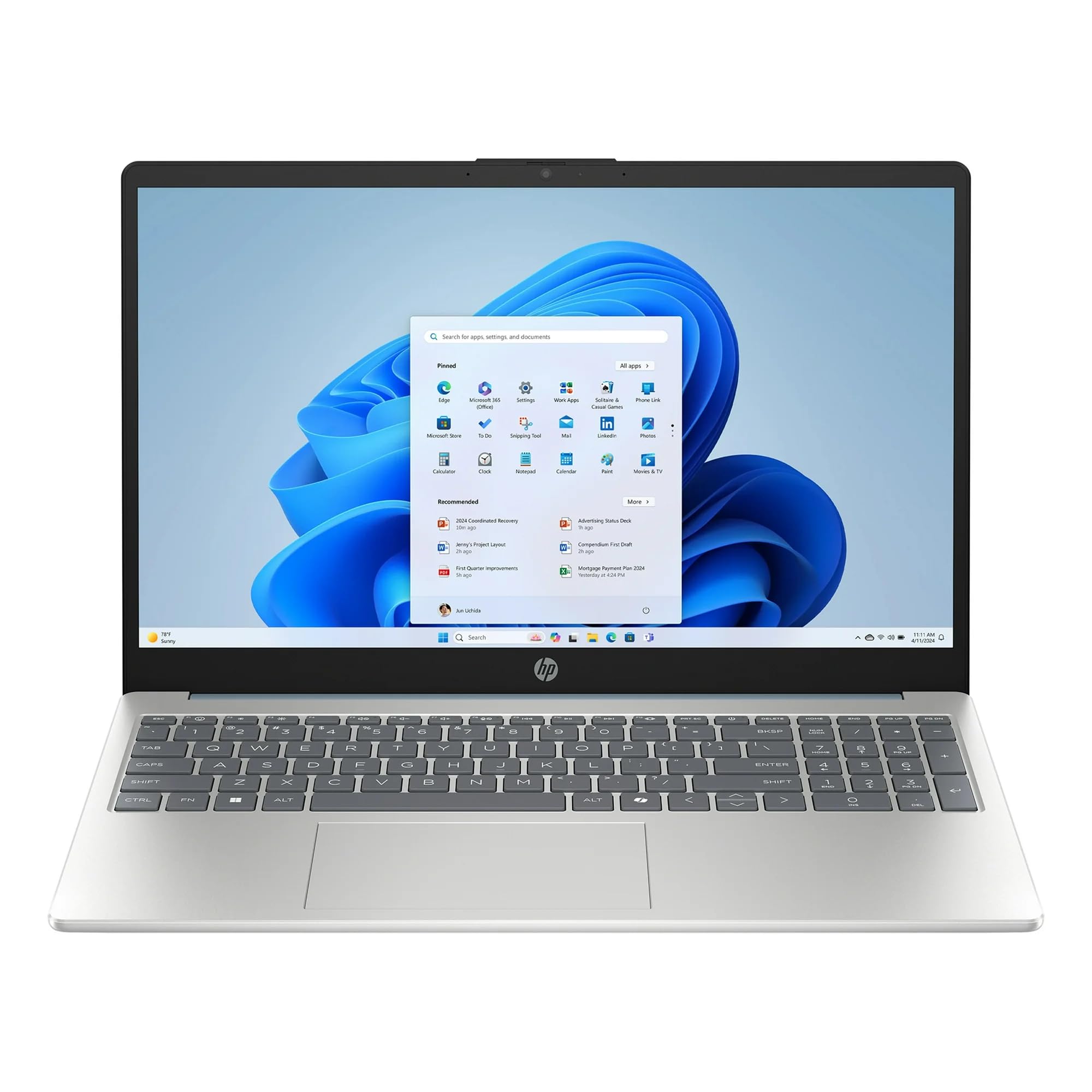
Image: The HP 15.6 inch HD Laptop, showcasing its display and keyboard layout. This is the main unit.
Conectando energia
- Connect the AC power adapter to the power connector on the side of the laptop.
- Conecte o cabo de alimentação a uma tomada.
- Deixe a bateria carregar por pelo menos 30 minutos antes da primeira utilização, ou até que o indicador de bateria mostre carga completa.
Initial Boot-up and Windows 11 Setup
Pressione o botão liga/desliga para ligar o laptop. Siga as instruções na tela para concluir o processo de configuração do Windows 11 Home. Isso inclui selecionar sua região, idioma, conectar-se a uma rede Wi-Fi e criar uma conta de usuário.
Utilizando o laptop
Teclado e Touchpad
The laptop features a full-size keyboard and a multi-touch touchpad. Refer to the Atalhos de teclado section for common key combinations.
Conectando Periféricos
Utilize the available ports for connecting external devices:
- Portas USB: For mice, keyboards, external storage, etc.
- Porta HDMI: For connecting to external monitors or TVs (if available).
- Jack de áudio: Para fones de ouvido ou alto-falantes externos.
Conectividade sem fio
The laptop supports 802.11ac Wi-Fi and Bluetooth for wireless connections. Access network settings via the Windows 11 taskbar to connect to Wi-Fi networks or pair Bluetooth devices.
Manutenção
Limpando o laptop
- Use um pano macio e sem fiapos levementeampFinalize com água ou um produto de limpeza para telas para limpar o visor.
- Para o teclado e o chassi, use um pano macio e seco. Evite produtos químicos agressivos.
Cuidados com a bateria
To prolong battery life, avoid extreme temperatures and allow the battery to discharge partially before recharging. Do not leave the laptop plugged in constantly for extended periods if not in use.
Atualizações de software
Regularly check for and install Windows updates and HP driver updates to ensure system stability and security. Go to Configurações > Windows Update para gerenciar atualizações.
Solução de problemas
| Problema | Solução possível |
|---|---|
| O laptop não liga. | Verifique se o adaptador CA está conectado firmemente e se a tomada está funcionando. Tente usar outra tomada. |
| Problemas de conexão Wi-Fi. | Check if Wi-Fi is enabled in Windows settings. Restart your router and the laptop. Update Wi-Fi drivers. |
| Desempenho lento. | Close unnecessary applications. Check for background processes. Ensure sufficient free storage space on the 512GB SSD. Run a disk cleanup. |
| A bateria não carrega. | Verify the power adapter and cable are not damaged. Ensure the connection port is clean. |
Especificações
| Recurso | Detalhe |
|---|---|
| Nome do modelo | HP |
| Tamanho da tela | 15.6 polegadas (tela HD) |
| Processador | AMD Ryzen 5 (3.6 GHz) |
| BATER | Memória RAM DDR8 de 4 GB |
| Armazenar | 512GB SSD (PCIE x 2) |
| Gráficos | Gráficos Intel UHD integrados |
| Sistema operacional | Windows 11 Início |
| Conectividade sem fio | Wi-Fi 802.11ac, Bluetooth |
| Dimensões (CxLxA) | 12.76 x 8.86 x 0.71 polegadas |
| Peso | 6 libras |
| Cor | Willow Green |
Nota: as especificações estão sujeitas a alterações sem aviso prévio.
Informações de garantia
This HP laptop typically comes with a standard manufacturer's warranty. Please refer to the warranty card included with your product or visit the official HP support website for detailed terms and conditions, including warranty duration and coverage specifics. Keep your proof of purchase for warranty claims.
Apoiar
For technical assistance, driver downloads, or further support, please visit the official HP support website:
- Suporte HP Website: support.hp.com
- Documentação on-line: Additional manuals and guides may be available online.
When contacting support, have your laptop's serial number and model number ready. These can usually be found on a sticker on the bottom of the laptop or in the system information within Windows.