1. Introdução
This manual provides essential information for setting up, operating, maintaining, and troubleshooting your OUKITEL G5 Rugged Smartphone. Please read it carefully to ensure proper use and to maximize the device's performance and longevity.
2. O que está na caixa
- 1x Smartphone robusto OUKITEL G5
- 1 carregador de 10 W
- Cabo de dados 1x
- 1x Agulha de cartão
- 1x Manual (este documento)
3. Configuração
3.1. Instalação do cartão SIM e do cartão TF
The OUKITEL G5 supports dual SIM dual standby (Nano+Nano/Nano+TF). Use the provided card needle to open the SIM card tray.
- Localize a bandeja do cartão SIM na lateral do aparelho.
- Insert the card needle into the small hole next to the tray and press gently until the tray ejects.
- Place your Nano-SIM card(s) and/or TF card into the designated slots on the tray. Ensure the cards are correctly oriented.
- Empurre cuidadosamente a bandeja de volta para dentro do dispositivo até que fique nivelada.
3.2. Carregamento inicial
Before first use, fully charge your OUKITEL G5. Use the provided 10W charger and data cable.
- Connect the data cable to the charging port on your phone.
- Connect the other end of the data cable to the 10W charger.
- Conecte o carregador a uma tomada elétrica.
- O telefone indicará o status de carregamento na tela. Deixe o dispositivo carregar completamente.
3.3. Ligar / desligar
- Para ligar: Mantenha pressionado o botão Liga/Desliga até que o logotipo da OUKITEL apareça.
- Para desligar: Mantenha pressionado o botão Liga/Desliga e, em seguida, selecione "Desligar" nas opções da tela.
4. Instruções de operação
4.1. Exibição e Navegação
The OUKITEL G5 features a 6-inch HD display with 450 nits brightness, ensuring clear visibility even in direct sunlight. Navigate the Android 14 operating system using touch gestures.
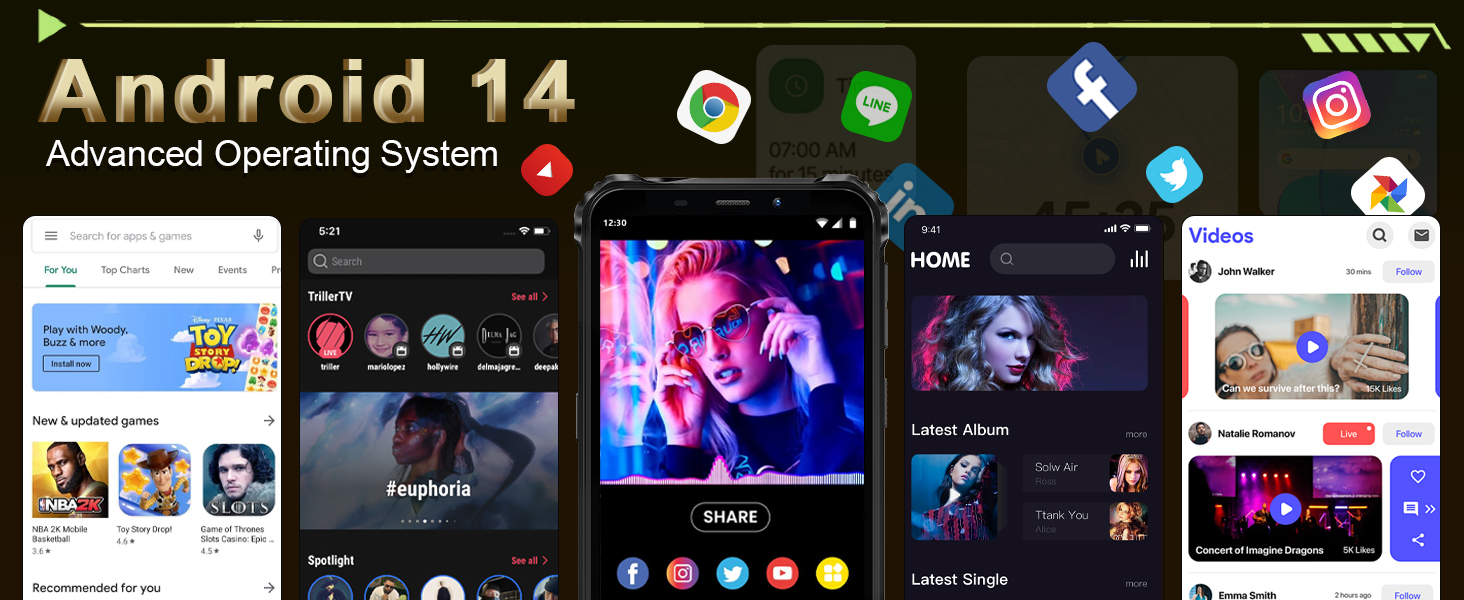
Image: The OUKITEL G5's 6-inch HD display, offering clear and vibrant visuals.
4.2. Funções da câmera
Capture moments with the 13MP main camera and 5MP front-facing camera.
- Abra o aplicativo Câmera na sua tela inicial ou na gaveta de aplicativos.
- Select between photo and video modes.
- Toque na tela para focar em uma área específica.
- Press the shutter button to take a photo or start/stop video recording.
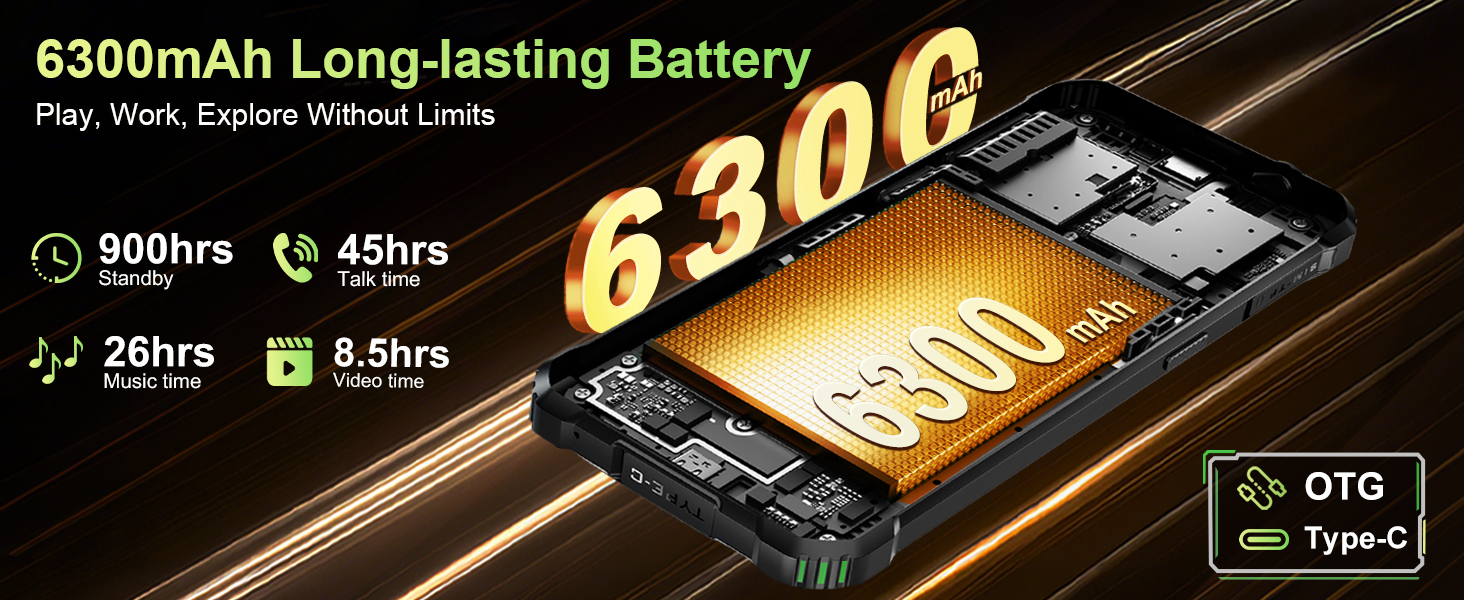
Image: The OUKITEL G5's 13MP main camera, designed for capturing clear images.
4.3. Dual Campluzes
The OUKITEL G5 is equipped with 900-lumen dual camping lights, offering multiple modes for various outdoor situations.
- Acesse o camping lights application on your device.
- Choose from available modes: SOS, Strobe, or Constant Lighting.
- Adjust brightness levels as needed (three levels available).
Warning: Do not shine the camping lights directly into eyes.

Image: The OUKITEL G5's dual camping lights in action, providing illumination for outdoor activities.
4.4. Armazenamento e desempenho
The device comes with 16GB RAM (4GB physical + 12GB virtual) and 128GB internal storage, expandable up to 1TB with a TF card. The octa-core processor ensures smooth operation and app switching.
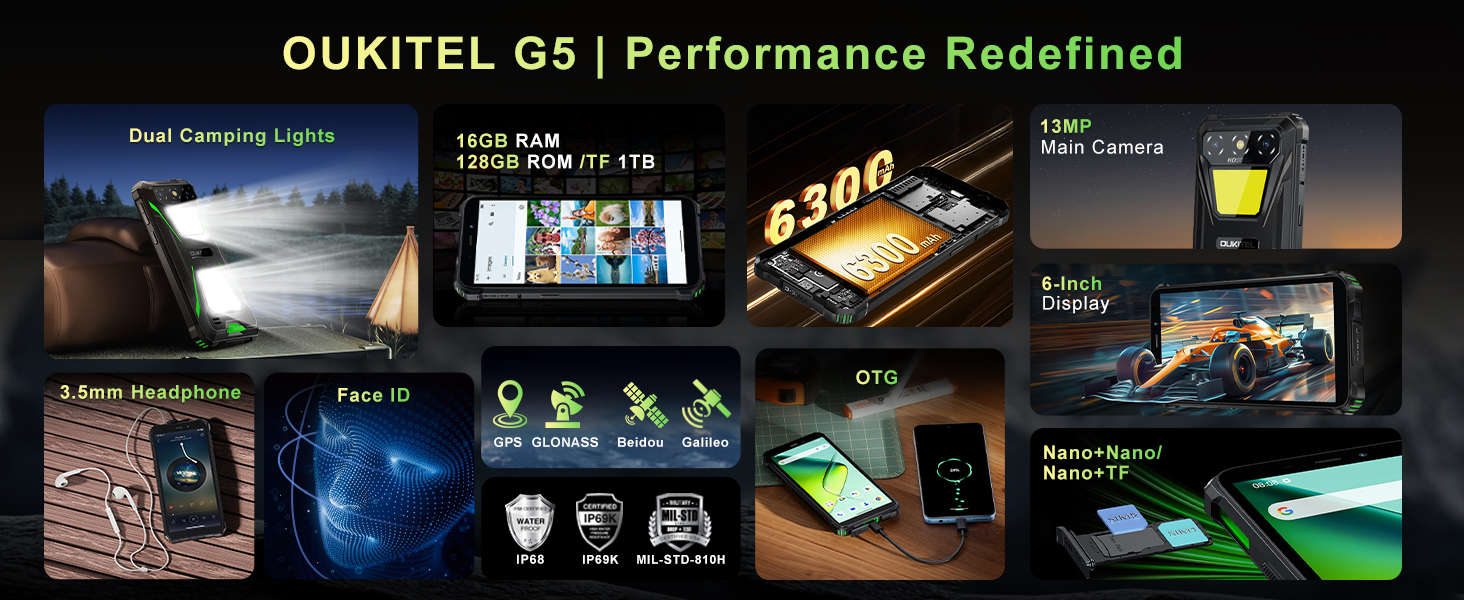
Image: Visual representation of the OUKITEL G5's memory and processor capabilities.
4.5. Carregamento reverso OTG
Utilize the OTG reverse charging feature to power other devices using your OUKITEL G5's battery.
- Ensure your OUKITEL G5 has sufficient battery charge.
- Connect an OTG cable (not included) to your OUKITEL G5.
- Connect the other end of the OTG cable to the device you wish to charge.
- The charging process should begin automatically.
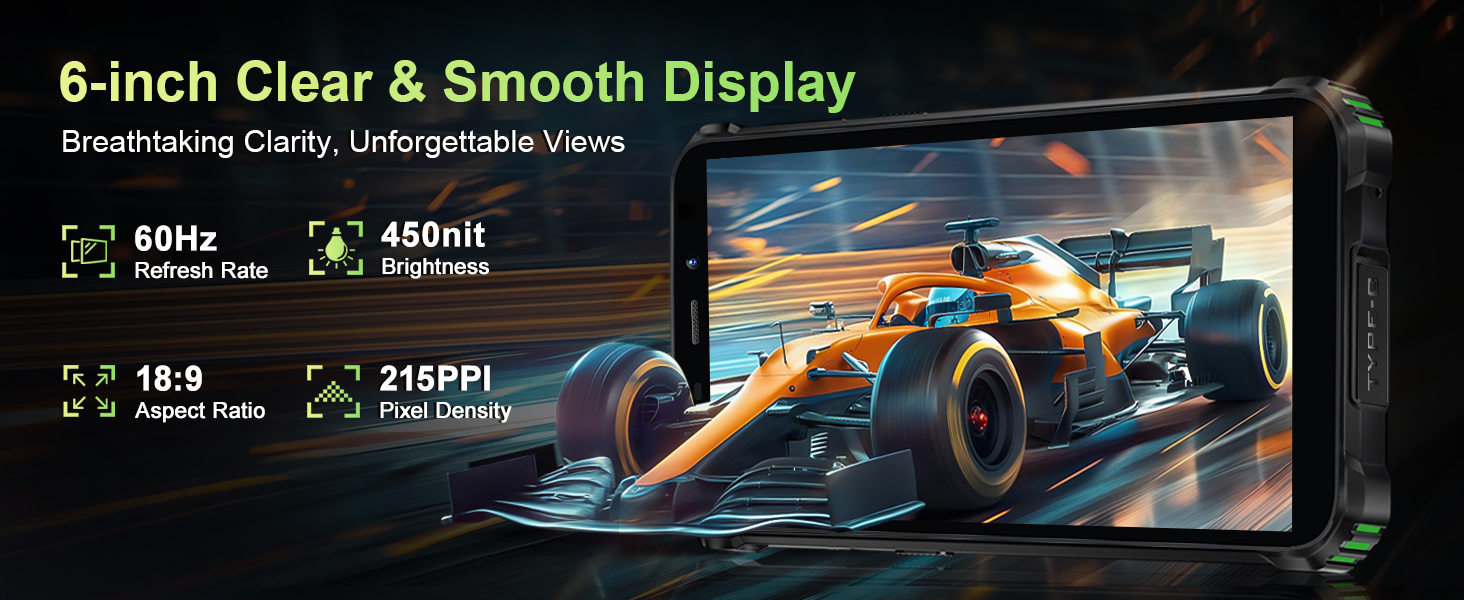
Image: The OUKITEL G5 providing power to another device via OTG reverse charging.
4.6. Identificação facial
Unlock your device quickly and securely using Face ID.
- Vá para Configurações > Segurança > Desbloqueio facial.
- Siga as instruções na tela para registrar seu rosto.
- Once registered, you can unlock your phone by looking at the front camera.
4.7. GPS e Navegação
The OUKITEL G5 integrates a comprehensive positioning system including Beidou, Galileo, GLONASS, and GPS for accurate location services.
- Ensure location services are enabled in your phone's settings.
- Use pre-installed or downloaded navigation applications for route guidance and location tracking.
5. Manutenção
5.1. Características de durabilidade
The OUKITEL G5 is built to withstand harsh conditions, certified with IP68/IP69K dust/water resistance and MIL-STD-810H for shock resistance.
- Impermeável: Rated for submersion up to 1.5 meters for 30 minutes. Ensure all port covers are securely closed before exposure to water.
- À prova de poeira: Designed to prevent ingress of dust and fine particles.
- À prova de choque: Constructed to endure drops and impacts, though extreme force may still cause damage.

Image: The OUKITEL G5 showcasing its robust design and resistance to water, dust, and drops.
5.2. Limpando seu dispositivo
To clean your OUKITEL G5, use a soft, damp cloth. Avoid harsh chemicals or abrasive materials that could damage the device's protective coatings.
5.3. Cuidados com a bateria
Para prolongar a vida da bateria:
- Evite temperaturas extremas.
- Do not leave the phone fully charged or fully discharged for extended periods.
- Para um carregamento ideal, utilize o carregador e o cabo originais.
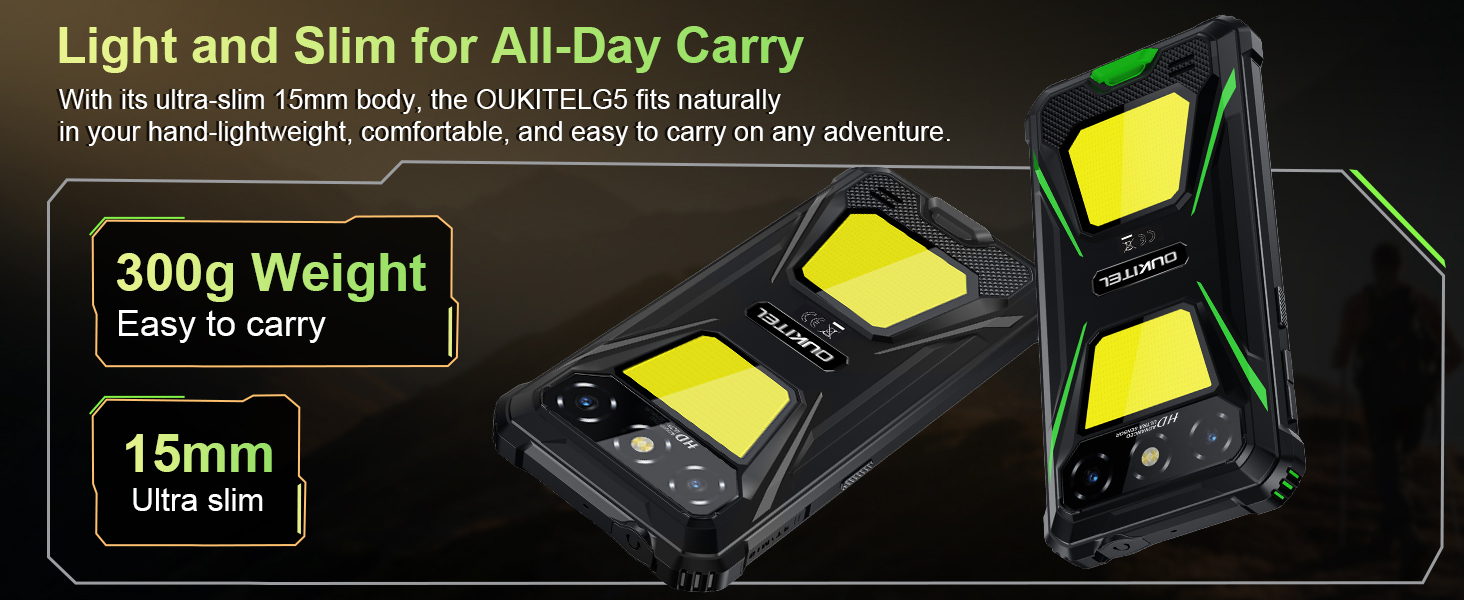
Image: The OUKITEL G5's 6300mAh battery, providing extended usage times.
6. Solução De Problemas
6.1. Problemas e soluções comuns
- Dispositivo não liga: Verifique se a bateria está carregada. Conecte-a ao carregador e tente novamente.
- Tela não responde: Restart the device by holding the Power button for about 10-15 seconds until it reboots.
- Problemas de conectividade de rede: Check if your SIM card is properly inserted. Verify that your carrier (T-Mobile is supported; Verizon/AT&T/MetroPCS are not) has active service. Try toggling Airplane Mode on and off.
- Aplicativos travando ou apresentando lentidão: Close background applications. Clear app cache in Settings > Apps. Ensure sufficient storage space is available.
- Problemas de carregamento: Ensure the charger and cable are securely connected and undamaged. Try a different power outlet.
7. Especificações
| Recurso | Descrição |
|---|---|
| Nome do modelo | OUKITEL G5 |
| Sistema operacional | Androide 14 |
| Processador | Octa-core |
| BATER | 16 GB (4 GB físicos + 12 GB virtuais) |
| Armazenamento interno | 128 GB de ROM |
| Armazenamento expansível | Até 1 TB com cartão TF |
| Mostrar | 6-inch HD, 450 nits brightness, 18:9 Aspect Ratio, 215 PPI |
| Câmera principal | 13MP |
| Câmera Frontal | 5MP |
| Capacidade da bateria | 6300mAh |
| Carregando | Carregamento rápido de 10 W, carregamento reverso OTG. |
| Durabilidade | IP68/IP69K (Waterproof, Dustproof), MIL-STD-810H (Shockproof) |
| Conectividade | 4G Dual SIM (Nano+Nano/Nano+TF), Bluetooth, GPS (Beidou, Galileo, GLONASS, GPS) |
| Bandas de frequência suportadas | GSM: B2/3/5/8, WCDMA: B1/2/4/5/8, TDD: 34/38/39/40/41, FDD: B1/2/3/4/5/7/8/12/17/19/20/25/26/28A/28B/66 |
| Conector de áudio | 3.5 mm |
| Características especiais | 900LM Dual Camping Lights, Face ID |
| Dimensões | 8.11 x 4.5 x 2.16 polegadas |
| Peso | 1.26 libras (aproximadamente 570g) |
8. Vídeos oficiais do produto
Vídeo: Um excessoview of the OUKITEL G5 Rugged Phone, highlighting its features and durability in outdoor environments. Duration: 0:42.
Video: A concise presentation of the OUKITEL G5 Rugged Smartphone's key attributes. Duration: 0:20.
9. Garantia e Suporte
OUKITEL provides comprehensive customer service for your device:
- Política de devolução: Devolução em 30 dias sem necessidade de justificativa.
- Suporte técnico: Suporte técnico de longo prazo.
- Atendimento ao Cliente: Atendimento ao cliente online 24 horas.
For further assistance, please contact OUKITEL official service channels.


