Introdução
Welcome to your CNBRO Smart Camera Glasses. This manual provides essential information for setting up, operating, and maintaining your device. Please read these instructions carefully to ensure optimal performance and longevity of your smart glasses.
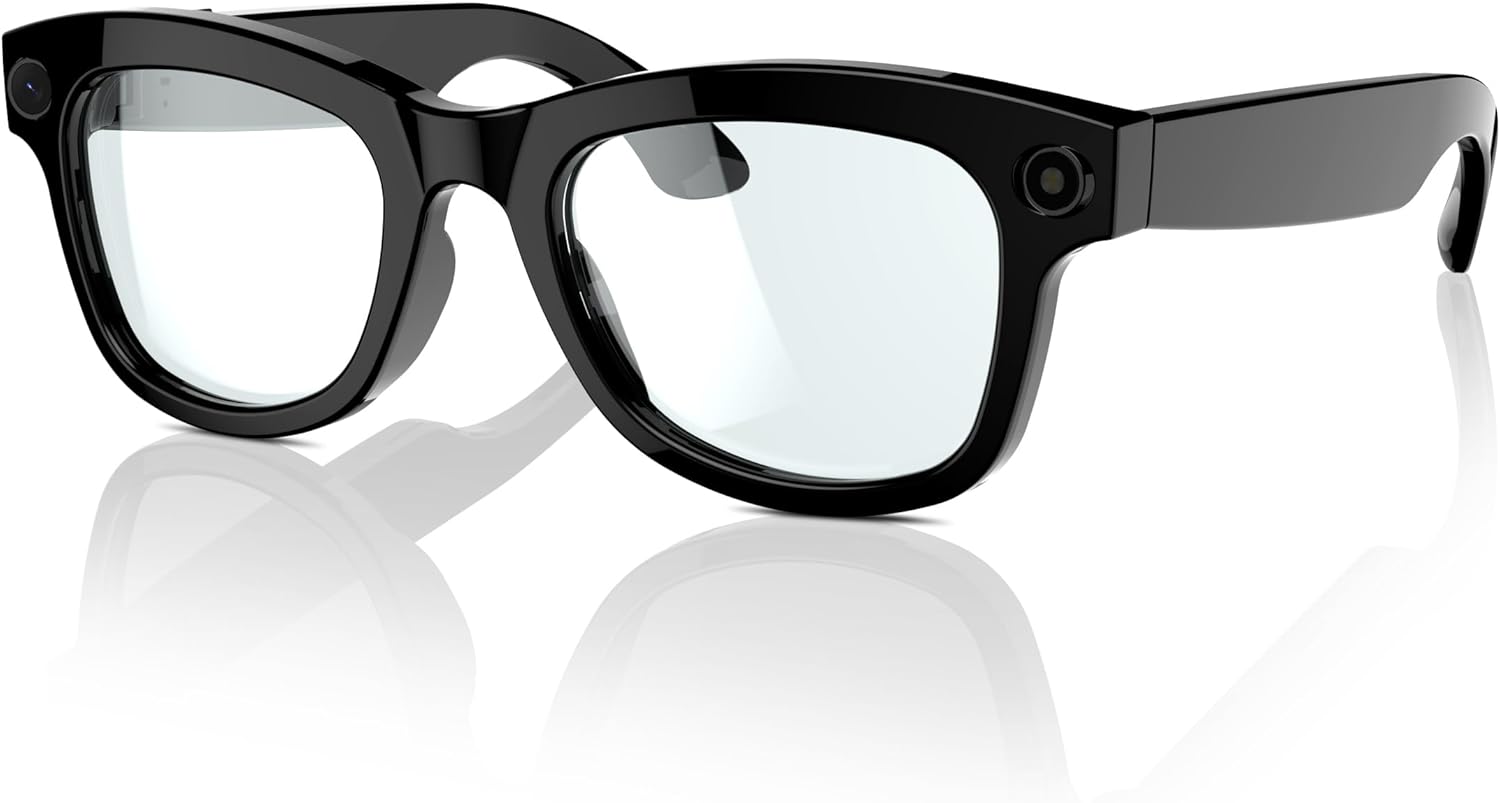
Produto acimaview
Principais características
- 5MP Ultra-wide-angle Camera & Dual Microphones: Capture clear photos and immersive videos from a first-person perspective.
- Controle de voz por IA: Manage media, calls, and access information using voice commands.
- Voice Recording & Transcription: Record conversations and meetings with accurate voice recognition and real-time transcription via the app.
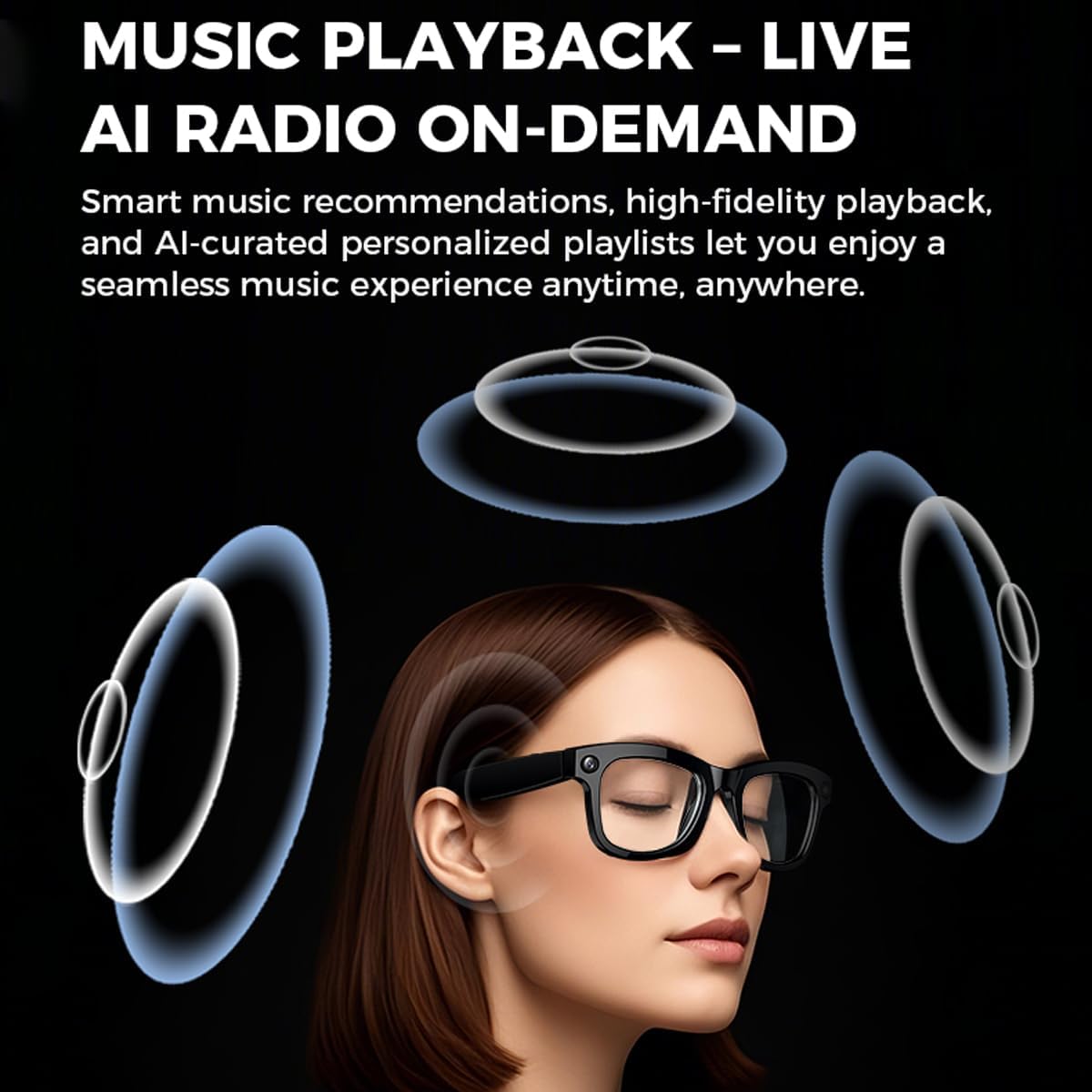
- Open Ear Audio Experience: Enjoy music and calls through integrated speakers while remaining aware of your surroundings.
- Bateria de longa duração: Built-in 250mAh battery provides up to 4 hours of music or 2 hours of calls on a 1-hour charge.
- Easy Media Export: Transfer captured videos and photos directly to your smartphone using the dedicated app.
Componentes





Configurar
Carregando o dispositivo
Before first use, fully charge your smart glasses. Connect the magnetic charging cable to the charging port on the glasses and plug the USB end into a compatible power adapter or computer USB port. The charging indicator will show the charging status. A full charge typically takes approximately 1 hour.
Instalação e conexão do aplicativo
- Baixe o aplicativo: Procurar the "HeyCyan" app in your smartphone's app store (available for iOS and Android devices) and install it.
- Ativar Bluetooth: Certifique-se de que o Bluetooth esteja ativado em seu smartphone.
- Emparelhamento: Power on your smart glasses. Open the HeyCyan app and follow the on-screen instructions to search for and pair with your CNBRO Smart Camera Glasses.
- Configuração inicial: Complete any initial setup steps or permissions requested by the app to ensure full functionality.
Instruções de operação
Operação da câmera
Your smart glasses are equipped with a 5MP ultra-wide-angle camera for capturing photos and videos. Specific controls for initiating photo capture or video recording are typically located on the frame of the glasses or can be activated via voice commands. Refer to the HeyCyan app for detailed instructions on camera controls and settings.
To export captured media, connect your glasses to the HeyCyan app. You can then browse and transfer photos and videos directly to your smartphone's gallery.
Controle de voz de IA
Activate the AI voice control feature to interact with your glasses hands-free. You can use voice commands to:
- Controlar a reprodução de música (reproduzir, pausar, pular faixas).
- Atenda ou rejeite chamadas recebidas.
- Ask general questions or request information.
A comprehensive list of supported voice commands can be found within the HeyCyan application.
Open Ear Audio
The integrated speakers deliver audio directly to your ears without blocking ambient sounds. This feature is ideal for listening to music, podcasts, or taking calls while maintaining awareness of your surroundings, enhancing safety during activities like driving or sports.
Voice Recording and Transcription
Utilize the voice recording function to capture audio during meetings, lectures, or personal notes. The HeyCyan app supports accurate voice recognition and real-time transcription, converting spoken words into text for easy review and organization.
Manutenção
Limpeza
- Lentes: Gently wipe the lenses with a soft, clean, lint-free microfiber cloth. For stubborn smudges, use a lens cleaning solution specifically designed for optical lenses.
- Quadro: Clean the frame with a soft, slightly damp cloth. Avoid using abrasive materials, harsh chemicals, or solvents, as these can damage the finish and electronic components.
Armazenar
When not in use, store your smart glasses in their provided protective case to prevent scratches, dust accumulation, and accidental damage. Avoid exposing the glasses to extreme temperatures, direct sunlight for prolonged periods, or high humidity.
Cuidados com a bateria
To maximize battery lifespan, avoid fully discharging the device frequently. Charge the glasses regularly, even if they have not been used for an extended period. Store the device with a partial charge (around 50%) if storing for a long duration.
Solução de problemas
Problemas e soluções comuns
- Dispositivo não liga:
Ensure the battery is sufficiently charged. Connect the glasses to the charger and allow a few minutes before attempting to power on again. - Cannot connect to the HeyCyan app:
Verify that Bluetooth is enabled on your smartphone and that the glasses are in pairing mode. Try restarting both your smartphone and the smart glasses, then attempt to pair again. Ensure the app has necessary permissions. - Qualidade de câmera ruim:
Check that the camera lenses are clean and free from smudges or dust. Ensure adequate lighting conditions for optimal image and video capture. - Audio issues (no sound or distorted sound):
Check the volume levels on both your smart glasses and the connected smartphone. Ensure there are no obstructions blocking the integrated speakers. Re-establish the Bluetooth connection if necessary. - O controle de voz não responde:
Ensure you are speaking clearly and at a reasonable volume. Check the app for a list of supported voice commands and ensure the microphone is not obstructed.
If you encounter issues not listed here or require further assistance, please refer to the support section of the HeyCyan app or contact customer support.
Especificações
| Recurso | Detalhe |
|---|---|
| Câmera | 5MP Ultra-wide-angle |
| Versão Bluetooth | 5.3 |
| Tipo de carregamento | Carregamento magnético |
| Capacidade da bateria | Polímero de lítio 250mAh |
| Tempo de carregamento | Aproximadamente 1 hora |
| Tempo de reprodução de música | Até 4 horas |
| Duração da chamada | Até 2 horas |
| Aplicativo complementar | HeyCyan (No subscription fee) |
| Compatibilidade | iOS, Android |
| Peso do item | 5.3 onças |
| Número do modelo | ffd4f4c5-6a18-46ca-a803-9d39cb29d1e4 |
| Fabricante | Shenzhen Buzz Tech CO.,LTD |
| Características especiais | Audio Recording, Camera, Music Player, Video Call, Video Recording |
Conteúdo da embalagem
- 1 x CNBRO Smart Camera Glasses
- 1 x Cabo de carregamento magnético
- 1 x Manual do Usuário
Garantia e Suporte
For any questions, technical support, or assistance with your CNBRO Smart Camera Glasses, please contact our customer service team. We are dedicated to providing comprehensive support and ensuring your satisfaction with our product.
Please refer to your purchase documentation or the HeyCyan app for specific warranty details and contact information.


