1. Introdução
Thank you for choosing the Wentronic Y02 Active Noise Cancelling Headphones. This manual provides essential information for setting up, operating, and maintaining your headphones to ensure optimal performance and longevity. Please read this manual thoroughly before use.

Image: Wentronic Y02 Active Noise Cancelling Headphones, silver edition.
2. Conteúdo da embalagem
Verifique se todos os itens estão presentes em sua embalagem:
- Y02 ANC Headphones x 1
- Cabo de carregamento (USB-C) x 1
- Cabo de áudio de 3.5 mm x 1
- Manual do usuário x 1
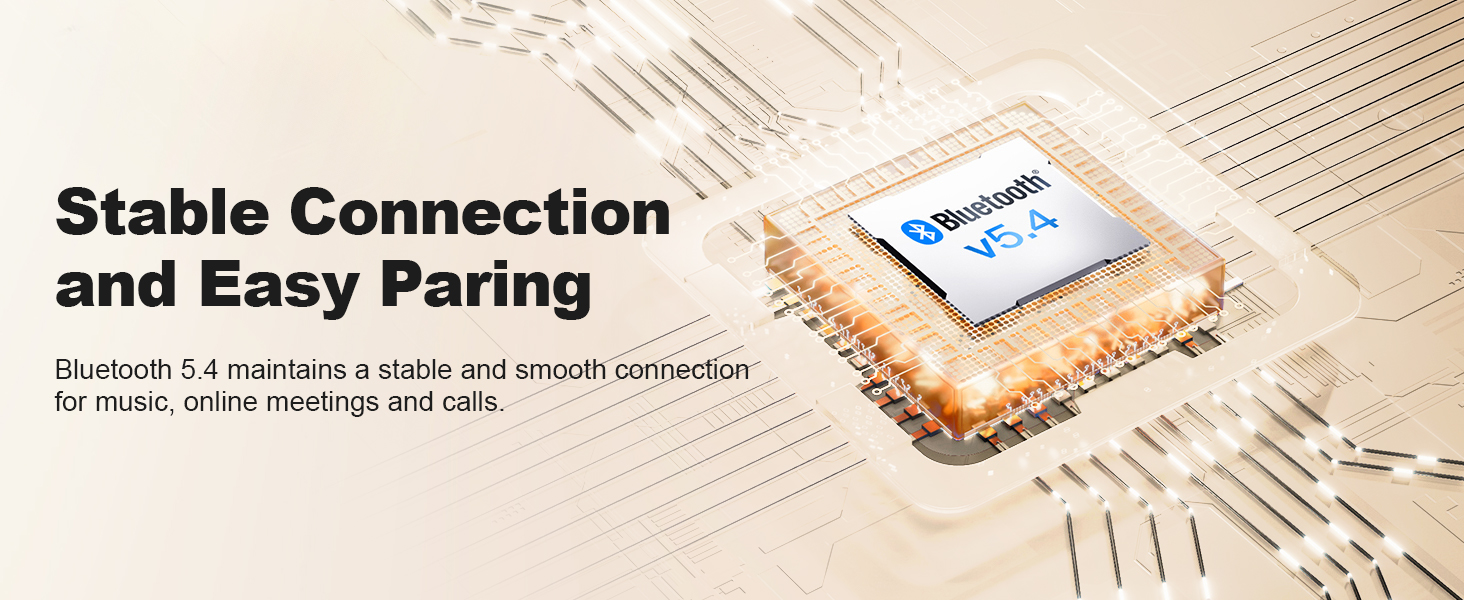
Image: The Wentronic Y02 headphones, USB-C charging cable, 3.5mm audio cable, and user manual as included in the product packaging.
3. Produto acabadoview
Controles e portas
Familiarize yourself with the headphone controls:
- Botão de energia: On/Off, Play/Pause, Answer/End Calls.
- Botões de volume (+/-): Ajuste o volume, pule faixas.
- Botão multifuncional: Rotate to switch EQ modes, press to toggle Active Noise Cancellation (ANC).
- Porta de carregamento USB-C: Para carregar os fones de ouvido.
- Conector de áudio de 3.5 mm: Para conexão com fio.
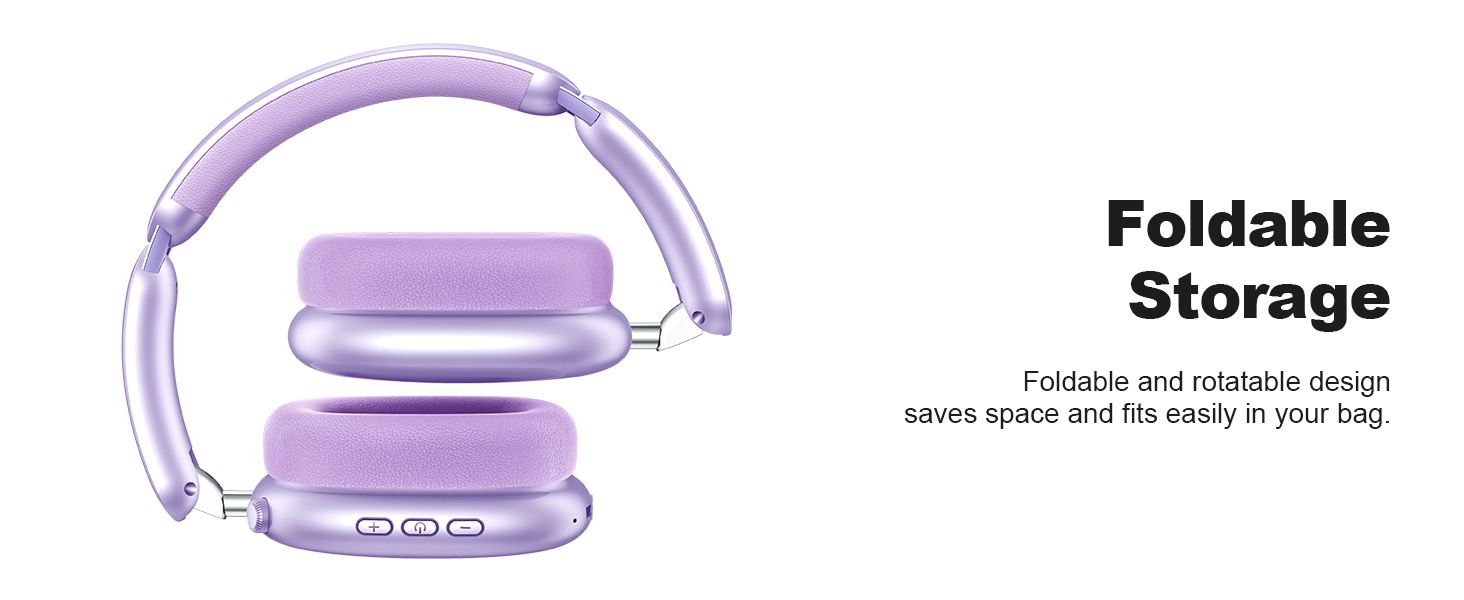
Image: Detail of the multi-functional knob on the headphone earcup, indicating its use for switching ANC and EQ modes.
4. Configuração
4.1 Carregando os fones de ouvido
Before first use, fully charge your headphones. Connect the supplied USB-C charging cable to the headphone's charging port and a compatible USB power source. The LED indicator will show charging status.
- A full charge provides up to 60 hours of playtime (ANC off) or 48 hours (ANC on).
- Quick charge feature: 10 minutes of charging provides approximately 4 hours of playtime.

Image: Visual representation of the Y02 headphones' battery life: 48 hours with ANC on, 60 hours with ANC off, and 4 hours playtime from a 10-minute charge.
4.2 Emparelhamento Bluetooth
Para conectar seus fones de ouvido sem fio:
- Certifique-se de que os fones de ouvido estejam carregados e desligados.
- Mantenha pressionado o botão Liga/Desliga até que o indicador LED pisque em azul e vermelho, indicando o modo de emparelhamento.
- No seu dispositivo (smartphone, tablet, computador), ative o Bluetooth e procure por dispositivos disponíveis.
- Select "Wentronic Y02" from the list.
- Uma vez conectado, o indicador LED ficará azul sólido.
Os fones de ouvido se reconectarão automaticamente ao último dispositivo emparelhado ao serem ligados, se estiverem dentro do alcance.
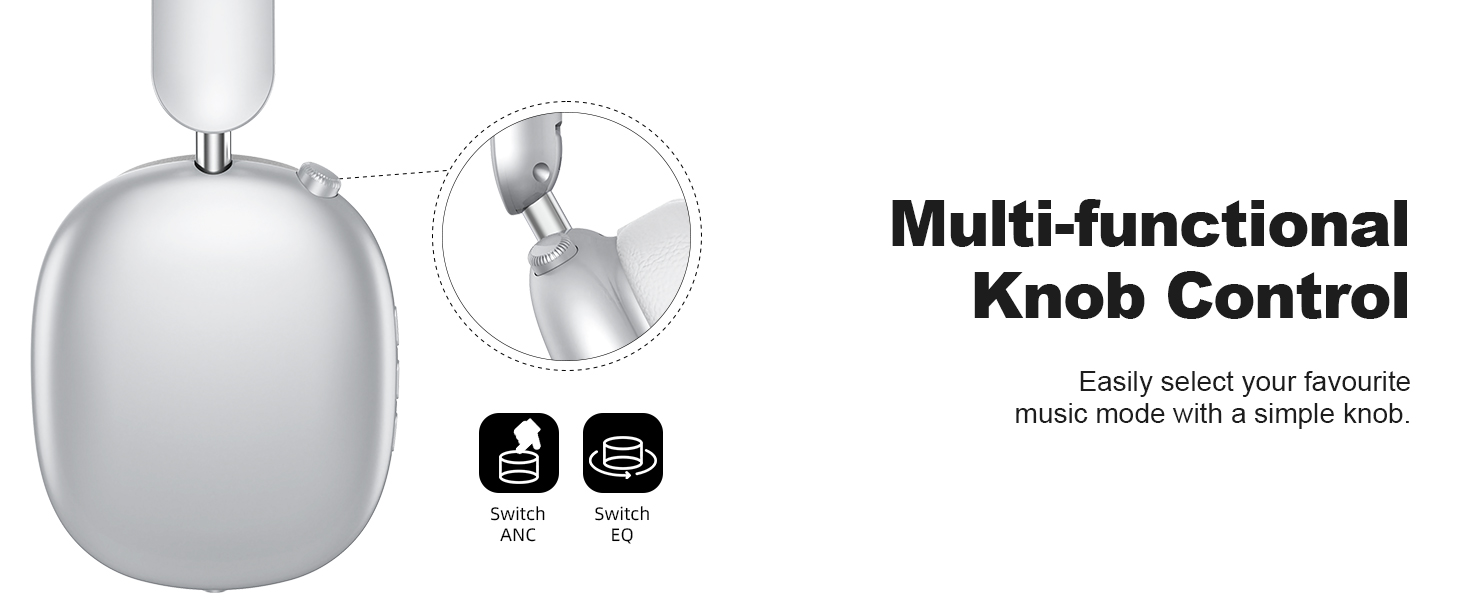
Image: A graphic depicting the Bluetooth 5.4 chip and its role in maintaining a stable and smooth connection for the Y02 headphones.
4.3 conexão com fio
For a wired audio experience or when the battery is depleted, use the included 3.5mm audio cable. Connect one end to the headphone's 3.5mm audio jack and the other end to your audio source's 3.5mm port. The headphones will automatically switch to wired mode.

Image: The Y02 headphones on a stand, connected to an audio source via the 3.5mm cable, highlighting both wireless and wired usage options.
5. Instruções de operação
5.1 Ligar/Desligar
- Ligar: Pressione e segure o botão Liga/Desliga por 3 segundos.
- Desligar: Pressione e segure o botão Liga/Desliga por 3 segundos.
5.2 Cancelamento Ativo de Ruído (ANC)
The Y02 headphones feature advanced active noise cancellation to reduce ambient sounds.
- Ativar/Desativar ANC: Press the multi-functional knob once.
- ANC effectively blocks over 90% of ambient noise, such as engine sounds or general chatter.

Image: The Y02 headphones with a visual representation of sound waves being cancelled, highlighting the hybrid active noise cancellation feature.
5.3 Modos de Som EQ
Customize your audio experience with 5 preset EQ modes:
- Alternar modos de equalização: Rotate the multi-functional knob.
- Available modes include Rock, Pop, Electronic, Jazz, Classical, and Normal.

Image: A visual guide to the five EQ music modes available on the Y02 headphones, allowing users to select their preferred sound profile.
5.4 Gerenciamento de Chamadas
The headphones are equipped with multiple microphones for clear calls.
- Atender/encerrar chamada: Pressione o botão Liga / Desliga uma vez.
- Rejeitar chamada: Pressione e segure o botão Liga/Desliga por 2 segundos.

Image: A user making a call with the Y02 headphones, illustrating the distraction-free calling experience and voice pick-up enhancement.
5.5 Controle de Volume e Faixa
- Aumentar o volume: Pressione o botão '+'.
- Volume baixo: Pressione o botão '-'.
- Próxima faixa: Pressione e mantenha pressionado o botão '+'.
- Faixa anterior: Pressione e mantenha pressionado o botão '-'.
6. Conforto e Design
The Wentronic Y02 headphones are designed for extended wear and portability.
- Comfortable Earpads: Cloud-soft protein leather earcups with memory foam provide a comfortable and breathable fit.
- Faixa de cabeça ajustável: Ensures a secure yet gentle fit for various head sizes.
- Design dobrável: The earcups fold inward for compact storage and easy transport.
- Design rotativo: Earcups can rotate 90 degrees for a better fit and flat storage.

Imagem: Uma imagem detalhada view of the cloud-soft protein leather earpads, designed for comfort during prolonged use.

Image: The Y02 headphones in their folded configuration, demonstrating the space-saving design for travel and storage.
7. Manutenção
To ensure the longevity and performance of your Wentronic Y02 headphones, follow these maintenance guidelines:
- Limpeza: Use um pano macio e seco para limpar os fones de ouvido. Não use produtos de limpeza abrasivos ou solventes.
- Armazenar: Store the headphones in a cool, dry place. Avoid extreme temperatures. When not in use, fold them for compact storage.
- Exposição à água: The headphones are not water-resistant. Avoid exposure to water, rain, or excessive moisture.
- Cuidados com os cabos: Handle the charging and audio cables gently to prevent damage.
8. Solução De Problemas
If you encounter issues with your Wentronic Y02 headphones, refer to the table below:
| Problema | Possível causa | Solução |
|---|---|---|
| Os fones de ouvido não ligam. | Bateria fraca. | Carregue os fones de ouvido completamente. |
| Não foi possível emparelhar via Bluetooth. | Fones de ouvido não estão em modo de emparelhamento; Bluetooth do dispositivo desligado; dispositivo muito distante. | Ensure headphones are in pairing mode (flashing blue/red). Turn device Bluetooth off/on. Move closer to device (within 10 meters). |
| Nenhum som. | Volume muito baixo; fonte de áudio incorreta; problema de conexão com fio. | Increase volume. Check if connected to the correct device. Ensure 3.5mm cable is fully inserted if using wired mode. |
| O ANC não está funcionando de forma eficaz. | Cancelamento automático de ruído (ANC) não ativado; ruído ambiente muito alto. | Press the multi-functional knob to activate ANC. ANC is most effective against low-frequency, constant noise. |
| Qualidade de chamada ruim. | Microfone obstruído; ruído ambiente; conexão Bluetooth fraca. | Ensure microphone is clear. Move to a quieter environment. Ensure stable Bluetooth connection. |
9. Especificações
| Recurso | Detalhe |
|---|---|
| Nome do modelo | Y02 Headphones |
| Tecnologia de Conectividade | Sem fio (Bluetooth 5.4), com fio (conector de 3.5 mm) |
| Versão Bluetooth | 5.4 |
| Alcance Bluetooth | Até 10 metros (33 pés) |
| Controle de Ruído | Cancelamento de ruído ativo (ANC) |
| Tipo de driver de áudio | Driver dinâmico (40 mm) |
| Duração da bateria | Até 60 horas (ANC desligado), 48 horas (ANC ligado) |
| Porta de carregamento | USB-C |
| Modos de equalização | 5 (Rock, Pop, Electronic, Jazz, Classical, Normal) |
| Colocação da orelha | Sobre a orelha |
| Material | Protein Leather (earpads) |
| Peso do item | 0.61 quilogramas (1.34 libras) |
| Nível de resistência à água | Não resistente à água |
10. Garantia e Suporte
For warranty information and customer support, please refer to the documentation included with your purchase or visit the official Wentronic website. Guarde o comprovante de compra para solicitações de garantia.


