1. Introdução
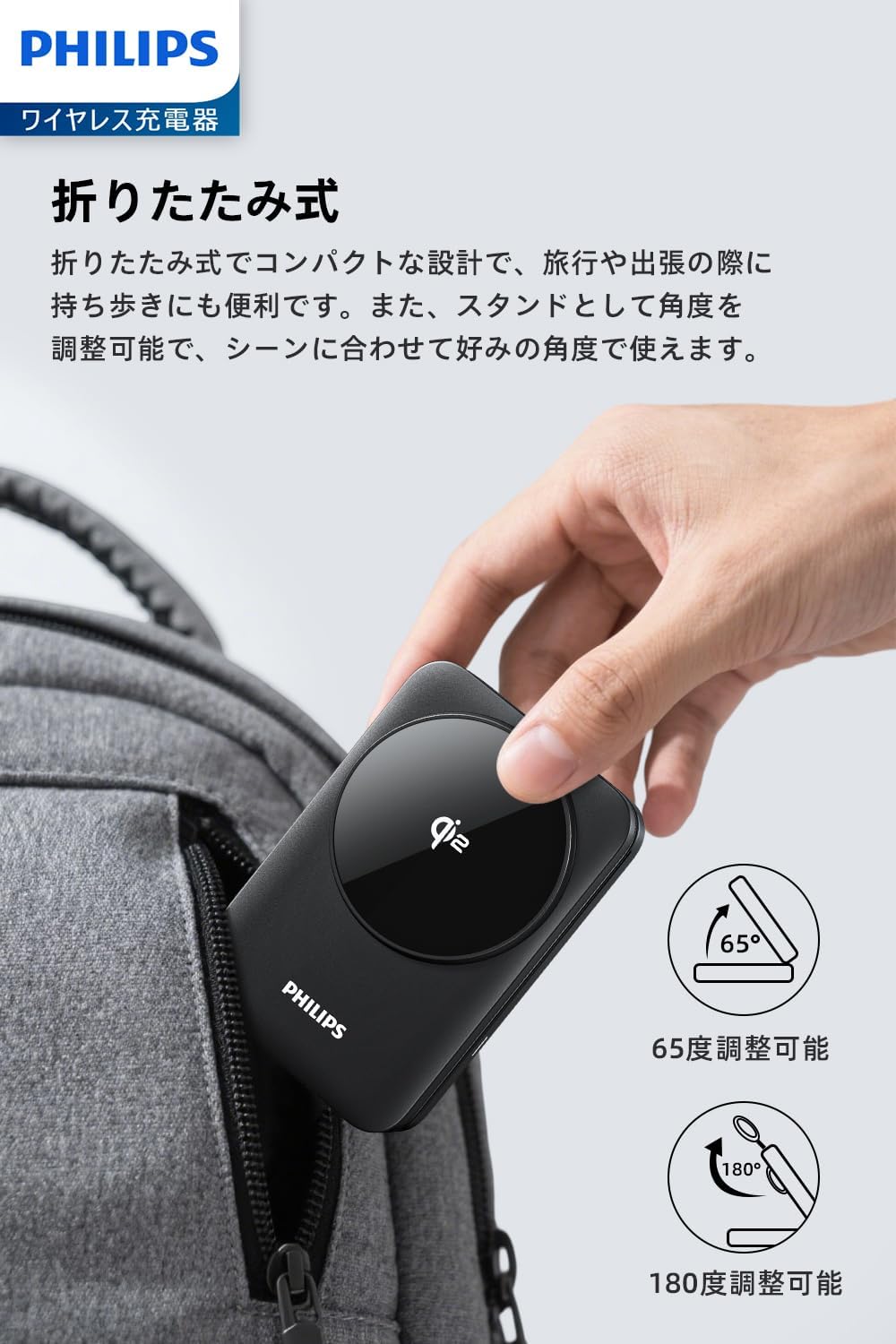
Thank you for choosing the Philips 3-in-1 Wireless Charger (Model DLK3548Q). This device is designed to efficiently charge your Qi2-compatible smartphone, Apple Watch, and wireless earbuds simultaneously. Its foldable design and adjustable viewing angles make it a versatile charging solution for home, office, or travel.


2. Conteúdo da embalagem
- Philips 3-in-1 Wireless Charger (DLK3548Q)
- Cabo de carregamento USB-C
- Manual do usuário
3. Configuração
- Unfold the Charger: Gently unfold the charging stand to your desired angle. The stand can be adjusted from 0 to 65 degrees for optimal viewindo.
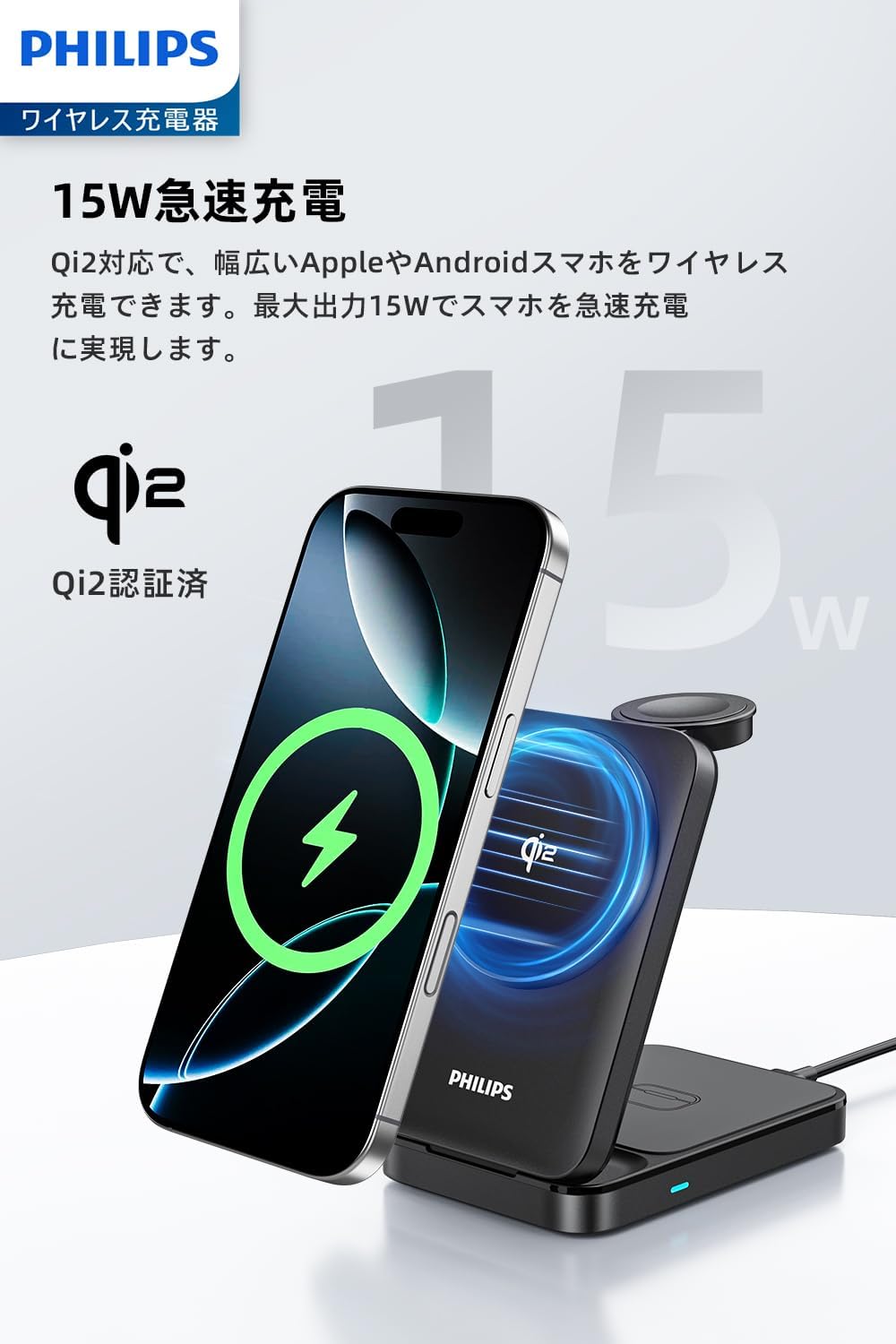
- Conecte a energia: Connect the provided USB-C cable to the charger's USB-C port and plug the other end into a compatible power adapter (not included). For optimal performance and 15W fast charging, use a power adapter that supports sufficient power output (e.g., a PD 20W or higher adapter).
- Colocação: Coloque o carregador sobre uma superfície plana e estável.
4. Instruções de operação
The Philips 3-in-1 Wireless Charger allows you to charge up to three devices simultaneously:
- Smartphone Charging (Up to 15W): Place your Qi2-compatible smartphone on the magnetic charging pad. The strong magnets will align your phone for efficient charging. The phone can be placed vertically or horizontally.
- Smartwatch Charging (Up to 2.5W): Place your Apple Watch on the dedicated smartwatch charging module.
- Earbuds Charging (Up to 5W): Place your wireless earbuds case (with wireless charging capability) on the base charging pad.
An LED indicator on the base will show the charging status:
- Luz Azul Sólida: Normal charging operation.
- Luz Azul Piscando: Input power is insufficient, or a foreign object is detected. Ensure your power adapter meets the recommended specifications.


5. Manutenção
- Limpeza: Desconecte o carregador da tomada antes de limpar. Use um pano macio e seco para limpar a superfície. Não use produtos de limpeza abrasivos ou solventes.
- Dissipação de calor: The charger features heat dissipation vents to maintain optimal performance. Ensure these vents are not blocked during use.
- Almofadas antiderrapantes: The base is equipped with anti-slip pads for stability. Keep them clean to ensure proper grip.

6. Solução De Problemas
- Dispositivo não carrega:
- Ensure the charger is properly connected to a power source with sufficient output (e.g., 20W PD adapter).
- Check if the LED indicator is solid blue. If it's blinking, the power input might be insufficient or a foreign object is present.
- Remove any thick phone cases or metal attachments that might interfere with wireless charging. For non-MagSafe compatible phones, use a MagSafe case or metal ring.
- Ensure your device is Qi2 compatible for smartphone charging, and has wireless charging capability for earbuds.
- Conexão magnética fraca:
- If your phone with a case does not adhere strongly, consider using a MagSafe-compatible case or a metal ring for better magnetic attachment.
- Carregamento lento:
- Verify that your power adapter provides adequate power (e.g., 20W or higher for 15W fast charging).
- Ensure your device is correctly aligned on the charging pad.
7. Especificações
| Recurso | Detalhe |
|---|---|
| Número do modelo | DLK3548Q |
| Marca | FILIPES |
| Cor | Preto |
| Conectividade | USB Tipo C |
| Fonte de energia | Elétrico com fio |
| O quetage | 22.5 W (Input) |
| Padrão de carregamento sem fio | Qi2 |
| Características especiais | MagSafe Compatible, Magnetic, Multi-Device Charging, Wireless Charging, Fast Charging |
| Dispositivos compatíveis | iPhones (Qi2 certified models like iPhone 14/15/16 series), Android Smartphones (Qi2 certified models like Samsung Galaxy S25 series), Apple Watch (Series 8/9/10, Ultra1/Ultra2), Wireless Earbuds (AirPods 3/4, AirPods Pro 2, Samsung Galaxy Buds2 Pro) |
| Dimensões do produto | 6.5 x 2.7 x 9.9 cm |
| Peso do item | 200 g |

8. Garantia e Suporte
This Philips product is covered by a manufacturer's warranty. For detailed warranty information, product support, or technical assistance, please refer to the warranty card included in your package or visit the official Philips support webGuarde o comprovante de compra como prova de aquisição.
For further inquiries, you may contact Philips customer service through their official channels.


