1. Introdução
This manual provides essential information for setting up, operating, maintaining, and troubleshooting your NIMO N158 15.6-inch laptop. Please read this manual thoroughly before using your device to ensure optimal performance and longevity.
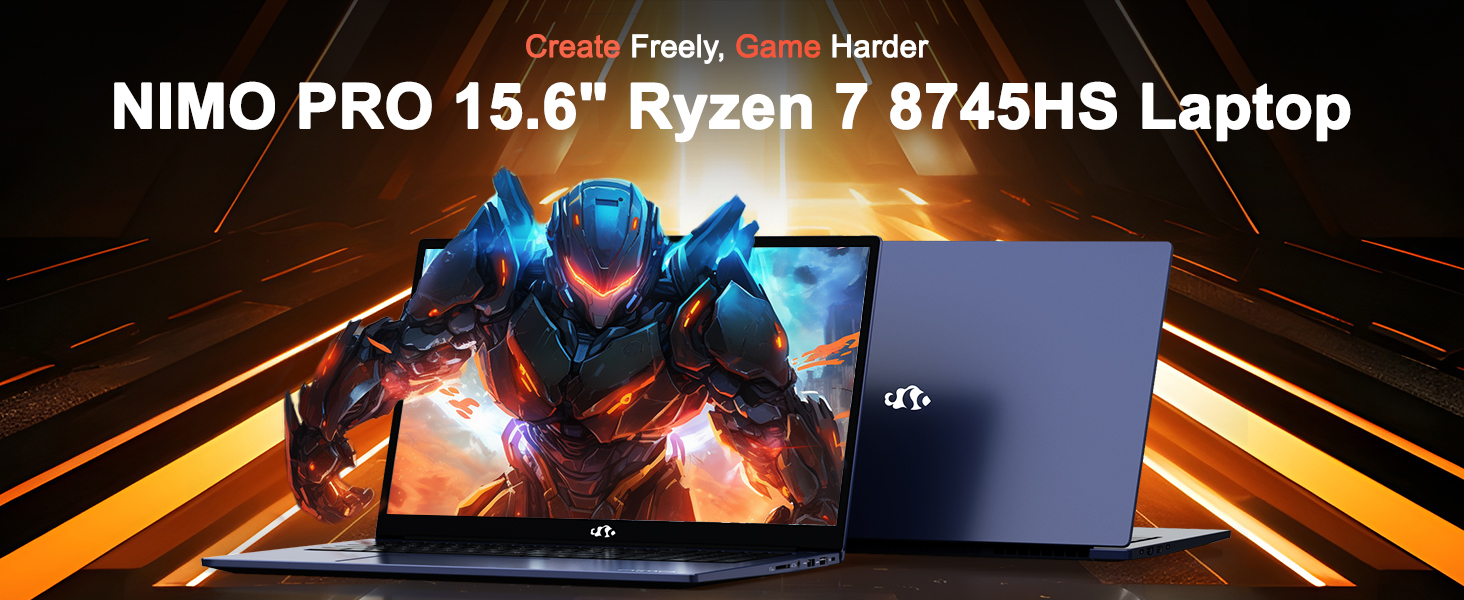
Image: The NIMO N158 15.6-inch laptop, showcasinSeu design e principais características.
2. Produto acabadoview
The NIMO N158 is a high-performance laptop designed for productivity and entertainment. It features an AMD Ryzen 7 8745HS processor, 64GB DDR5 RAM, and a 1TB PCIe 4.0 SSD.
2.1 Componentes principais
- Processador: AMD Ryzen 7 8745HS (8 Cores, 16 Threads, up to 4.9GHz)
- Gráficos: AMD Radeon 780M Integrated Graphics
- Memória: 64 GB de RAM DDR5 (4800 MHz)
- Armazenar: 1TB PCIe 4.0 SSD
- Mostrar: 15.6-inch Full HD (1920x1080) IPS Anti-Glare
- Sistema operacional: Windows 11 Início
- Bateria: 75Wh Lithium Polymer
2.2 Portas e Interfaces
The NIMO N158 laptop offers a variety of ports for connectivity:

Image: Diagram illustrating the various ports and interfaces on the NIMO N158 laptop.
- 1 x porta USB 2.0
- 3 portas USB 3.0
- 1 x USB 4.0 Type-C Port (with 100W PD fast charging support)
- 1 x Porta HDMI
- 1 x Tomada de fone de ouvido
- 1 x Leitor de Cartão SD
- 1 x slot de bloqueio Kensington
3. Configuração
3.1 Inicialização e carregamento
- Unpack the laptop and the included 100W Type-C PD Fast Charger.
- Connect the charger to the USB Type-C port on the laptop and to a power outlet. The Charger LED will illuminate.
- Deixe o laptop carregando por pelo menos 30 minutos antes do primeiro uso, ou até que o indicador de bateria mostre carga suficiente.
- Pressione o botão liga/desliga para ligar o laptop.

Image: The NIMO N158 laptop connected to its 100W Type-C fast charger, illustrating the charging process.
3.2 Configuração do sistema operacional
Upon first boot, you will be guided through the Windows 11 Home setup process. Follow the on-screen instructions to configure your language, region, network connection, and user account.
3.3 Configuração do Leitor de Impressões Digitais
For enhanced security, set up the integrated fingerprint reader during the Windows 11 setup or later via Windows Settings > Accounts > Sign-in options. This allows for quick and secure login.
4. Instruções de operação
4.1 Teclado e touchpad
- Teclado retroiluminado: The keyboard features backlighting for comfortable typing in low-light conditions. Use the designated function key (Fn + F key combination, typically) to adjust brightness or toggle the backlight.
- Teclado numérico: Um teclado numérico dedicado está incluído para entrada de dados eficiente.
- Precision Gesture Touchpad: O touchpad suporta gestos multitoque para navegação. Consulte as configurações do Windows para personalizar os gestos do touchpad.

Image: A user interacting with the NIMO N158 laptop, highlighting the backlit keyboard and fingerprint reader on the touchpad.
4.2 Exibição
The 15.6-inch Full HD IPS anti-glare display provides clear and vibrant visuals. Adjust display settings (resolution, brightness, color) through Windows Display Settings.

Image: The NIMO N158 laptop displaying a vibrant image on its 15.6-inch Full HD IPS screen, emphasizing visual quality.
4.3 Webcâmera
The laptop includes a 2MP webcam. For privacy, a physical webcam shield or switch is integrated. Ensure the webcam is open when in use and closed when not needed.

Image: A visual representation of the NIMO N158 laptop's privacy-focused camera, showing the open and closed states of the webcam switch.
4.4 Desempenho e Multitarefa
The AMD Ryzen 7 8745HS processor and 64GB DDR5 RAM provide robust performance for demanding tasks, content creation, and gaming. The 1TB PCIe 4.0 SSD ensures fast boot times and application loading.

Image: A close-up of the AMD Ryzen 7 8745HS processor chip, highlighting its core specifications.
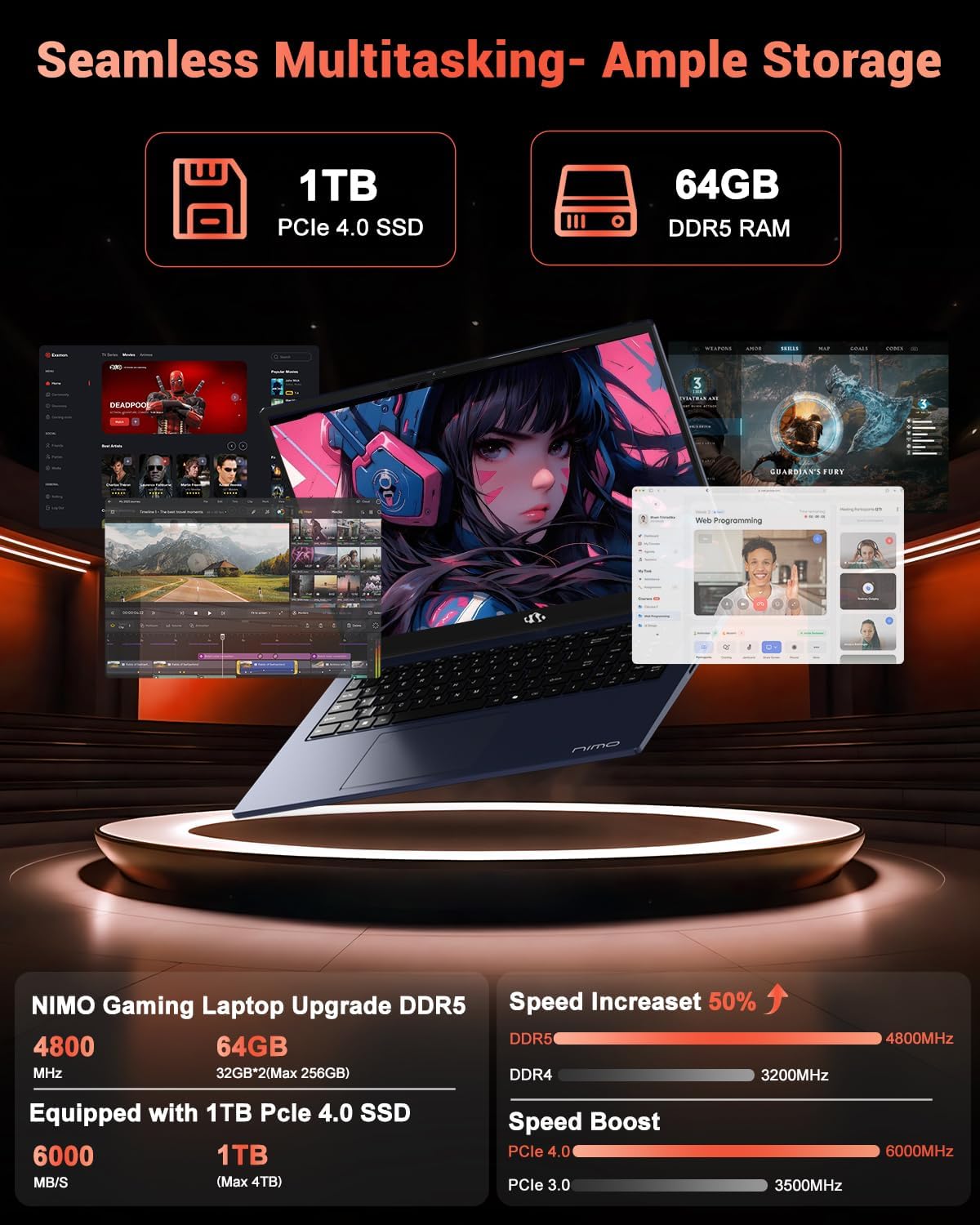
Image: The NIMO N158 laptop displaying multiple applications open, demonstrating its multitasking capabilities with 64GB RAM and 1TB SSD.
5. Manutenção
5.1 Cuidados Gerais
- Keep the laptop clean by wiping surfaces with a soft, dry cloth.
- Evite expor o laptop a temperaturas extremas, luz solar direta ou umidade.
- Não coloque objetos pesados sobre o laptop.
- Garanta uma ventilação adequada, não bloqueando as saídas de ar.
5.2 Capacidade de atualização
The NIMO N158 features an upgradable design, allowing for expansion of memory (RAM) and storage (SSD). Consult a qualified technician or refer to official NIMO support resources before attempting any internal upgrades to avoid voiding your warranty.
6. Solução De Problemas
If you encounter issues with your NIMO N158 laptop, consider the following basic troubleshooting steps:
- Sem energia: Ensure the charger is securely connected and the power outlet is functional. Try a different outlet.
- Problemas de exibição: Check external display connections if using one. Adjust screen brightness. Restart the laptop.
- Desempenho lento: Feche aplicativos desnecessários. Verifique se há atualizações em segundo plano. Certifique-se de ter espaço de armazenamento livre suficiente.
- Problemas de conectividade: Restart your Wi-Fi router. Reconnect to the Wi-Fi network. Update network drivers.
- Travamentos do sistema: Pressione e segure o botão liga/desliga por 10 a 15 segundos para forçar o desligamento e, em seguida, reinicie.
For persistent issues, refer to the NIMO support website ou entre em contato com o atendimento ao cliente.
7. Especificações
| Recurso | Especificação |
|---|---|
| Marca | NIMO |
| Nome do modelo | NIMO N158B |
| Tamanho da tela | 15.6 polegadas |
| Resolução da tela | 1920 x 1080 Pixels (FHD IPS) |
| Processador | AMD Ryzen 7 8745HS (até 4.9 GHz) |
| BATER | 64 GB DDR5 (4800 MHz) |
| Disco rígido | 1024 GB SSD (PCIe 4.0) |
| Coprocessador gráfico | AMD Radeon 780M |
| Sistema operacional | Windows 11 Início |
| Tipo sem fio | 802.11a/b/g/n/ac (Wi-Fi 6E) |
| Portas USB 2.0 | 1 |
| Portas USB 3.0 | 3 |
| Portas USB 4.0 tipo C | 1 |
| Duração média da bateria | 15.5 horas |
| Peso do item | 3.8 libras |
| Dimensões do produto | 14.07 x 8.98 x 0.76 polegadas |
| Características especiais | Backlit Keyboard, Fingerprint Reader, HD Audio, Numeric Keypad |
8. Garantia e Suporte
NIMO is committed to providing excellent customer service and product support.
8.1 Informações de garantia
Your NIMO N158 laptop comes with a Garantia de 2 ano A partir da data da compra. Esta garantia cobre defeitos de fabricação e mau funcionamento do hardware em condições normais de uso. Guarde o comprovante de compra para eventuais solicitações de garantia.

Image: A technician performing maintenance on a laptop, representing the 2-year support provided by NIMO.
8.2 Política de Devolução
NIMO offers a 90-day hassle-free return policy. If you are not satisfied with your purchase, you may return the product within 90 days from the date of purchase. Please refer to the official NIMO return policy for detailed terms and conditions.

Image: A delivery person handing a package to a customer, illustrating the 90-day return policy.
8.3 Suporte ao cliente
Our dedicated support team is available to assist you with any questions or issues. You can reach us via:
- E-mail: serviço@nimopc.com
- On-line: Visit the official NIMO webSite com perguntas frequentes e recursos de suporte.
We strive to provide quick solutions and a worry-free experience.

Image: Customer service representatives wearing headsets, representing professional customer assistance.


