1. Introdução
The NICGIGA 24 Port 2.5Gb Ethernet Switch (Model S25-2400) is an unmanaged network switch designed to provide high-speed connectivity for your home or office network. Featuring 24 2.5 Gigabit Ethernet ports, this switch offers a robust solution for expanding your network capacity and enhancing data transfer rates. Its plug-and-play design ensures easy installation without complex configuration, making it suitable for various environments, including desktop and 19-inch rack mount setups. The fanless metal design ensures quiet operation and efficient heat dissipation, contributing to device stability and longevity.
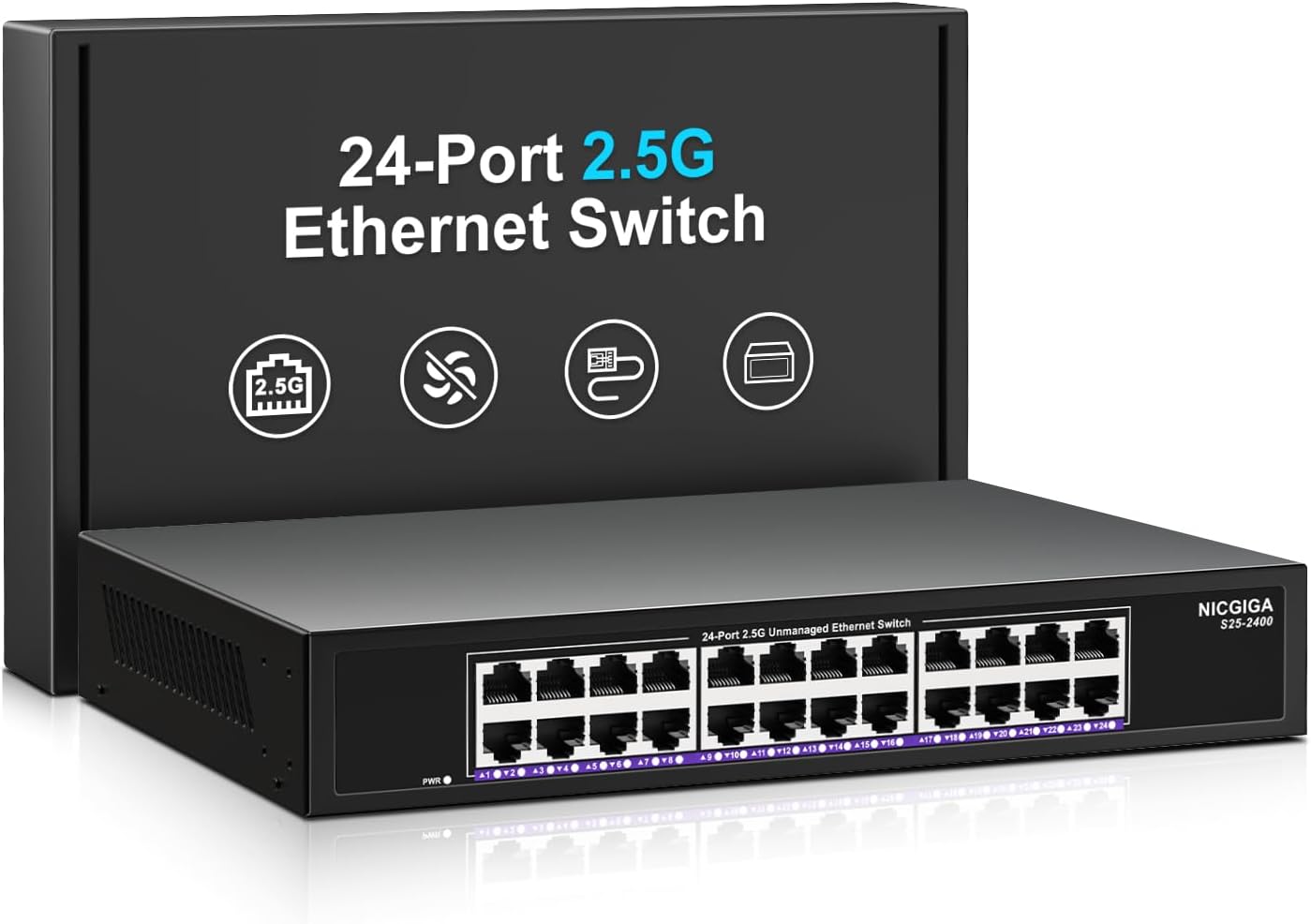
Imagem 1.1: Frente view of the NICGIGA 24 Port 2.5Gb Ethernet Switch, showcasing its 24 RJ45 ports and LED indicators.
2. Conteúdo da embalagem
Verifique se os seguintes itens estão incluídos em seu pacote:
- NICGIGA 24 Port 2.5Gb Ethernet Switch (Model S25-2400)
- Adaptador de energia
- Rack Mount Kit (for 19-inch rack installation)
- Manual do usuário (este documento)
3. Produto acabadoview
3.1 Painel Frontal
The front panel of the NICGIGA 24 Port 2.5Gb Ethernet Switch features 24 RJ45 ports and LED indicators for monitoring network activity.
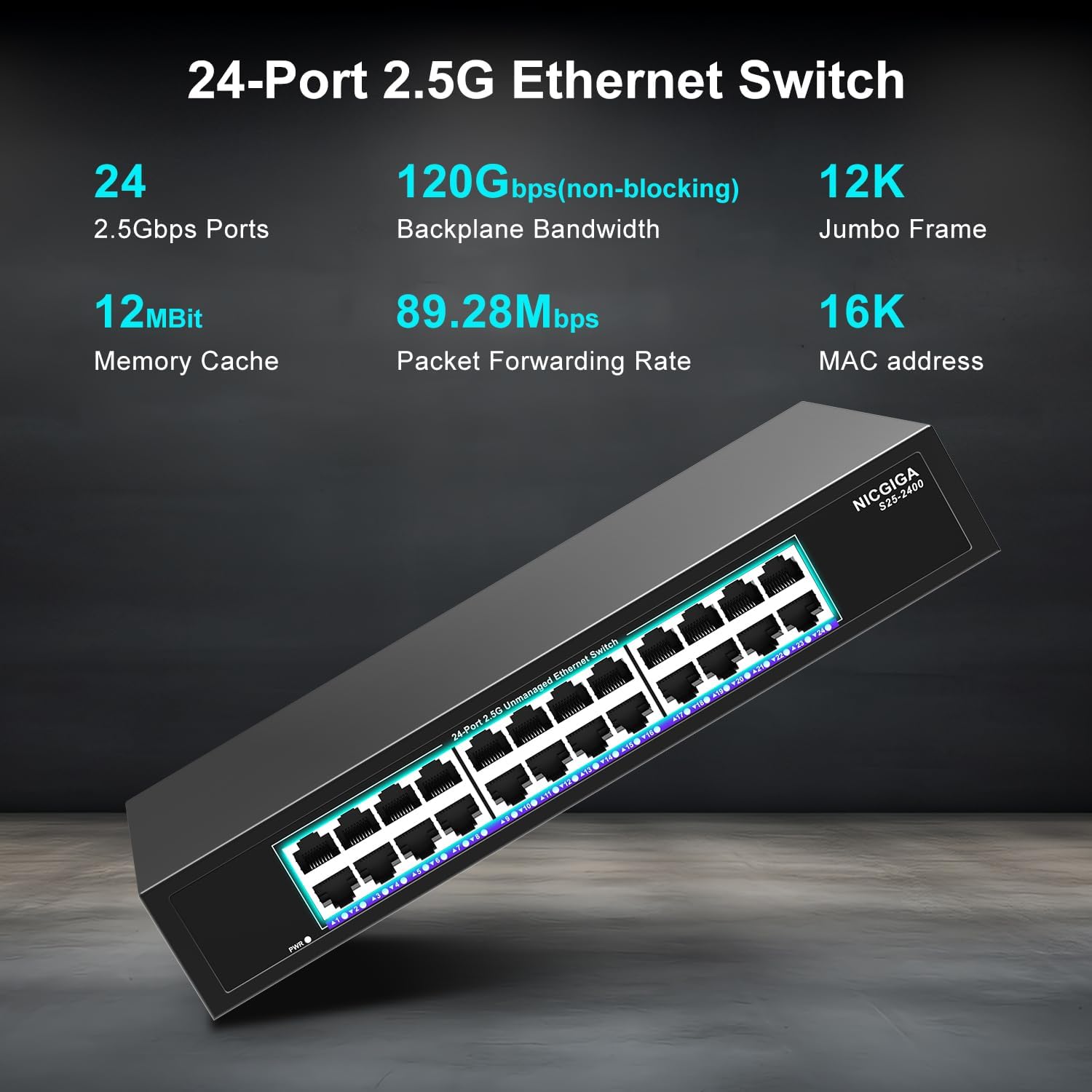
Imagem 3.1: Detalhada view of the switch's front panel, highlighting the 24 RJ45 ports and power input.
- Portas RJ45 (1-24): These ports support 100/1000/2500Mbps Ethernet connections. They automatically detect and adjust to the speed of the connected device.
- Indicadores LED: Each port has an associated LED that indicates link status and activity.
- Verde sólido: A stable link is established at 2.5Gbps.
- Amarelo sólido: A stable link is established at 1Gbps.
- Laranja Sólido: A stable link is established at 100Mbps.
- Piscando: Está ocorrendo atividade de dados na porta.
- Desligado: No link is established or the device is not connected.
- LED de energia: Indica o status de energia do switch.
- Verde sólido: O switch está ligado.
- Desligado: O switch está desligado.
3.2 Painel traseiro
O painel traseiro normalmente contém a entrada de energia e as aberturas de ventilação.
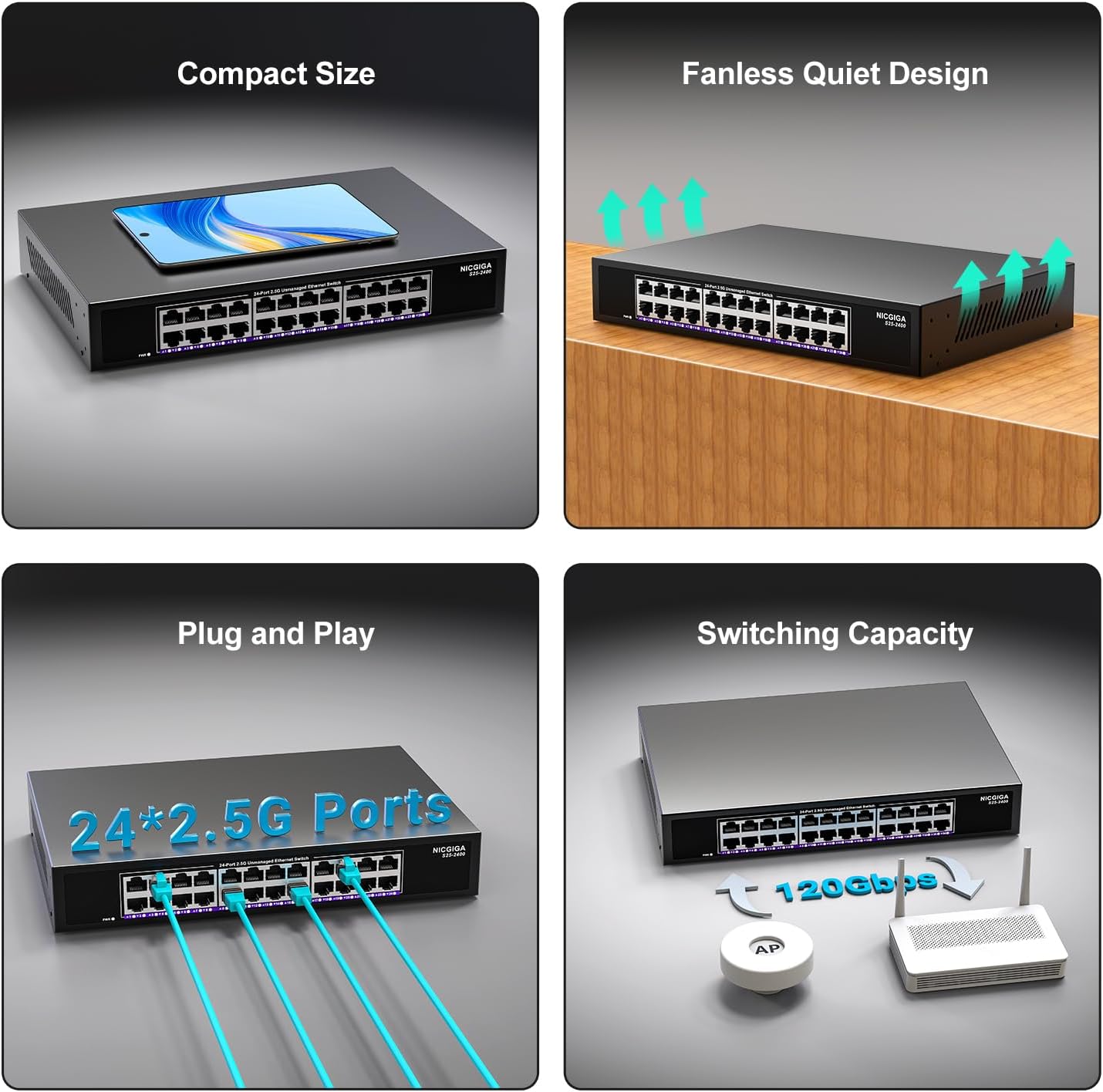
Imagem 3.2: Traseira view of the switch, showing the power input and fanless design.
4. Configuração
The NICGIGA 24 Port 2.5Gb Ethernet Switch is designed for simple plug-and-play operation, requiring no software installation or complex configuration.
4.1 Instalação da área de trabalho
- Place the switch on a stable, flat surface, ensuring adequate ventilation around the device.
- Conecte o adaptador de energia à entrada de energia do interruptor e, em seguida, a uma tomada elétrica.
- Connect your network devices (e.g., computers, NAS, Wi-Fi 6 APs, routers) to any of the 24 RJ45 ports using standard Ethernet cables. The switch will automatically detect the link speed.

Imagem 4.1: Example of desktop setup, showing the switch connected to a laptop and a Wi-Fi router.
4.2 19-inch Rack Mount Installation
The switch can be installed in a standard 19-inch equipment rack using the included rack mount kit.
- Fixe os dois suportes de montagem em rack nas laterais do switch usando os parafusos fornecidos.
- Secure the switch into an available slot in your 19-inch rack using appropriate rack screws (not included).
- Connect the power adapter and network cables as described in the desktop installation.

Image 4.2: Diagram illustrating the dimensions for rack mounting and an example of the switch installed in a 19-inch rack.
5. Instruções de operação
Once the switch is powered on and devices are connected, it operates automatically.
- Auto-Negociação: Each port automatically detects the speed (100Mbps, 1Gbps, or 2.5Gbps) and duplex mode (half/full) of the connected device and adjusts accordingly. This ensures optimal performance and compatibility across various network devices.
- Arquitetura sem bloqueio: The switch provides full wire-speed forwarding on all ports simultaneously, ensuring maximum throughput for all connected devices without bottlenecks.
- Unmanaged Operation: No configuration or software is required. Simply connect your devices, and the switch will manage data traffic efficiently.

Image 5.1: Illustration of the auto-negotiation feature, showing how the switch adapts to different link speeds.
6. Manutenção
The NICGIGA 24 Port 2.5Gb Ethernet Switch is designed for minimal maintenance.
- Limpeza: Use um pano macio e seco para limpar a parte externa do interruptor. Não use produtos de limpeza líquidos ou em aerossol.
- Ventilação: Ensure that the ventilation openings are not blocked to allow for proper airflow and heat dissipation. The fanless design relies on natural convection.
- Ambiente: Operate the switch within its specified environmental conditions (temperature, humidity) to ensure optimal performance and longevity.
7. Solução De Problemas
If you encounter issues with your NICGIGA 24 Port 2.5Gb Ethernet Switch, refer to the following common troubleshooting steps:
- Sem energia:
- Certifique-se de que o adaptador de energia esteja conectado firmemente tanto ao interruptor quanto a uma tomada elétrica em funcionamento.
- Verifique se a tomada está funcionando conectando outro aparelho.
- Check the Power LED on the switch; it should be solid green when powered on.
- Sem ligação/atividade em uma porta:
- Verifique se o cabo Ethernet está firmemente conectado tanto à porta do switch quanto ao dispositivo conectado.
- Certifique-se de que o dispositivo conectado esteja ligado e que seu adaptador de rede esteja funcionando corretamente.
- Try a different Ethernet cable to rule out cable issues.
- Faça o teste com uma porta diferente no switch.
- Check the LED indicator for the specific port; if it's off, there's no link.
- Velocidade de rede lenta:
- Ensure all connected devices and network adapters support 2.5Gbps speeds for optimal performance. The switch will auto-negotiate to the highest common speed.
- Use Cat5e or higher-rated Ethernet cables for 2.5Gbps connections.
- Check for excessive network traffic or bottlenecks on other network devices.
- Conectividade intermitente:
- Inspect Ethernet cables for damage.
- Ensure the switch is placed in a well-ventilated area to prevent overheating, although it has a fanless design.
- Verifique se há interferência eletromagnética proveniente de outros dispositivos eletrônicos.
8. Especificações
| Recurso | Especificação |
|---|---|
| Modelo | S25-2400 |
| Número de portas | 24 x 2.5Gbps RJ45 Ports |
| Tipo de interface | RJ45 |
| Taxa de transferência de dados | 100/1000/2500Mbps (Auto-Negotiation) |
| Capacidade de comutação | 160 Gbps |
| Moldura Jumbo | 12 mil |
| Tamanho da tabela de endereços MAC | 16 mil |
| cache de memória | 12Mbit |
| Taxa de encaminhamento de pacotes | 89.28 Mpps |
| Projeto | Fanless Metal Design |
| Proteção contra raios | 4 kV |
| Instalação | Desktop or 19-inch Rack Mount |
| Dimensões (C x L x A) | 270.5 x 181 x 44.5 mm (10.6 x 7.1 x 1.7 polegadas) |
| Peso do item | 1.9 quilogramas (4.18 libras) |
| Dispositivos compatíveis | Computador de mesa, console de jogos, laptop |
| UPC | 790885830235 |
Nota: as especificações estão sujeitas a alterações sem aviso prévio.
9. Garantia e Suporte
NICGIGA provides a one-year warranty for this product, ensuring reliability, quality, and performance. Additionally, lifetime technical support is available for the entire product lifecycle.
Para assistência técnica ou reclamações de garantia, entre em contato com o suporte ao cliente da NICGIGA através do canal oficial. website ou sua plataforma de compra.


