1. Introdução
This instruction manual provides essential information for the proper installation, operation, and maintenance of your Bewinner 4G Cat 9 LTE Wireless WAN Card, Model L850-GL. This module is designed to provide high-speed 4G LTE mobile network connectivity for compatible laptops, enhancing your device's internet capabilities. Please read this manual thoroughly before installation and use.
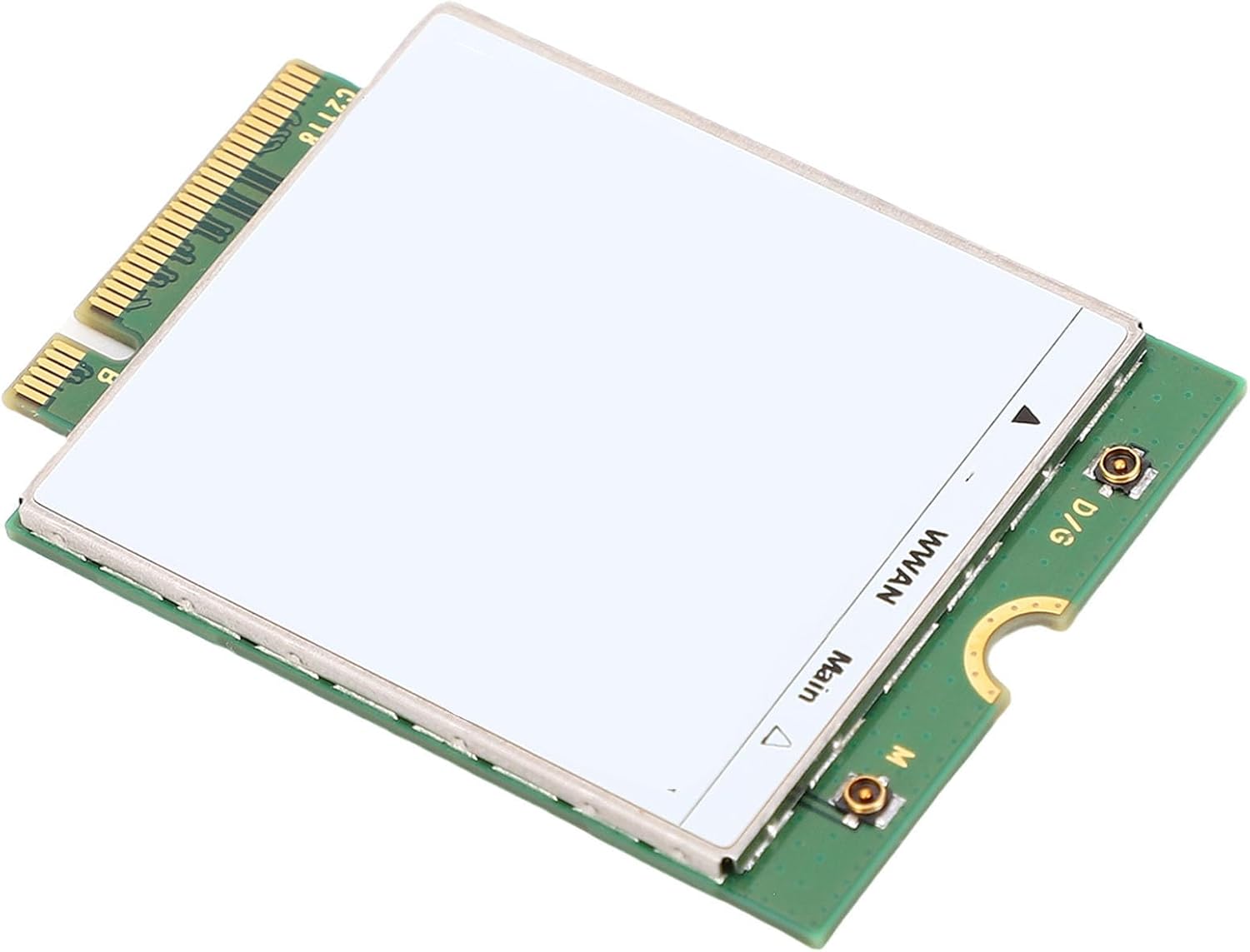
Imagem 1.1: Topo view of the Bewinner 4G Cat 9 LTE Wireless WAN Card. This image shows the M.2 interface card with a white label covering the main components, and two antenna connectors labeled 'WWAN Main' and 'D/G'.
2. Configuração e instalação
The Bewinner 4G Cat 9 LTE Wireless WAN Card is designed for easy installation into compatible laptops. It utilizes an M.2 interface.
2.1 Compatibilidade
This module is compatible with various laptop models, including but not limited to:
- 3540, 3541, 3500
- 5300, 5400, 5401, 5480, 5490, 5500, 5501, 5580, 5590
- 7300, 7390, 7400, 7480
Please verify your laptop's compatibility and ensure it has an available M.2 slot for a WWAN module before proceeding with installation.
2.2 Etapas de instalação
- Desligar: Completely shut down your laptop and disconnect it from all power sources.
- Painel de acesso: Carefully open the laptop's bottom access panel to expose the internal components. Refer to your laptop's specific service manual for instructions on how to do this.
- Localize o slot M.2: Identify the available M.2 slot designated for WWAN modules.
- Inserir módulo: Gently insert the Bewinner 4G Cat 9 LTE Wireless WAN Card into the M.2 slot at an angle.
- Módulo seguro: Press the module down and secure it with the provided screw (if applicable) or the laptop's existing retention mechanism.
- Conectar Antenas: Carefully connect the laptop's internal WWAN antenna cables to the corresponding connectors on the module (Main and D/G). Ensure a secure connection.
- Fechar painel: Reattach the laptop's access panel and secure it.
- Ligar: Reconnect power and turn on your laptop.
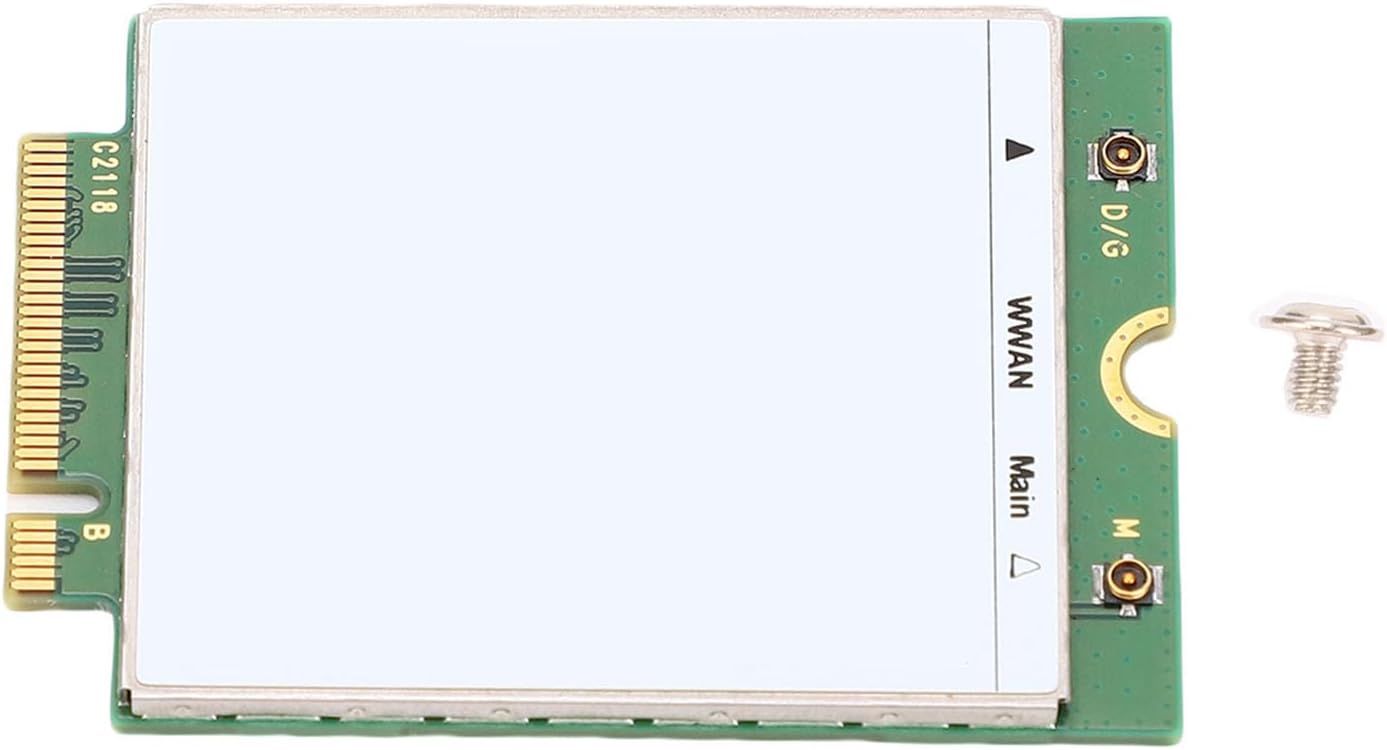
Image 2.1: The Bewinner 4G Cat 9 LTE Wireless WAN Card shown alongside a small screw, typically used for securing the module in an M.2 slot.
After installation, your operating system should detect the new hardware. You may need to install specific drivers provided by your laptop manufacturer or the module manufacturer for full functionality.
3. Instruções de operação
Once the Bewinner 4G Cat 9 LTE Wireless WAN Card is successfully installed and recognized by your system, it will enable mobile broadband connectivity.
3.1 SIM Card Insertion (if applicable)
This module requires a compatible SIM card from a mobile network operator to establish a cellular connection. Most laptops with WWAN support have a dedicated SIM card slot.
- Ensure your laptop is powered off.
- Locate the SIM card slot on your laptop (often on the side, under the battery, or near the WWAN module).
- Insert your activated SIM card into the slot according to the orientation indicated.
- Ligue seu laptop.
3.2 Connecting to a Mobile Network
After the SIM card is inserted and the system boots, the WWAN module should be detected.
- Windows: Navigate to Network & Internet settings, then "Cellular" or "Mobile Hotspot". You should see options to connect to your mobile network.
- Other OS: Consult your operating system's documentation for connecting to mobile broadband networks.
The module supports high-speed data transfer with download rates up to 450 Mbps (LTE FDD) and upload rates up to 50 Mbps (LTE FDD), depending on network conditions and operator services. It supports various network standards including LTE-TDD, LTE-FDD, and WCDMA across multiple frequency bands.
4. Manutenção
The Bewinner 4G Cat 9 LTE Wireless WAN Card is a robust electronic component designed for long-term use. Minimal maintenance is required.
- Mantenha seco: Avoid exposing the module to moisture or extreme humidity.
- Limpeza: Ensure the laptop's internal environment, where the module is installed, remains free from dust and debris.
- Firmware/Drivers: Periodically check for updated drivers or firmware from your laptop manufacturer or Bewinner to ensure optimal performance and compatibility.
- Manuseio Físico: When handling the module, avoid touching the gold contacts directly. Use anti-static precautions.
5. Solução De Problemas
If you encounter issues with your Bewinner 4G Cat 9 LTE Wireless WAN Card, consider the following troubleshooting steps:
- Módulo não detectado:
- Ensure the module is correctly seated in the M.2 slot.
- Verify that the securing screw is tightened.
- Check your laptop's BIOS/UEFI settings to ensure the WWAN slot is enabled.
- Sem conexão de rede:
- Confirm that a valid and activated SIM card is inserted correctly.
- Check if the antenna cables are securely connected to the module.
- Ensure you have installed the correct drivers for the WWAN module.
- Verify that your mobile network operator's service is active in your area.
- Reinicie seu laptop.
- Velocidades lentas:
- Network performance can vary based on location, signal strength, and network congestion.
- Ensure your mobile data plan supports the desired speeds.
- Verifique se há atualizações de driver.
- Problemas com o driver:
- Reinstall the drivers for the WWAN module.
- Check the Device Manager (Windows) for any error indicators related to the module.
If problems persist, contact Bewinner customer support or your laptop manufacturer for further assistance.
6. Especificações
| Tipo de item | WWAN LTE 4G Card Module |
| Material | PCB |
| Interface | PCIe M.2 |
| LTE/4G Category | CAT 9 |
| Número da peça | L850-GL |
| Tecnologia sem fio | LTE FDD, LTE TDD, WCDMA |
| LTE/4G Bands | LTE FDD B1/B2/B3/B4/B5/B7/B8/B11/B12/B13/B17/B18/B19/B21/B26/B30/B66, LTE TDD B38/B39/B41 |
| UMTS/HSPA/WCDMA Bands | B1/B2/B4/B5/B8 |
| Download Speed (Max) | 450 Mbps (LTE FDD), 347 Mbps (LTE TDD), 385 kbps (UMTS) |
| Upload Speed (Max) | 50 Mbps (LTE FDD), 30 Mbps (LTE TDD), 85 kbps (UMTS) |
| Dimensões | 30 x 42 x 2.3 mm (aproximadamente) |
| Peso do item | 0.353 onças |
| Recursos suportados | 2x2 MIMO, 3CA combination, 2CA combination, ESIM support |
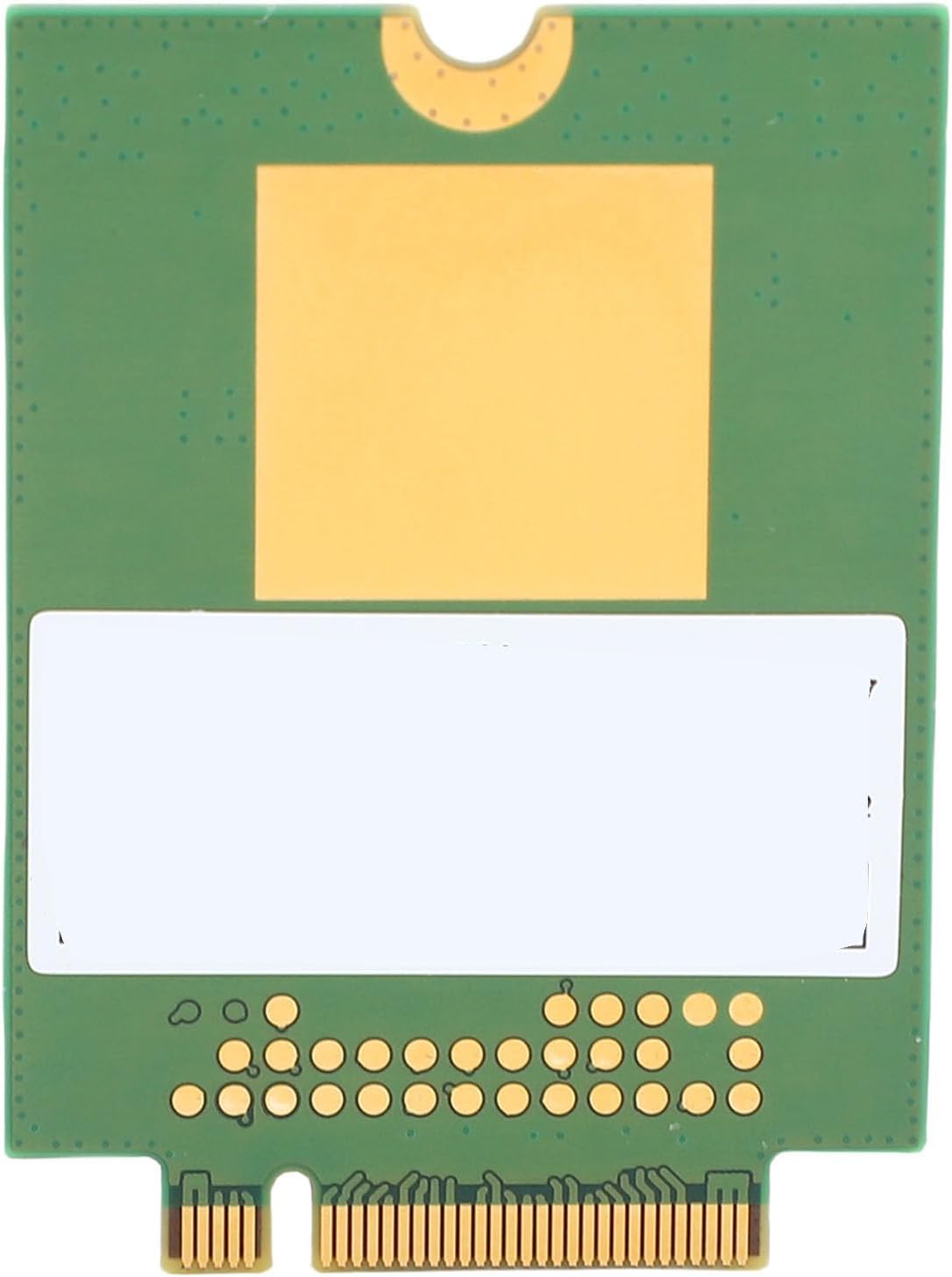
Imagem 6.1: Voltar view of the Bewinner 4G Cat 9 LTE Wireless WAN Card, showing the PCB and M.2 connector pins.
7. Suporte e garantia
For technical support, warranty information, or further inquiries regarding your Bewinner 4G Cat 9 LTE Wireless WAN Card, please refer to the official Bewinner webou entre em contato diretamente com o serviço de atendimento ao cliente. Guarde o comprovante de compra para eventuais solicitações de garantia.
Fabricante: Vencedor
Número do modelo do item: Bewinner651scqued3
ASIN: B0FSYW4686


