Introdução
Thank you for choosing the UPERFECT 16-inch 2K 144Hz Portable Gaming Monitor. This manual provides essential information for setting up, operating, maintaining, and troubleshooting your new monitor. Please read it thoroughly to ensure optimal performance and longevity of your device.
Configurar
Conteúdo da embalagem
- UPERFECT 16-inch Portable Gaming Monitor
- Protective Case (may vary by model)
- Cables (USB-C, Mini HDMI - specific types and quantities may vary)
- Adaptador de energia (se incluído)
Configuração física
- Posicionando o monitor: Place the monitor on a stable, flat surface. The integrated kickstand allows for adjustable viewângulos de inclinação.
- Montagem VESA: For a more permanent setup, the monitor supports VESA mounting. Attach a compatible VESA mount (not included) to the designated mounting points on the back of the monitor. Ensure the mount can support the monitor's weight.
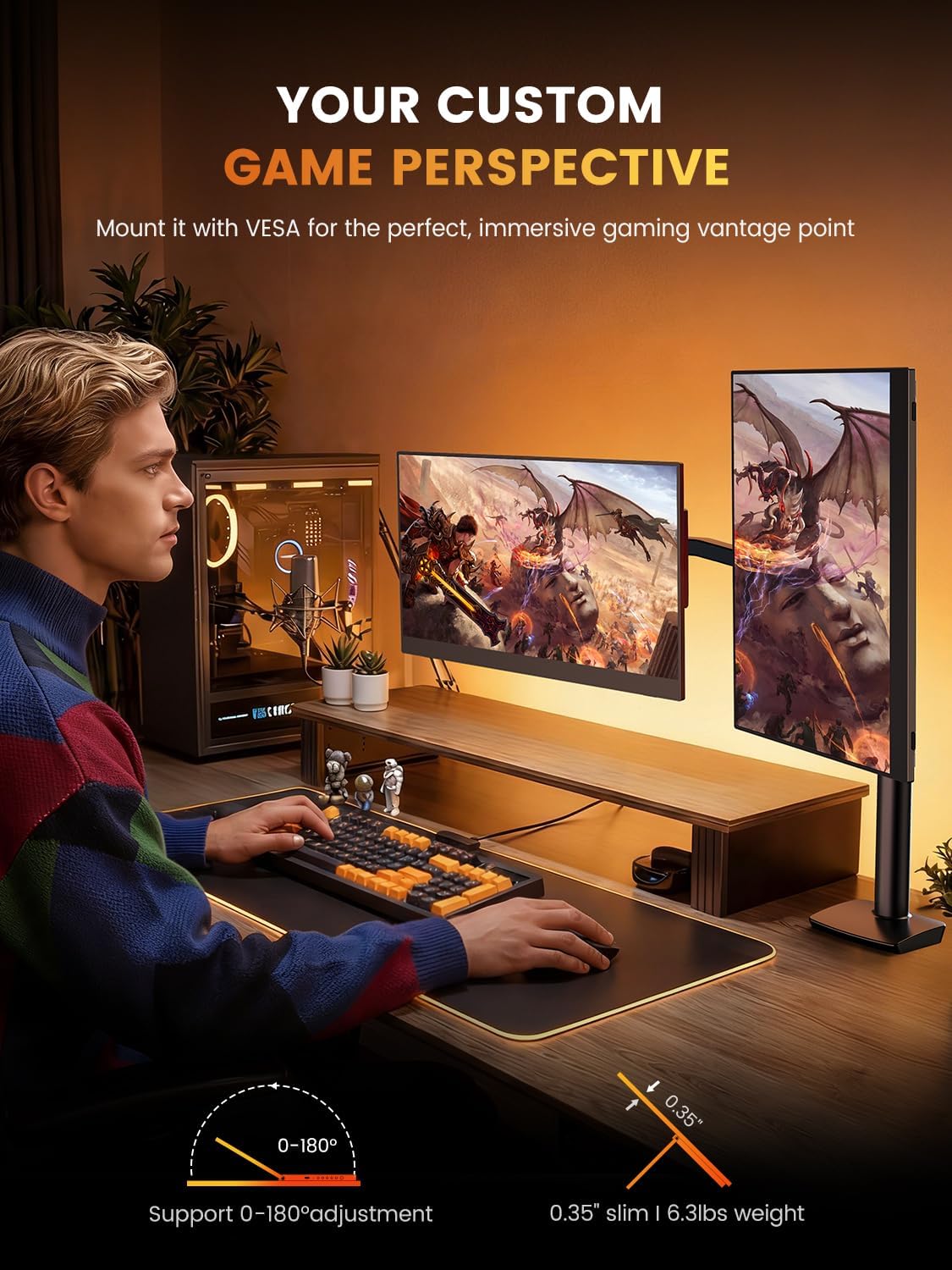
Image: The monitor can be mounted using a VESA arm for flexible positioning, as shown with a user at a desk with a gaming PC.
Conectando-se a dispositivos
The monitor offers versatile connectivity for various devices including laptops, smartphones, gaming consoles, and cameras.
- Conexão USB C: For devices with a full-featured USB-C port (supporting DisplayPort Alternate Mode and power delivery), a single USB-C cable can provide both video signal and power to the monitor. Connect one end of the USB-C cable to your device and the other to the monitor's USB-C port.
- Conexão Mini HDMI: For devices with an HDMI output, use a Mini HDMI to HDMI cable. Connect the Mini HDMI end to the monitor and the HDMI end to your device. An additional USB-C to USB-A cable or power adapter (5V) may be required to power the monitor if your device does not supply sufficient power via HDMI.
- Saída de áudio: The monitor features built-in speakers. For external audio, connect headphones or external speakers to the 3.5mm audio jack.
Instruções de operação
Ligar/desligar
Press the power button located on the side or back of the monitor to turn it on or off. The monitor will automatically detect the input signal.
Configurações de exibição
Use the OSD (On-Screen Display) menu buttons to adjust various display settings. Common adjustments include:
- Brilho contraste: Adjust the image brightness and contrast levels. The monitor supports up to 400 nits brightness and a 1500:1 contrast ratio.
- Configurações de cores: Fine-tune color temperature, hue, and saturation. The monitor offers 100% DCI-P3 color gamut for accurate color reproduction.
- Fonte de entrada: Manually select between USB-C and Mini HDMI input sources if auto-detection fails.
- Áudio: Ajuste o volume dos alto-falantes integrados ou dos fones de ouvido conectados.
- Características especiais: Enable or disable features like Blue Light Filter and Flicker-Free technology for eye care.
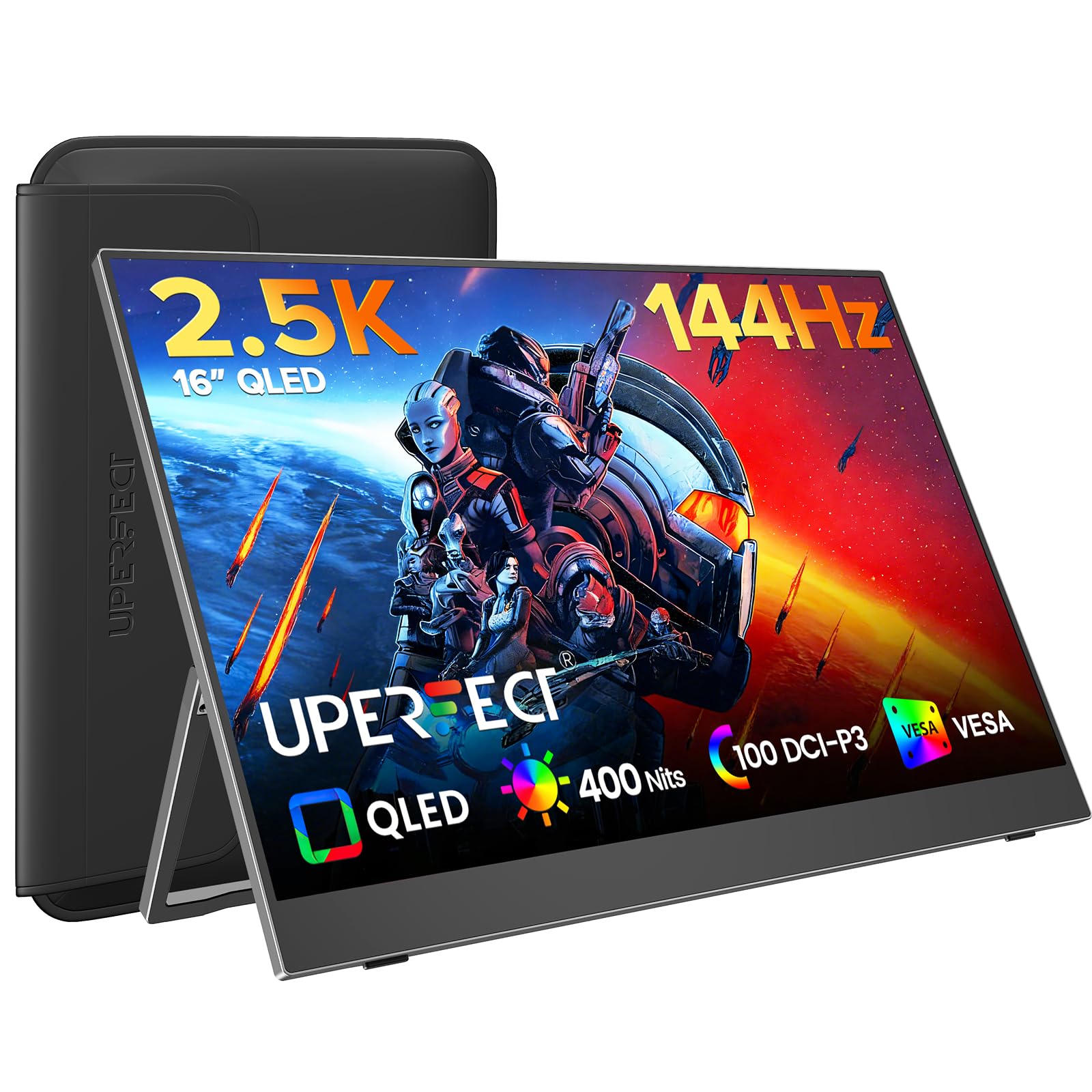
Image: The monitor features a 0.1ms response time and 144Hz refresh rate for smooth motion in gaming.

Image: Enjoy a smooth gaming experience and stunning 2.5K visual effects with the 144Hz refresh rate.

Image: QLED technology provides true color reproduction with 100% DCI-P3, 400 Nits brightness, and 2000:1 contrast.

Image: The monitor achieves 100% DCI-P3 color space, a cinema standard, for a stunning visual experience.
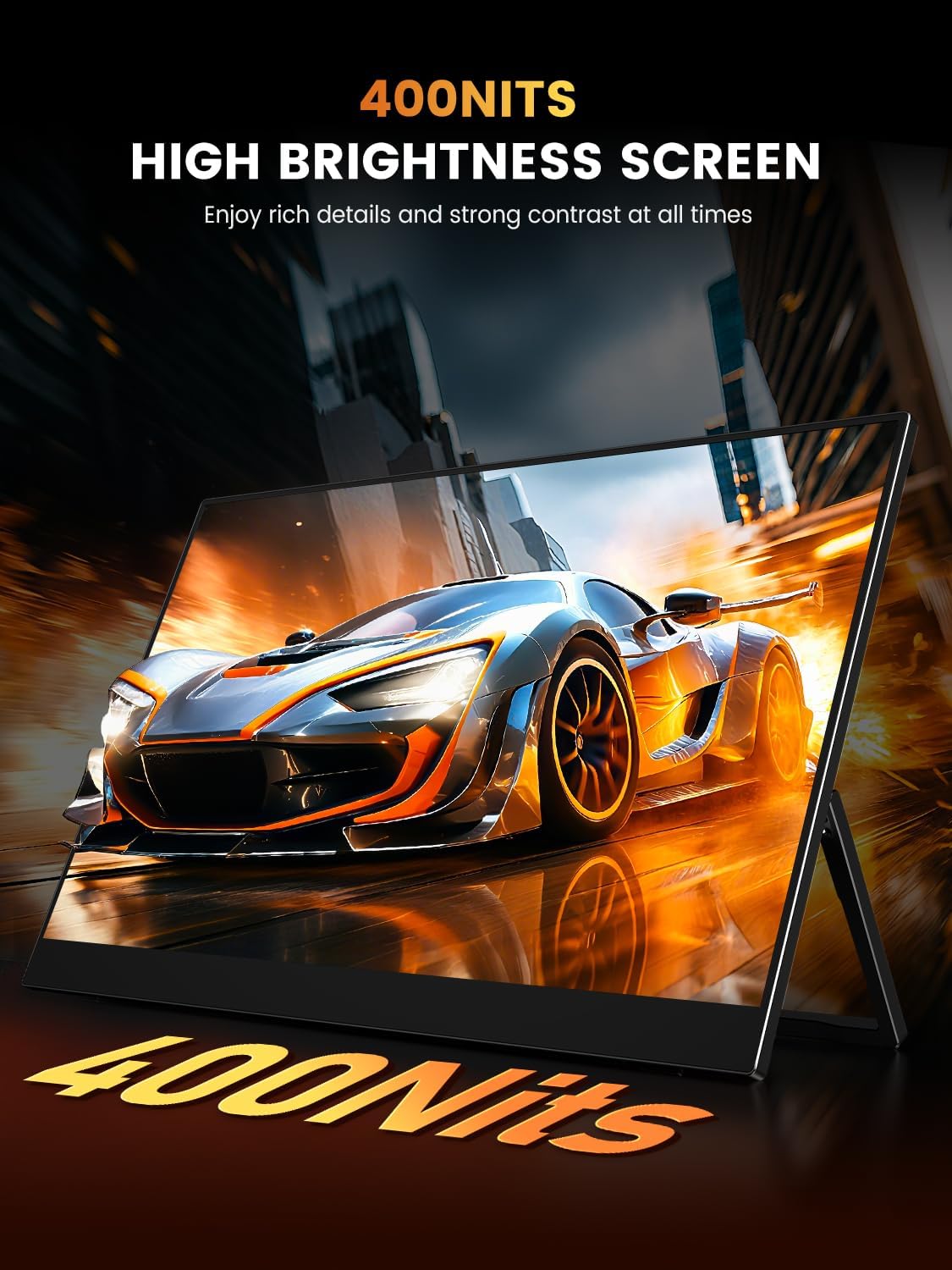
Image: The 400 Nits high brightness screen ensures rich details and strong contrast in various lighting conditions.
Manutenção
Limpando o monitor
- Desligue sempre o monitor da tomada antes de o limpar.
- Use um pano macio e sem fiapos levementeampFinalize com água ou um limpador de telas não abrasivo.
- Não aplique o produto de limpeza diretamente na tela.
- Avoid using alcohol, ammonia, or abrasive cleaners, as these can damage the matte screen surface.
Protective Case Care
If your monitor came with a protective case, ensure it is used during transport to prevent scratches and damage. The case is designed to be waterproof, anti-scratch, durable, and breathable.
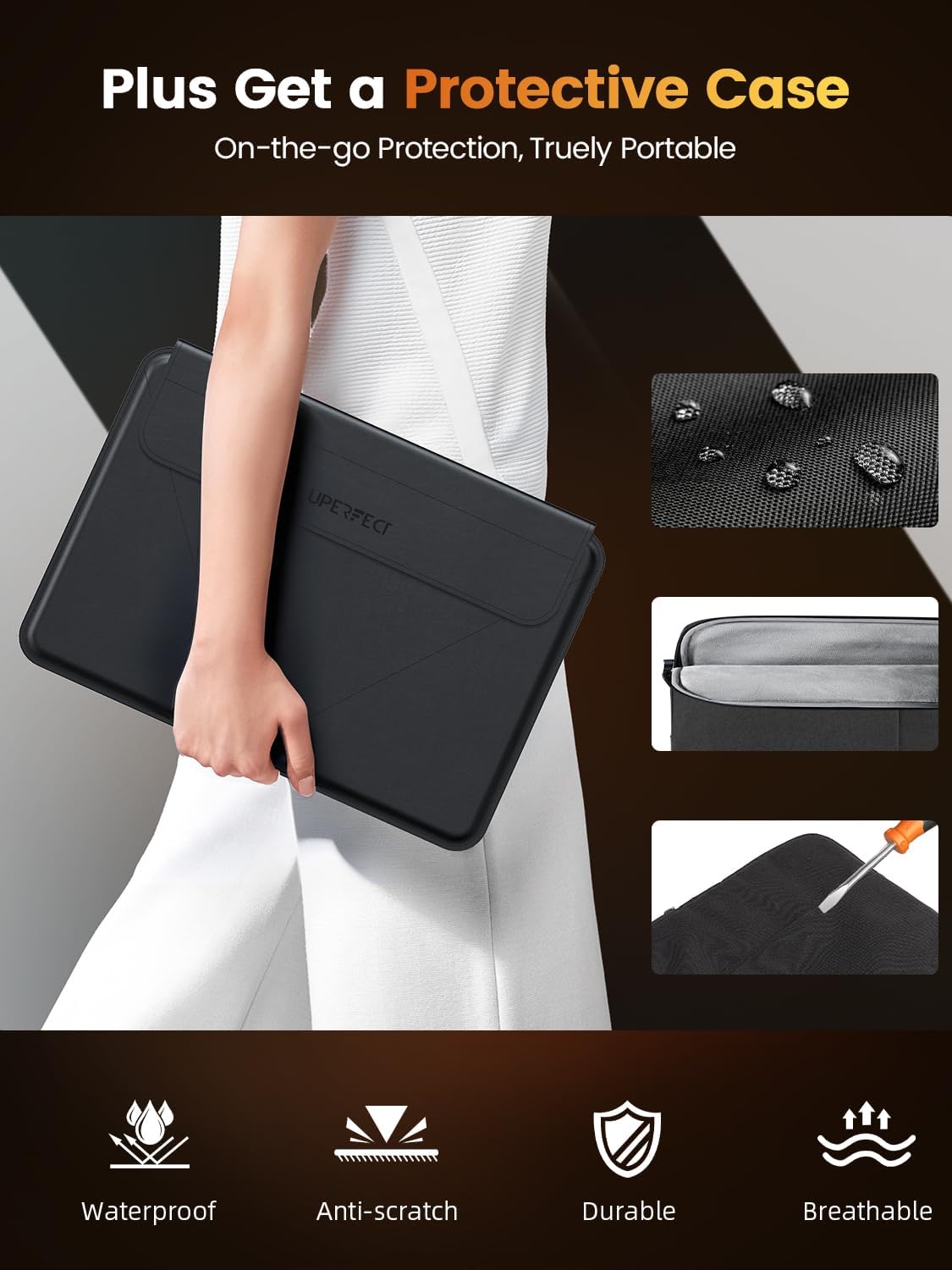
Image: The included protective case offers on-the-go protection, featuring waterproof, anti-scratch, durable, and breathable properties.
Solução de problemas
Se você encontrar problemas com seu monitor, consulte as seguintes soluções comuns:
- Sem Sinal:
- Ensure all cables (USB-C, Mini HDMI) are securely connected to both the monitor and your device.
- Verify that your device's display output is enabled and configured correctly (e.g., extended display, duplicate display).
- Tente selecionar a fonte de entrada manualmente através do menu OSD.
- Sem energia:
- Confirm the power adapter (if used) is properly connected to a working power outlet and the monitor.
- If using a single USB-C cable, ensure your device's USB-C port supports power delivery to external displays.
- Tente uma fonte de alimentação ou cabo diferente.
- Tela piscando:
- Check the cable connections for looseness.
- Adjust the refresh rate settings on your connected device.
- Ensure the monitor's power supply is stable.
- Problemas de qualidade de imagem (imagem desfocada, distorcida):
- Ensure your device's display resolution is set to the monitor's native resolution (2560x1600).
- Ajuste as configurações de brilho, contraste e cor através do menu OSD.
Especificações
| Recurso | Especificação |
|---|---|
| Marca | SUPERFEITO |
| Modelo | 16 |
| Tamanho da tela | 16 polegadas |
| Resolução de exibição | 2560 x 1600 pixels (2K) |
| Taxa de atualização | 144 Hz |
| Tempo de resposta | 0.1 milissegundos |
| Tecnologia de exibição | QLED |
| Brilho | 400 Nits |
| Taxa de contraste | 1500:1 |
| Viewângulo de engate | 178 graus |
| Gama de cores | 100% DCI-P3 |
| Proporção da tela | 16:10 |
| interface de hardware | 3.5mm Audio, USB 3.0 Type C, Mini HDMI |
| Características especiais | Blue Light Filter, Built-In Speakers, Eye Care, Flicker-Free, Lightweight |
| Dispositivos compatíveis | Camera, Desktop, Gaming Console, Laptop, Smartphone |
| Volumetage | 5 Volts |
| Dimensões do produto | 0.58 x 35.56 x 24.13 cm |
| Peso do item | 680.39 g |
Garantia e Suporte
For warranty information or technical support, please refer to the documentation included with your purchase or visit the official UPERFECT website. If you have further questions or require assistance, please contact UPERFECT customer service.