1. Introdução
This manual provides essential information for the proper setup, operation, and maintenance of your MESWAO 15.6-inch Android 14 Tablet (Model MES-B3). Please read this manual thoroughly before using the device to ensure optimal performance and longevity. Keep this manual for future reference.
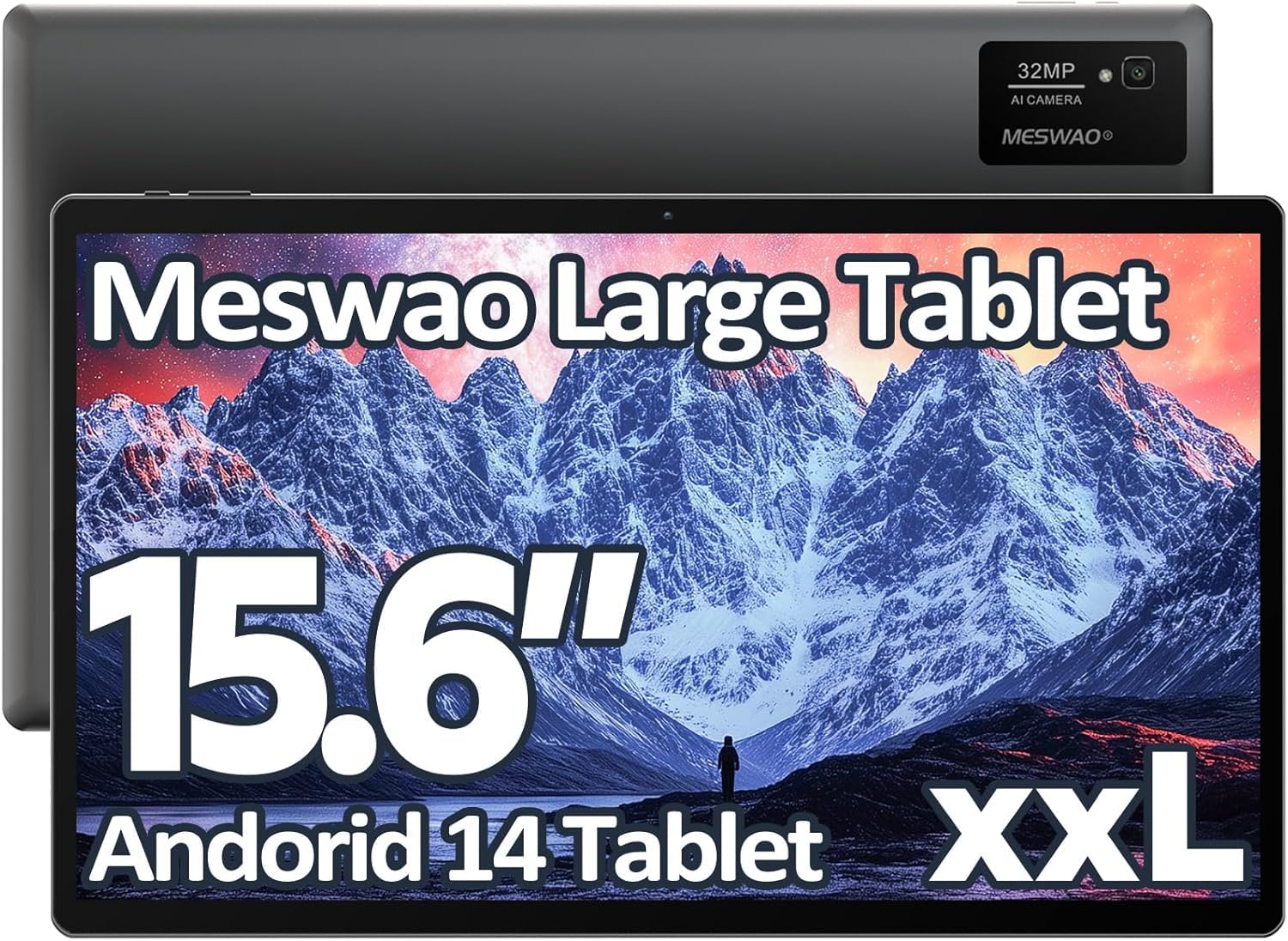
Image: The MESWAO 15.6-inch Android 14 Tablet, showcasinSeu amplo visor e design elegante.
2. Configuração
2.1 Desembalagem e Inspeção Inicial
Remova cuidadosamente todos os componentes da embalagem. Verifique se todos os itens listados no conteúdo da embalagem estão presentes e sem danos. Caso algum item esteja faltando ou danificado, entre em contato com o suporte ao cliente imediatamente.
2.2 Carregando o tablet
Before first use, fully charge the tablet. Connect the provided USB-C cable to the tablet's charging port and the other end to the power adapter. Plug the power adapter into a wall outlet. The charging indicator will illuminate. A full charge typically takes approximately 3 hours with the 30W fast charging capability.
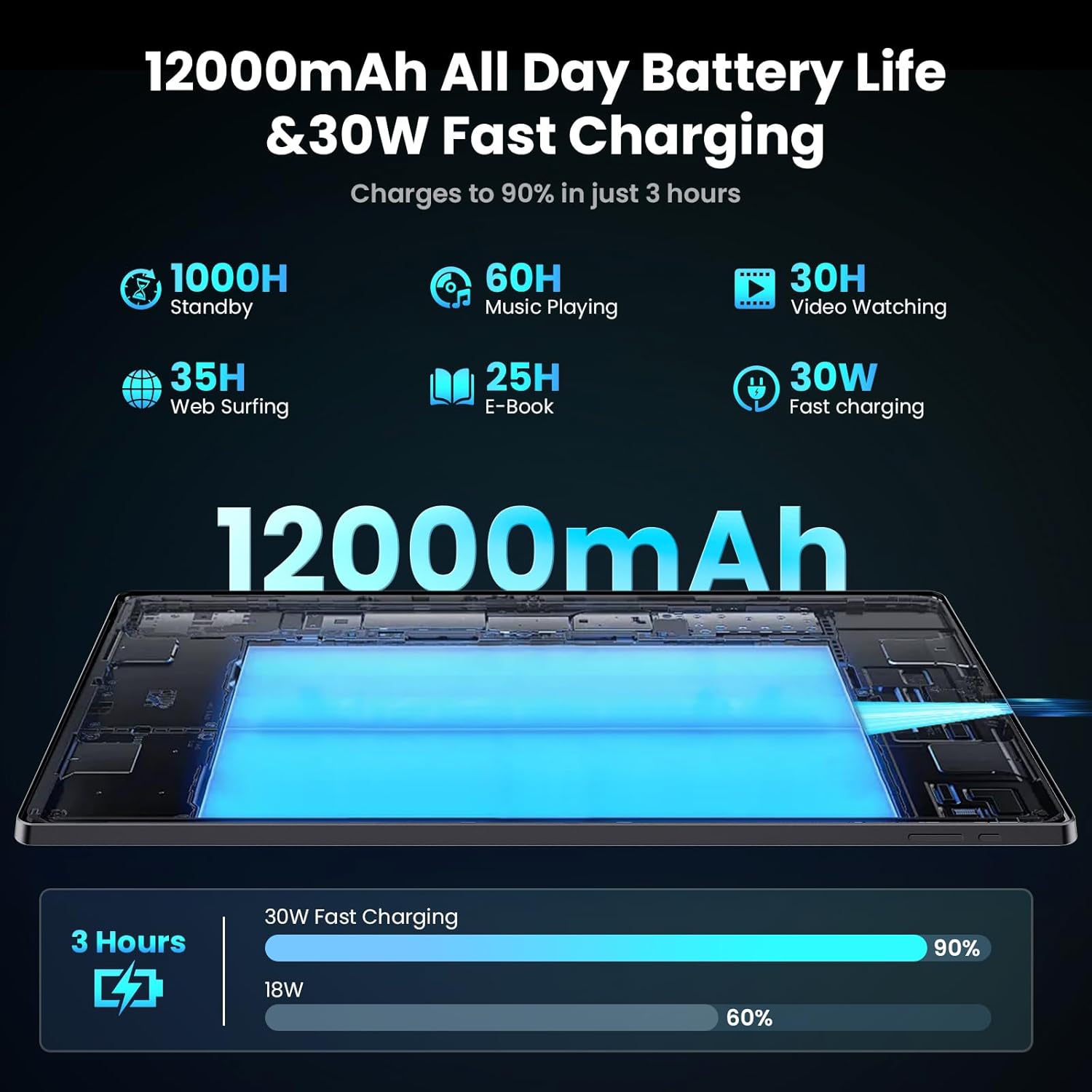
Image: Diagram illustrating the 12000mAh battery capacity and 30W fast charging feature, showing a charge to 90% in 3 hours.
2.3 Ligar e configuração inicial
- Press and hold the Power button until the MESWAO logo appears.
- Siga as instruções na tela para selecionar seu idioma, região e conectar-se a uma rede Wi-Fi.
- Inicie sessão com a sua conta Google ou crie uma nova para aceder à Google Play Store e a outros serviços.
- Complete any remaining setup steps, such as setting up a screen lock (PIN, pattern, or password) and reviewconfigurando as opções de privacidade.
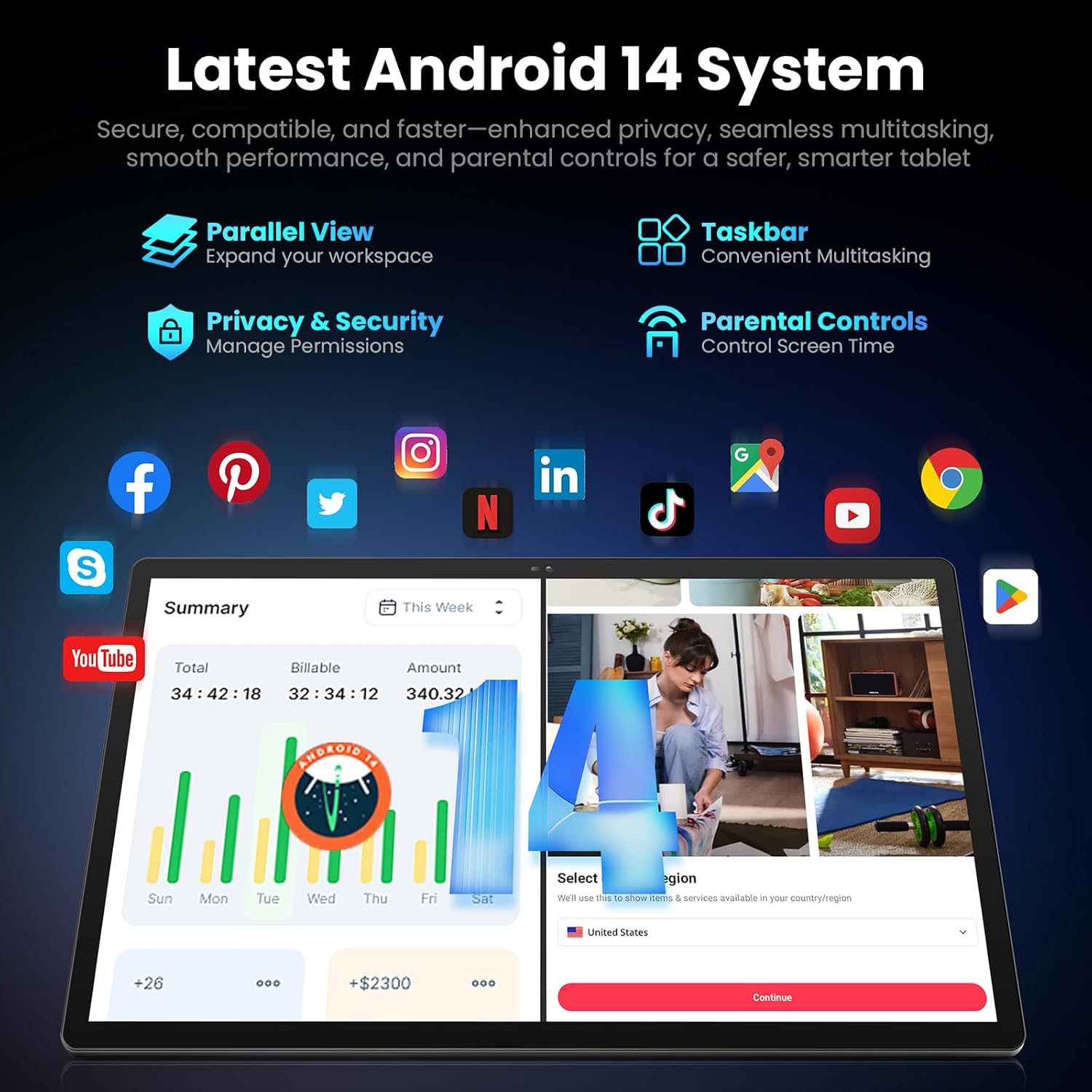
Image: Screenshot of the Android 14 system interface on the MESWAO tablet, highlighting features like Parallel View, Taskbar, Privacy & Security, and Parental Controls.
3. Instruções de operação
3.1 Navegação básica
- Gestos de toque: Toque para selecionar, deslize para percorrer, use o gesto de pinça para ampliar.
- Tela inicial: Acesse aplicativos, widgets e notificações.
- Painel de Notificação: Deslize de cima para baixo na tela para view notificações e configurações rápidas.
- Gaveta de aplicativos: Deslize o dedo de baixo para cima na tela para acessar todos os aplicativos instalados.
3.2 Exibição e experiência visual
The 15.6-inch Full HD (1920x1080) IPS display offers vivid colors and wide viewing angles. Adjust brightness and display settings in the Settings menu under "Display" for optimal viewing comfort. The large screen is ideal for multitasking and immersive media consumption.

Image: The MESWAO tablet displaying a high-definition image, emphasizing the 1920x1080P Full HD IPS display with eye protection features.
3.3 Desempenho e Armazenamento
Equipped with an Octa-Core Helio G99 processor and Android 14, the tablet provides smooth performance for various applications. It includes 8GB RAM and 256GB internal storage, expandable up to 1TB via a TF (microSD) card. To insert a TF card, locate the card slot on the side of the tablet, open the tray, and carefully place the card into the designated slot before reinserting the tray.
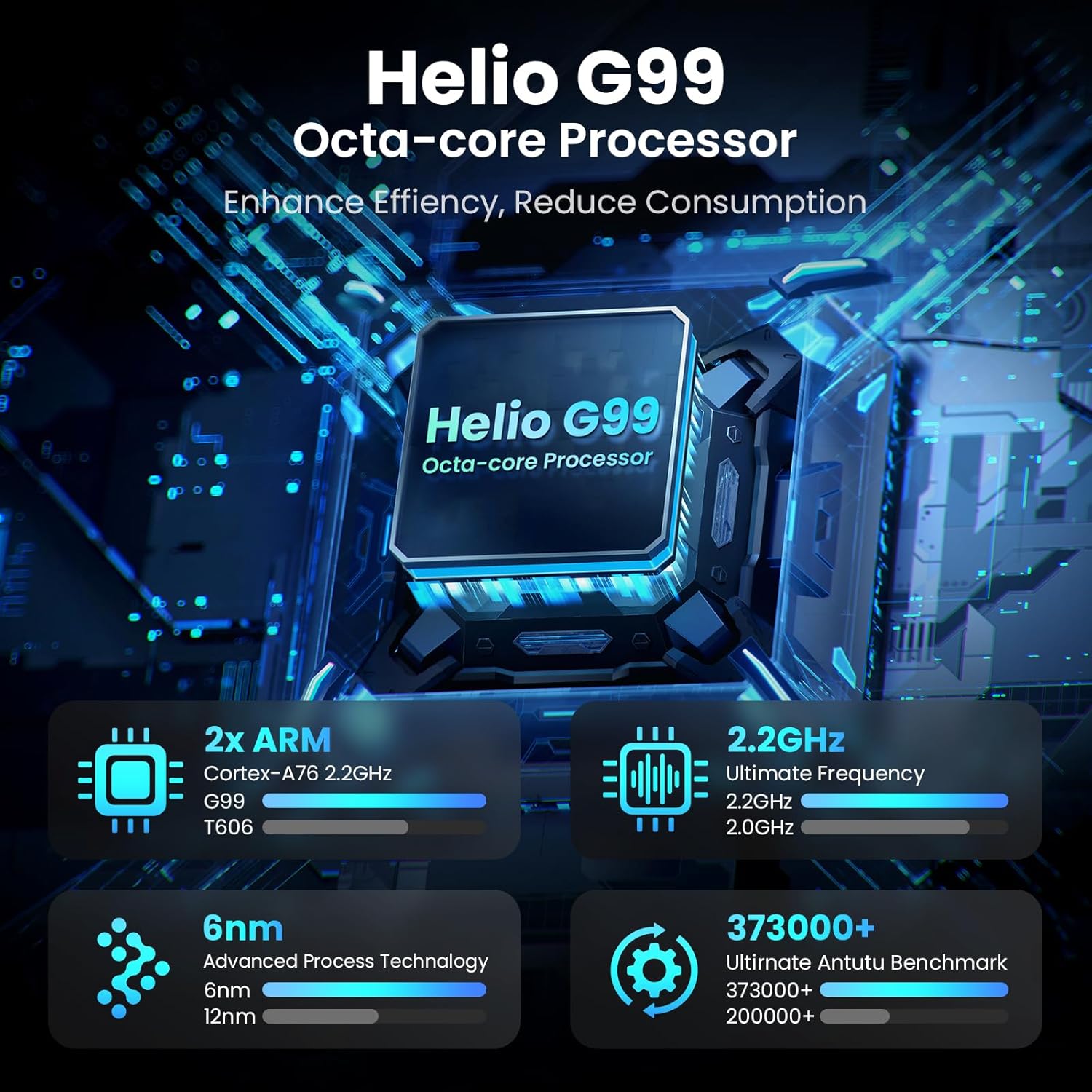
Image: Visual representation of the Helio G99 Octa-core Processor, detailing its architecture and performance metrics like 2.2GHz frequency and 6nm process technology.

Image: The MESWAO tablet screen showing multiple open applications and storage capacity details: 8GB RAM, 256GB ROM, and support for up to 1TB external storage.
3.4 Utilização da câmera
The tablet features a 32MP rear camera with flash and a 5MP front camera. Open the Camera application to capture photos, record videos, or engage in video calls. Ensure good lighting for best results.

Image: A visual demonstrating the MESWAO tablet's 5MP front camera and 32MP rear camera, showing a family photo being taken and a video call in progress.
3.5 Conectividade
The tablet supports dual-band Wi-Fi (2.4GHz & 5GHz) for stable internet connectivity. Bluetooth is also available for connecting wireless accessories. Access these settings via the Notification Panel or the main Settings app.
4. Manutenção
4.1 Limpeza do tablet
Use um pano macio e sem fiapos para limpar a tela e a estrutura do tablet. Para manchas persistentes, esfregue levemente com um pano.ampLimpe o pano com água ou uma solução de limpeza segura para telas. Evite usar produtos químicos agressivos ou materiais abrasivos.
4.2 Atualizações de Software
Verifique e instale regularmente as atualizações do sistema para garantir que seu tablet tenha os recursos mais recentes, patches de segurança e melhorias de desempenho. Acesse Configurações > Sistema > Atualização do sistema para verificar atualizações.
4.3 Cuidados com a bateria
- Evite temperaturas extremas, pois elas podem reduzir a vida útil da bateria.
- Não deixe a bateria descarregar completamente com frequência.
- Utilize apenas o carregador fornecido ou um carregador compatível certificado.
5. Solução De Problemas
Tablet 5.1 não liga
- Certifique-se de que o tablet esteja suficientemente carregado. Conecte-o ao carregador por pelo menos 30 minutos antes de tentar ligá-lo novamente.
- Pressione e mantenha pressionado o botão Liga/Desliga por 10 a 15 segundos para forçar a reinicialização.
5.2 Problemas de conectividade Wi-Fi
- Check if Wi-Fi is enabled in the Quick Settings or Settings menu.
- Reinicie o roteador Wi-Fi e o tablet.
- Esqueça a rede nas configurações de Wi-Fi e reconecte-se.
- Certifique-se de estar dentro do alcance do sinal Wi-Fi.
5.3 Desempenho Lento
- Feche aplicativos desnecessários em segundo plano.
- Clear cache data for frequently used apps (Configurações > Aplicativos > [Nome do aplicativo] > Armazenamento e cache > Limpar cache).
- Ensure sufficient free storage space. Delete unused files ou aplicativos.
- Reinicie o tablet periodicamente.
5.4 Tela não responde
- Perform a forced restart (hold Power button for 10-15 seconds).
- Certifique-se de que a tela esteja limpa e livre de umidade ou detritos.
6. Especificações
| Recurso | Detalhe |
|---|---|
| Nome do modelo | MES-B3 |
| Tamanho da tela | 15.6 polegadas |
| Resolução máxima da tela | 1920 x 1080 Pixels (Full HD IPS) |
| Sistema operacional | Androide 14 |
| Processador | Octa-Core Helio G99 (up to 2.2 GHz) |
| BATER | 8 GB |
| Armazenamento interno (ROM) | 256 GB |
| Armazenamento expansível | Até 1 TB (cartão TF) |
| Capacidade da bateria | 12000mAh |
| Carregando | Carregamento rápido de 30 W |
| Câmera Traseira | 32MP com flash |
| Câmera Frontal | 5MP |
| Conectividade | Dual-band Wi-Fi (2.4GHz & 5GHz), Bluetooth |
| Dimensões (CxLxA) | 14.53 x 8.78 x 0.43 polegadas |
| Peso do item | 3.84 libras |
7. Garantia e Suporte
7.1 Informações de garantia
MESWAO products are covered by a limited warranty. Please refer to the warranty card included in your product packaging for specific terms and conditions. Keep your proof of purchase for warranty claims.
7.2 Suporte ao cliente
For technical assistance, troubleshooting, or warranty inquiries, please contact MESWAO customer support. Contact information can typically be found on the official MESWAO webno site ou no cartão de garantia.
Online resources such as FAQs and support forums may also be available on the MESWAO website.


